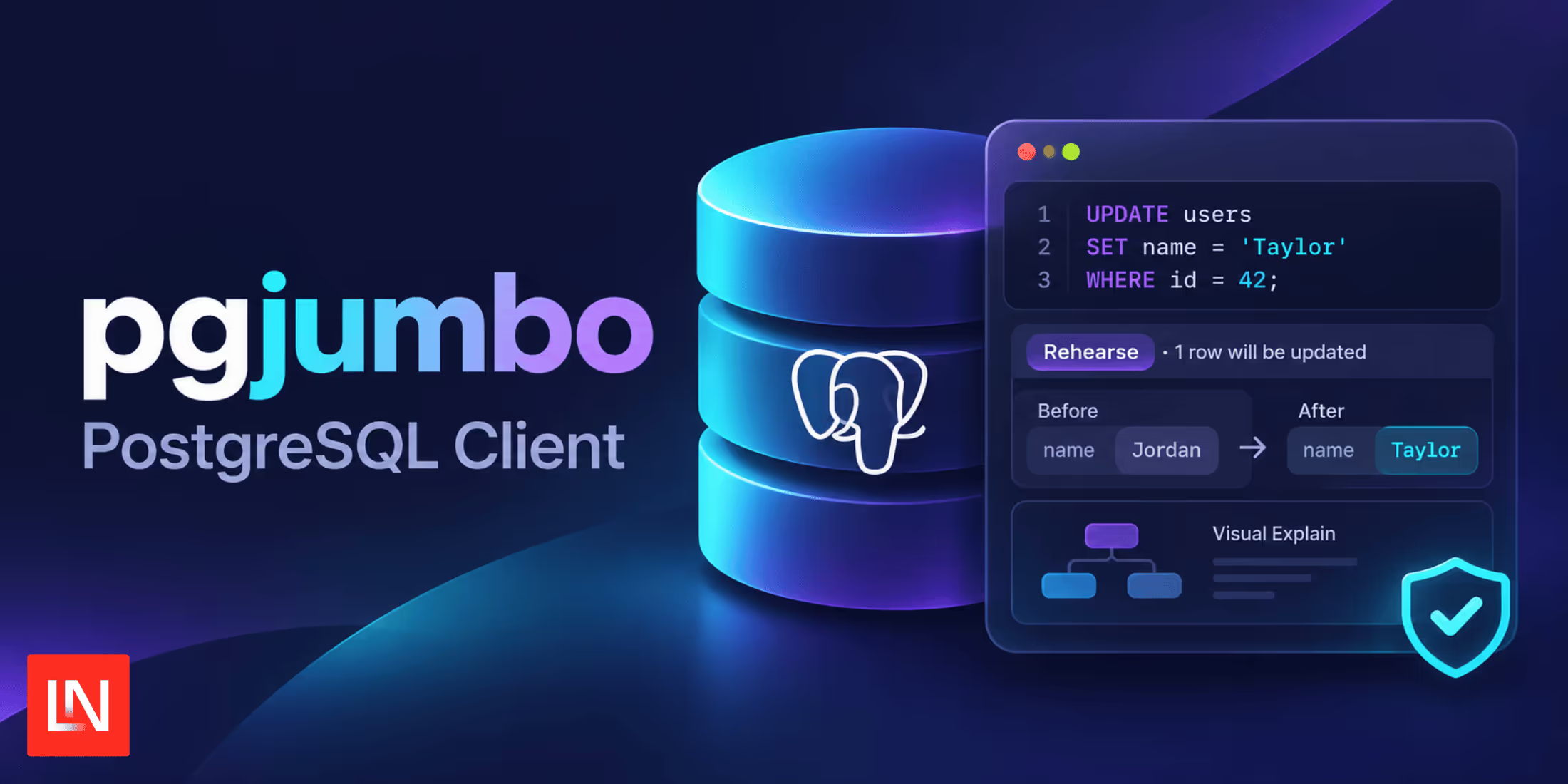
pgjumbo is a new PostgreSQL client from Benjamin Ibrulj, for macOS, Windows, and Linux. Before an update, delete, or a table change runs, it tells you how many rows it will touch, which triggers fire, which foreign keys cascade, and what it will lock.
Writes Show What They Will Touch
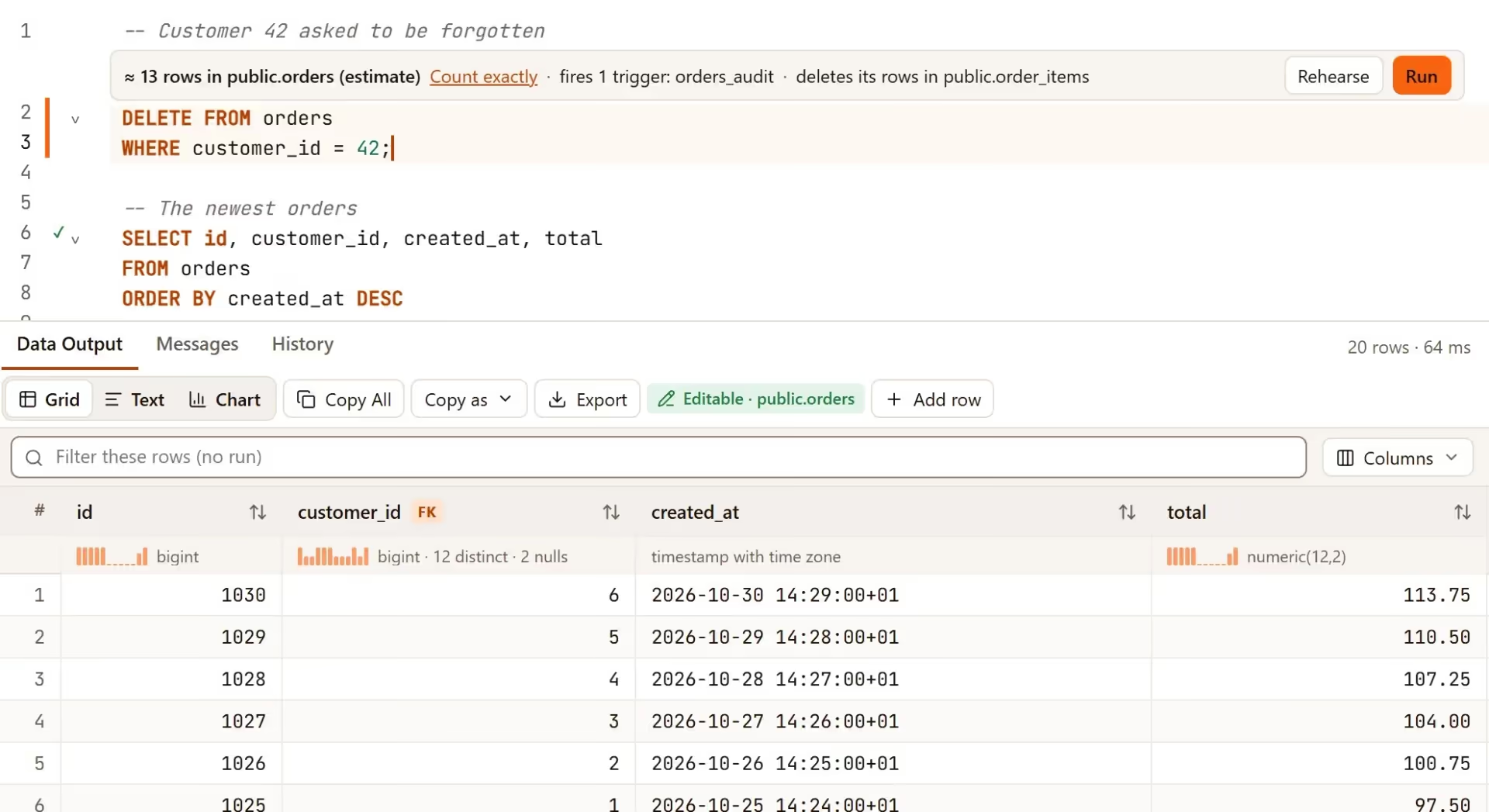
Rest the cursor on a write in the Query Tool and a strip appears above it. The row count comes from the planner's estimate, so nothing runs to produce it. If the estimate isn't good enough, Count exactly runs a read-only count(*) built from the statement's WHERE clause, for up to 10 seconds:
Rehearse runs the UPDATE, DELETE, or MERGE inside an uncommitted transaction and lists every row it changed, with old and new values side by side.
Each statement also runs under its own savepoint, so a typo halfway through a transaction undoes that one statement and leaves the earlier ones in place. A Smart commit mode waits for your first write before it opens a transaction, so a session that only reads never holds one open.
Query Plans and What If
The Explain tab draws the plan as a diagram, ties each step to the SQL it came from, and marks the slowest step:
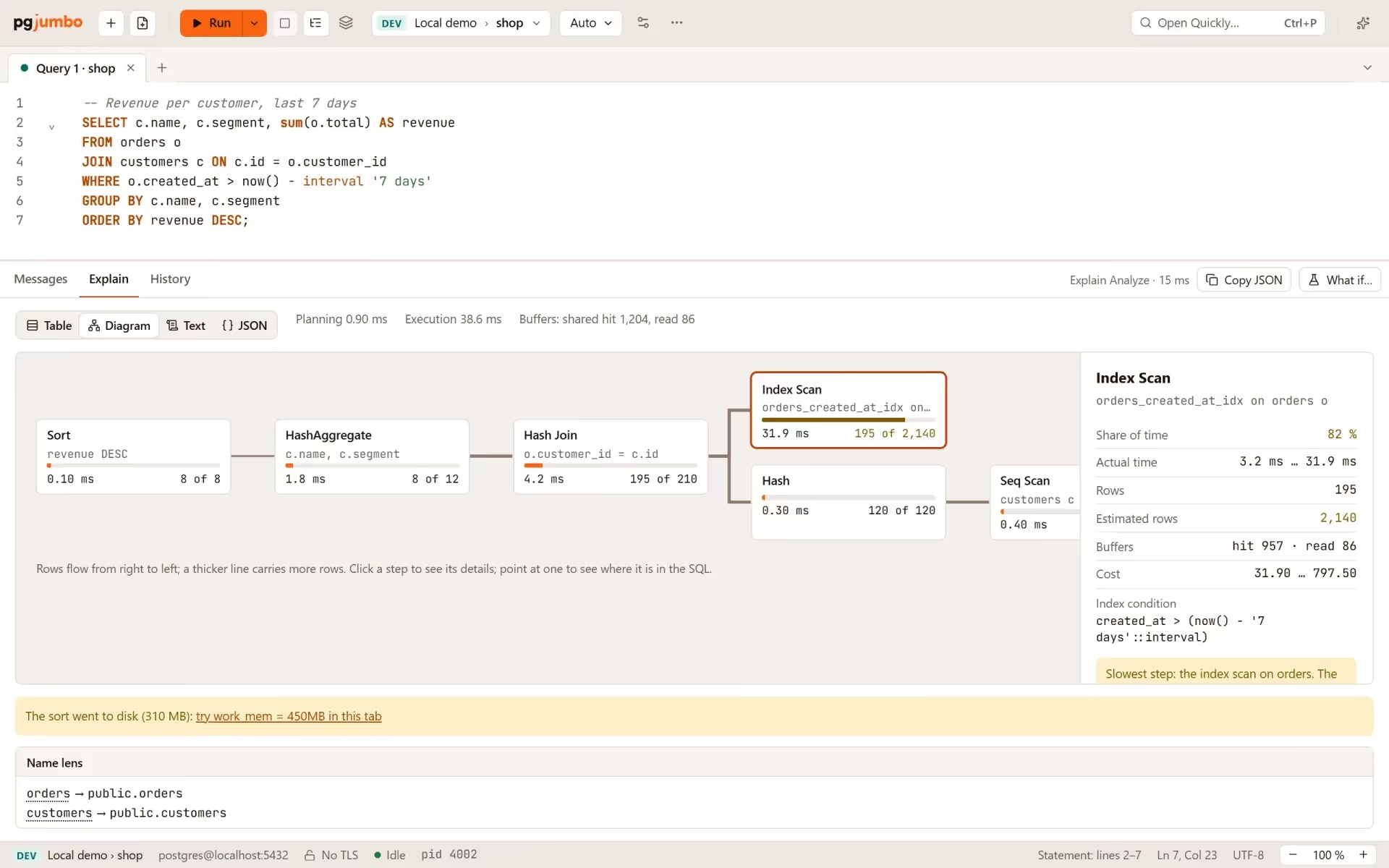
What if compares the current plan with the plan you'd get from an index that doesn't exist yet, or from a different planner setting like work_mem. Both plans come from a plain EXPLAIN in the tab's session, so nothing is built and nothing changes for other connections on the server.
The Assistant
The optional Assistant runs the Claude Code installation already on your computer, signed in to your own Claude plan or API key. pgjumbo has no Claude account of its own. It's off by default, and when it's off, pgjumbo sends nothing anywhere.
You decide what it may read on each kind of server. By default, it reads structure and statistics, asks before reading row data on Dev and Staging, and asks every time on Production. SQL it suggests is checked with PostgreSQL's parser, and nothing runs until you run it.
Learn More
Pgjumbo connects to PostgreSQL 14 through 19 (12 and 13 on a best-effort basis), Amazon RDS and Aurora with IAM sign-in, and servers behind an SSH tunnel.
Downloads are available for macOS 13 or newer (one build for Apple silicon and Intel), Windows 10 and 11 on x64 and ARM64, and Linux.
You can download pgjumbo and read the user guide at pgjumbo.com.