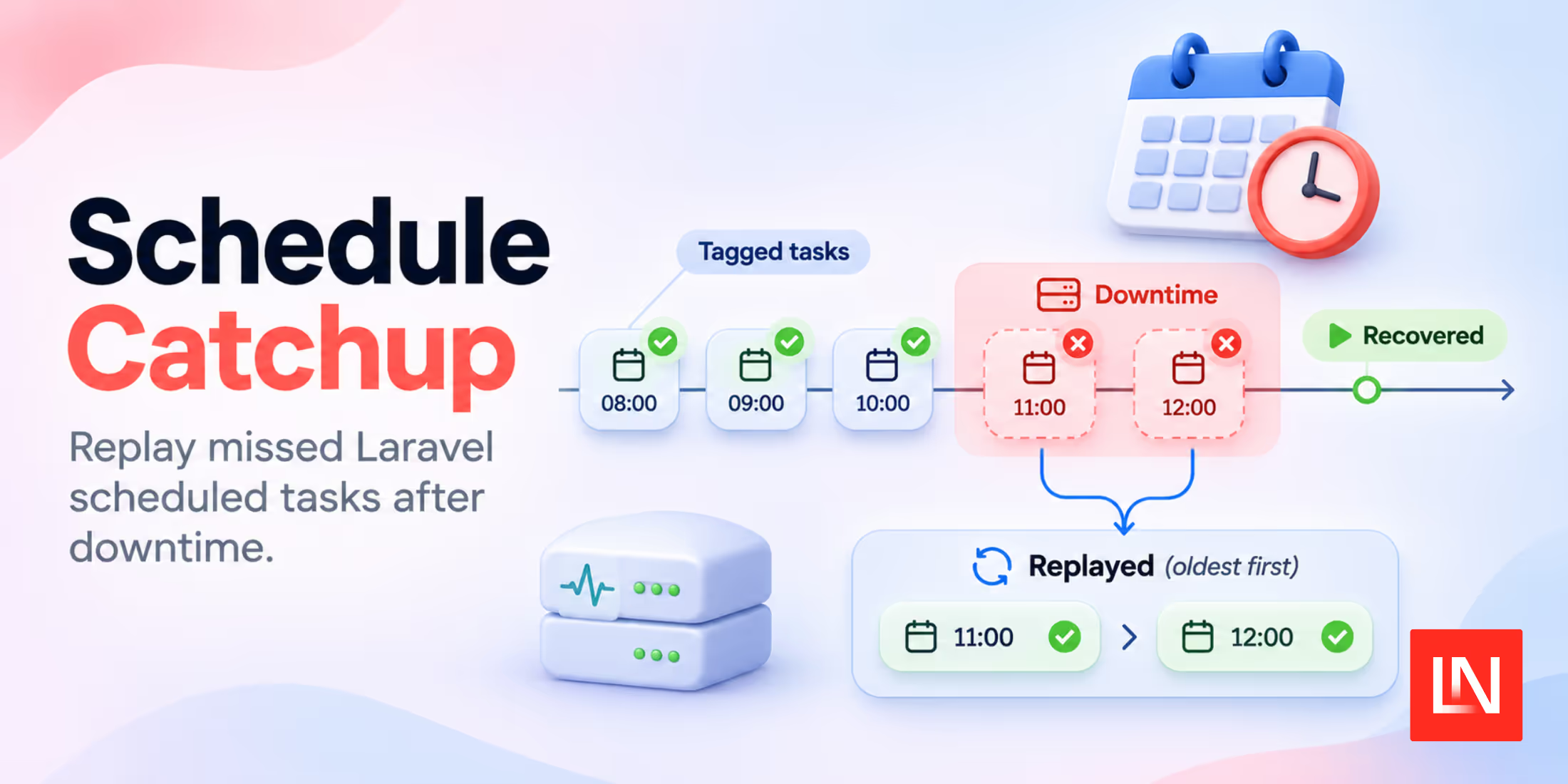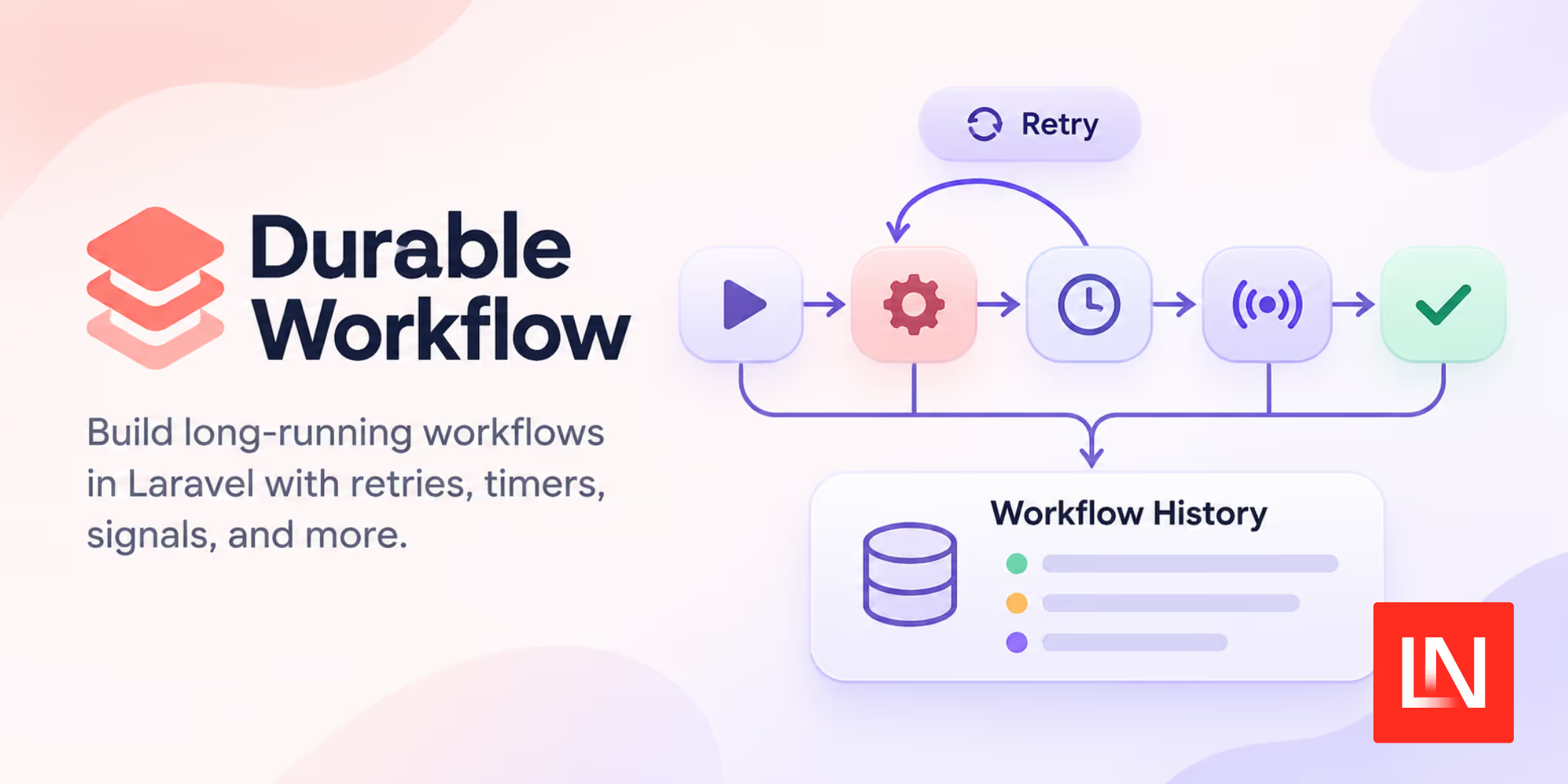
Durable Workflow is a free, open-source Laravel package for background processes that need to keep their progress across worker restarts. Created by Richard McDaniel, it lets you define a process in PHP and record the results of its individual steps.
Consider a report that needs to be generated, uploaded, and emailed to a customer. If a worker stops after the upload, you want to know which work has already finished before continuing. Durable Workflow stores that execution history and uses recorded results when it resumes the workflow.
Use Your Own Database, Queues, and Cache
The Laravel package runs inside your application. Your database stores workflow history, your Laravel queues run the work, and your cache provides locks to coordinate execution. You operate those services yourself.
The package supports Laravel queue drivers including database, Redis, and Amazon SQS. It needs an asynchronous queue connection, so the sync driver is not supported. Your cache driver must support locks.
There is no subscription required to use the package. You still pay for the infrastructure you run it on. The project also offers an optional paid Cloud service, but the Laravel package does not require it.
Define the Steps in PHP
The package separates a workflow, which coordinates the process, from activities, which do the work. An activity might generate a file or call an external API.
After installing the package, generate the workflow and its first activity:
php artisan make:workflow ReportWorkflow --v2
php artisan make:activity GenerateReport --v2
The --v2 flag generates v2 classes in app/Workflows by default. Use make:activity for the other steps too.
For the report example, the workflow could look like this:
namespace App\Workflows;

use Workflow\V2\Workflow;

use function Workflow\V2\activity;

final class ReportWorkflow extends Workflow
{
    public function handle(int $reportId): string
    {
        $path = activity(GenerateReport::class, $reportId);
        $url = activity(UploadReport::class, $reportId, $path);

        activity(NotifyReportReady::class, $reportId, $url);

        return $url;
    }
}
The activity names here are illustrative. Each activity extends Workflow\V2\Activity and implements a handle() method. For example, GenerateReport can call an existing report-generation service:
namespace App\Workflows;

use App\Services\ReportGenerator;
use Workflow\V2\Activity;

final class GenerateReport extends Activity
{
    public function handle(int $reportId): string
    {
        return app(ReportGenerator::class)->generate($reportId);
    }
}
Here, ReportGenerator represents your own report-generation code. It returns a file path accessible to the upload worker. The other activities handle the upload and notification.
Start the workflow from your application:
use App\Workflows\ReportWorkflow;
use Workflow\V2\WorkflowStub;

$workflow = WorkflowStub::make(ReportWorkflow::class);
$workflow->start($reportId);
The start() call returns immediately. A queue worker executes the workflow in the background; the report URL becomes its eventual output.
Resume Work and Configure Retries
When the workflow resumes, it replays its PHP code using recorded activity results. If generating and uploading the report have recorded successful results, replay reuses them instead of running those activities again.
An activity can still execute more than once if a worker performs an operation but stops before its result is recorded. Design activities to be safe to repeat, for example by uploading a report to a stable object-storage key. The execution guarantees documentation explains this boundary.
Retries after an exception are opt-in. In v2, activities default to one attempt. Configure the activity's $tries and backoff() policy when you want another attempt after a failure. An unhandled final failure can end the run; deploying a fix does not automatically reopen it.
Keep database reads and external calls inside activities. Workflow code must make the same decisions when replayed with the same recorded inputs. That restriction needs attention when you change workflows that are still running.
Wait for External Input
Some processes need to wait for a person or another system. The package supports signals for sending input into a running workflow, along with durable timers for scheduled waits.
An approval process, for example, can wait for a declared approval signal before scheduling its next activity. You can also put a timeout on the wait. The signals guide covers declaring and sending those inputs.
For a single background task, I would start with a regular Laravel job. I would consider this package when the process needs recorded progress across several steps or must wait for external input. Laravel News previously covered a related monitoring tool in Laravel Waterline: UI for Workflows.
Installation
Version 2.28.1 requires Laravel 12.72+ or 13.41+ and PHP 8.2+ (PHP 8.3+ for Laravel 13).
Install the 2.x package and run its migrations. See the installation guide for setup details.
composer require durable-workflow/workflow:"^2.0"
php artisan migrate
The package loads its migrations automatically. After configuring your queue and lock-capable cache, run a worker with php artisan queue:work, or use Horizon with Redis.
You can find the source and further examples in the Durable Workflow repository.