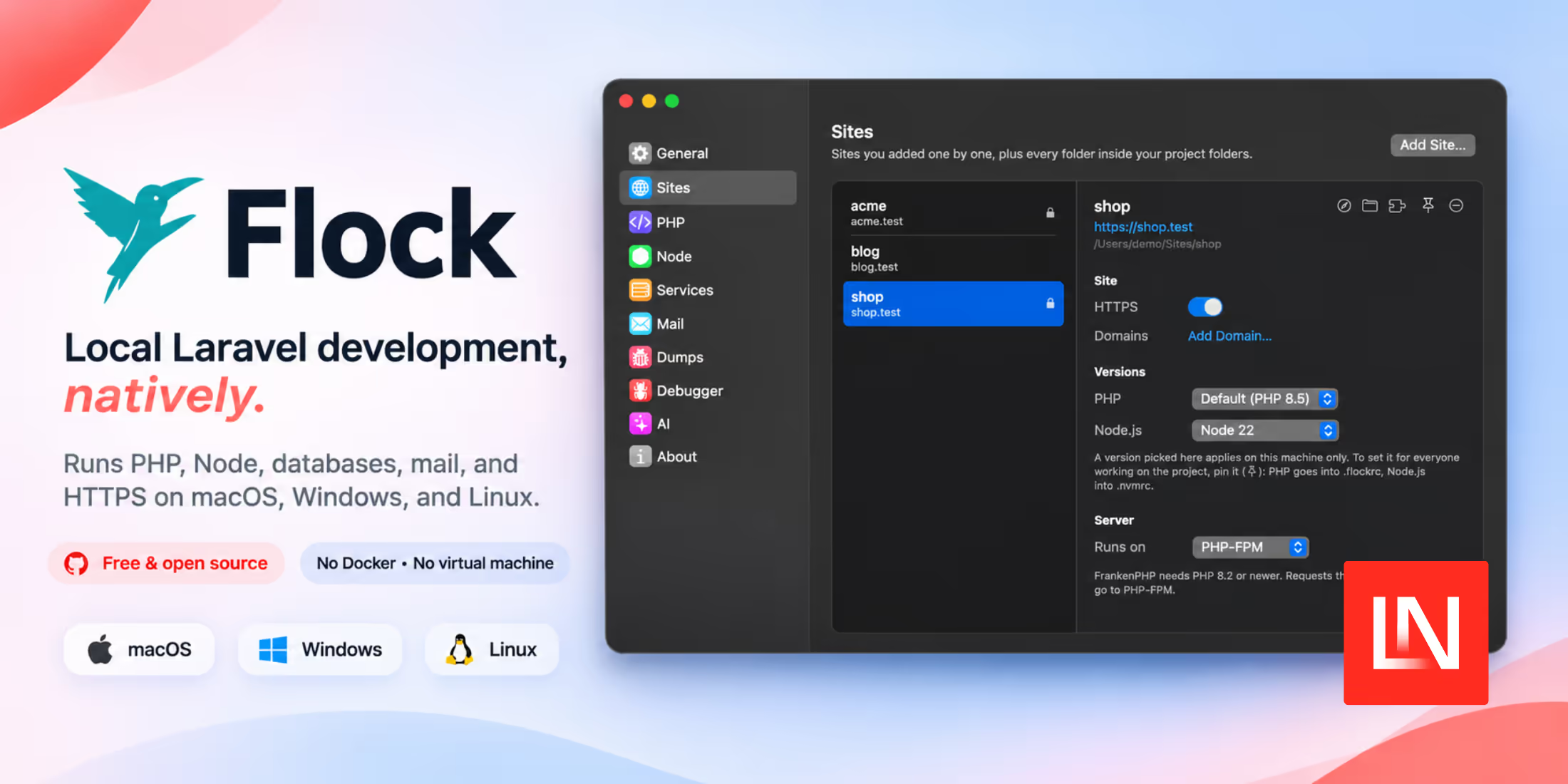
Lukas Frey and the team at Guava, a software studio in the Czech Republic, have released Flock 1.0.0. Flock is a local development app for Laravel and other PHP projects. It runs PHP, Node.js, databases, and the web server as native processes on macOS, Windows, and Linux. It does not use Docker or a virtual machine. Flock is free and open source under the AGPL-3.0 license, and you don't need an account to use it.
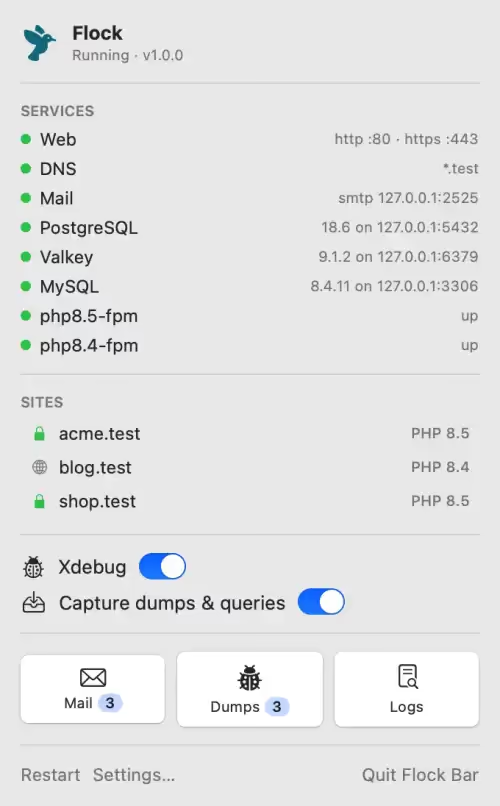
Flock has many of the same features as Laravel Herd: .test domains with trusted HTTPS, a PHP version for each project, and a menu bar or tray app. Herd, however, needs a Pro license for databases, the mail catcher, and the dump viewer. In Flock, they are free. Flock also runs on Linux, and Herd does not.
We covered two other Herd alternatives this year. Lerd runs on Linux and macOS, and on Windows through WSL2, though it runs its services in Podman containers. EnvKit (as of this writing) is still in beta and runs on Windows and macOS.
Quick Start
To create a Laravel app called myapp and serve it over HTTPS with a PostgreSQL database, run these commands:
cd ~/Code
composer create-project laravel/laravel myapp
flock park                  # every folder in ~/Code is served at http://<folder>.test
flock secure myapp          # HTTPS for myapp.test

cd myapp
flock pin php 8.5           # this project's PHP version, saved in .flockrc
flock services install postgres
flock services create-db postgres myapp
Then open https://myapp.test. The browser does not show a certificate warning.
You can install PHP 8.1 through 8.5 side by side. Flock reads each project's Node.js version from its .nvmrc or .node-version file. The CLI also has a shorter alias, flk.
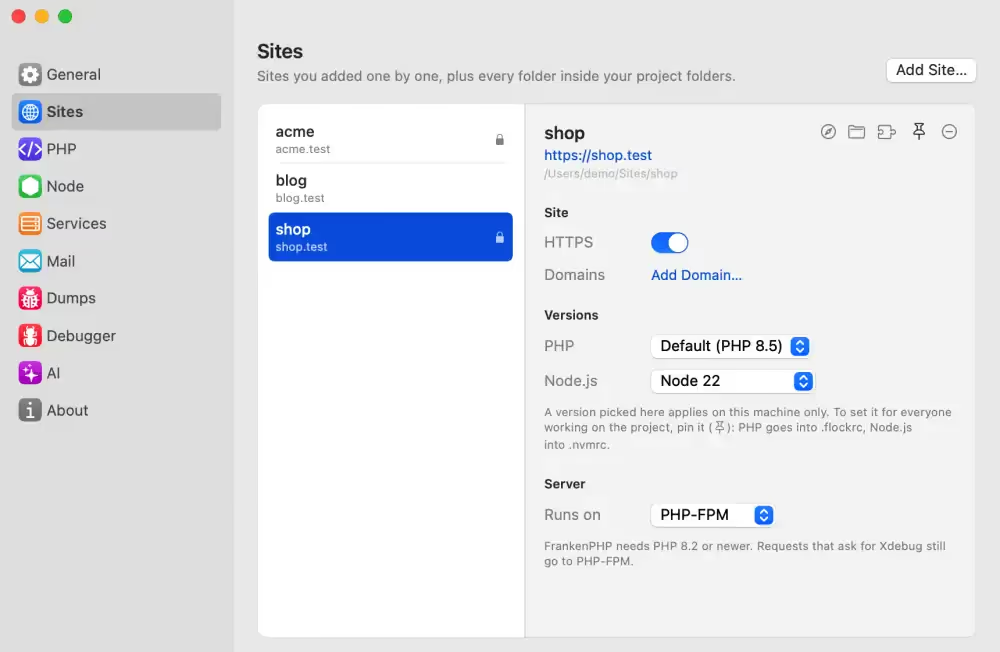
Flock also serves Laravel Octane and FrankenPHP sites, and projects built with Symfony, WordPress, and Drupal.
Databases and Other Services
These services run on all three platforms: PostgreSQL, MySQL, MariaDB, MongoDB, Meilisearch, Valkey, and RustFS. You can install multiple versions of each.
Redis runs on macOS only. On Windows and Linux, use Valkey. Typesense runs on macOS and Linux, but not on Windows.
For PostgreSQL, you can install extensions such as PostGIS, pgvector, and TimescaleDB for each version, from the app or the CLI.
Mail, Dumps, and Xdebug
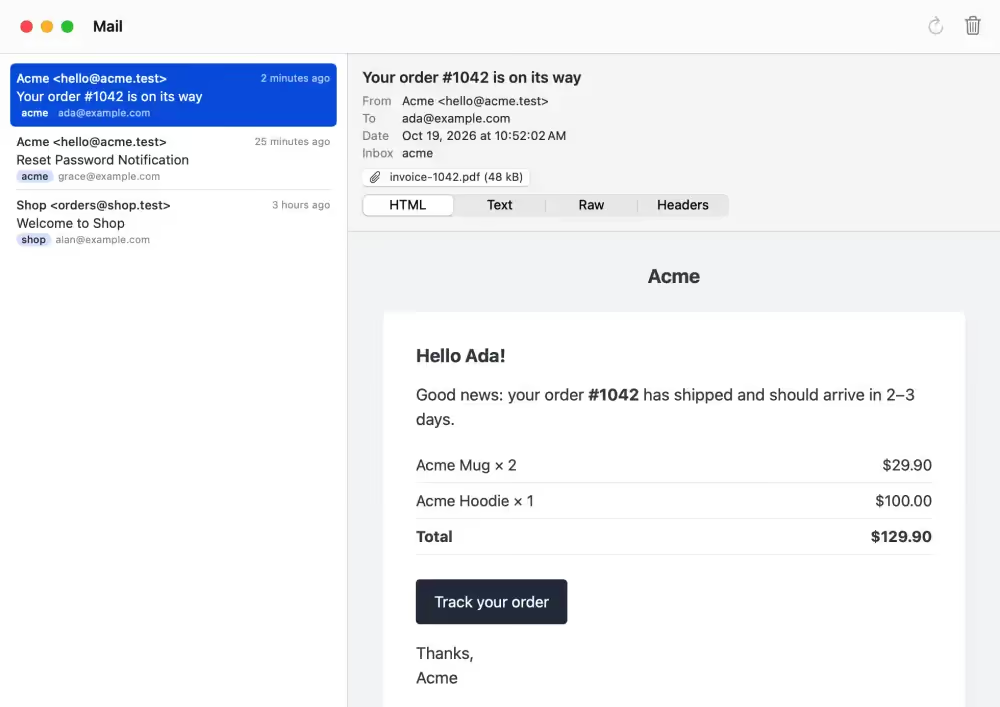
Flock has a mail catcher. Each app gets its own inbox. To use it, copy the mail settings from Flock's Mail window into your app's .env file.
Output from dump() and dd() goes to Flock's Dumps window, not to your page. Flock groups the output by request, together with the queries, log entries, views, and jobs from that request. You can click an entry to open the file in your editor. Flock collects this data with an OpenTelemetry agent, so you don't need to add a package to your app.
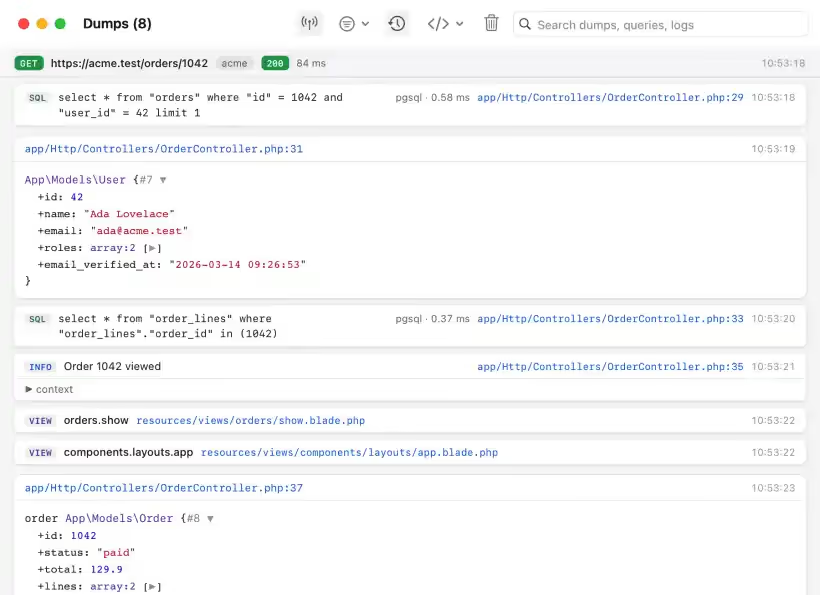
Xdebug is off by default because it makes every request slower. Run flock xdebug on to debug requests that include an Xdebug trigger. Run flock xdebug breakpoints on to debug every request to a site while you have breakpoints set in PhpStorm. To debug a command, run it with flock debug, for example flock debug artisan migrate.
Worktrees, Sharing, and MCP
Flock serves each git worktree of a site at <branch>.<site>.test. When Flock sets up a new worktree, it installs dependencies and writes a .env file with a new app key. You choose the worktree's database: share the main database, copy it, or start with an empty one.
flock share gives a site a temporary public URL through a Cloudflare tunnel. To limit who can open the URL, add --allow with an email address. Herd uses Expose for sharing.
Flock also has an MCP server. AI agents such as Claude Code and Cursor can use it to read your sites, caught mail, dumps, and errors. flock boost adds Flock's guidelines to your project's Laravel Boost guidelines.
Comparison With Herd
The Flock team publishes comparison pages for Herd and other tools. Herd supports PHP 7.4 up to the PHP 8.6 release candidate. Flock starts at PHP 8.1, so you can't use it for apps that need an older PHP version.
Beyond Code builds Herd in partnership with Laravel. Flock's README states that Flock is not affiliated with or endorsed by Laravel.
Requirements
- macOS: 15 Sequoia or newer, Apple silicon only
- Windows: 10 (version 2004) or 11, x64
- Linux: Ubuntu 24.04+ or Fedora, x64 or arm64, with systemd-resolved. Arch users can install
flockphp-binfrom the AUR
Flock needs ports 80 and 443. Before you install Flock, stop Herd, Valet, or any other local environment that uses these ports. If a port is in use, setup stops and shows the name of the app that uses it.
Download the installer for your platform from the Flock download page. On Linux, you can also install Flock from its apt or dnf repository. You can view the source code on GitHub.