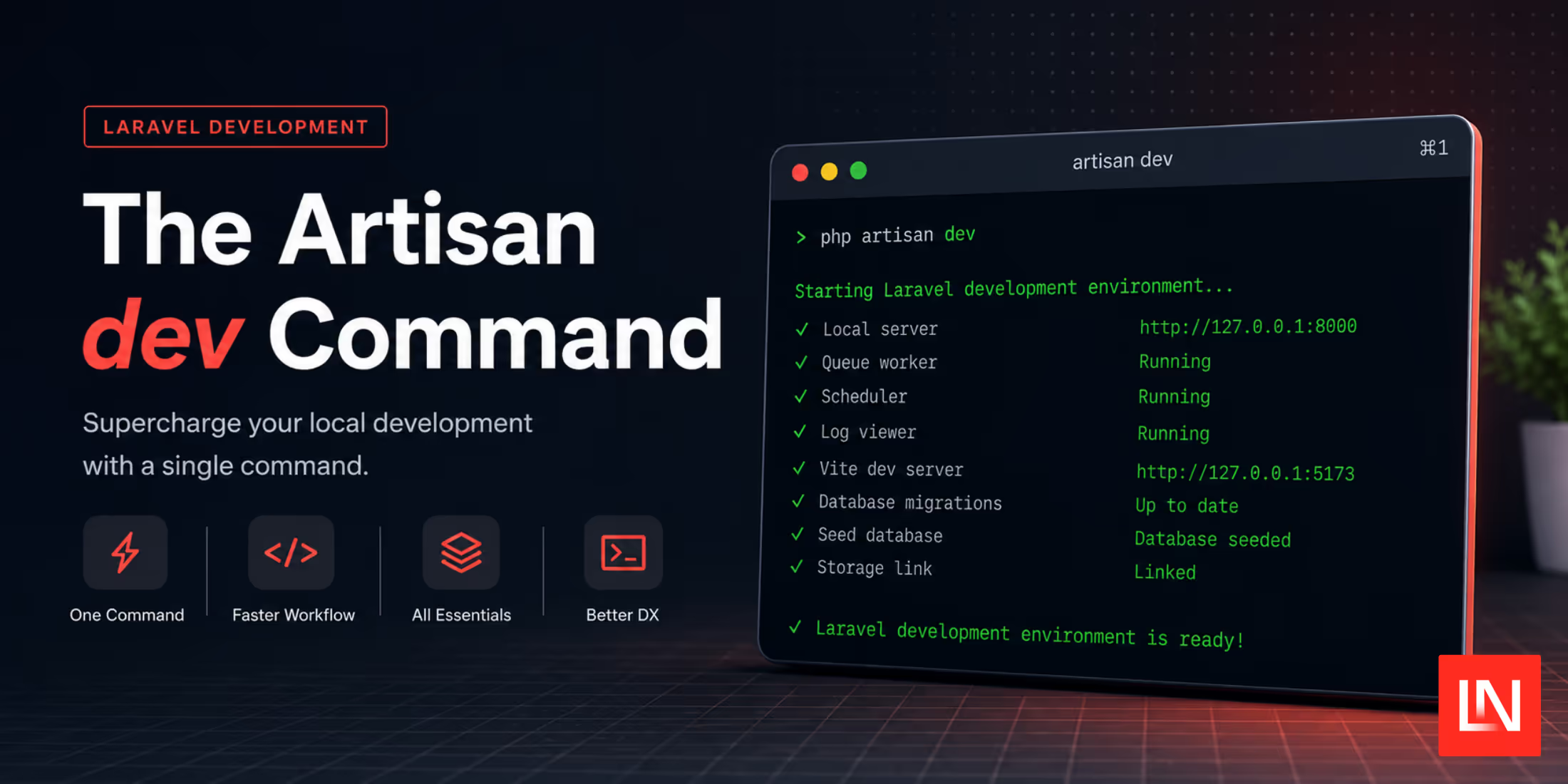
Laravel 13 introduced a new artisan dev command that standardizes everything you need to work on your project: the development server, a queue worker, log output, Vite, and more. Until recently, the skeleton wired those together with a dev script in composer.json that piped four commands through npx concurrently.
Laravel 13.16 replaced it with a first-party command:
php artisan devThe composer dev script still exists in the skeleton, but it now does nothing except call php artisan dev. The process list moved into PHP, where you can register your own processes with the DevCommands class.
The Defaults
Out of the box the command runs four processes:
| Name | Command |
|---|---|
server |
php artisan serve --host=localhost |
queue |
php artisan queue:listen --tries=1 --timeout=0 |
logs |
php artisan pail --timeout=0 |
vite |
npm run dev |
The Pail process is only registered when the pcntl_fork function is available, so Windows users get the other three. The vite process picks its prefix from whichever lockfile is in your project—npm, pnpm, Yarn, or Bun—so it runs pnpm run dev in a pnpm project without any configuration. Under the hood the command still shells out to concurrently, and since 13.18 it passes --kill-others-on-fail, so one process crashing stops the rest instead of leaving you with a half-running stack.
Registering Your Own Processes
Defaults cover a fresh install, but few applications stay that way for long. Consider an app that runs Horizon instead of queue:listen, broadcasts over Reverb, takes Stripe webhooks locally through the Stripe CLI, and type-checks TypeScript in watch mode. Register all of that in the boot method of your AppServiceProvider:
namespace App\Providers; use Illuminate\Foundation\DevCommands;use Illuminate\Support\ServiceProvider; class AppServiceProvider extends ServiceProvider{ public function boot(): void { if (! $this->app->environment('local')) { return; } DevCommands::artisan('horizon', 'queue'); DevCommands::artisan('reverb:start --debug', 'reverb')->purple(); DevCommands::register( 'stripe listen --forward-to '.config('app.url').'/stripe/webhook', 'stripe' )->orange(); DevCommands::nodeExec('tsc --noEmit --watch --preserveWatchOutput', 'types')->yellow(); }}Four methods do the registering. The artisan() method prefixes the command with php artisan, node() prefixes it with the detected package manager's run command, nodeExec() uses the exec command (npx and friends), and register() takes a raw shell command for anything else, like the Stripe CLI above.
The second argument is the process name shown in the terminal. Leave it off and the name is the first word of the command, which gives you horizon, reverb:start, and stripe. That first argument in the example is doing more than labeling, though: registering a process named queue replaces the default queue:listen worker with Horizon. Names are the identity of a process, so reusing one is how you swap or reconfigure a default:
DevCommands::artisan('serve --host=localhost --port=9000', 'server');Registration order doesn't matter here. Commands registered from your application always outrank the framework defaults, and both outrank anything registered from vendor, so an installed package can't quietly take over a process you defined. Packages ship a method you call yourself instead of hooking in during discovery.
Colors are optional. Each process gets a distinct one automatically, and you only reach for blue(), purple(), pink(), orange(), green(), yellow(), or color('#ff6347') when you want a specific process to stand out.
Checking and Filtering the List
To see what's registered without starting anything, run php artisan dev:list, added in 13.17. It prints each process, its command, and the file and line it was registered from—useful when a package's setup instructions added something you've forgotten about.
You can also trim the list without deleting registrations:
// Only run the server and vite processes...DevCommands::only('server', 'vite'); // Run everything except the queue worker...DevCommands::except('queue');Both are filters applied at run time, so a process excluded by except() still shows up in your provider and can be brought back by deleting one line.
The dev command was contributed by Joe Tannenbaum in Pull Request #60412, and the full details are in the Artisan documentation.