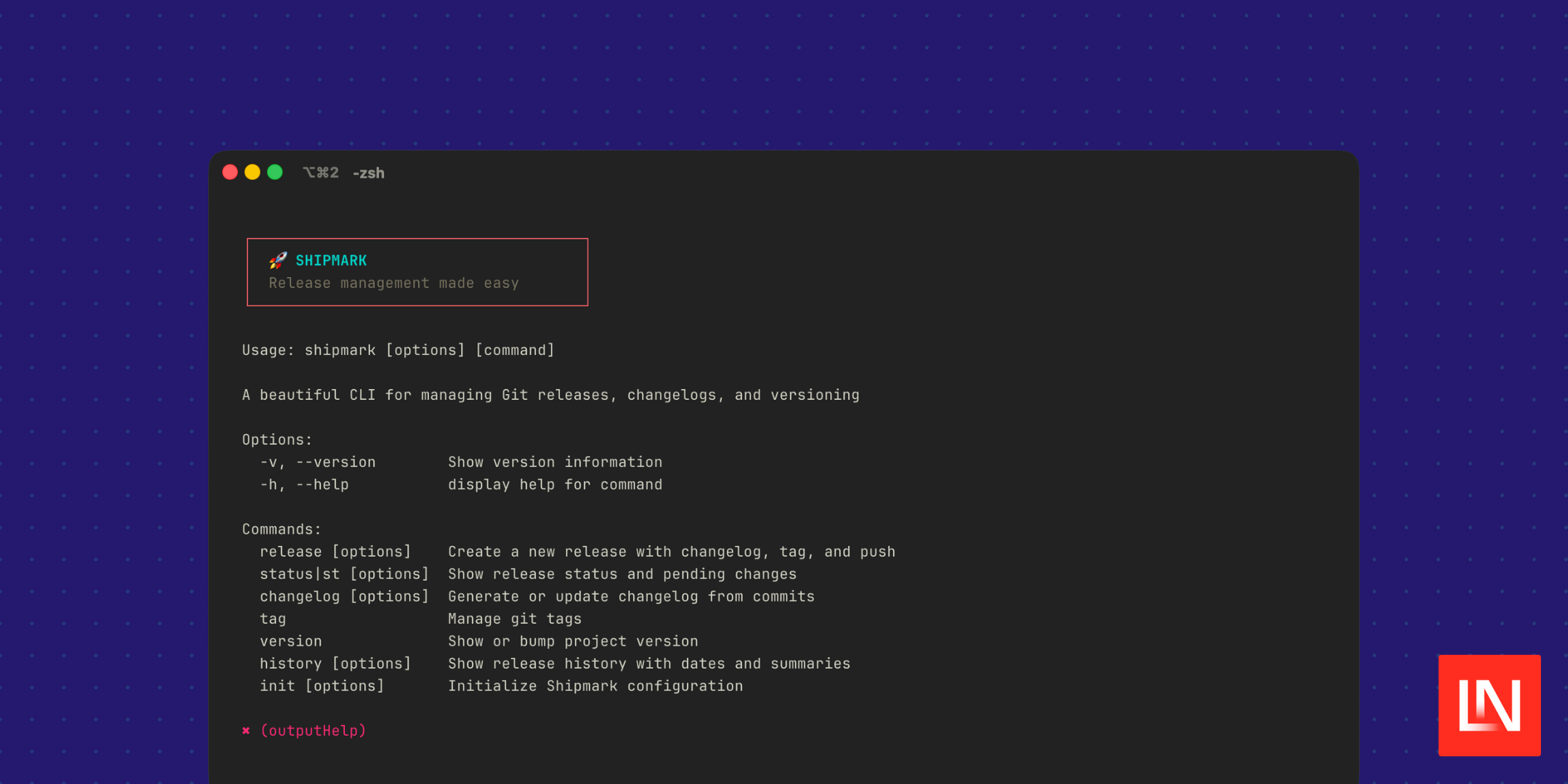
Shipmark automates your release workflow with an interactive CLI that generates changelogs, manages versions, and creates tags. Using the release command, you get an interactive workflow that streamlines releases:
shipmark release                    # Interactive mode
shipmark release --dry-run          # Preview without executing
shipmark release --ci auto          # CI mode with auto version detection
shipmark release --ci minor         # CI mode with specific bump
shipmark release -p beta            # Create beta prerelease
shipmark release --skip-push        # Don't push to remote
You can use this CLI interactively, and the GitHub docs include an example GitHub Actions workflow you can use to automate releases when you ship code.
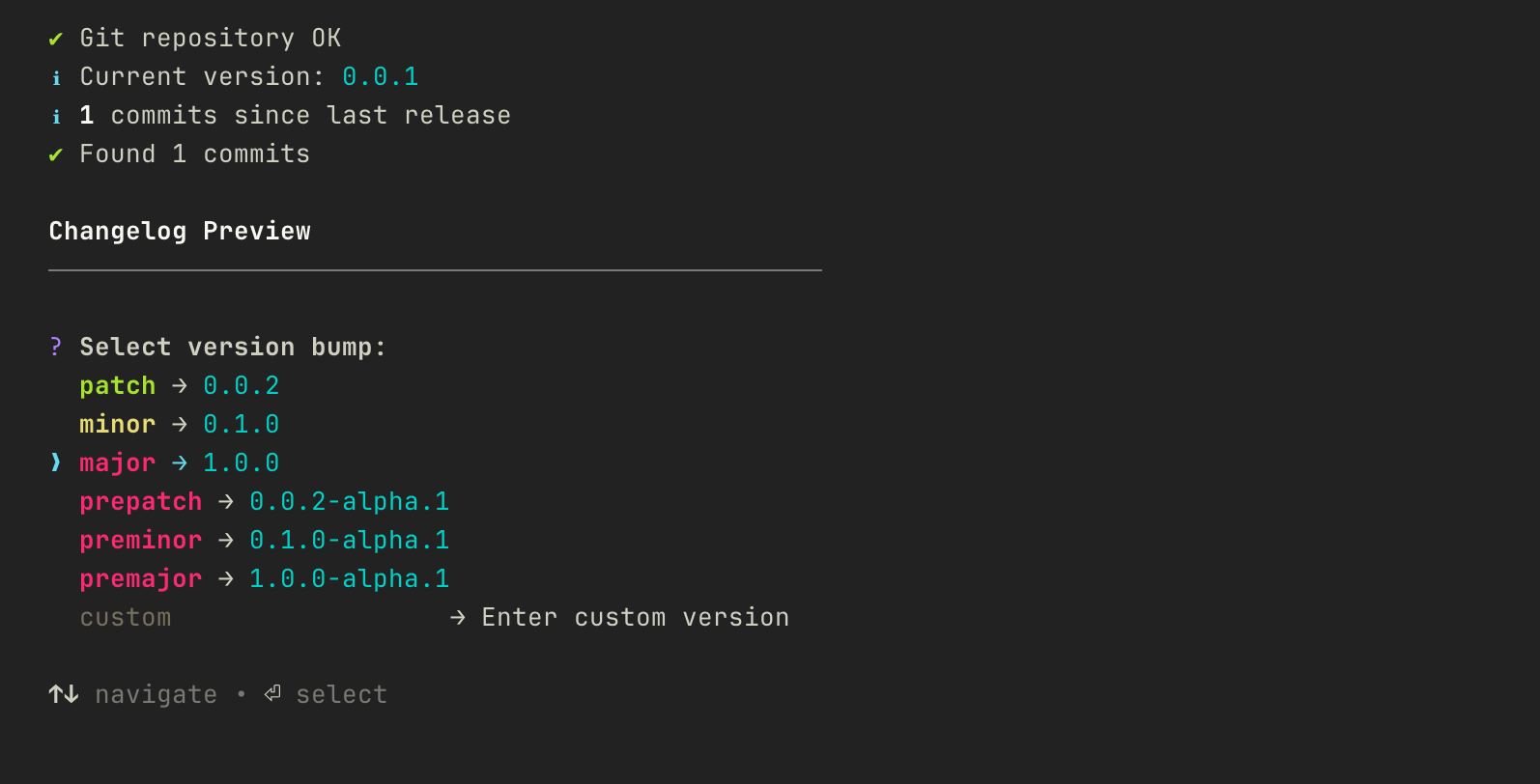
While Shipmark handles the release workflow, you need to become familiar with Conventional Commits, which is an important part of CI/CD automation with this package.
Main Features
- Interactive Workflow - Guided prompts with preview of all changes.
- Automatic Changelog - Parse conventional commits to generate changelogs
- Semantic Versioning - Semver support for major, minor, patch, and prereleases
- Zero External Dependencies - Works directly with
git, no other tools needed. - CI/CD Ready - Non-interactive detection of versions based on commit messages
- Beautiful Terminal UI - Modern TUI that feels modern
- Configuration Options - Shipmark is configurable using a
.shipmarkrc.ymlfile
👨💻 Check out the Documentation and source code on GitHub: Grazulex/shipmark