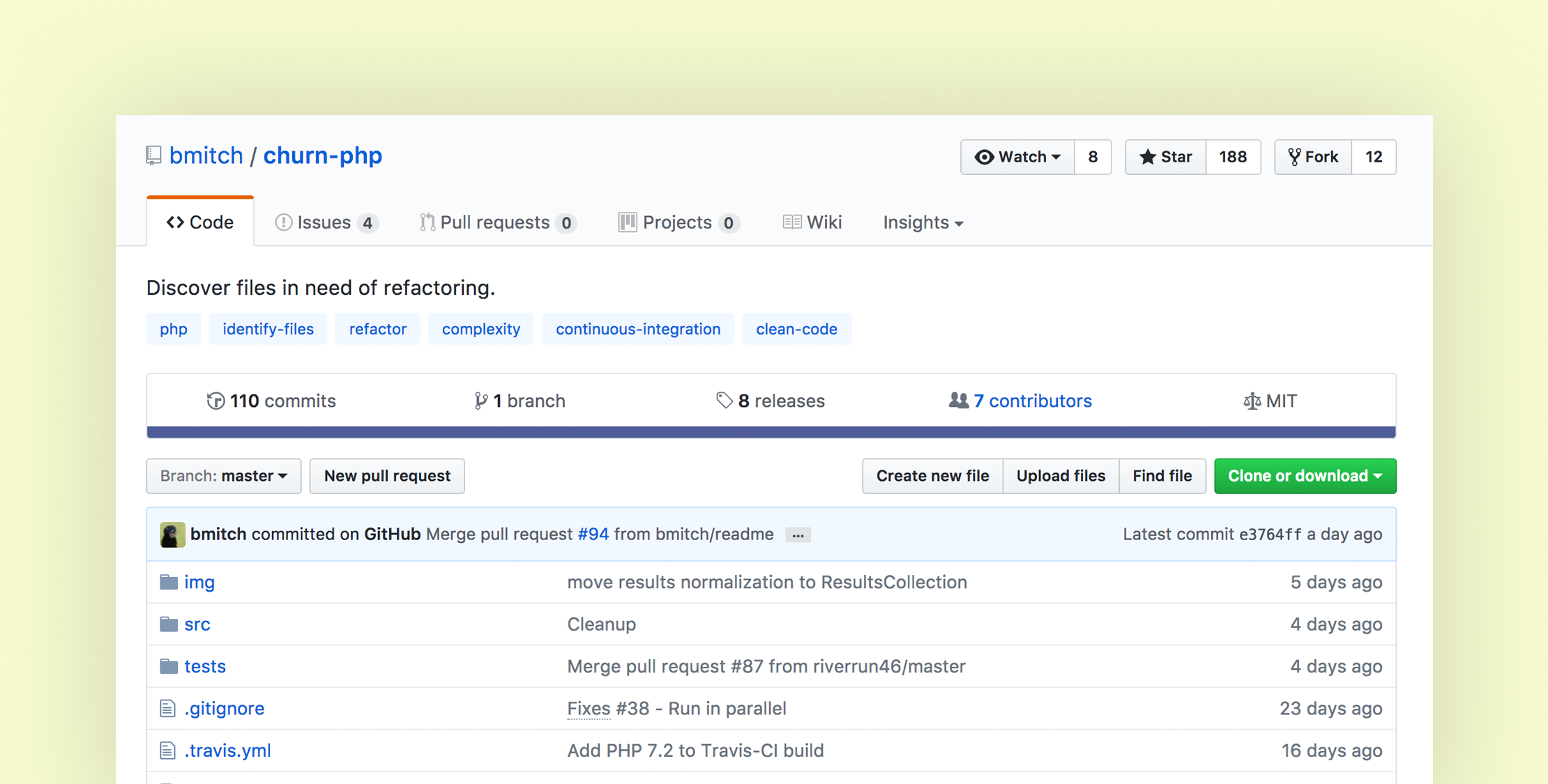
Churn PHP is a Command Line Interface (CLI) tool that helps you discover PHP files that might need refactoring. At a high level, Churn examines files in the path you provide and:
- Checks how many commits a file has.
- Calculates the cyclomatic complexity.
- Creates a score based on these two values.
According to GitHub readme, Churn looks for files that match the following criteria and reports them back in a tabular format with a complexity and score:
A file that changes a lot and has a high complexity might be a better candidate for refactoring than a file that doesn’t change a lot and has a low complexity.
churn-php only assists the developer to identify files for refactoring. It’s best to use the results in addition to your judgment to decide which files you may want to refactor.
The primary usage from the command line looks like this:
$ composer require bmitch/churn-php --dev

# Specify one path
$ vendor/bin/churn run path/to/files/

# Specify multiple paths
$ vendor/bin/churn run path/one/ path/two/
You can also provide configuration for Churn PHP with a churn.yml file. You can define files that should be ignored, a minimum score required to be considered, and how far back to go in the commit history when considering how often a file has changed:
# The maximum number of files to display in the results table.
# Default: 10
filesToShow: 10

# The minimum score a file need to display in the results table.
# Default: 0
minScoreToShow: 0

# The number of parallel jobs to use when processing files.
# Default 10:
parallelJobs: 10

# How far back in the git history to count the number of commits to a file
# Can be a human readable date like 'One week ago' or a date like '2017-07-12'
# Default '10 Years ago'
commitsSince: One year ago

# Files to ignore when processing. The full path to the file relative to the root of your project is required
# Default: All PHP files in the path provided to churn-php are processed.
filesToIgnore:
 - src/Commands/ChurnCommand.php
 - src/Results/ResultsParser.php
There are a couple of caveats for running this package: it’s PHP 7+ only, and it currently doesn’t run on the Windows command line.
I ran Churn PHP on a couple of my codebases, and the results were enlightening on which files I should consider for refactoring. After getting back the results, they made sense to me and I could see how a few files should be refactored based on the results. Try it out on your own codebases, I think you’ll like it!
Learn more and get complete instructions on the GitHub repository.