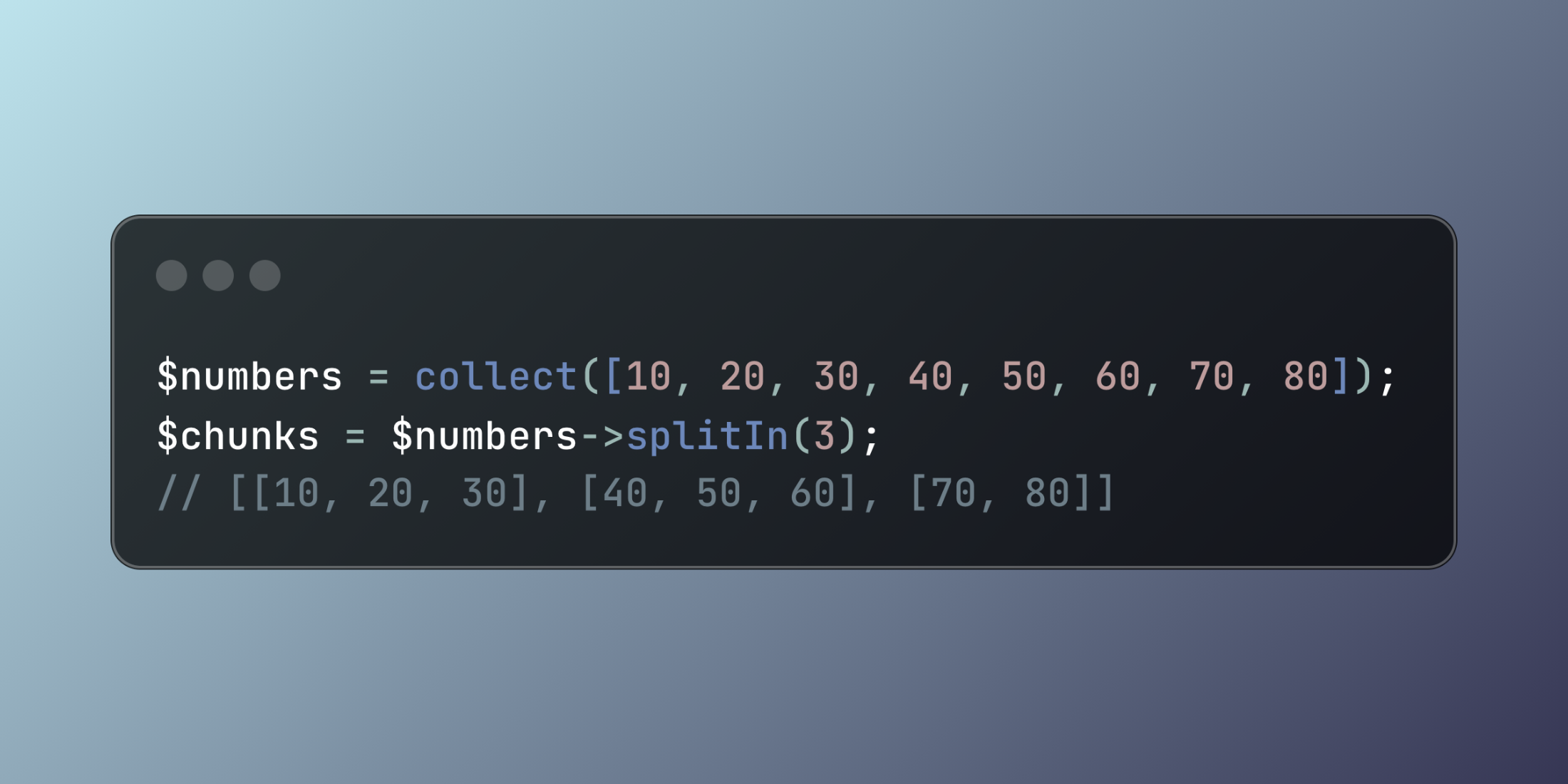
Laravel's splitIn method provides an elegant solution for partitioning collections into evenly distributed groups. This collection helper streamlines the process of organizing data into balanced segments.
The method accepts a single parameter specifying the desired number of groups:
$numbers = collect([10, 20, 30, 40, 50, 60, 70, 80]);$chunks = $numbers->splitIn(3); // Output: [[10, 20, 30], [40, 50, 60], [70, 80]]This approach works particularly well when you need to balance data distribution across multiple processing units or display areas.
class ProductCatalogManager{ public function arrangeForGallery(Collection $products, int $columnCount): Collection { $productColumns = $products->splitIn($columnCount); return $productColumns->map(function ($columnProducts, $columnIndex) { return [ 'column_id' => $columnIndex + 1, 'item_count' => $columnProducts->count(), 'products' => $columnProducts->map(fn($product) => [ 'name' => $product->name, 'price' => $product->formatted_price, 'image_url' => $product->primary_image, 'category' => $product->category->name ]) ]; }); }} $featuredProducts = Product::featured()->get();$catalogManager = new ProductCatalogManager(); $galleryLayout = $catalogManager->arrangeForGallery($featuredProducts, 4); foreach ($galleryLayout as $column) { echo "Column {$column['column_id']} contains {$column['item_count']} products\n";}Laravel automatically handles uneven distributions by placing extra items in the final group, making splitIn ideal for creating balanced layouts and fair work distribution scenarios.