
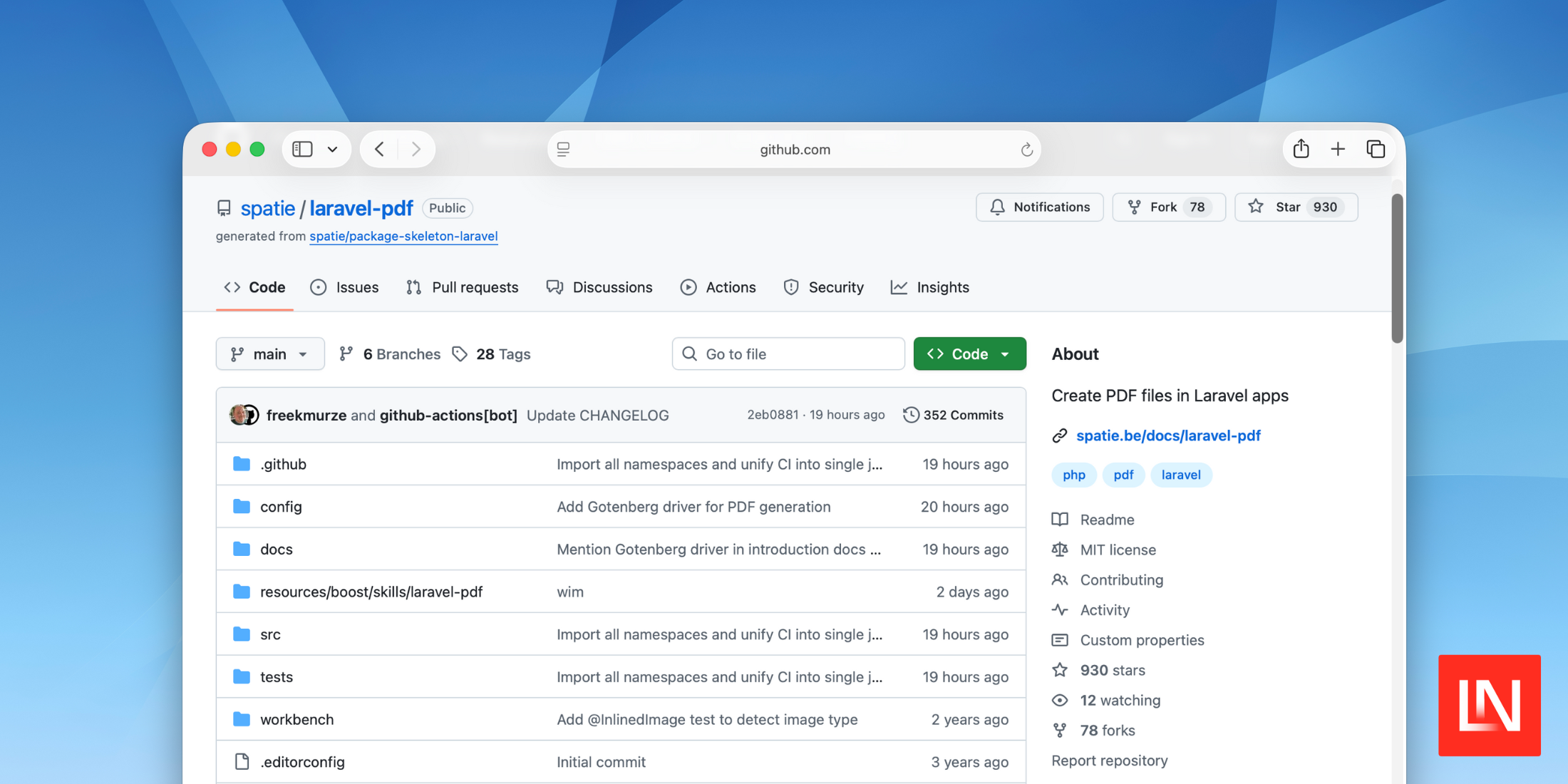
Spatie's laravel-pdf v2 introduces a driver-based architecture for PDF generation, letting you choose between Browsershot, Cloudflare Browser Rendering, DomPdf, and — as of v2.1.0 — Gotenberg. This release also adds queued PDF generation, PDF metadata support, runtime driver switching, and custom driver support.
- Driver-based architecture with Browsershot, Cloudflare, and DomPdf drivers
- Gotenberg driver added in v2.1.0
- Queued PDF generation
- PDF metadata support (title, author, subject, keywords, creator, creation date)
- Runtime driver switching and custom drivers
What's New
Driver-Based Architecture
The biggest change in v2 is the move to a driver-based system. Instead of being locked into Browsershot, you can now choose the PDF backend that fits your infrastructure:
- Browsershot — Chromium-based rendering via Puppeteer (remains the default)
- Cloudflare — Generate PDFs using Cloudflare's Browser Rendering API
- DomPdf — Pure PHP rendering with no external binary required
Set your default driver in the config file, or switch at runtime:
use Spatie\LaravelPdf\Facades\Pdf; Pdf::view('pdfs.invoice', ['invoice' => $invoice]) ->driver('dompdf') ->format('a4') ->save('invoice.pdf');You can also build custom drivers for backends the package doesn't ship with.
Gotenberg Driver (v2.1.0)
The day after v2's release, v2.1.0 added a built-in Gotenberg driver. Gotenberg is a Docker-based API for HTML-to-PDF conversion using headless Chromium. The driver sends HTML as multipart form-data to Gotenberg's conversion endpoint and supports all standard PDF options: paper size, margins, orientation, scale, page ranges, headers, and footers. It uses Laravel's built-in Http facade, so no additional Composer dependencies are required.
PR: #302
Queued PDF Generation
PDF generation can now be offloaded to a queue with saveQueued(). You can chain a callback to run after the PDF is saved — for example, sending an email with the generated file:
use Spatie\LaravelPdf\Facades\Pdf; Pdf::view('pdfs.invoice', ['invoice' => $invoice]) ->format('a4') ->saveQueued('invoice.pdf') ->then(fn (string $path, ?string $diskName) => Mail::to($user)->send(new InvoiceMail($path)) );The method also accepts optional $connection and $queue parameters.
PDF Metadata
v2 adds a meta() method for setting PDF document metadata:
use Spatie\LaravelPdf\Facades\Pdf; Pdf::view('pdfs.invoice', ['invoice' => $invoice]) ->meta( title: 'Invoice #1234', author: 'Acme Corp', subject: 'Monthly Invoice', keywords: 'invoice, billing', creator: 'Laravel PDF', creationDate: now(), ) ->save('invoice.pdf');Check the documentation for more details on formatting PDFs.
Upgrade Notes
This is a major release with breaking changes:
spatie/browsershotmust now be explicitly required via Composer if you use the Browsershot drivergetBrowsershot()has been removed — usewithBrowsershot()instead- The config file structure has changed (new
driverkey) — republish your config - Laravel 10 support has been dropped
References








