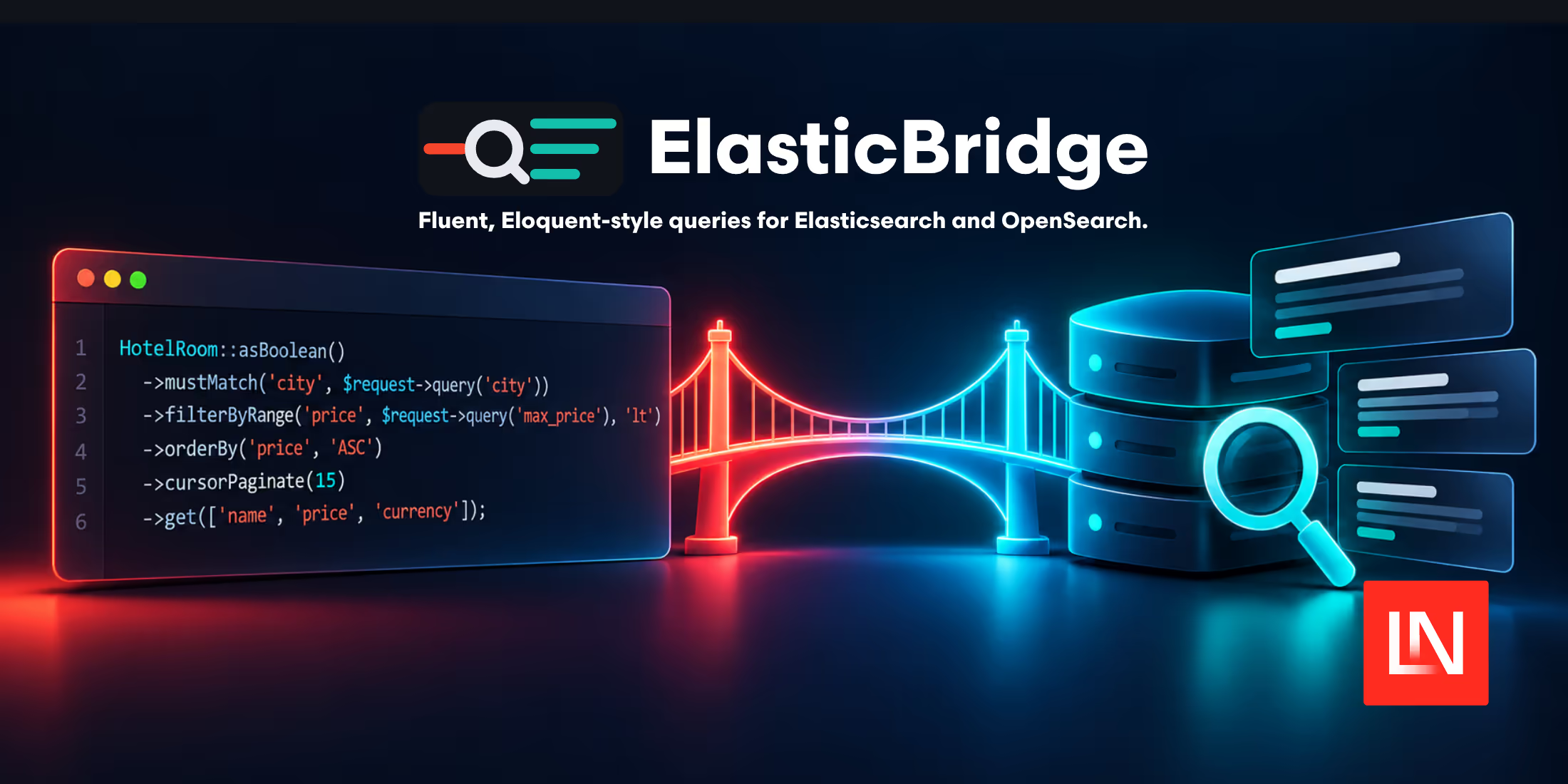
Elastic Bridge is a Laravel package by Agyenim Boateng for querying Elasticsearch and OpenSearch with an Eloquent-style API. You define a class for an index, then chain PHP methods for full-text search and filters without writing JSON DSL by hand.
If you have used a fluent PHP Elasticsearch query builder, the query syntax will look familiar. Elastic Bridge also provides document casting, accessors and mutators, bulk indexing, and queries across multiple indexes.
Define a bridge for your index
The package calls its model classes "bridges". Generate one with Artisan:
php artisan make:bridge HotelRoomEach bridge extends the package's base class. You can set its index explicitly:
namespace App\Bridges; use Lacasera\ElasticBridge\ElasticBridge; class HotelRoom extends ElasticBridge{ protected $index = 'hotel-rooms';}Bridges support a $casts property for converting document attributes, including dates and enums. Accessors and mutators let you change values when reading or assigning attributes, using Laravel's Attribute class.
Combine full-text search and filters
A room search can combine a city match with a currency filter and a price limit:
use App\Bridges\HotelRoom; $rooms = HotelRoom::asBoolean() ->mustMatch('city', 'accra') ->filterByTerm('code', 'usd') ->filterByRange('price', 500, 'lte') ->orderBy('price', 'ASC') ->cursorPaginate(15) ->get(['name', 'price', 'code']);The distinction between mustMatch() and filterByTerm() follows the search engine's query structure: the former builds a match clause, while the latter adds an exact term filter. Field mappings still determine how your documents are searched.
For a search across fields, use multiMatch():
$rooms = HotelRoom::multiMatch( field: ['advertiser', 'service_type'], query: 'hotel',)->get();The full-text search documentation explains the supported query types. In v2, multiMatch() and matchPhrase() automatically nest inside a boolean query. A standalone match() uses asRaw() or asMatch(); inside a boolean query, use mustMatch() or shouldMatch().
Cursor pagination uses search_after and requires a deterministic sort. The returned collection provides next and previous sort values through links(), which you pass to a subsequent cursorPaginate() call.
Retrieve documents and aggregations together
You can call scalar aggregate methods such as avg(), sum(), and count(), or attach an aggregation to a document query:
$rooms = HotelRoom::asBoolean() ->mustMatch('city', 'accra') ->withAggregate('avg', 'price') ->get(); $averagePrice = $rooms->priceAvg();In v2, aggregation results belong to the returned collection instance. Separate result sets retain their own aggregation values, including in long-lived workers. The package also returns a Stats object for stats() and a collection of bucket objects for histogram().
Test without a search cluster
The package's fake() method supplies a search response for either backend. You can inspect the generated query with toQuery():
public function test_builds_currency_filter(): void{ HotelRoom::fake([ 'hits' => [ 'total' => ['value' => 0, 'relation' => 'eq'], 'hits' => [], ], ]); $query = HotelRoom::asBoolean() ->filterByTerm('code', 'usd') ->toQuery(); $this->assertSame([ 'query' => [ 'bool' => [ 'filter' => [ ['term' => ['code' => 'usd']], ], ], ], ], $query);}This checks the query your application builds without requiring a running Elasticsearch or OpenSearch instance. The testing documentation covers the fake connection API.
Installation and backend configuration
The documented requirements are PHP 8.2 or 8.3, Laravel 10, 11, or 12, and Elasticsearch 8.x or OpenSearch 2.x.
composer require lacasera/elastic-bridgephp artisan vendor:publish --tag="elastic-bridge-config"Set SEARCH_DRIVER to elasticsearch or opensearch and configure the connection in config/elasticbridge.php. Both drivers use the same fluent query API. Authentication options include basic auth and API keys, plus AWS SigV4 for OpenSearch with the optional AWS SDK dependency.
The package also ships guidelines and a development skill for Laravel Boost's skills support. Run php artisan boost:install in a project using Boost to make the package guidance available to your coding agent.
You can find the setup instructions and API reference in the Elastic Bridge documentation and the MIT-licensed package on GitHub.