We've created a collection of essential plugins for Visual Studio Code that will supercharge your coding experience. I’ve gathered my favorite extensions to make you a more productive PHP developer and even threw in my favorite theme for VS Code.
UPDATE: The official Laravel VS Code extension is now released.
Laravel Blade Formatter
The Laravel Blade formatter is an opinionated Blade file formatter for VS Code. This extension uses the shufo/blade-formatter NPM package that you can use to format Blade template files programmatically.
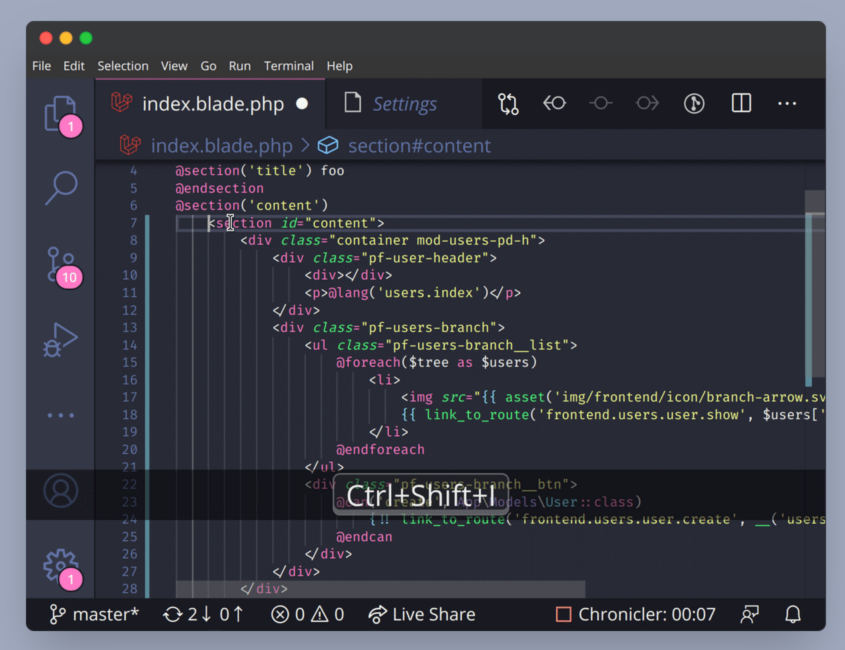
Another alternative is the shufo/prettier-plugin-blade if you’d rather use the Prettier formatter instead. VS Code has a Prettier plugin that you can use to incorporate this workflow on save. The VSCode section of the readme has setup instructions if you want to go this route.
Codeium: AI Autocomplete and Chat
Codeium is a free AI Code Completion and Chat tool comparable to GitHub copilot. It offers autocomplete and is available for several editors, including Visual Studio Code. It supports 70+ programming languages, including JavaScript, TypeScript, PHP, and more. You can also use the IDE-integrated chat to avoid leaving VS Code to ask questions or explain things.
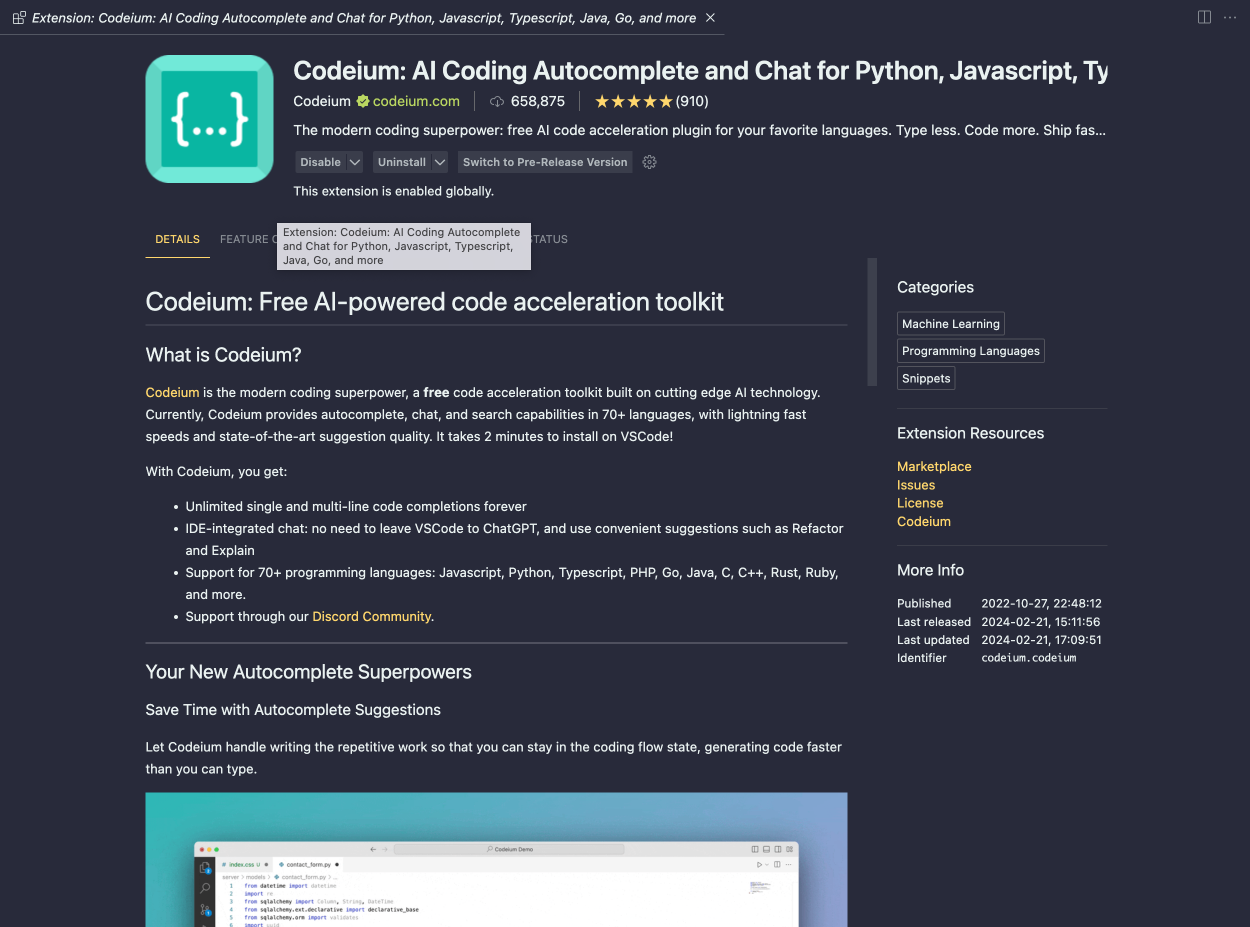
You can grab this plugin for VS Code on the Visual Studio Code Marketplace.
Monokai Pro Theme
The Monokai Pro theme is my favorite theme for Visual Studio code. While you can freely evaluate it (with occasional popups), it requires a paid license for €12.5 ($13.53 USD at the time of writing), which is well worth the effort that went into designing these themes.
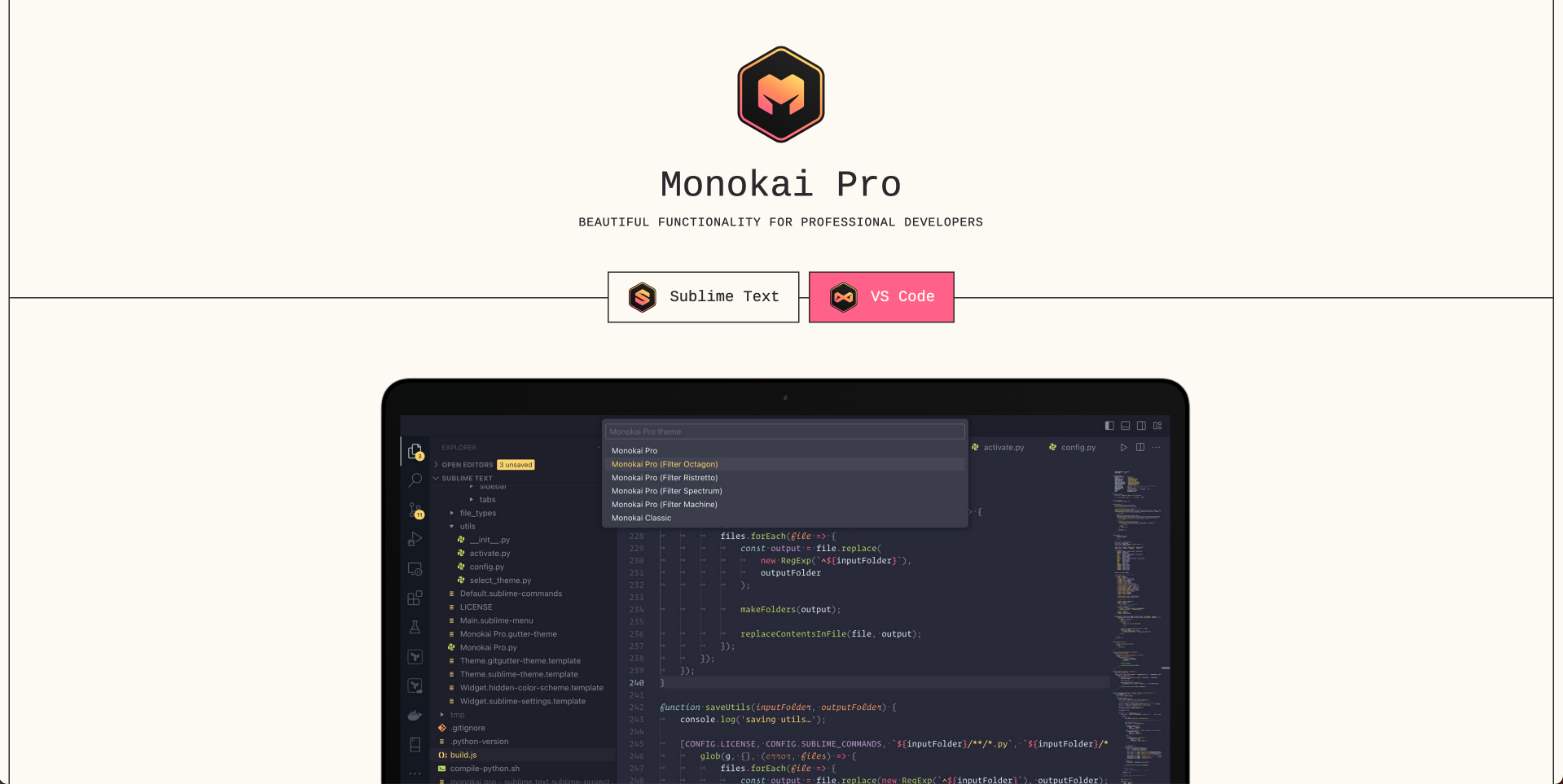
Monokai Pro includes six theme variations (Octagon is my favorite), has stylish file icons, contains various configuration options, and should fit almost any style you prefer in a dark theme.
You can grab a license on the Monokai Pro website, and the extension is available on the Visual Studio Marketplace.
PHP Intelephense
The PHP Intelephense extension gives you code intelligence for PHP in Visual Studio Code. If you are a newcomer to PHP or Laravel or a seasoned PHP developer jumping into VS Code for the first time, I recommend installing this extension. It includes code intelligence, symbol searching, go-to definition, documentation help, and a host of other features.
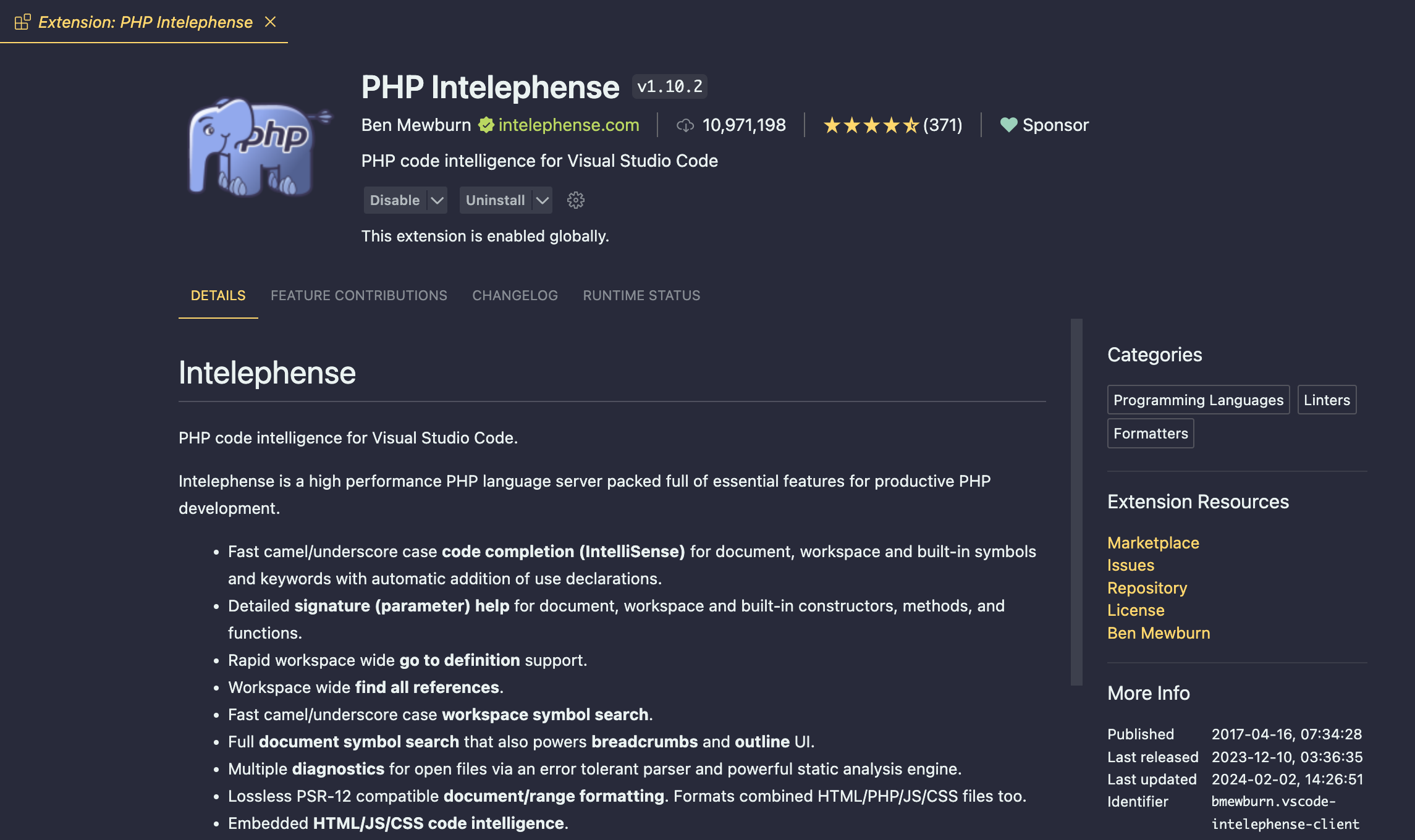
Intelephense offers a premium license that you can grab on intelephense.com that unlocks features like code renaming, code folding, "find all" implementations, "go to type definitions," and more.
Better PHPUnit
Better PHPUnit is a test runner for Visual Studio Code that supports running tests from your editor in the embedded terminal. This extension also supports Running Pest Tests, which gives you one test runner to support any PHP testing workflow.
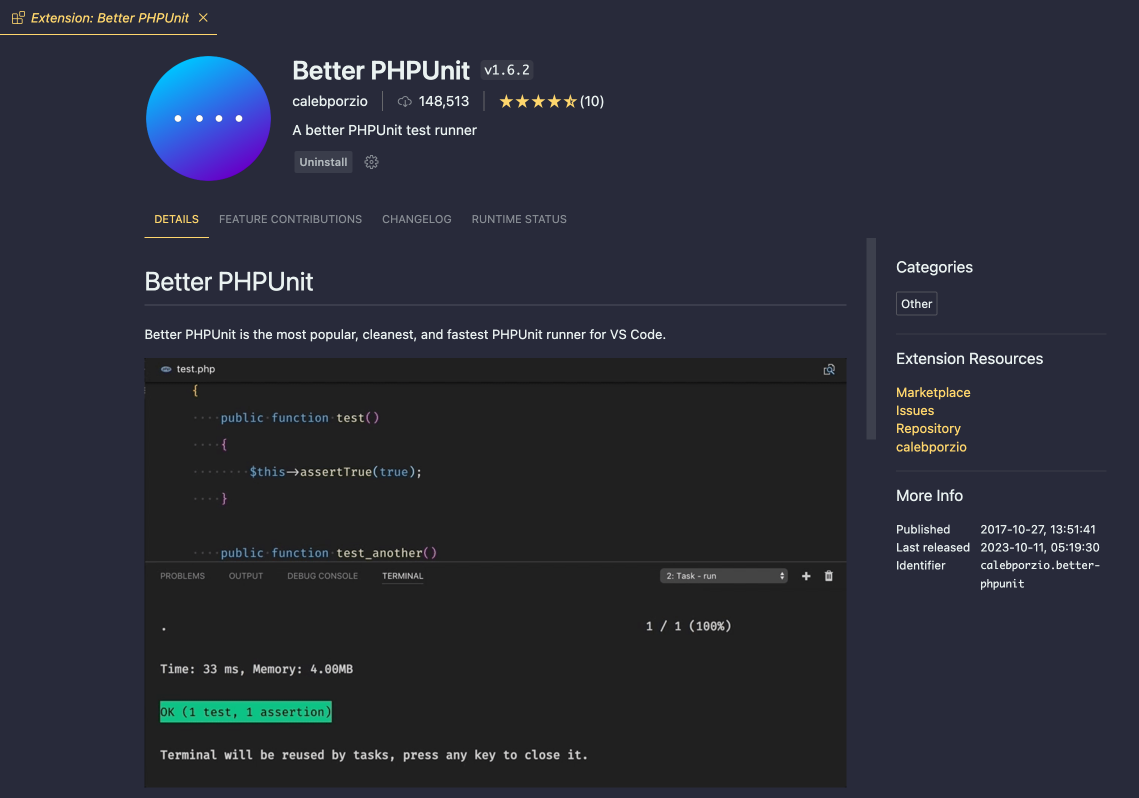
You can install this extension within VS Code or grab it from the Visual Studio Marketplace.
Tailwind CSS IntelliSense
The Tailwind CSS IntelliSense extension gives you intelligent Tailwind CSS tooling for VS Code. This extension makes you more productive with Tailwind by providing advanced features such as autocomplete, syntax highlighting, and linting. You can also quickly see the complete CSS for a Tailwind class name by hovering over it:
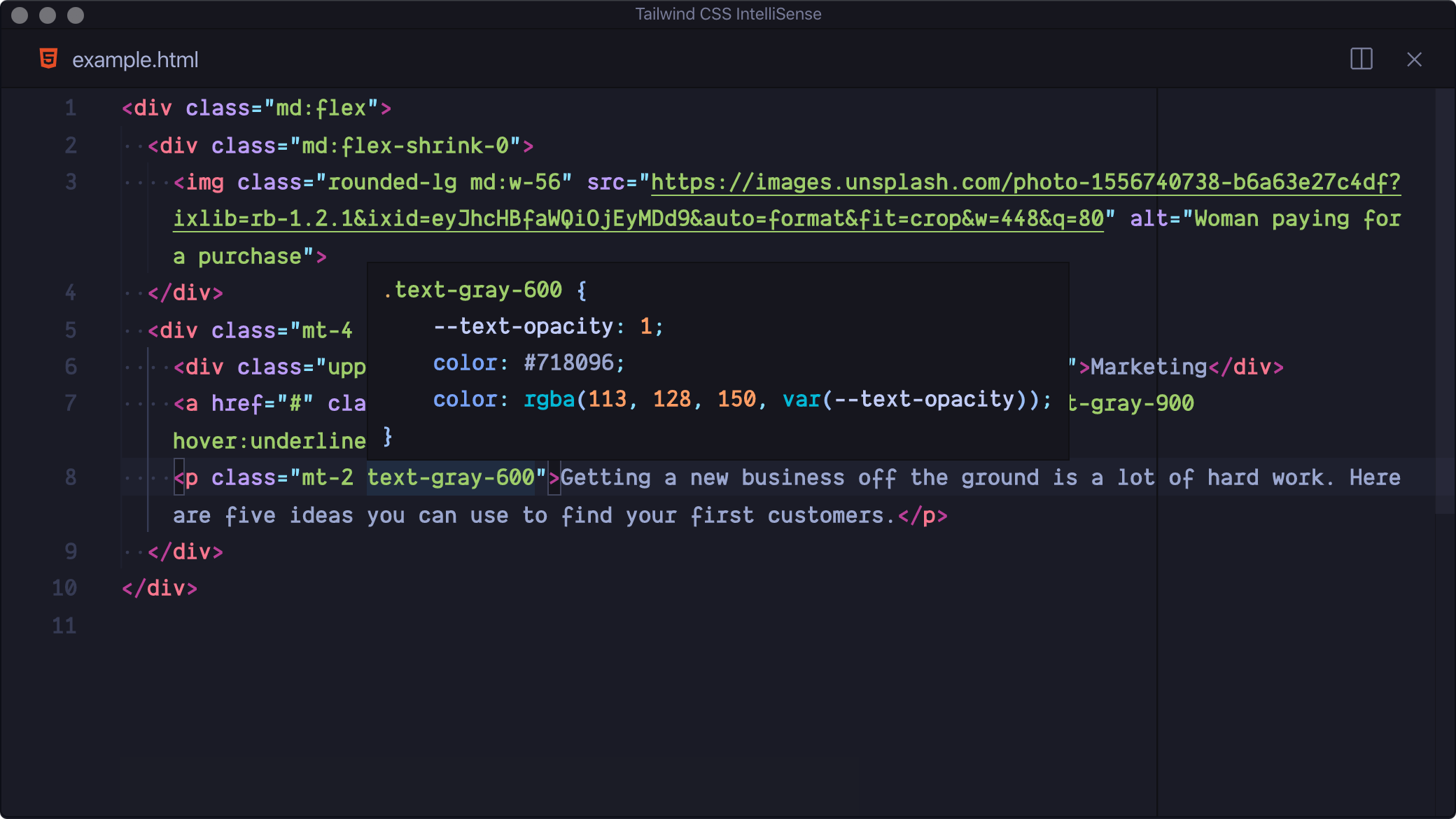
You can find this extension by searching for “Tailwind CSS IntelliSense” or getting it directly from the Visual Studio Marketplace.
That’s a wrap on our essential plugins for VS Code users. I hope you've found something useful to improve your VS Code development! We can't share every single extension, so let us know your favorite VS Code extension or theme!