
I suspect that if you are familiar with Laravel that you might use model factories and possibly even factory states in your application development. The documentation shows you the mechanics of using factories to seed and create test data, but there are a couple of guiding thoughts to using factories with your models effectively that I’d like to consider.
The following are some approaches I’ve been considering in more efficiently using factory states:
First, creating factories with static values instead of using Faker for everything.
Secondly, your factories should only create the simplest set of attributes necessary to create an instance of a model.
Using Static Data Instead of Faker
I am not suggesting that using faker is wrong, but instead, that static values can make testing data more evident than randomized data.
Consider the following User factory:
$factory->define(App\User::class, function (Faker $faker) { return [ 'name' => $faker->name, 'email' => $faker->unique()->safeEmail, 'password' => '$2y$10$TKh8H1.PfQx37YgCzwiKb.KjNyWgaHb9cbcoQgdIVFlYg7B77UdFm', // secret 'remember_token' => str_random(10), ];});The code example is the user factory that ships with Laravel 5.6. The factory definition has nothing with it that I want to criticize—it’s perfectly fine. However, I would like you to consider that when you run your test suite, new values get generated each time:
// First test runarray:5 [ "name" => "Troy Miller III" "email" => "orrin93@example.org" "updated_at" => "2018-04-09 01:35:38" "created_at" => "2018-04-09 01:35:38" "id" => 1] // Second test runarray:5 [ "name" => "Mr. Zachariah McGlynn" "email" => "lturcotte@example.net" "updated_at" => "2018-04-09 01:35:41" "created_at" => "2018-04-09 01:35:41" "id" => 1]You might feel that this randomization of test data is a good thing, and that it makes your test suite more robust. That’s a valid argument, but consider the accompanying test you need to write to verify the data:
public function testWelcomeMessageTest(){ $user = factory('App\User')->create(); $response = $this->get('/'); $response->assertSeeText('Welcome '.$user->name);}I want to emphasize again that there’s nothing inherently wrong with this test, but I feel like there’s extra “magic” involved that takes a little parsing in your brain. I am using a variable to assert that the test is passing, instead of a hard-coded assertion that makes the test slightly more readable in my mind.
Consider the following factory:
$factory->define(App\User::class, function (Faker $faker) { return [ 'name' => 'Example User, 'email' => 'example@example.com', // ... ];});The hard-coded name and email are a subtle change, but now my test might look like this:
public function testWelcomeMessageTest(){ factory('App\User')->create(); $response = $this->get('/'); $response->assertSeeText('Welcome Example User');}Another approach is to use a factory with dynamic data and override what you intend to test:
public function testWelcomeMessageTest(){ factory('App\User')->create([ 'name' => 'Example User', ]); $response = $this->get('/'); $response->assertSeeText('Welcome Example User');}You should do what feels right to you in your applications, but I hope that you at least consider that you don’t have to use faker for everything. In fact, you might have more clarity in your tests as a result of this subtle shift.
If you don’t want to lose the randomness that faker provides, consider using a factory state for your default tests that include some static values:
$factory->define(App\User::class, 'user', function (Faker $faker) { return [ 'name' => 'Example User, 'email' => 'example@example.com', ];});Then in your tests where you want a basic, static user:
public function testWelcomeMessageTest(){ factory('App\User')->states('user')->create(); $response = $this->get('/'); $response->assertSeeText('Welcome Example User');}The user state represents the base set of attributes your model needs—it’s the minimum viable attributes necessary to create a model.
Minimum Viable Attributes
Creating factories and test data with the minimum amount of data necessary to create a model is a good habit of promoting in your tests. If a field is nullable, or the model has optional relationships, don’t define them in the default factory.
Your tests will more easily help you catch problems with null values and empty relationships. An empty model relationship is often the first state your users will encounter in your applications.
When a column in the database can be nullable, omit it in your factory by default, and then use states to further test models with more than the minimum data required.
Take for example a forum application. When the user first registers, the will not have created any posts yet, or made any comments on others’ posts. That represents the most basic user in your application with the minimum requirement.
Having factory data and faker at your disposal makes it tempting to fill in as much data as possible, but only define the absolutely necessary data in your default model factory states.
Using States For Enhanced Factory Data
Using the example of a forum application, we can define a state for users that have posts, in cases where our tests need more than the minimum required data:
$factory ->state(App\User::class, 'with_posts', []) ->afterCreatingState(App\User::class, 'with_posts', function ($user, $faker) { factory(App\Post::class, 5)->create([ 'user_id' => $user->id, ]); });This state doesn’t have any override data so that we can pass an empty array as the third argument instead of a closure. We use the afterCreatingState method to define some posts associated with the user, which we can use in our tests now:
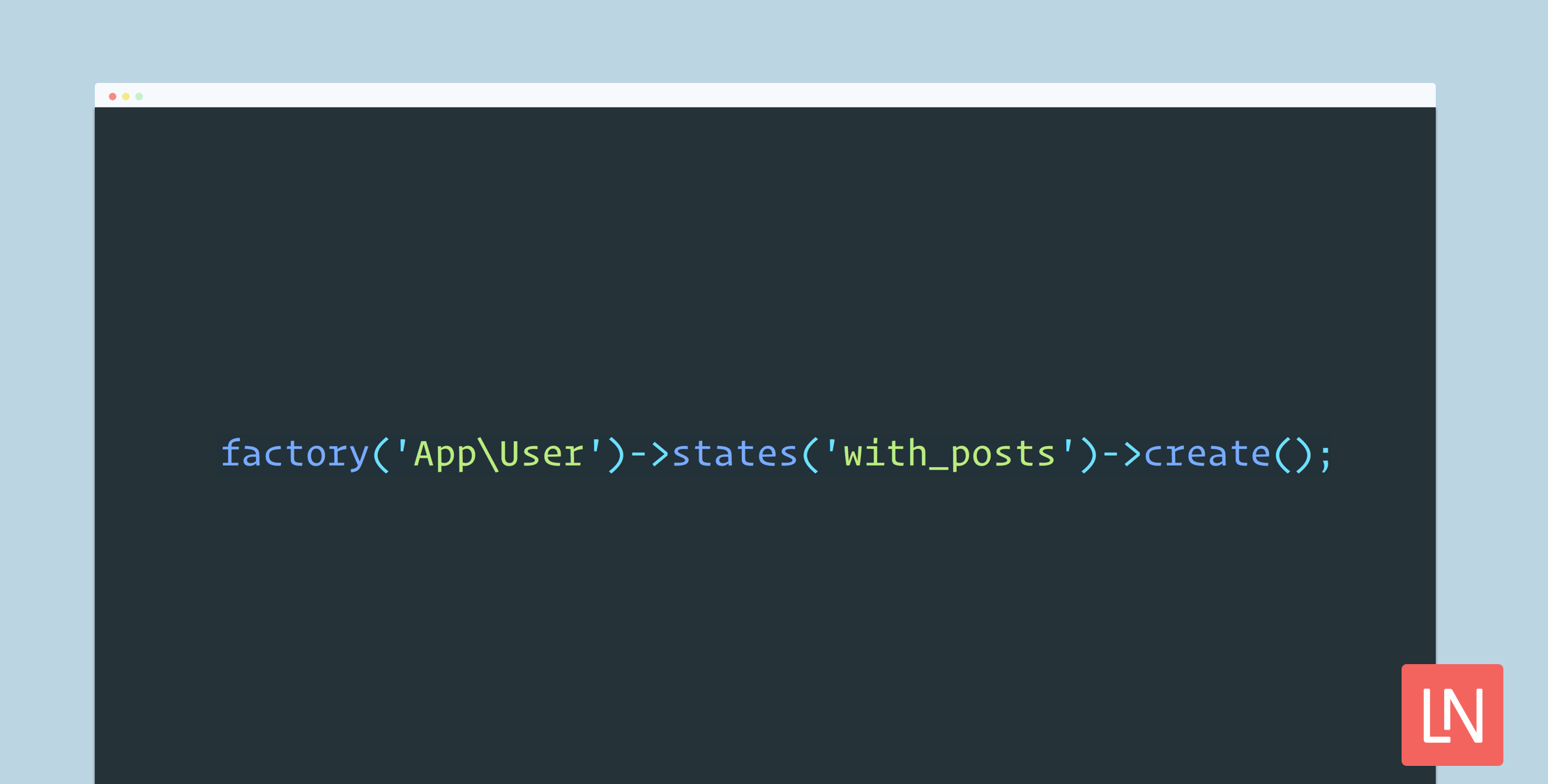
$user = factory('App\User')->states('with_posts')->create();The biggest drawback to this approach is the hard-coded 5 posts in the afterCreatingState callback. I am just writing pseudo-code, but something like this API might be nice:
$user = factory('App\User') ->states('with_posts', ['posts_count' => 5]) ->create();And then on the other side of the factory API, something like this:
$factory ->state(App\User::class, 'with_posts', []) ->afterCreatingState(App\User::class, 'with_posts', function ($user, $faker, $config) { factory(App\Post::class, $config->get('posts_count', 5))->create([ 'user_id' => $user->id, ]); });Again, this is pseudo code and won’t work! But I wanted to show a couple of ways that this approach could be better. Perhaps this is an area where a package could extend the base factory functionality somehow to achieve this API.
Even with the shortcomings, we still have an excellent declarative way to use a user state with posts.
Other Factory State Approaches
We could also use a trait in the test framework to create a more dynamic state for a user with posts, and any other state we want to the user:
<?php namespace Tests\factories; trait UserFactory{ public function userWithPosts($config = []) { $user = factory(\App\User::class)->create(); $posts = factory( \App\Post::class, $config['posts_count'] ?? 5 )->make([ 'user_id' => $user->id, ]); $user->posts()->saveMany($posts); return $user; }}In your tests that need a user with posts, you would use the following:
namespace Tests\Feature; use Tests\TestCase;use Tests\factories;use Illuminate\Foundation\Testing\RefreshDatabase; class ExampleTest extends TestCase{ use RefreshDatabase; use factories\UserFactory; public function testWelcomeMessageTest() { $user = $this->userWithPosts(['posts_count' => 5]); // ... }}I like to define use Tests\factories at the top, and use factories\UserFactory; where I import the trait because it seems more readable to me at a glance that the trait is for factory data. Using a trait requires a fair amount of boilerplate, but is more flexible than our static factory state with the posts count hard-coded at five.
Learn More
You can learn more about factory states in the Laravel documentation. Another excellent source if you want to get more exposure and thought to how factories work is a Ruby gem Factory Bot, specifically the getting started document.
Factories Should be the Bare Minimum is another excellent resource on working with factories, by the author of the aforementioned Factory Bot library.







