String manipulation in Laravel often involves replacing multiple placeholders with dynamic values. Laravel provides a powerful solution through the Str::replaceArray() method, making complex string replacements straightforward and efficient. Let's explore how this feature can enhance your string handling capabilities.
Understanding Str::replaceArray()
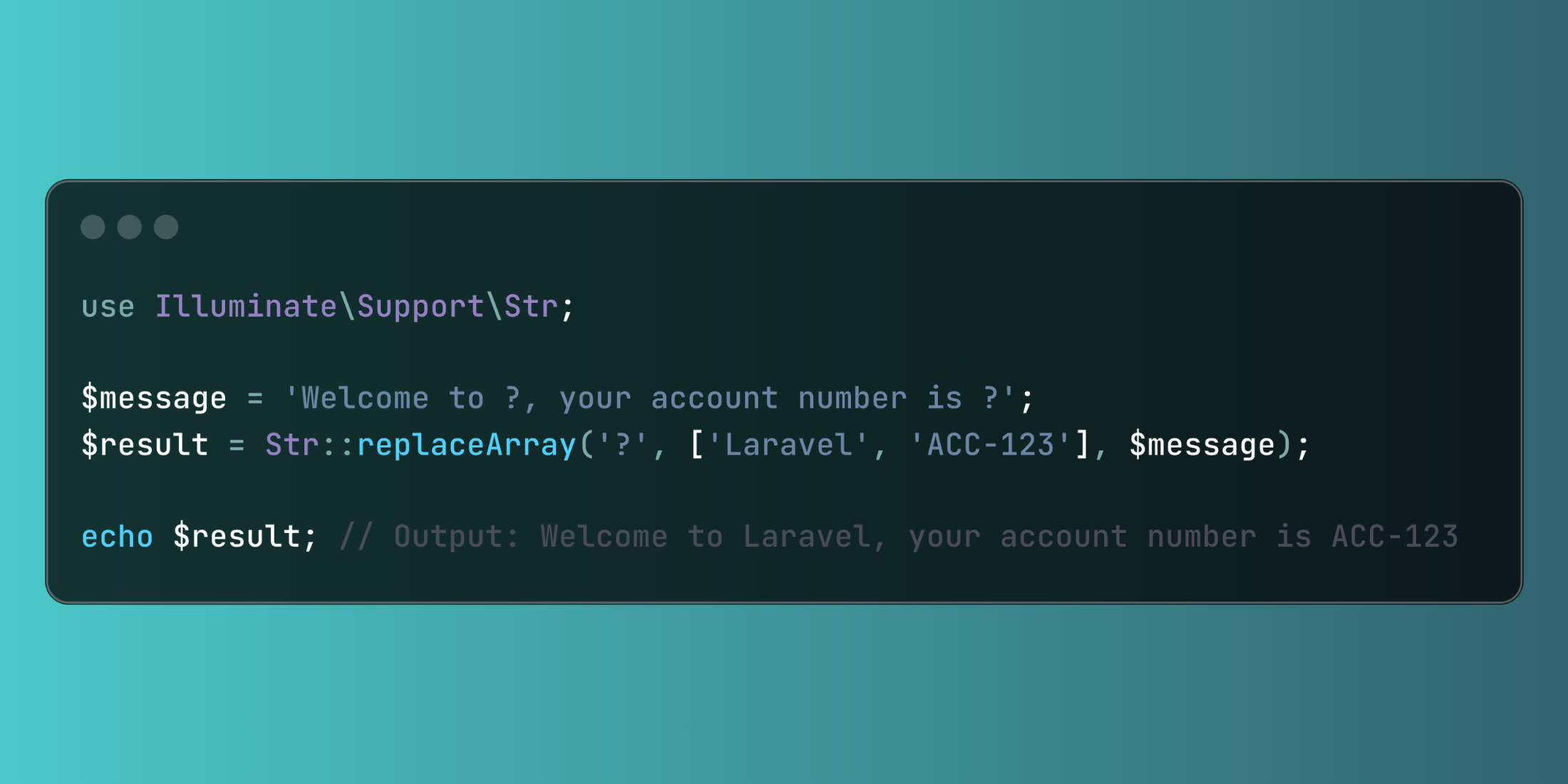
The Str::replaceArray() method, available in Laravel's string manipulation toolkit, enables sequential replacement of placeholders within a string using an array of values. This proves invaluable for dynamic text generation and content templating.
use Illuminate\Support\Str;

$message = 'Welcome to ?, your account number is ?';
$result = Str::replaceArray('?', ['Laravel', 'ACC-123'], $message);

echo $result; // Output: Welcome to Laravel, your account number is ACC-123
Str::replaceArray() example
Let's explore a practical scenario where we're generating personalized order confirmations in an e-commerce application:
<?php

namespace App\Http\Controllers;

use App\Models\Order;
use Illuminate\Support\Str;
use App\Notifications\OrderConfirmation;

class OrderController extends Controller
{
    public function sendConfirmation(Order $order)
    {
        $template = 'Dear ?, your order #? has been confirmed. Your ? items will be delivered to ? within ? business days.';

        $replacements = [
            $order->customer->name,
            $order->reference,
            $order->items->count(),
            $order->shipping_address,
            $order->delivery_estimate,
        ];
        $message = Str::replaceArray('?', $replacements, $template);
        // Send confirmation notification
        $order->customer->notify(new OrderConfirmation($message));

        return response()->json([
            'status' => 'success',
            'message' => 'Order confirmation sent'
        ]);
    }
}
In this implementation, we use Str::replaceArray() to create personalized order confirmations by replacing placeholders with actual order details. This ensures each customer receives accurate and personalized communication about their order.