
Glide for Laravel is a package that provides on-the-fly image manipulation using League/Glide. It offers Blade components for generating responsive images with automatic srcset generation, URL signing for security, and seamless integration with Laravel's filesystem and caching layers.
You can generate image URLs programmatically for images located in the resources/assets folder (configurable) using the provided Facade:
use Daikazu\LaravelGlider\Facades\Glide; // Format as default (webp)Glide::getUrl('featured-image-unbranded.png', ['w' => 1100]);// http://glider-demo.test/img/<hash>.webp // Format as jpgGlide::getUrl('featured-image-unbranded.png', ['w' => 1100, 'fm' => 'jpg']);Using Glider, you can quickly manipulate your image assets, add watermarks, generate multiple responsive images for different screens, and more:
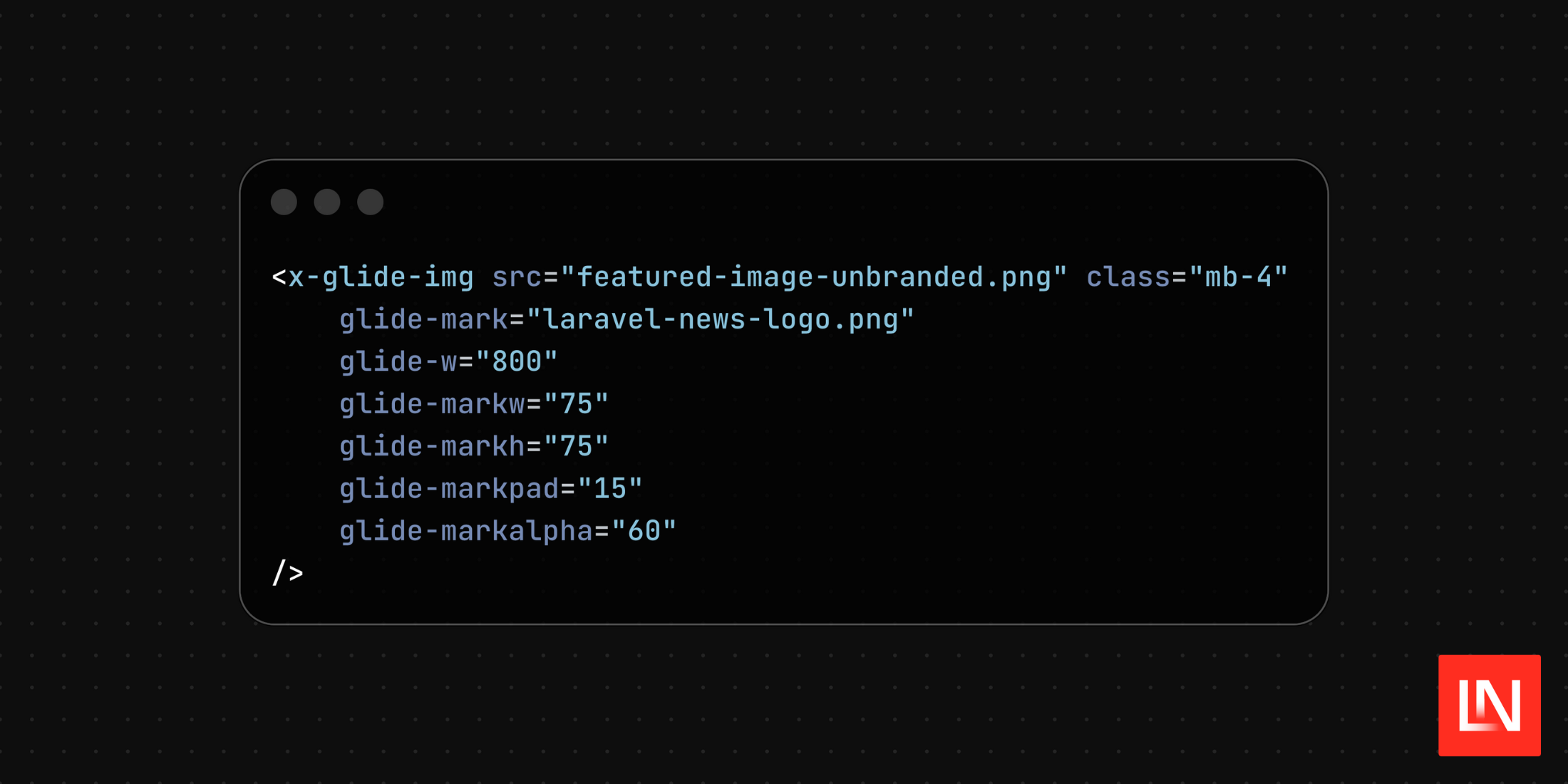
{{-- Original image --}}<x-glide-img src="featured-image-unbranded.png" glide-w="800" class="mb-4"/> {{-- Watermarked image --}}<x-glide-img src="featured-image-unbranded.png" glide-mark="laravel-news-logo.png" glide-markw="75" glide-markh="75" glide-markpad="15" glide-markalpha="60" glide-w="800" class="mb-4"/>By providing a watermark image and configuring it, you can easily provide a clean watermark without having to modify the original images.
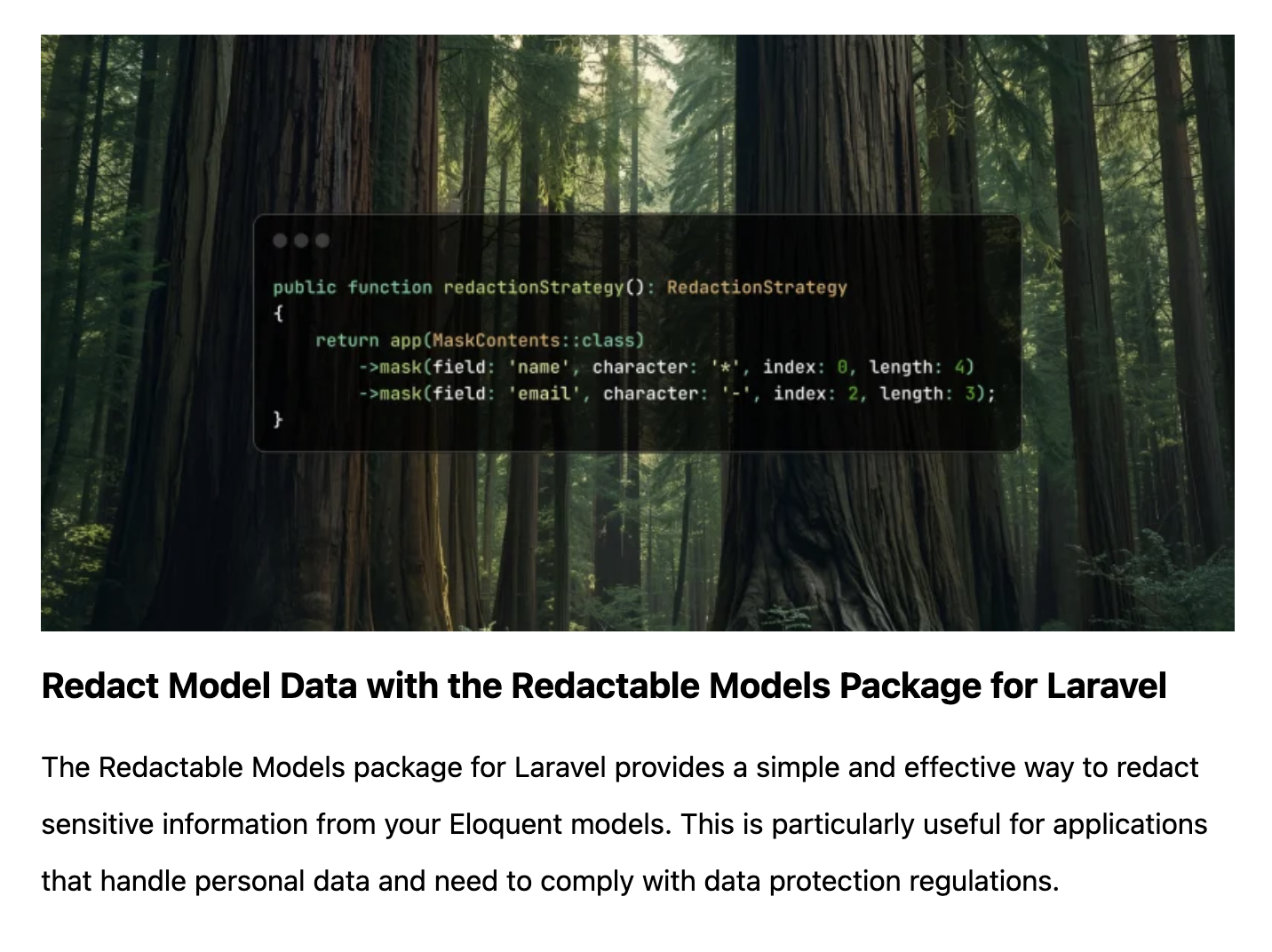
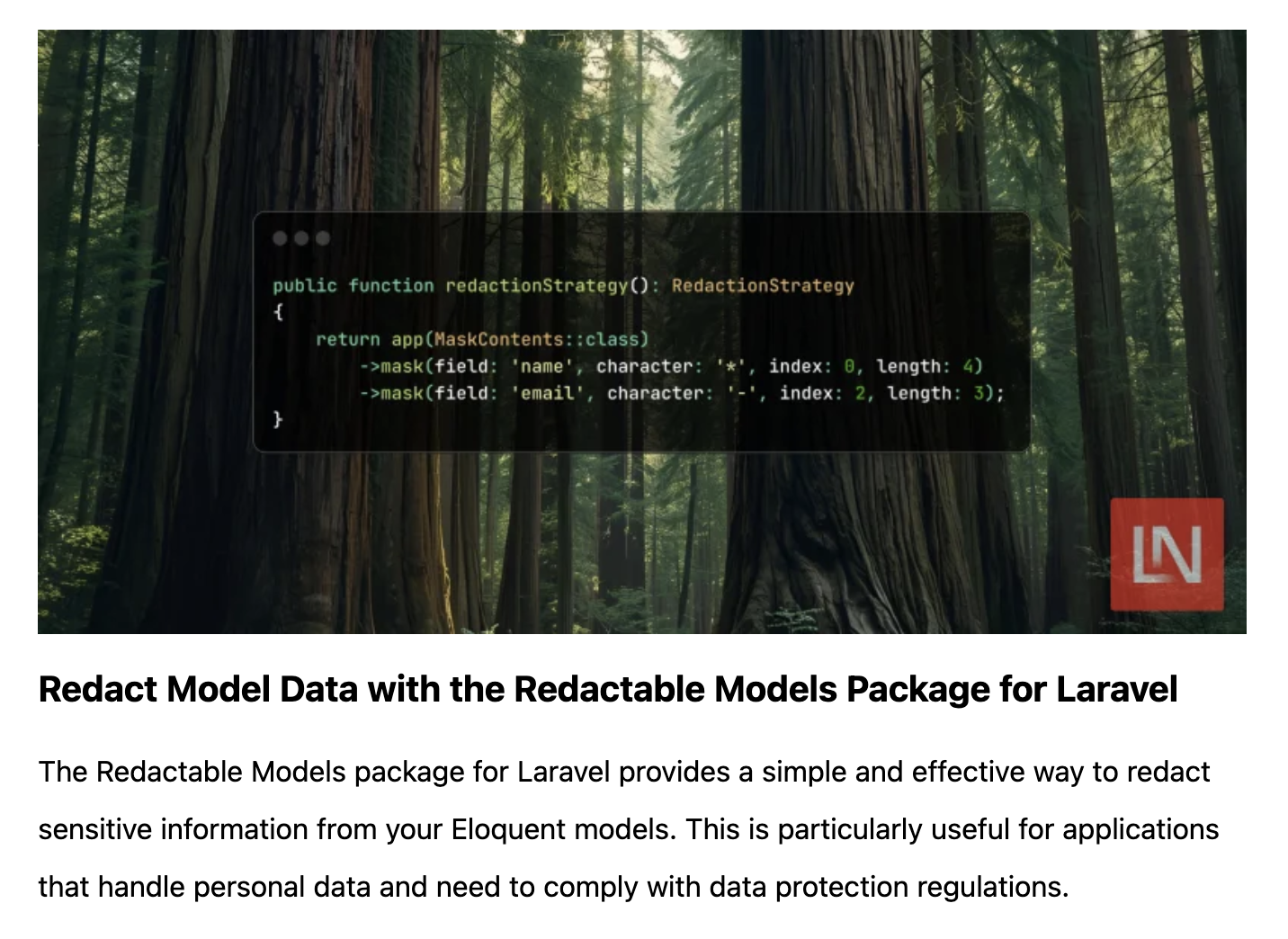
The Blade example includes parameters that aren't documented in the Glide for Laravel package readme; however, reading the Glide documentation will help you understand how to use the service and blade component.
For example, if the watermark option is markh, the Blade component parameter will be glide-markh. Refer to the Quick Reference page for a quick lookup of available options.
Main Features
- On-the-fly Image Processing: Transform images dynamically with URL parameters
- Responsive Images: Automatic srcset generation for optimal loading
- Remote Image Support: Process and cache images from external URLs
- Security: Signed URLs prevent unauthorized image manipulation
- Performance: Built-in caching with Laravel's cache system
- Flexible Sources: Support for local filesystem and remote HTTP sources
- Blade Components: Clean, reusable components for your templates
- Presets: Pre-defined image manipulation configurations
- Artisan Commands: Clear cache and convert existing image tags
💻 Get started with Glider for Laravel on GitHub: daikazu/laravel-glider
📕 The Glide documentation is helpful for all the available options: Glide Documentation and Quick reference







