Laravel's in_array_keys validation rule provides elegant validation for scenarios where arrays must contain at least one key from a specified set, without requiring all keys to be present.
This rule addresses common validation challenges in flexible configuration systems where users need to provide one or more options from multiple valid choices:
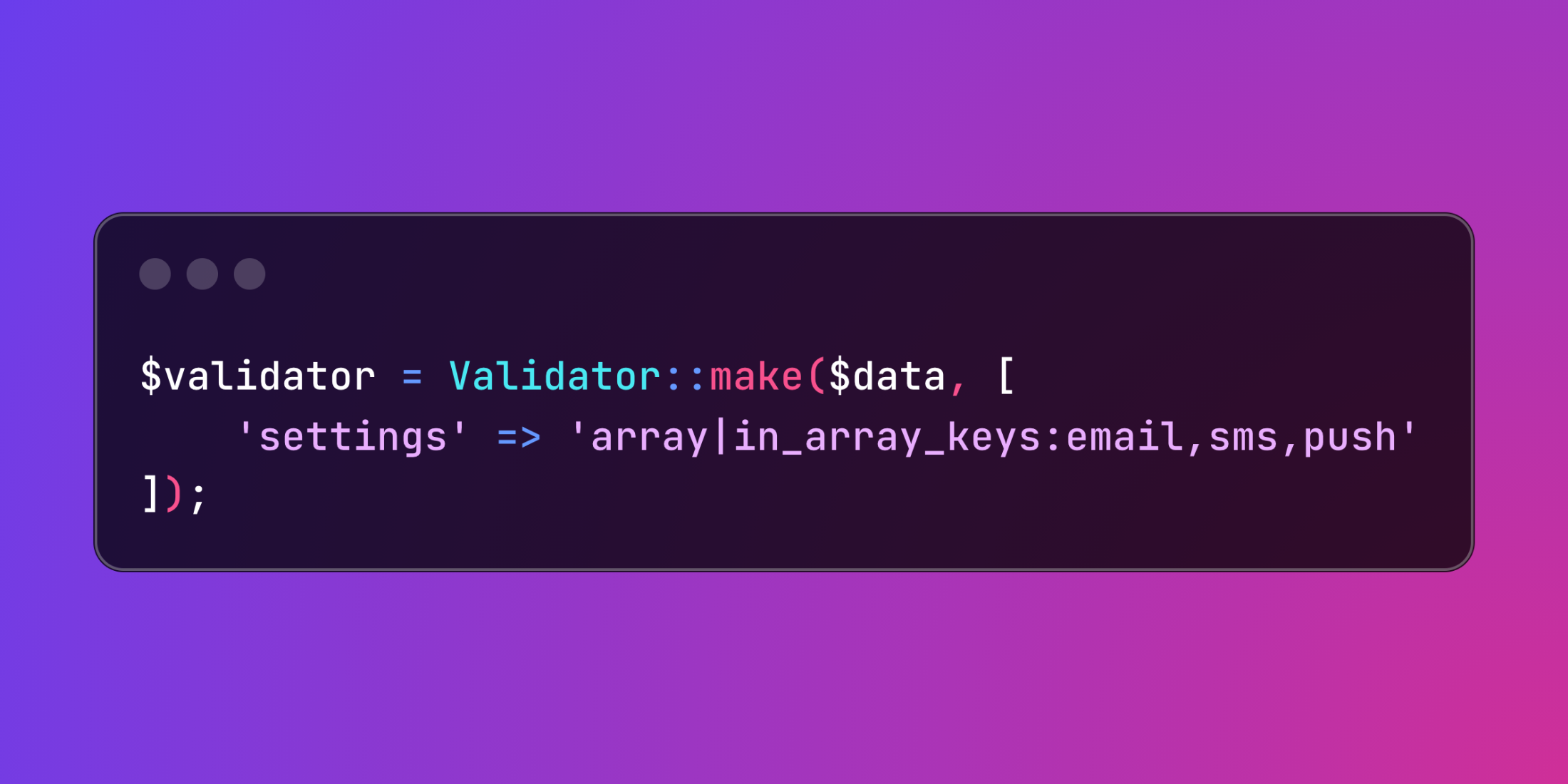
$validator = Validator::make($data, [
    'settings' => 'array|in_array_keys:email,sms,push',
]);
The rule passes validation when the array contains any of the specified keys, making it perfect for optional configuration scenarios.
class NotificationController extends Controller
{
    public function updateChannels(Request $request)
    {
        $validator = Validator::make($request->all(), [
            'channels' => 'required|array|in_array_keys:email_notifications,sms_alerts,push_messages',
            'channels.email_notifications' => 'nullable|array',
            'channels.email_notifications.address' => 'required_with:channels.email_notifications|email',
            'channels.email_notifications.frequency' => 'required_with:channels.email_notifications|in:immediate,daily,weekly',
            'channels.sms_alerts' => 'nullable|array',
            'channels.sms_alerts.phone' => 'required_with:channels.sms_alerts|regex:/^\+[1-9]\d{1,14}$/',
            'channels.sms_alerts.carrier' => 'required_with:channels.sms_alerts|string',
            'channels.push_messages' => 'nullable|array',
            'channels.push_messages.device_token' => 'required_with:channels.push_messages|string|min:64',
        ]);

        if ($validator->fails()) {
            return response()->json(['errors' => $validator->errors()], 422);
        }

        $user = $request->user();
        $channels = $request->input('channels');

        foreach ($channels as $channelType => $config) {
            $this->configureNotificationChannel($user, $channelType, $config);
        }

        return response()->json(['message' => 'Notification channels updated successfully']);
    }

    private function configureNotificationChannel($user, $type, $config)
    {
        $user->notificationChannels()->updateOrCreate(
            ['channel_type' => $type],
            ['configuration' => $config, 'is_active' => true]
        );
    }
}
This validation approach works exceptionally well for payment gateway configurations, social media integrations, and multi-tenant applications where different feature sets are available.