When building command-line tools in Laravel, one of the common challenges is handling missing or incorrect user input gracefully. Laravel's PromptsForMissingInput interface addresses this by transforming standard Artisan commands into interactive dialogues.
Rather than failing when arguments are missing, your commands can engage users with helpful prompts, guiding them through the required inputs. This approach is particularly valuable for complex maintenance tasks, deployment scripts, or any situation where you need to ensure accurate command-line input while maintaining a professional and user-friendly interface.
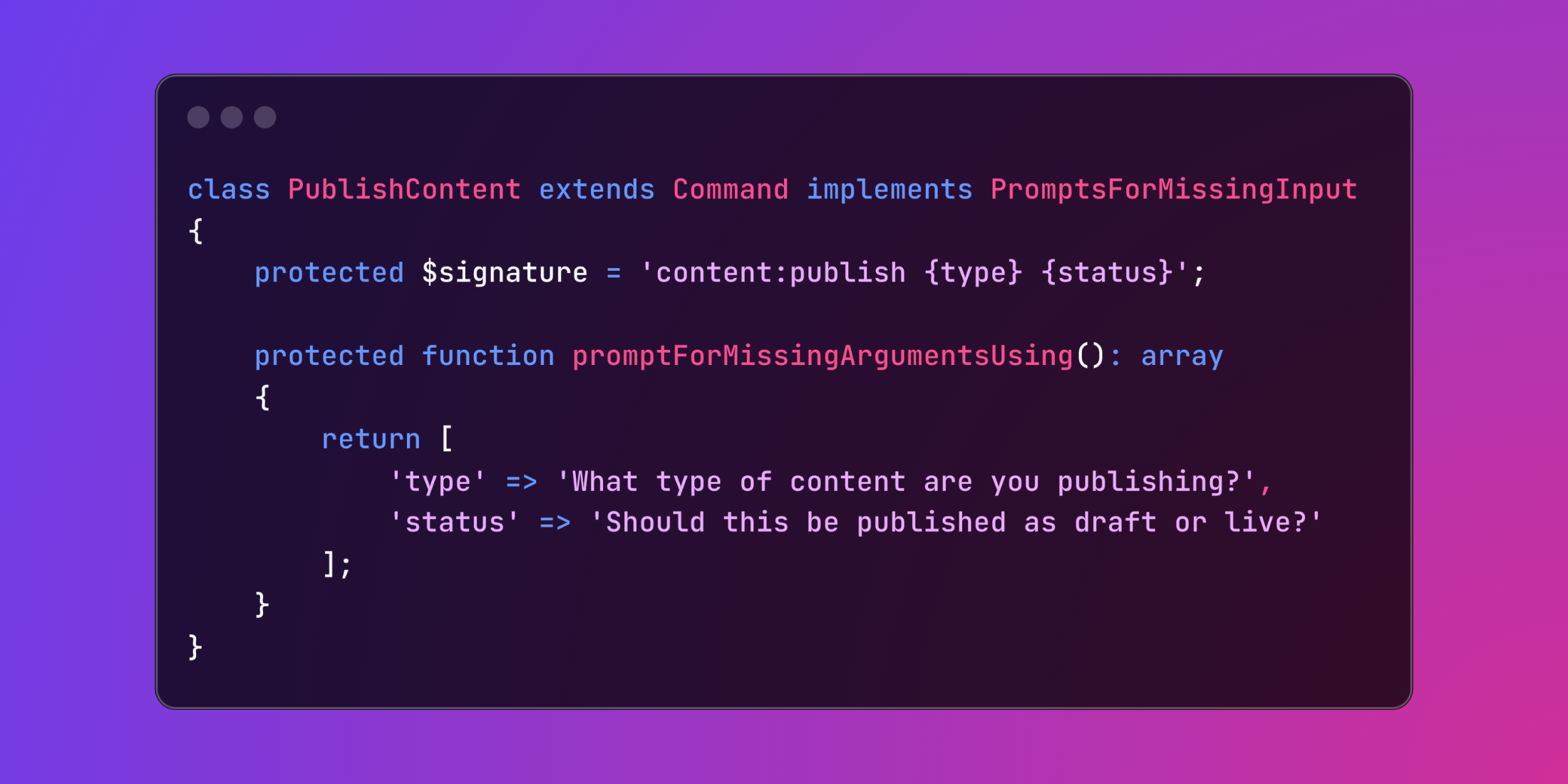
use Illuminate\Console\Command;use Illuminate\Contracts\Console\PromptsForMissingInput; class PublishContent extends Command implements PromptsForMissingInput{ protected $signature = 'content:publish {type} {status}'; protected function promptForMissingArgumentsUsing(): array { return [ 'type' => 'What type of content are you publishing?', 'status' => 'Should this be published as draft or live?' ]; }}Let's explore a practical example of a database backup command with interactive prompts:
<?php namespace App\Console\Commands; use Illuminate\Console\Command;use Illuminate\Contracts\Console\PromptsForMissingInput;use Symfony\Component\Console\Input\InputInterface;use Symfony\Component\Console\Output\OutputInterface; use function Laravel\Prompts\confirm;use function Laravel\Prompts\multiselect;use function Laravel\Prompts\select; class BackupDatabase extends Command implements PromptsForMissingInput{ protected $signature = 'db:backup {connection : Database connection to backup} {--tables=* : Specific tables to backup} {--compress : Compress the backup file}'; protected $description = 'Create a database backup'; protected function promptForMissingArgumentsUsing(): array { return [ 'connection' => fn () => select( label: 'Which database connection should be backed up?', options: [ 'mysql' => 'MySQL Primary Database', 'sqlite' => 'SQLite Testing Database', 'pgsql' => 'PostgreSQL Analytics Database', ], default: 'mysql' ), ]; } protected function afterPromptingForMissingArguments(InputInterface $input, OutputInterface $output): void { if (! $this->didReceiveOptions($input)) { $input->setOption('tables', multiselect( label: 'Select tables to backup (leave empty for all):', options: $this->getAvailableTables(), )); $input->setOption('compress', confirm( label: 'Would you like to compress the backup?', default: true, )); } } private function getAvailableTables(): array { return ['users', 'posts', 'comments', 'orders']; } public function handle() { $connection = $this->argument('connection'); $tables = $this->option('tables'); $compress = $this->option('compress'); $this->info("Starting backup of {$connection} database..."); // Backup logic here... }}The PromptsForMissingInput interface transforms command-line interactions into user-friendly dialogues, making your Artisan commands more intuitive and easier to use.