The Laravel VS Code extension was recently updated with an incredible new feature: run artisan make: commands from the command palette. You can run commands, select flags and options, all without leaving your editor:
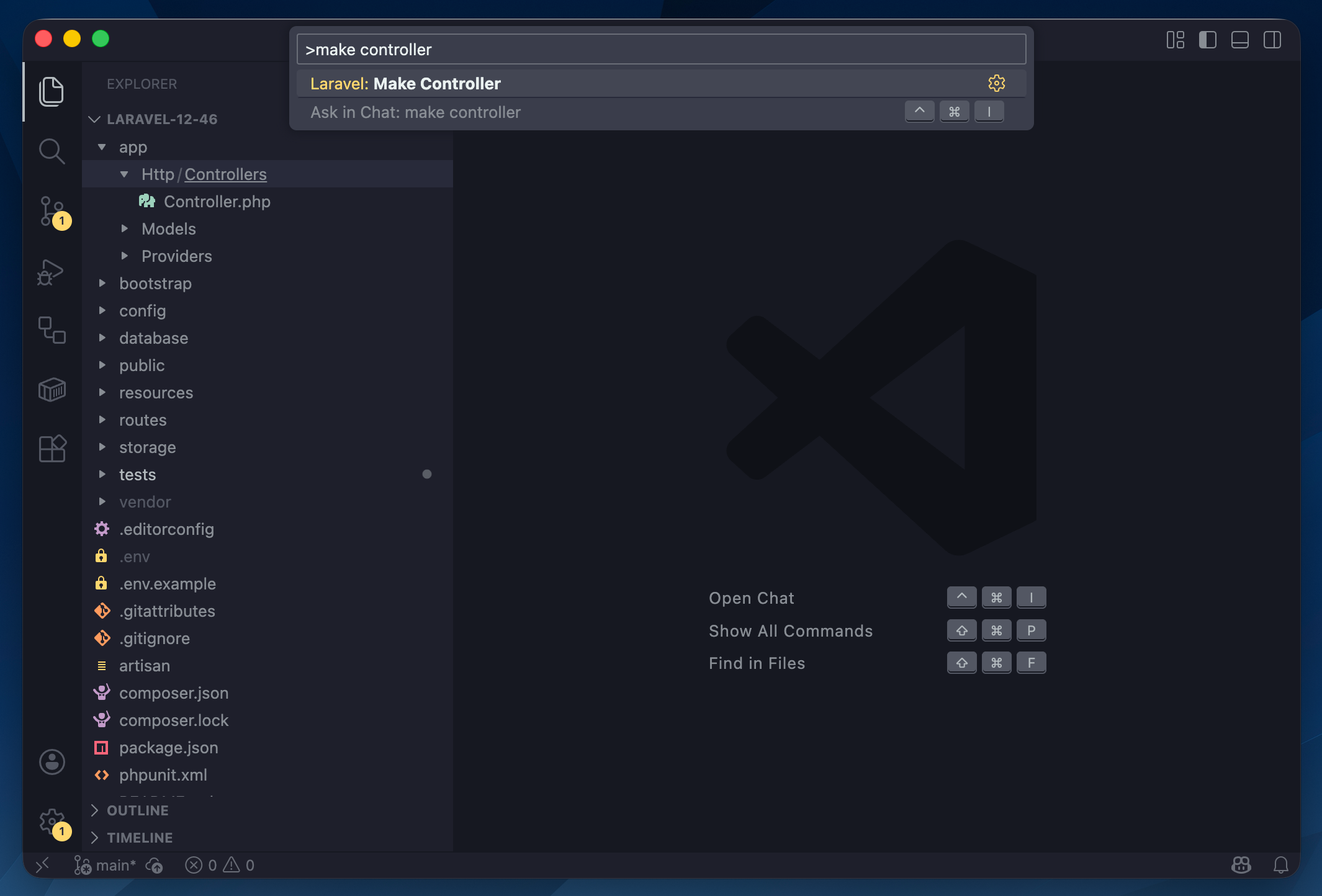
make:controller from the command paletteOnce you type in the name of the controller in this example, you can fuzzy-search for all the available command options, select them, and create your file(s) with your keyboard:
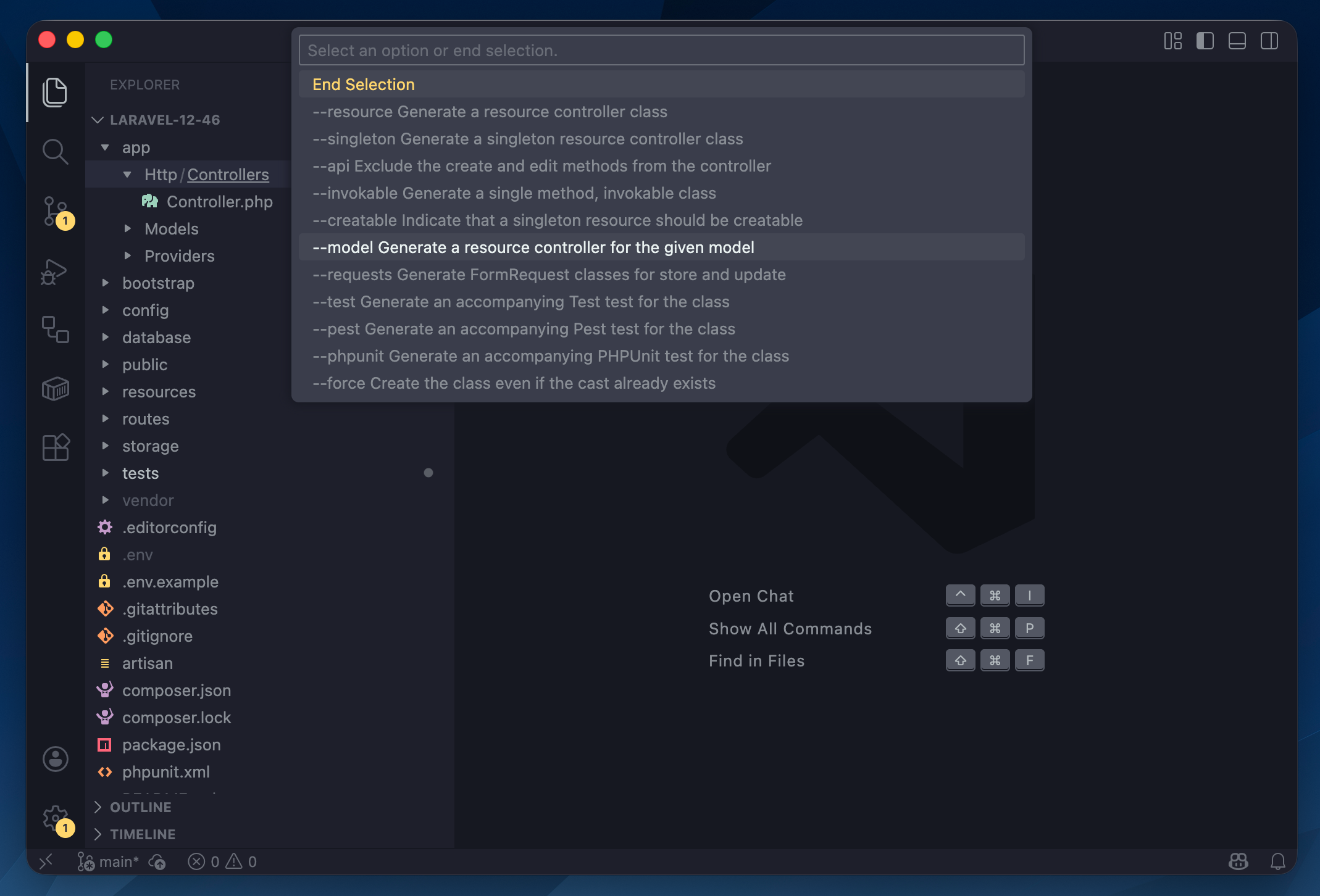
make:controller command optionsAlong with the command palette, you can contextually use make: commands from the project tree by right-clicking and selecting the desired file type. Depending on which folder in the project, you can contextually create things using make:* commands for controllers, models, queues, jobs, events, etc.
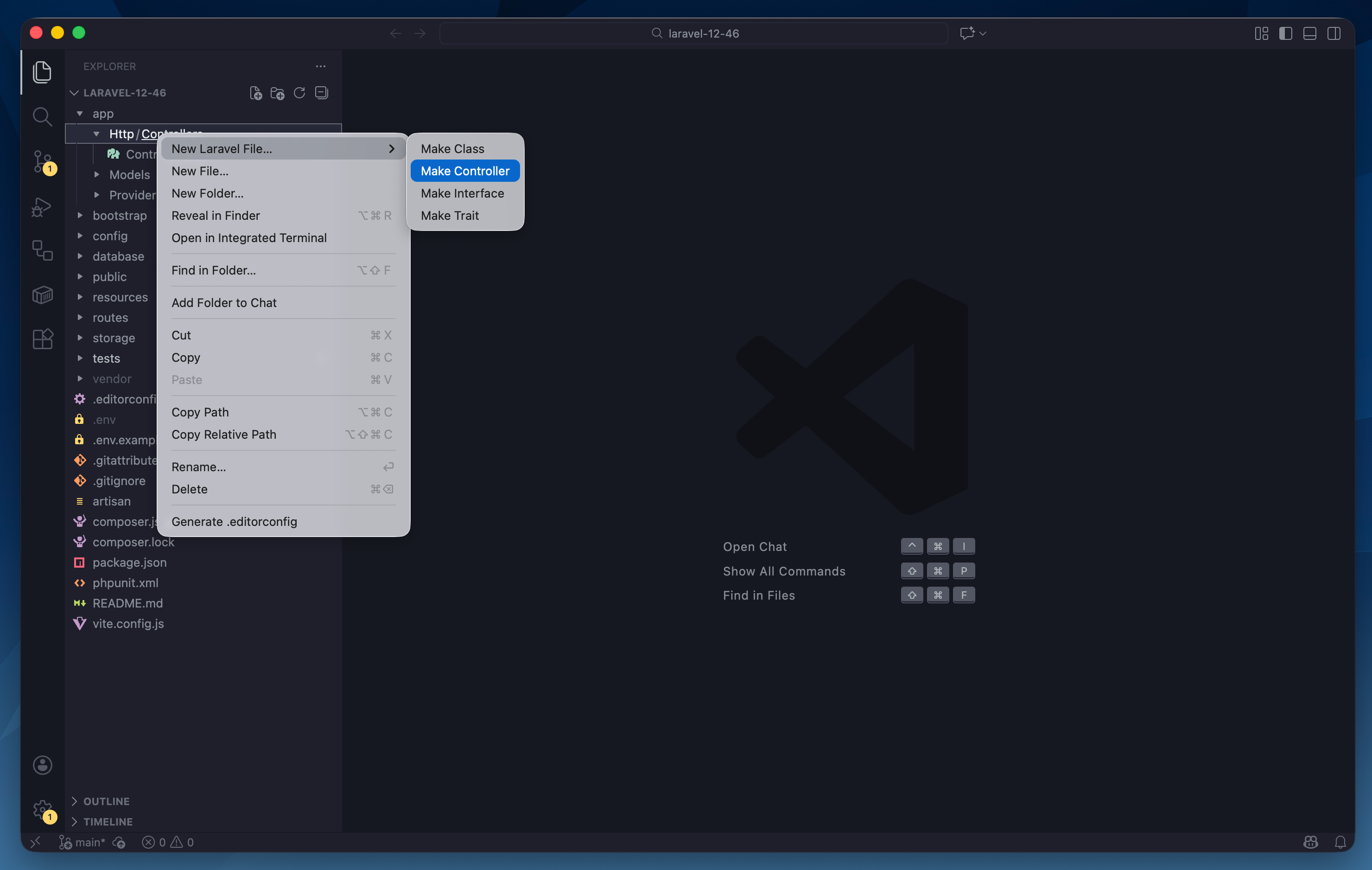
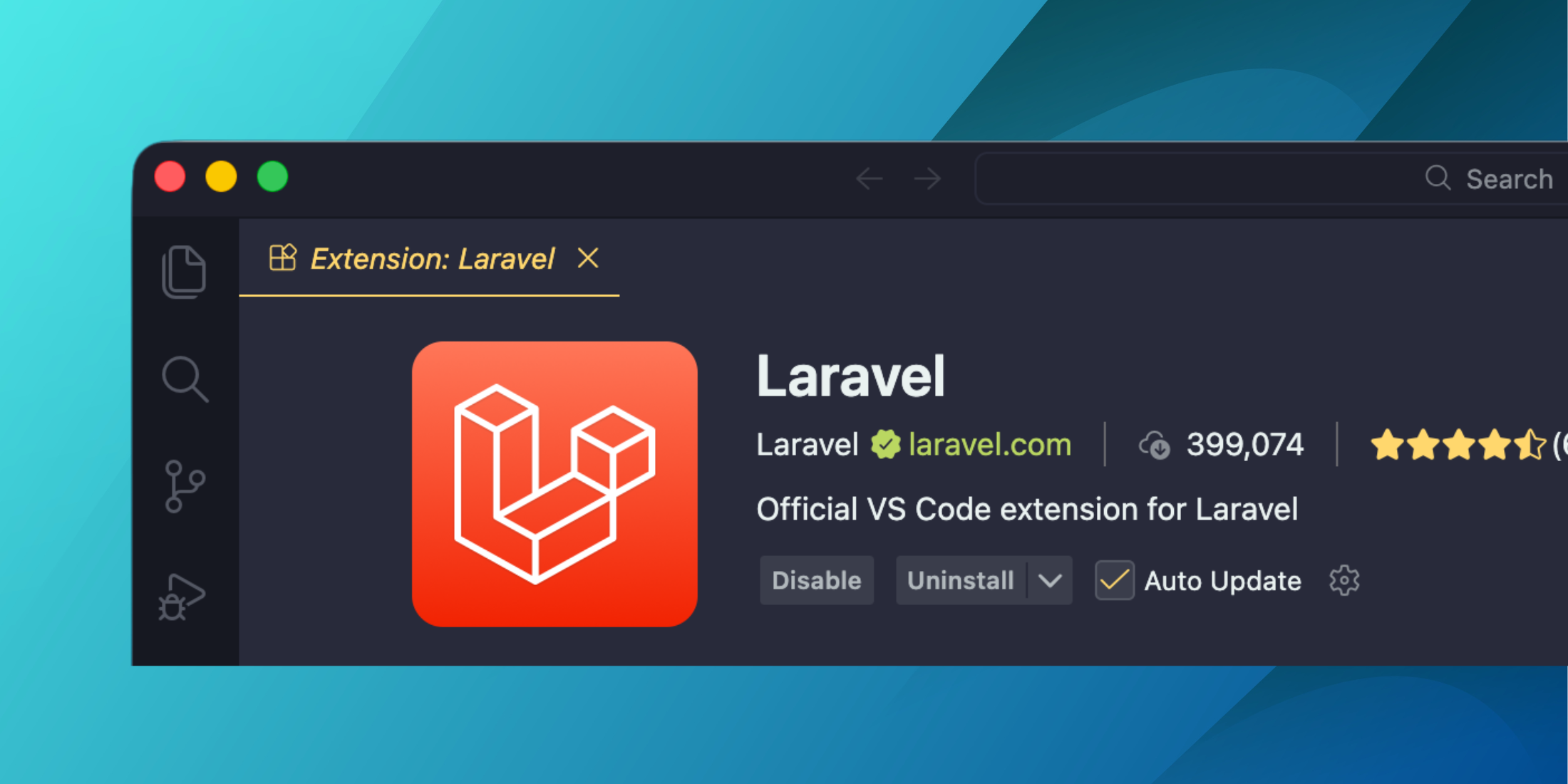
make:controller from the file treeYou can get the official Laravel VS Code extension in the marketplace or search for it within the VS Code Extensions sidebar. This feature is available as of v1.4.0.