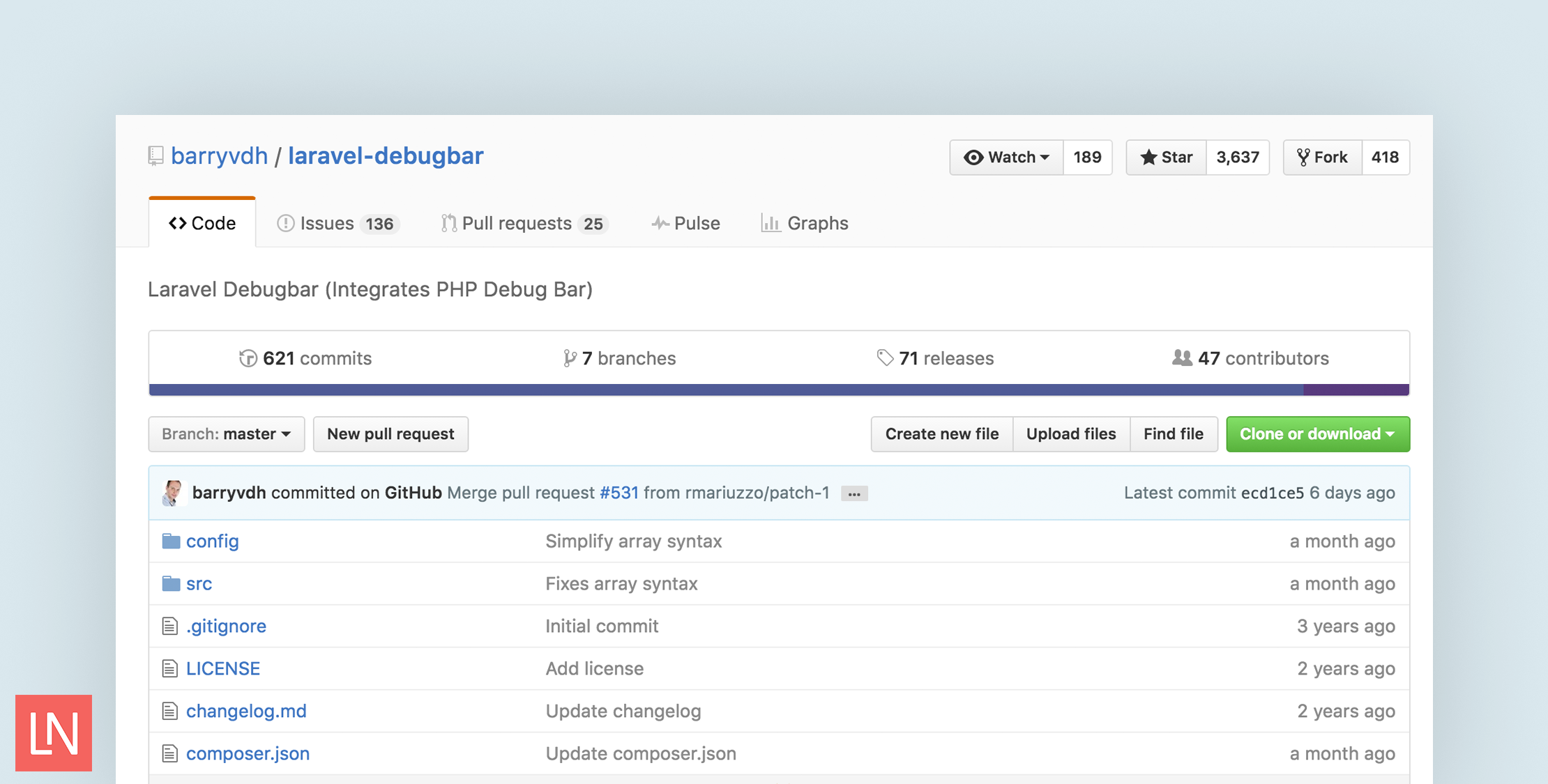
The Laravel Debugbar by Barry vd. Heuvel is a package that allows you to quickly and easily keep tabs on your application during development. With a simple installation and powerful features, the Debugbar package is one of the cornerstone packages for Laravel.
The debugbar is already updated for Laravel 5 and I wanted to show you all the great features it includes.
Installing the Laravel Debugbar
Installation is extremely simple. I was about to have it running in under five minutes, and four of those was waiting on composer. Here are the steps to get it setup and going.
In your Laravel 5 project require the package:
composer require barryvdh/laravel-debugbarNext open config/app.php and inside the ‘providers’ array add:
'BarryvdhDebugbarServiceProvider',Finally, if you wish to add the facades add this to the ‘aliases’ array:
'Debugbar' => 'BarryvdhDebugbarFacade',Now as long as your app is in debug mode the bar will already be loading showing some nice stats about the page you are viewing.
Getting to know debugbar
You have the user interface of the debugbar mastered in a few short minutes and it’s really powerful. Let’s look at all the default settings that are included:
Messages

Messages is a special section, it’s only loaded by calling the facade from within your code.
Debugbar::info($object);Debugbar::error('Error!');Debugbar::warning('Watch out…');Debugbar::addMessage('Another message', 'mylabel');The messages include the PSR-3 levels (debug, info, notice, warning, error, critical, alert, emergency)
Timeline

The timeline is perfect for fixing the bottlenecks in your code. Here are a few examples available:
Debugbar::startMeasure('render','Time for rendering');Debugbar::stopMeasure('render');Debugbar::addMeasure('now', LARAVEL_START, microtime(true));Debugbar::measure('My long operation', function() {// Do something…});Exceptions

The next tab is an exceptions logger. You can log exceptions to the debugbar by using code like this:
try { throw new Exception('foobar');} catch (Exception $e) { Debugbar::addException($e);}Views

Views will show you all the templates rendered as well as include all the parameters passed into them. This is really handy as your application grows and you have numerous views. With this, you can be sure you are sending just the data your view actually needs, and lots of other use cases.
Route
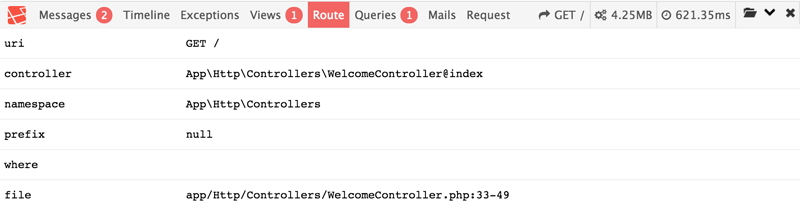
Magically see everything related to the route being called. The URI, controller, file path, and namespace.
Queries

Queries are one of the important parts for a lot of apps. I’ve seen apps not utilize eager loading and end up with a huge number of queries.
To give you a real world example I was tasked with building a back office style report for an e-commerce system. I was able to get the report working on my dev machine with seed data but as soon as I seeded real data the page took 20+ seconds to load. Browsing the queries tab in debugbar showed me exactly where my problem was.
Mail and Request
These two include everything you need to know about emails going out and the current request.
Folder Icon
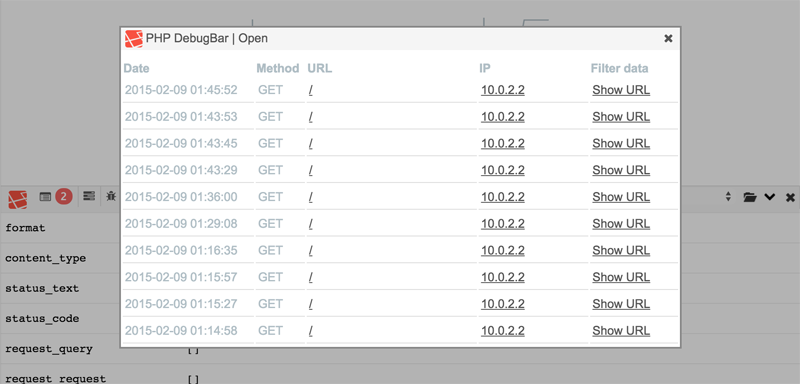
I’m not sure the “real” name for this, but by clicking the folder icon you can see all previous requests. This is useful when performing ajax calls so you can get more information on the actual requests.
Going Further
In this post, I only outlined the basics of what the Laravel Debugbar includes. It has many more features under the hood including twig integration, enabling/disabling at runtime, and bridge collectors. If you want to go further the docs cover a lot of the underlying code in more details.
This is a package I highly recommend.