Trust me, erasing secret data from version control is open-heart surgery for your VCS you never want to perform. On the other hand, having secrets in version control is helpful to keep track of changes made, given that you do so carefully. Enter Laravel Credentials.
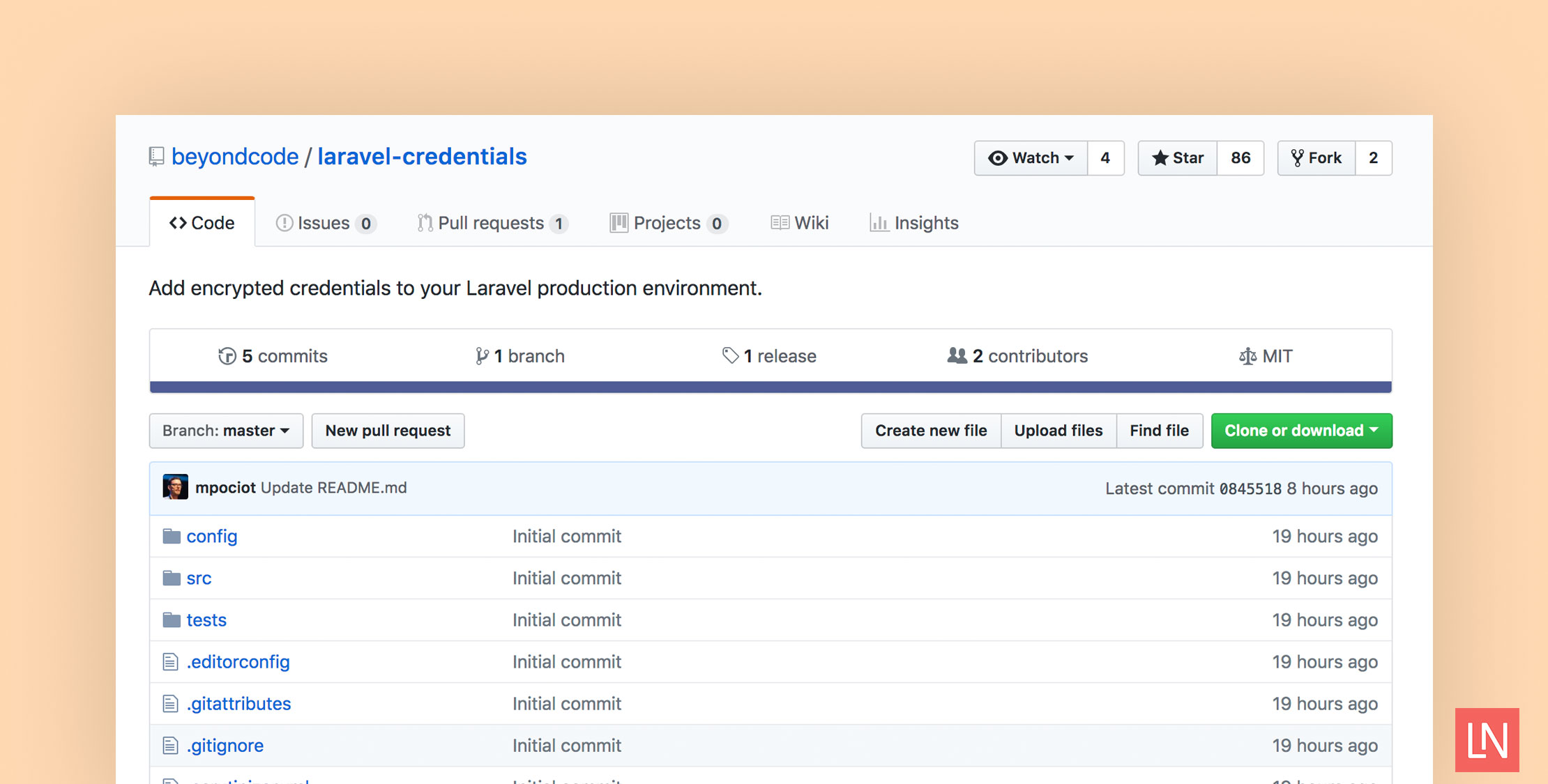
Laravel Credentials is a new package by Marcel Pociot (of Botman fame) to help you manage sensitive data securely in your Laravel project.
A couple of benefits include:
- Credentials are encrypted, so nobody can read them without the key (which you should not store in version control)
- Encrypted credentials are in version control, so you have a history of change
- You can deploy credential changes along with code changes
- Your secrets exist in one location
Since credentials are encrypted and require a key, how do you edit them with this package?
Editing Laravel Credentials
To edit your credentials, you use an artisan command provided by the Laravel Credentials package:
php artisan credentials:edit
Once you update the credentials, the new encrypted version gets stored in the credentials file (by default the file lives at config/credentials.php.enc. The credentials file is accessible via helpers.
Using Credentials
To access encrypted credentials, you use the provided credentials() helper function:
$credential = credentials('api-password');
Installation
To install this package and start using it, install it via composer with:
composer require beyondcode/laravel-credentials
You can optionally publish the config file with the following:
php artisan vendor:publish --provider="BeyondCode\Credentials\CredentialsServiceProvider" --tag="config"
Learn More
Learn more about the Laravel Credentials package and access the source code from beyondcode/laravel-credentials on GitHub.
You might already be familiar with the encrypted file approach for sensitive data if you’ve used Ansible Vault.