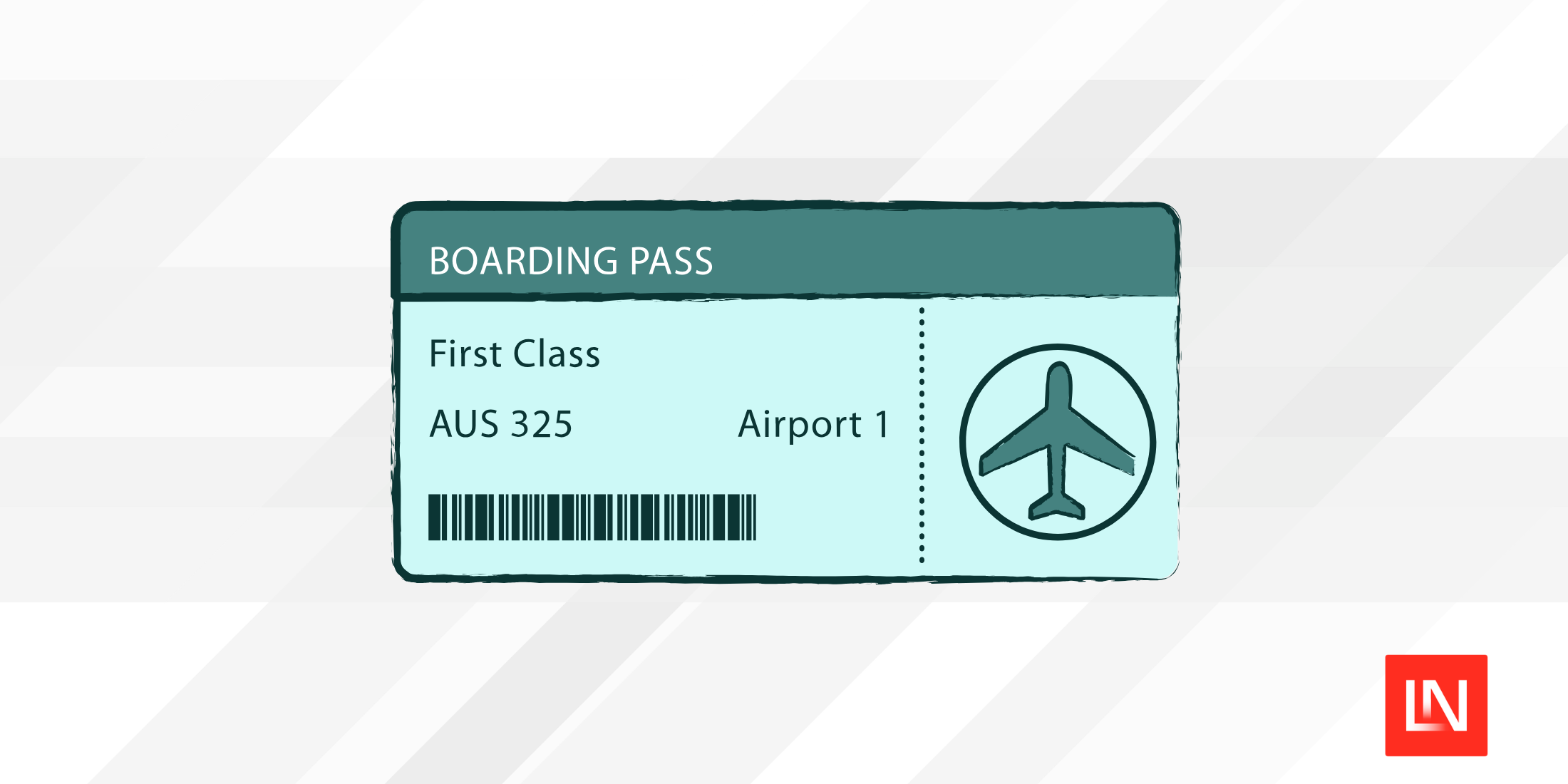
Laravel Mobile Pass is a new package from Spatie (in collaboration with Dan Johnson) that generates mobile wallet passes for Apple Wallet and Google Wallet. It covers boarding passes, event tickets, coupons, store cards, membership cards, and gift cards—and can push live updates to passes already installed on user devices.
A Single Builder API for Both Platforms
The package gives Apple and Google passes a consistent builder interface. Here's an event ticket for Apple Wallet:
use Spatie\LaravelMobilePass\Builders\Apple\EventTicketPassBuilder; $mobilePass = EventTicketPassBuilder::make() ->setOrganizationName('Fab Four Promotions') ->setSerialNumber('BTL-SHEA-0042') ->setDescription('The Beatles at Shea Stadium') ->addField('event', 'Beatles Live at Shea') ->addField('attendee', 'John Lennon', label: 'Name') ->addField('seat', 'Floor A, Row 12') ->save();Google Wallet follows the same pattern with one extra step—declaring a Class (a reusable template) before creating individual passes:
use Spatie\LaravelMobilePass\Builders\Google\EventTicketPassBuilder;use Spatie\LaravelMobilePass\Enums\BarcodeType; $mobilePass = EventTicketPassBuilder::make() ->setClass('beatles-shea-1965') ->setAttendeeName('John Lennon') ->setSection('Floor A') ->setRow('12') ->setSeat('24') ->setBarcode(BarcodeType::Qr, 'TICKET-12345') ->save();save() returns a MobilePass Eloquent model that implements Laravel's Responsable interface. Return it directly from a controller and the package serves the right format for each platform—a .pkpass file for Apple, a redirect to Google Wallet for Android.
Live Pass Updates
Once a pass is installed on a device, you can push changes to it. For Apple Wallet, call updateField on the MobilePass model:
$mobilePass->updateField('seat', '13A');You can also include a notification message when the value changes:
$mobilePass->updateField( 'seat', '13A', changeMessage: 'Your seat was changed to :value',);Google Wallet updates work by modifying the content array and saving:
$content = $mobilePass->content;$content['googleObjectPayload']['ticketHolderName'] = 'John Winston Lennon'; $mobilePass->update(['content' => $content]);Updates are dispatched through a PushPassUpdateJob, which runs synchronously by default. Set MOBILE_PASS_QUEUE_CONNECTION in your environment to send them through a queue instead.
Multiple Pass Types
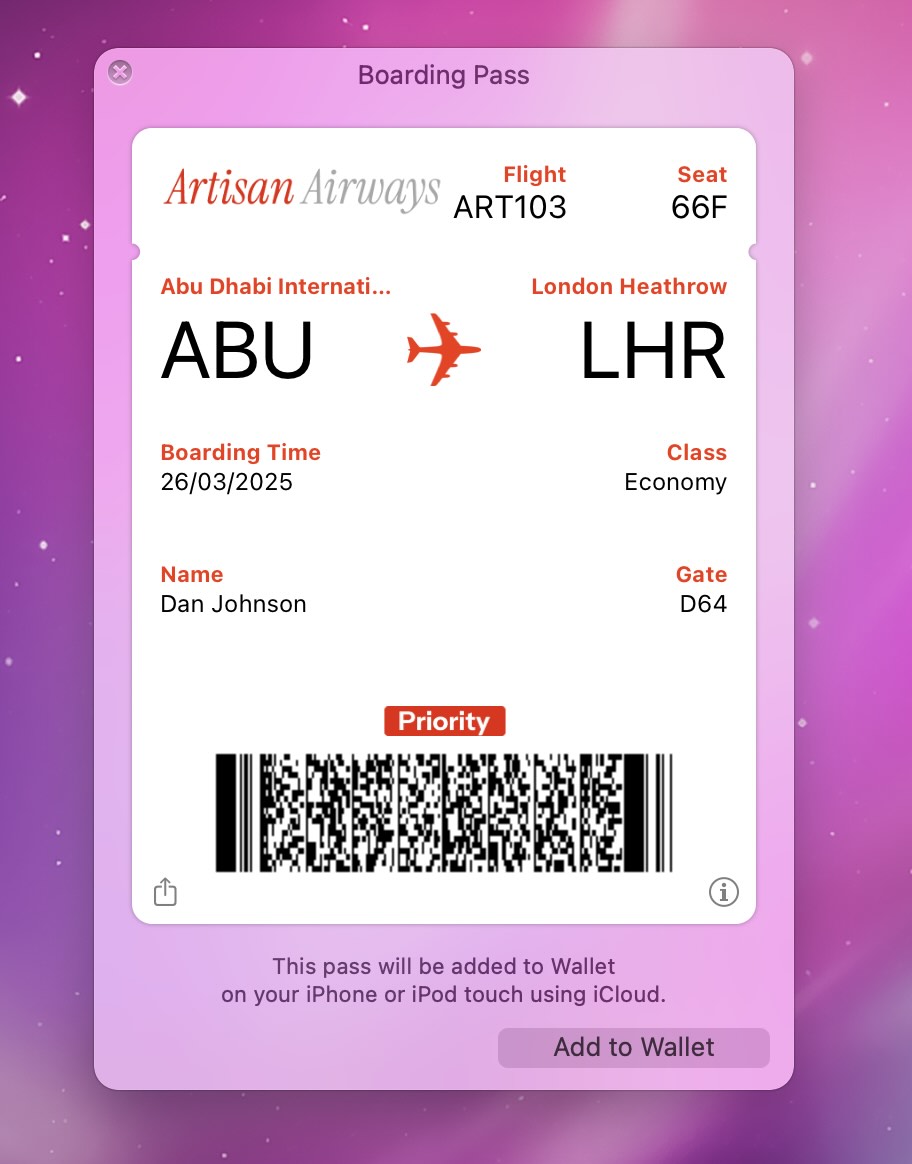
Beyond event tickets, the package includes builders for boarding passes (airline and other transit), coupons, store cards, membership cards, and gift cards. The AirlinePassBuilder handles flight-specific fields like departure and destination codes, passenger name, and seat:
use Spatie\LaravelMobilePass\Builders\Apple\AirlinePassBuilder;use Spatie\LaravelMobilePass\Builders\Apple\Entities\Seat; AirlinePassBuilder::make() ->setOrganizationName('Etihad') ->setDepartureAirportCode('AUH') ->setDestinationAirportCode('LHR') ->setPassengerName('Paul McCartney') ->setSeats(Seat::make(number: '12A')) ->save();For trains, buses, or boats, extend the BoardingPassBuilder and set the appropriate TransitType.
Try the Live Demo
Spatie has a live demo where you can generate every pass type, install it on an iPhone, and trigger a live update to see the push mechanism in action. The demo source is available at spatie/laravel-mobile-pass-demo.
Check out the GitHub repository for installation instructions, Apple and Google credential setup, and full documentation.