
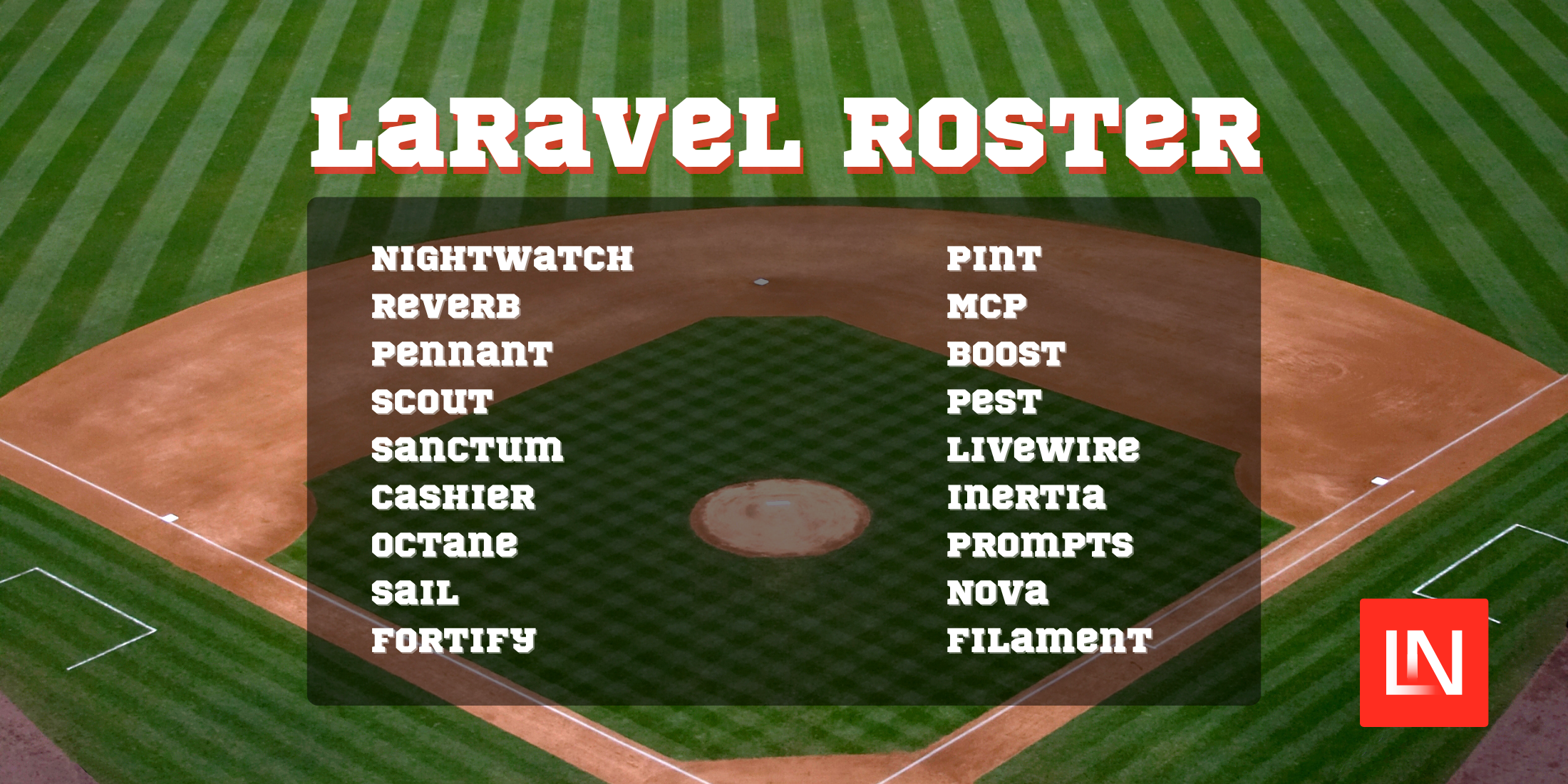
Laravel Roster is a small package created by the Laravel core team to detect which Laravel ecosystem packages are in use within a project, and it gives you an easy-to-use API to work with that data.
To use this package, install it with Composer:
composer require laravel/rosterOnce installed, using it is as simple as:
use Laravel\Roster\Roster; $roster = Roster::scan($directory); // Scan a directory containing a composer.lock file$roster->packages();Roster will scan for any packages and their versions and add them to a Collection:
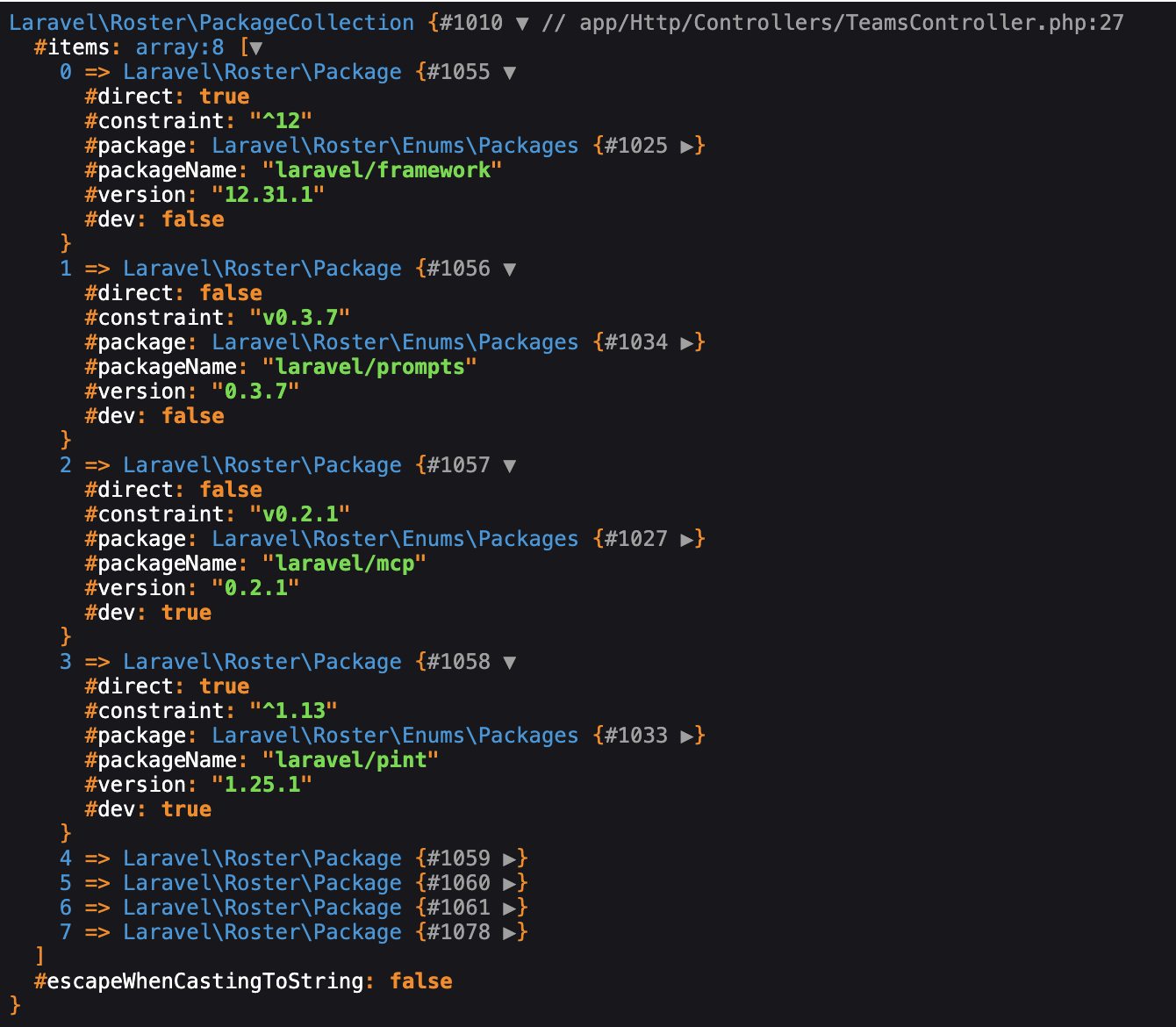
// Get only packages that will be used in production$roster->packages()->production(); // Packages that are only used for dev$roster->packages()->dev();And to check for specific Laravel packages and versions in use:
use Laravel\Roster\Enums\Packages; $roster->uses(Packages::MCP);$roster->uses(Packages::VUE); // it can check for certain NPM packages as well $roster->usesVersion(Packages::MCP, '0.2.0', '>=');While the Laravel team uses Roster primarily for their own internal development, if you’re a package developer, you may find it helpful as well. In fact, if you are using Laravel Boost, then Roster is already installed as a dependency.
View the source code for Roster on GitHub.










