
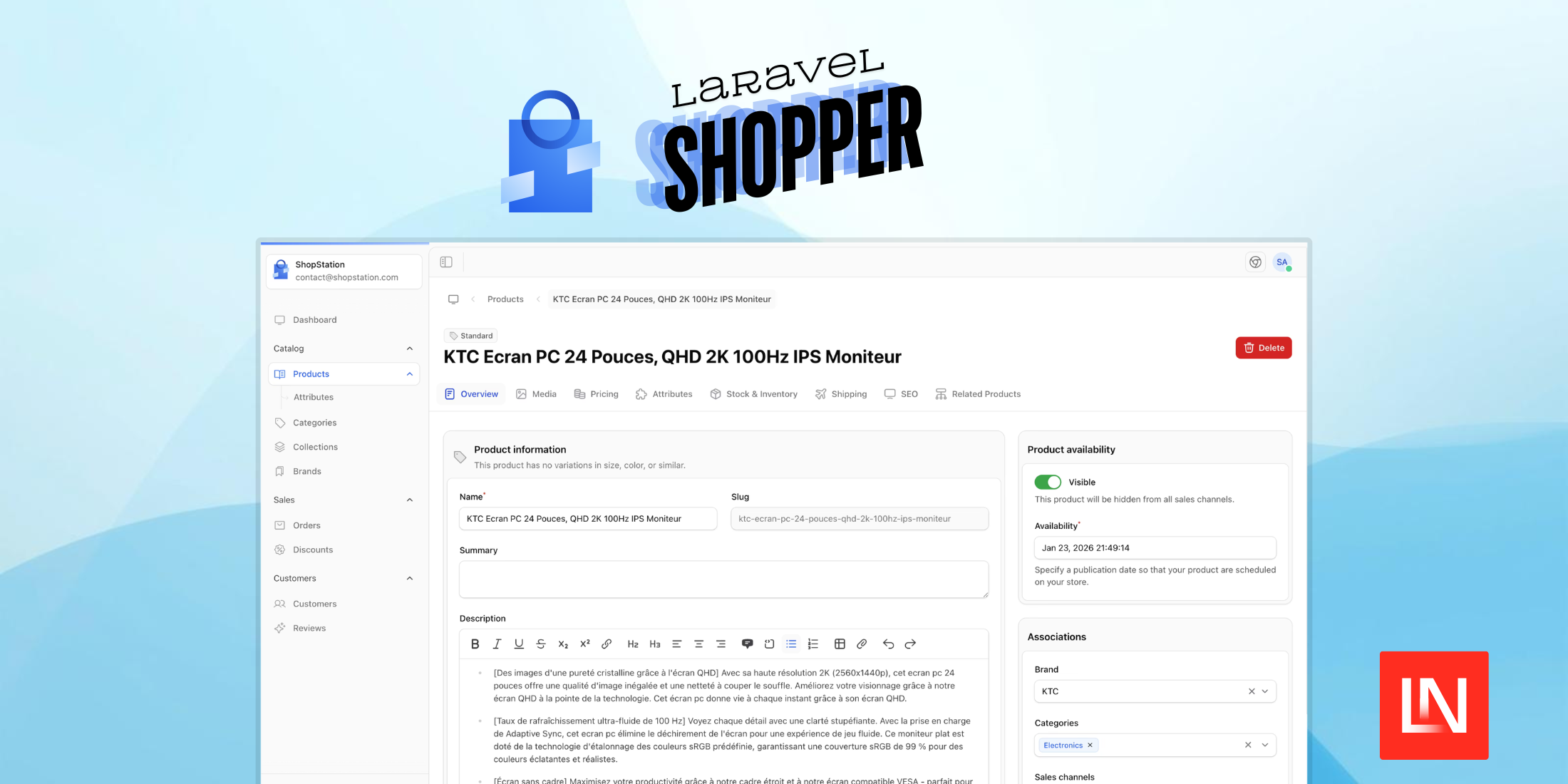
Laravel Shopper is an open-source headless e-commerce administration panel built on the TALL stack (Tailwind, Alpine, Laravel, Livewire). Rather than shipping a pre-built storefront, it focuses entirely on the back-office side — product catalogue, orders, customers, discounts, and team management — leaving you free to build the customer-facing frontend with whatever technology fits your project: React, Vue, Svelte, server-rendered Blade, or anything else.
Installation
Shopper requires Laravel 11+ and PHP 8+. Install the package and run the installer:
composer require shopper/frameworkphp artisan shopper:installThe install command runs migrations, seeds initial data, and sets up storage symlinks. Once that's done, create your first admin user:
php artisan shopper:userYou'll be prompted for a name, email, and password. The dashboard is then accessible at /cpanel/login.
What's in the Box
Products & Catalog
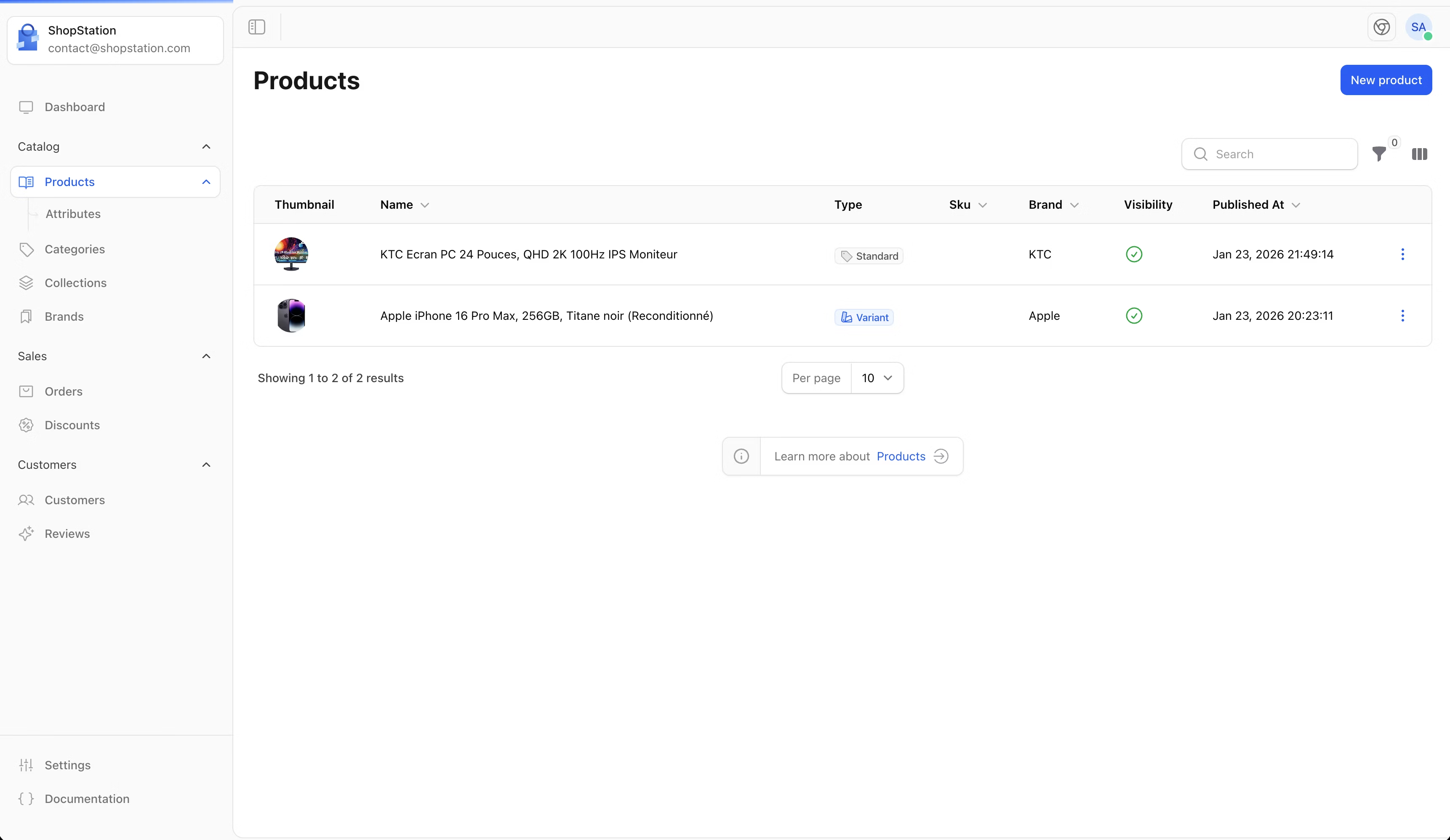
The catalogue system is built around products, variants, attributes, categories, collections, and brands. Products support multiple variants with independent pricing, inventory tracking, and image galleries. Collections work similarly to categories but are more flexible — you can add products to them explicitly or define criteria-based rules for automatic inclusion.
Orders
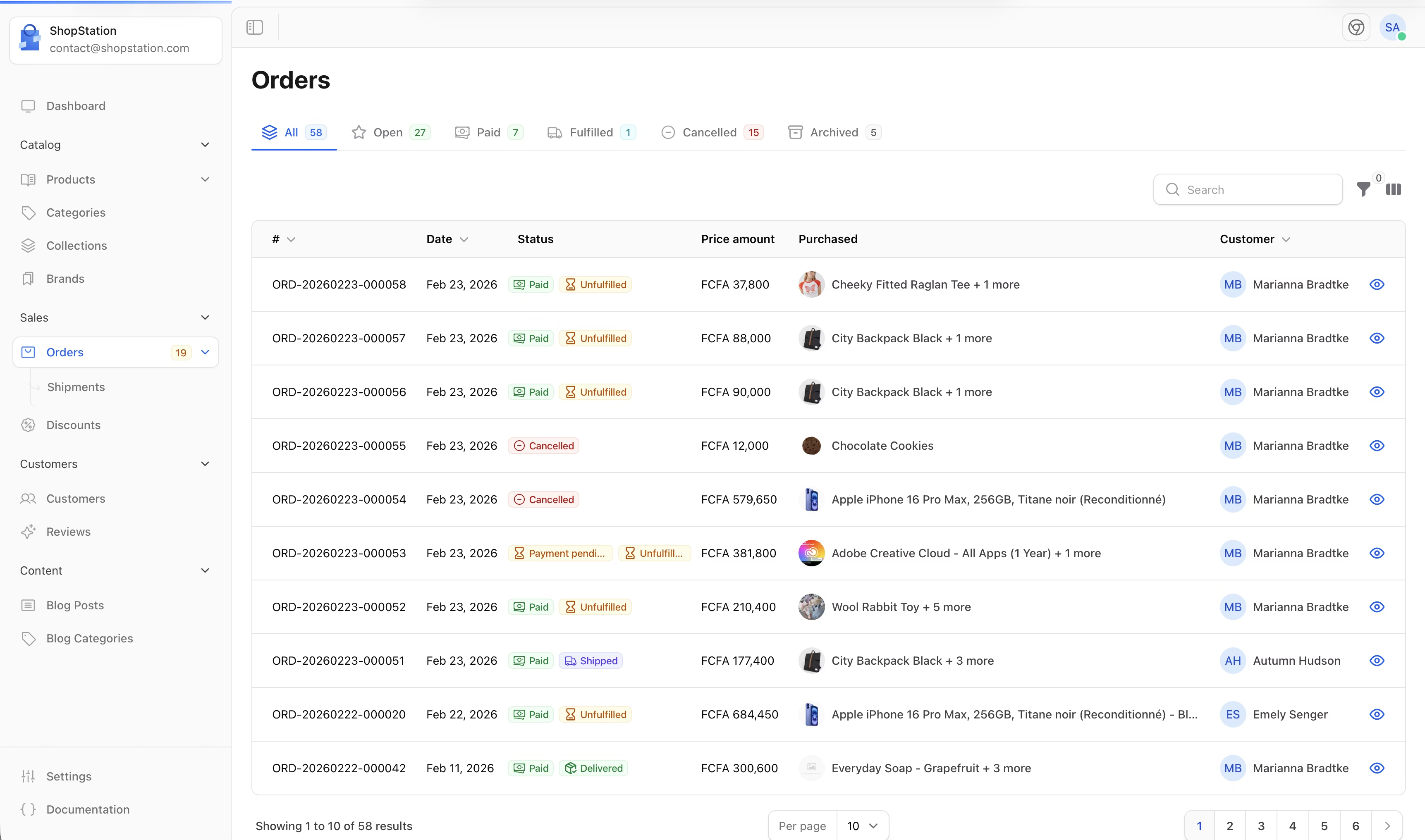
The order management interface provides a unified view of each order's lifecycle, including payment status, shipping details, and fulfilment. Store admins can process orders, update tracking information, and manage refunds from a single dashboard.
Customers
Customer profiles include purchase history, saved addresses, and contact information. The reviews module ties into this, letting customers leave feedback on products that admins can moderate.
Discounts
Discount codes support configurable conditions such as minimum order amounts, usage limits, and expiration dates. This covers common promotional scenarios without needing a separate plugin.
Roles & Permissions
Team access is managed through a role-based permission system. You can create staff accounts with scoped access — useful when you want your warehouse team to see orders and inventory but not pricing or discount configuration.
Two-Factor Authentication
Built-in 2FA is available for admin accounts, adding a second layer of security to the control panel without any extra setup.
Payment Gateway Integration
Shopper ships with a Stripe integration out of the box and a manual driver for cash-on-delivery or pay-in-person scenarios. The Stripe driver handles the full payment lifecycle — initiating a PaymentIntent, authorising, capturing, refunding, cancelling, and processing webhooks.
Configuration
The installer creates a config/shopper/ directory with separate files for admin settings, authentication, models, routes, and media. A few commonly adjusted options in config/shopper/admin.php:
'prefix' => env('SHOPPER_PREFIX', 'cpanel'), 'pages' => [ 'namespace' => 'App\\Livewire\\Shopper', 'view_path' => resource_path('views/livewire/shopper'),], 'brand' => null, // path to your logo, e.g. '/images/logo.svg''favicon' => null, 'locales' => [ 'en' => ['label' => 'English', 'flag' => 'gb'], 'fr' => ['label' => 'Français', 'flag' => 'fr'],],The prefix key controls the URL segment for the entire admin panel. The pages key sets the namespace and view path for custom Livewire pages you add to the control panel.
Store-level settings — shop name, currency, address, social links — are stored in a Setting model and cached for one day. A shopper_setting() helper retrieves any value by key:
$currency = shopper_setting('shop_currency'); // e.g., "USD"$storeName = shopper_setting('shop_name');Extending the Control Panel
Shopper is designed to be extended rather than forked. The config/shopper/components/ directory contains a separate file for each entity (products, orders, customers, etc.), letting you swap out any default Livewire component with your own implementation on a per-resource basis.
Navigation items can also be extended via a service provider, allowing you to add entries to the sidebar without touching the package source.
Starter Kits
If you'd rather not build the storefront from scratch, Shopper offers official starter kits that give you a working storefront to get started. The Livewire starter kit is available now, built with Livewire 3, Flux UI, and Tailwind CSS v4 — covering product browsing, cart management, multi-step checkout with Stripe, customer accounts, and multi-currency support. An Inertia starter kit supporting Vue and React is currently in development.
Install a kit with:
php artisan shopper:kit:install shopper/livewire-starter-kitThe command backs up your project, validates version requirements, copies the kit files, and installs dependencies. The code is yours to modify fully from there.
AI-Ready with Laravel Boost
Shopper ships with built-in Laravel Boost support, providing three specialised skills that help AI agents understand the codebase from the first prompt. When installed, Boost detects the guidelines and skills automatically — no extra configuration needed:
shopper-development— coding standards, model patterns, and conventionsshopper-livewire— Livewire components with Filament Forms & Tablesextending-shopper— sidebar, events, overrides, and customisation
Works with Claude Code, Cursor, Windsurf, GitHub Copilot, and any other tool that supports Laravel Boost.
You can find the source on GitHub and the full documentation at docs.laravelshopper.dev.











