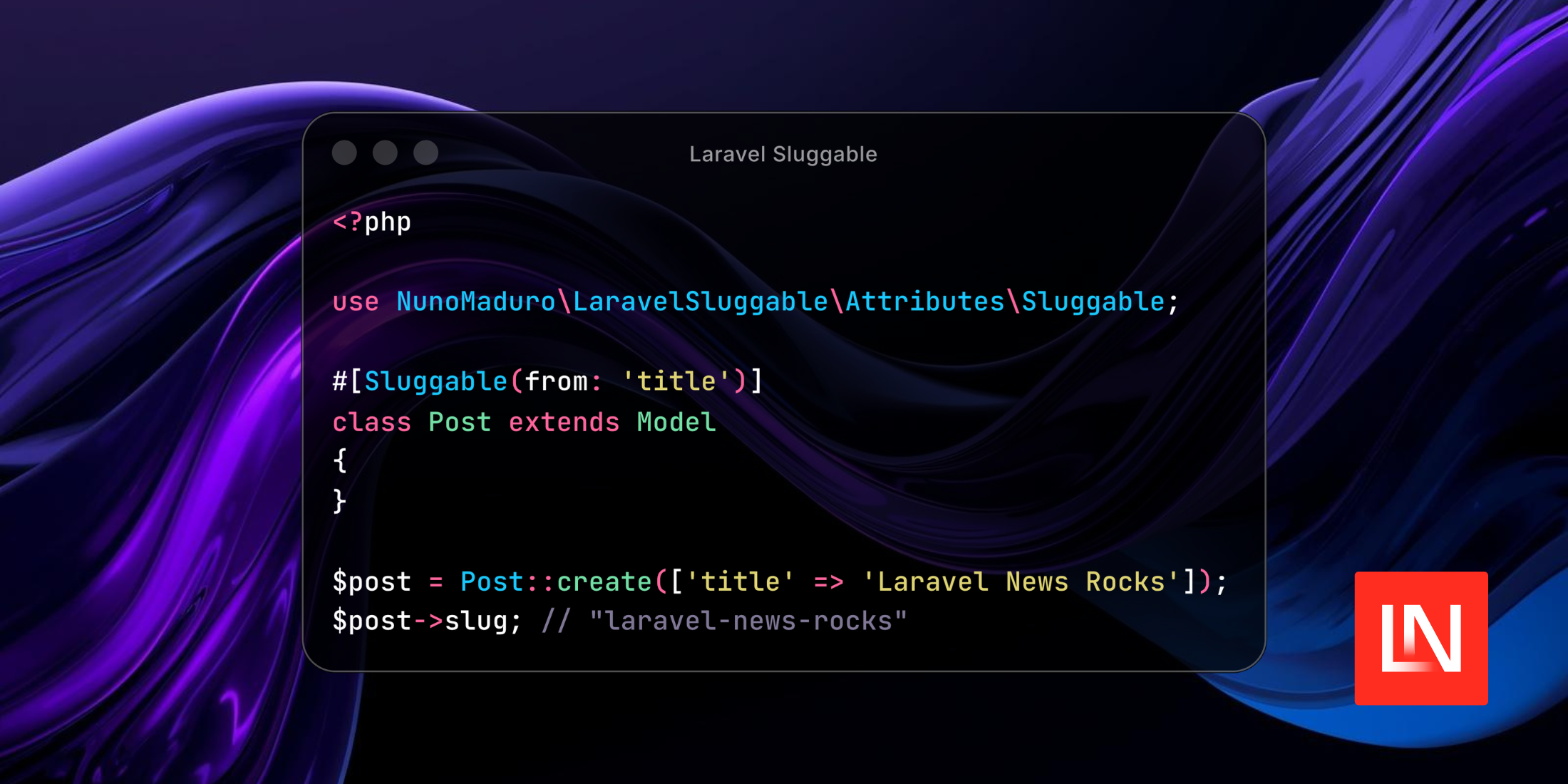
Nuno Maduro released Laravel Sluggable, a package for automatic slug generation on Eloquent models. Rather than reaching for a trait or a base class, the package uses a single PHP attribute #[Sluggable], placed directly on the model.
Beyond the basics, it covers the edge cases that tend to surface in real apps: collision handling, scoped uniqueness (per-tenant, per-locale), multi-column sources, soft-deleted record collisions, and full Unicode and CJK transliteration.
Get Started
Install the package via Composer:
composer require nunomaduro/laravel-sluggableNote: This package requires PHP 8.5+ and Laravel 13.5+
The quickest way to wire up a model is the included make:sluggable Artisan command:
php artisan make:sluggable PostIt reads your model's table schema, picks the most likely source column (title, name, headline, or subject), adds the #[Sluggable] attribute to the model class, and creates a migration in database/migrations:
use NunoMaduro\LaravelSluggable\Attributes\Sluggable; #[Sluggable(from: 'title')]class Post extends Model{}Schema::table('posts', function (Blueprint $table) { $table ->string('slug') // ->nullable() ->unique() ->after('id');});Review the migration before running it. You may need to make the column nullable if the table already has rows before you run php artisan migrate.
After that, slug generation is automatic:
$post = Post::create(['title' => 'Laravel News Rocks']);$post->slug; // "laravel-news-rocks"Configuration
All options live on the attribute itself. The from and to parameters control which columns are read and written, and from accepts an array when you want to combine multiple columns:
#[Sluggable(from: ['first_name', 'last_name'], to: 'slug')]class Author extends Model {} $author = Author::create(['first_name' => 'John', 'last_name' => 'Tolkien']);$author->slug; // "john-tolkien"For multi-tenant apps or anything with per-scope uniqueness, pass a scope column (or an array of columns):
#[Sluggable(from: 'title', scope: 'team_id')]Other notable options include maxLength to cap slug length, separator to swap out the dash, and onUpdating to regenerate the slug whenever the source column changes. By default, slugs are locked after creation — manually assigned slug values are always preserved regardless of this setting.
Error Handling
If a slug cannot be generated, the package throws a CouldNotGenerateSlugException. In HTTP contexts, it automatically renders as a 422 response with a validation-style error payload, so it drops into existing error handling without extra work. The error key defaults to the source column name but can be overridden via errorKey. Because it extends ValidationException, it won't show up in your application logs.
Unicode Support
The pipeline transliterates non-Latin scripts to readable Latin slugs and is domain-aware — values that look like hostnames or file paths keep their dots intact instead of being collapsed to dashes.
You can learn more about Laravel Sluggable on the projects GitHub repo.