Laravel Tutorials

Learn how to manage timezones in your Laravel Apps

Published

In this video, Ben Holmen teaches us how to manage timezones in your Laravel apps. Some of the highlights include:

  • Store all dates and times in UTC
  • Define a default application Timezone
  • Use Carbon macros for conversions
  • Either automatically or manually, allow the user to select their timezone

Here are the code samples used in the video:

In Application Timezone Macro

Carbon::macro('inApplicationTimezone', function() {
	return $this->tz(config('app.timezone_display'));
});

In User Timezone Macro

Carbon::macro('inUserTimezone', function() {
	return $this->tz(auth()->user()?->timezone ?? config('app.timezone_display'));
});

Give it a watch and learn all about Timezones and how to easily manage them!

Eric L. Barnes photo

Eric is the creator of Laravel News and has been covering Laravel since 2012.

Sponsored

laravelcloud logo
Laravel Cloud

Easily create and manage your servers and deploy your Laravel applications in seconds.

Visit Laravel Cloud

The latest

View all →
Email Sending and Testing for Laravel in One Account image

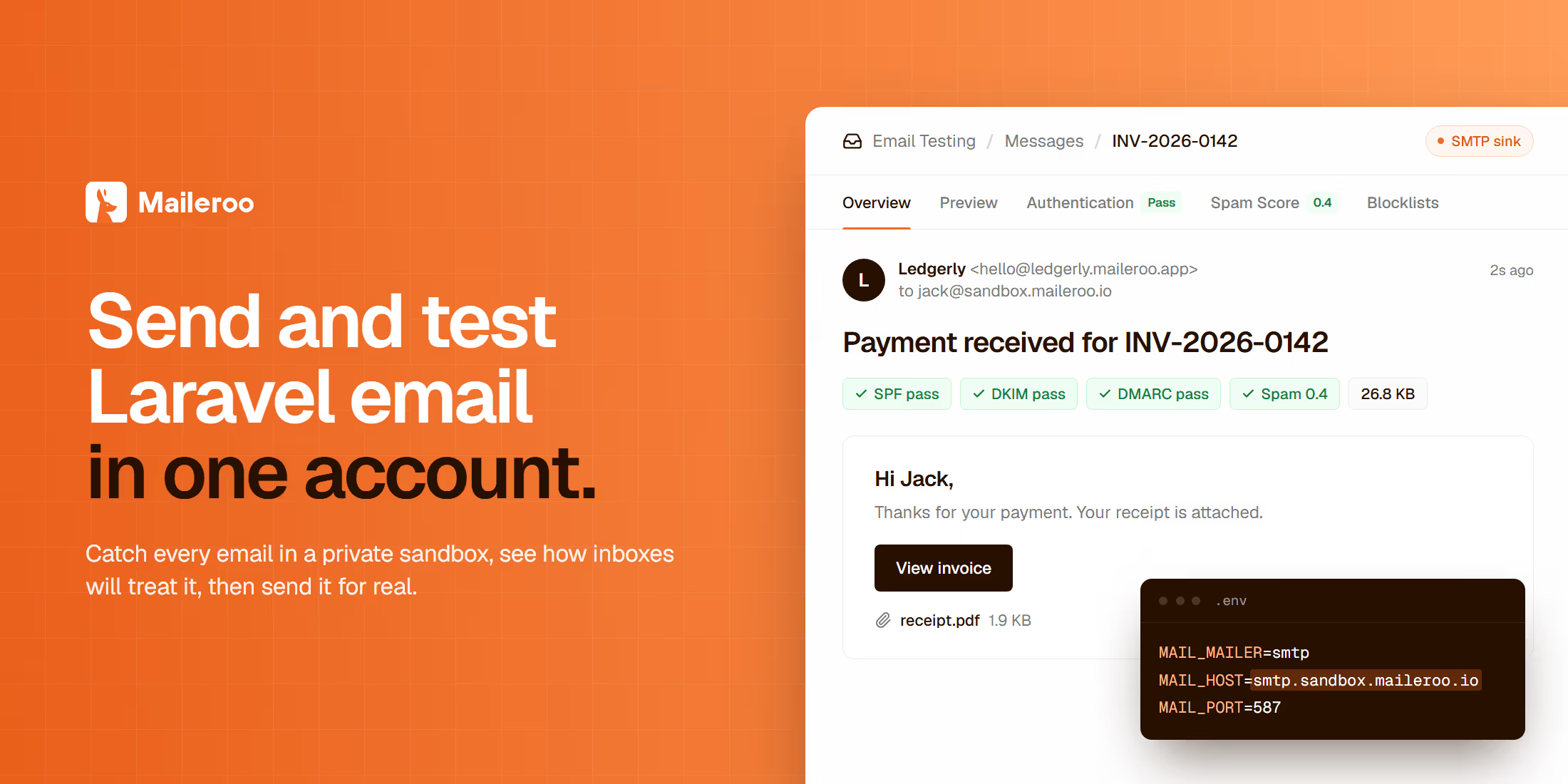
Email Sending and Testing for Laravel in One Account

Read article
Decide with Jev: Tie Every AI Check to the Exact Draft image

Decide with Jev: Tie Every AI Check to the Exact Draft

Read article
PIE 1.5 Changes PHP Extension Installs in CI image

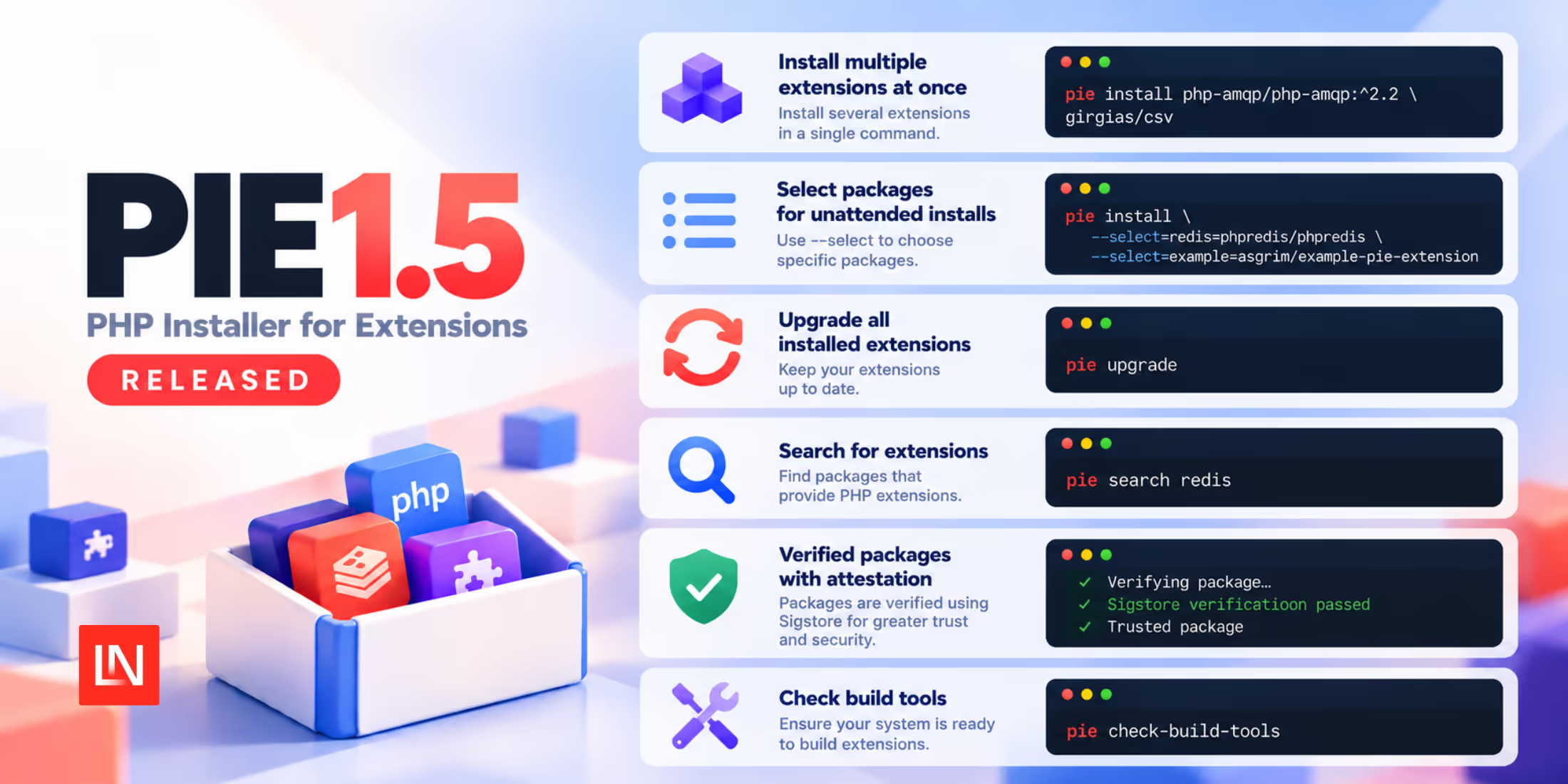
PIE 1.5 Changes PHP Extension Installs in CI

Read article
Delete Expired Sessions in Laravel With a Scheduled Command image

Delete Expired Sessions in Laravel With a Scheduled Command

Read article
Pollora: Run WordPress Inside a Laravel Application image

Pollora: Run WordPress Inside a Laravel Application

Read article
Scheduled Session Garbage Collection in Laravel 13.39 image

Scheduled Session Garbage Collection in Laravel 13.39

Read article