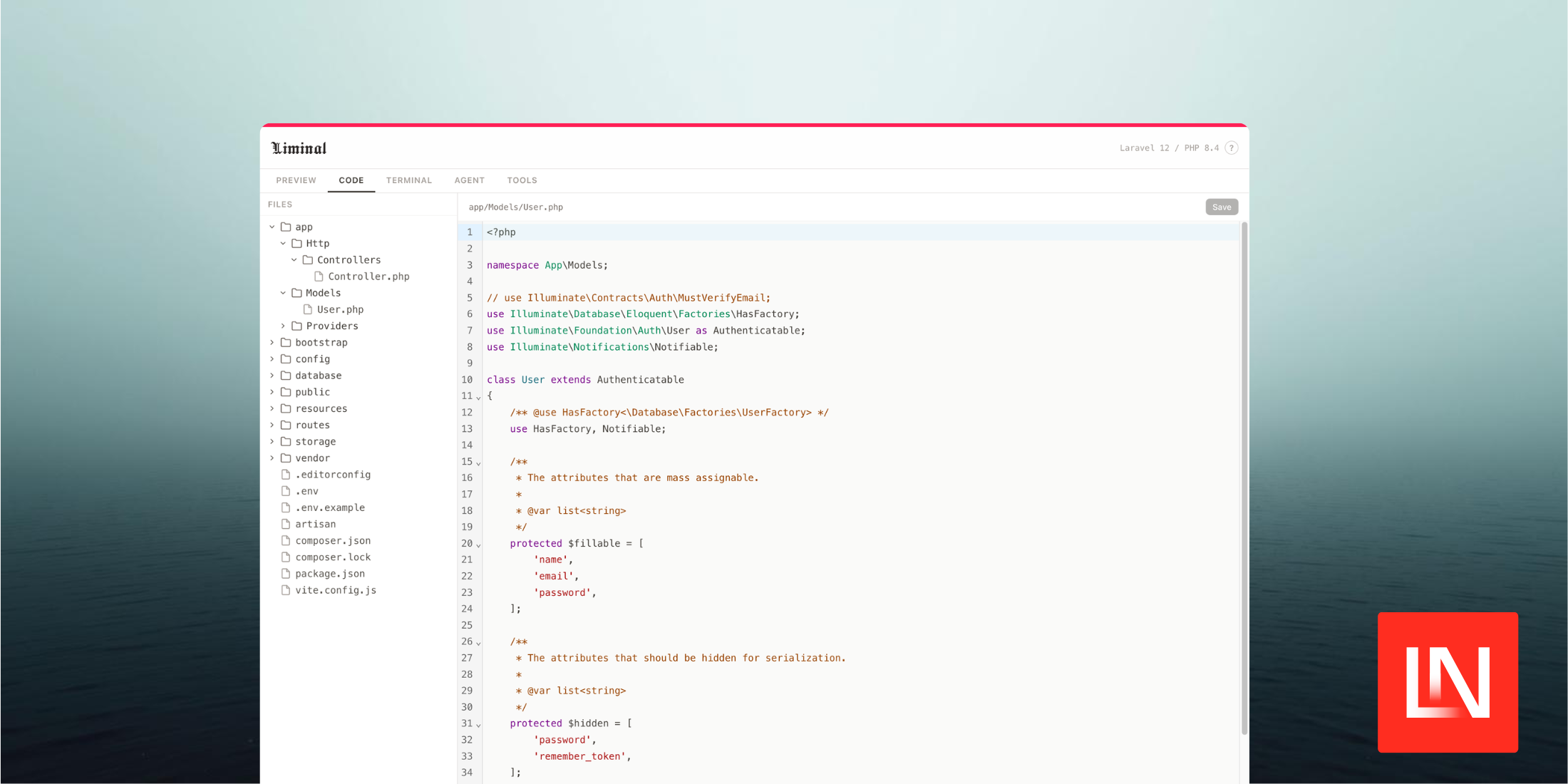
Liminal by Andrew Schmelyun is a browser-based IDE that lets you write, run, and preview Laravel applications entirely in the browser — no server setup, no local PHP installation required. It accomplishes this by running PHP 8.4 via WebAssembly.
What's Included
Once you have it running, you get a full development environment in a single browser tab:
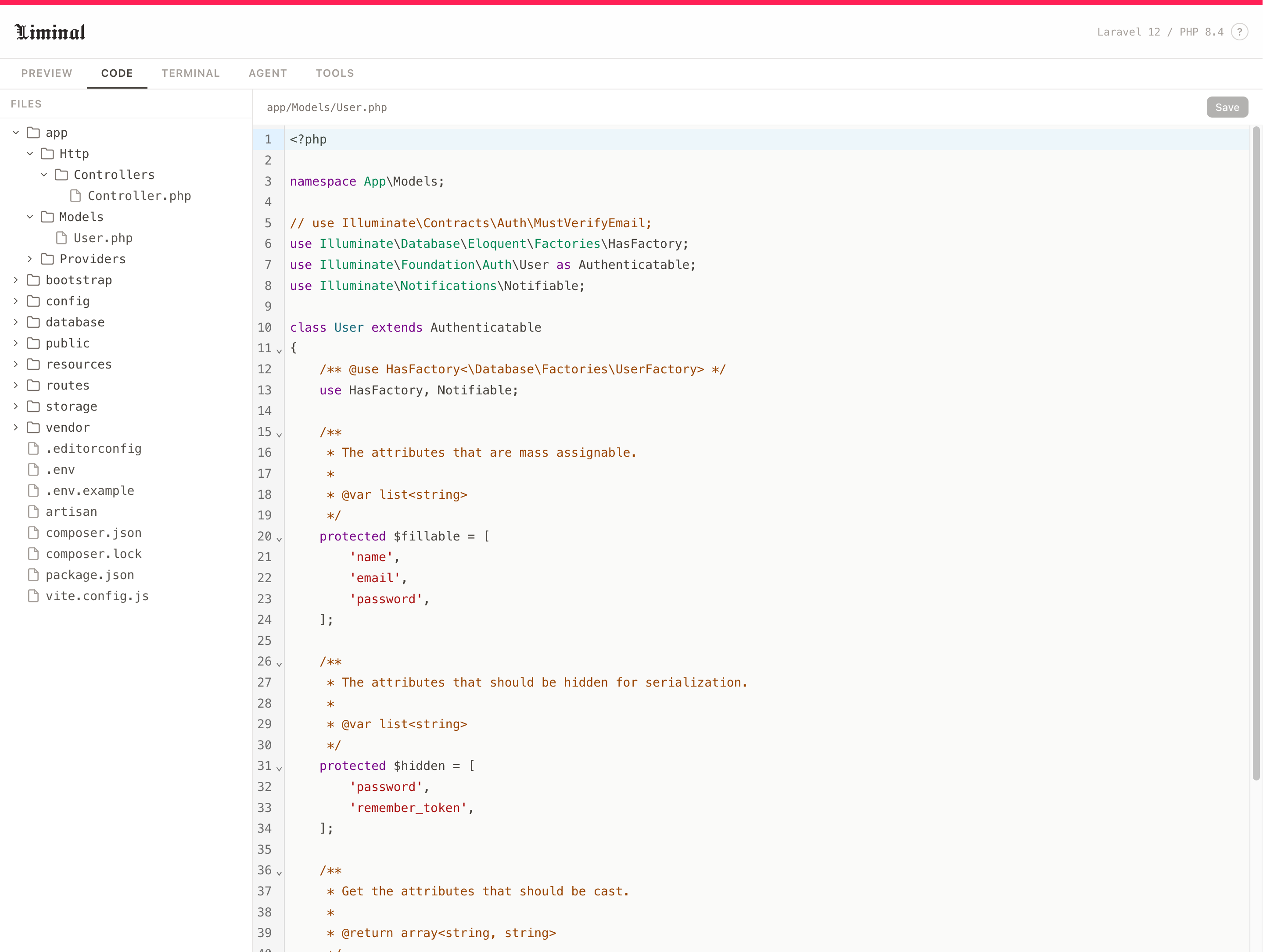
- Code editor — browse and edit files with syntax highlighting for PHP, Blade, JavaScript, TypeScript, JSON, and CSS (powered by CodeMirror 6)
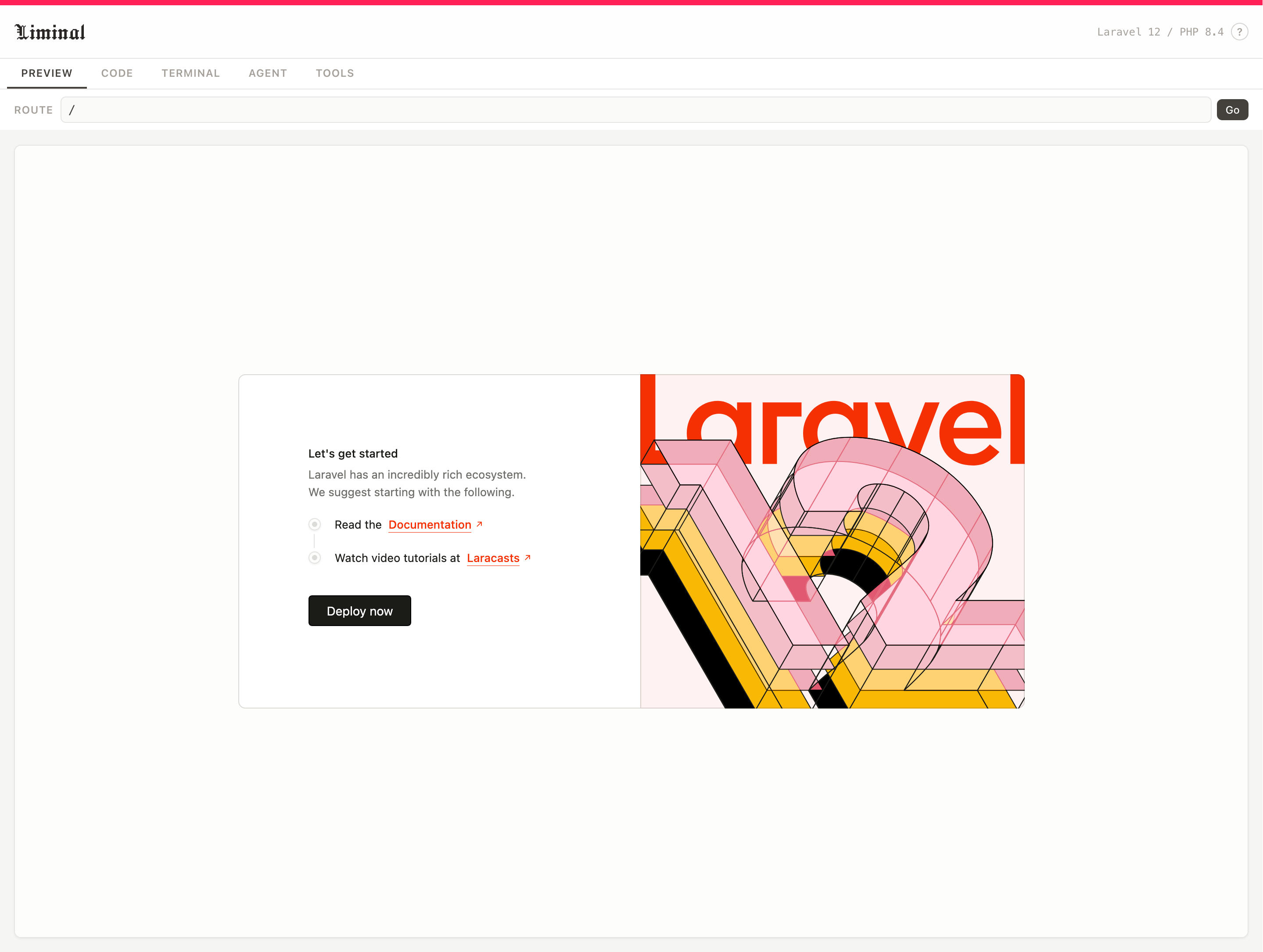
- Preview pane — navigate routes and see rendered HTML output, with Tailwind CSS v4 injected automatically
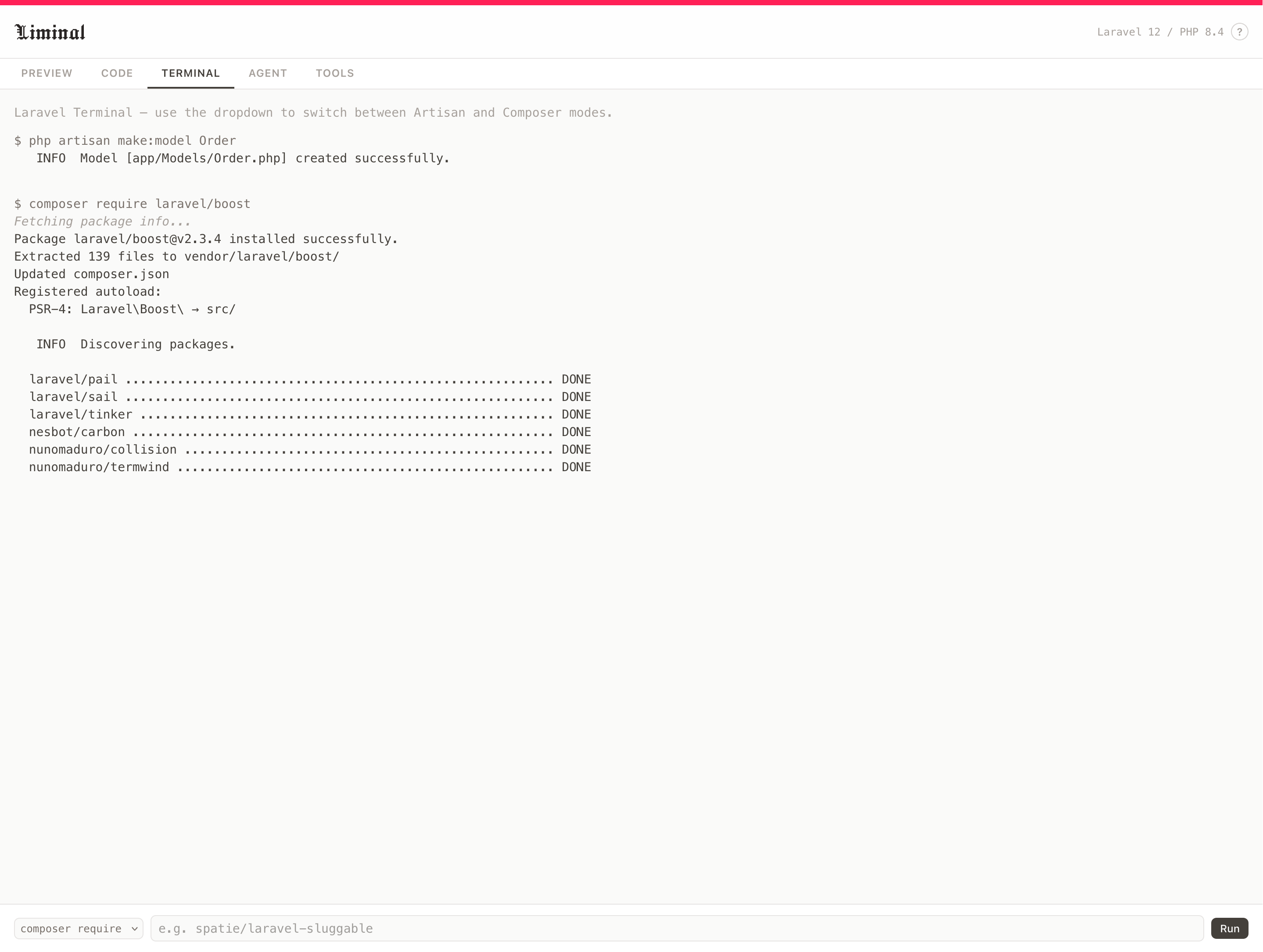
- Terminal — run Artisan commands with command history
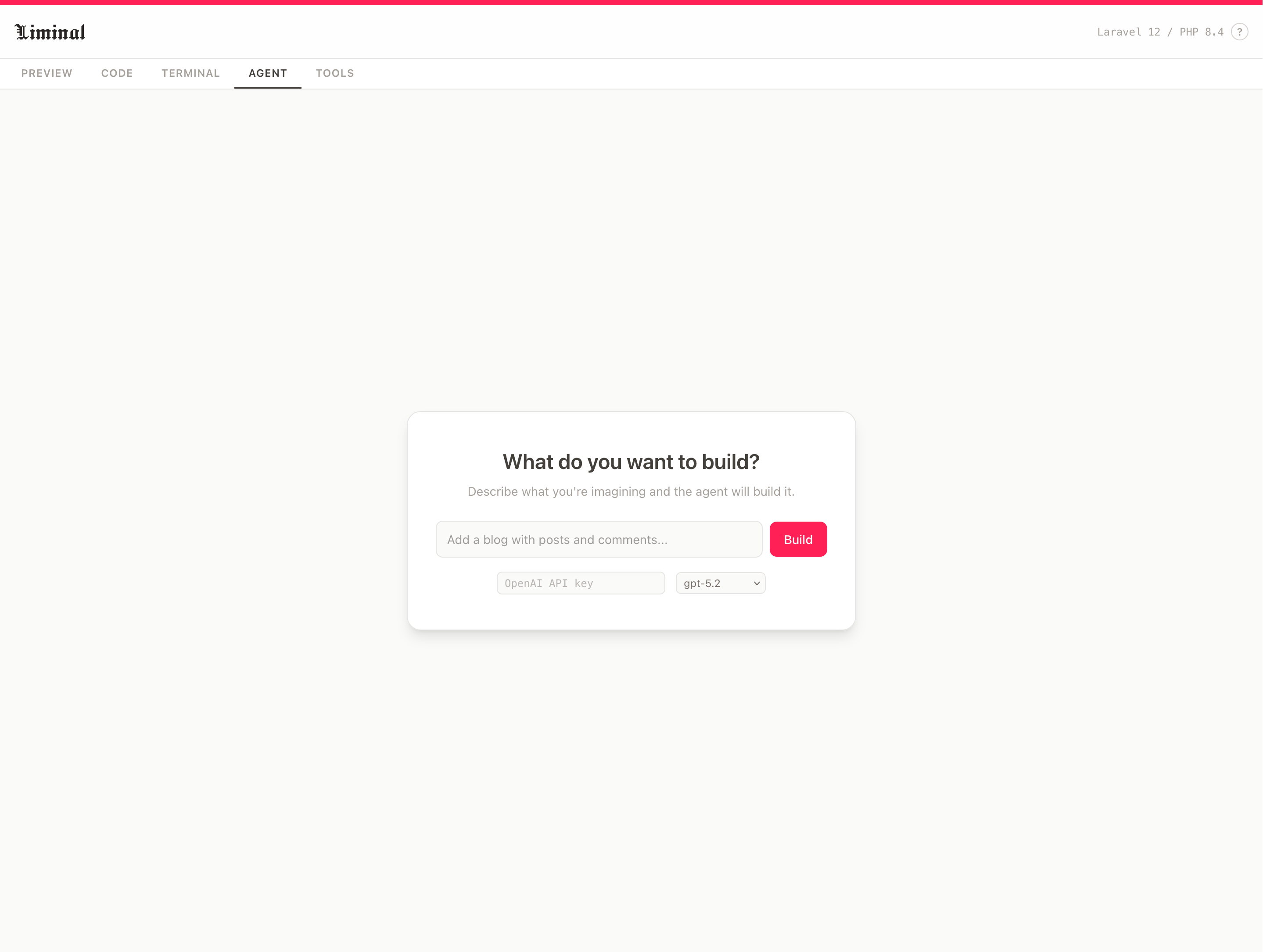
- AI agent — an OpenAI-powered assistant that can read and write files and execute commands on your behalf
Getting Started
Liminal isn't a Composer package you pull into an existing project. Instead, you clone the repository and build it locally:
git clone https://github.com/aschmelyun/liminalcd liminalbun installcd appcomposer install --no-dev --optimize-autoloadercd ..bun run buildbun run previewbun run build packages the Laravel application into public/app.zip, and runs type checking. bun run preview starts a local dev server and opens the IDE in your browser.
Sharing and Syncing
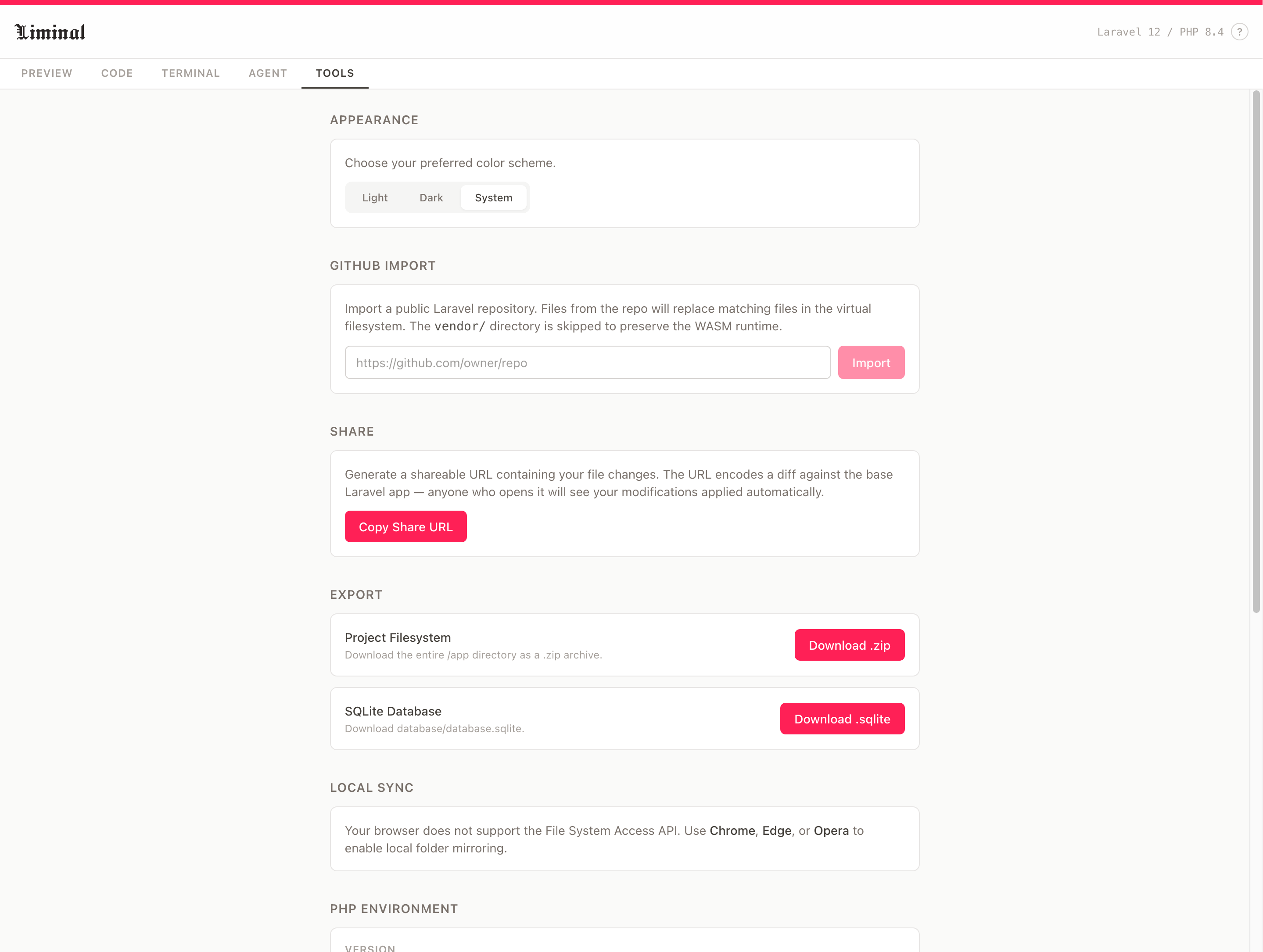
One of the more interesting features is shareable URLs. File changes are encoded directly into the URL, so you can share a link to a working example that anyone can open immediately in their own browser — no account or installation needed.
For local development, Liminal supports folder sync via the File System Access API, which mirrors the virtual filesystem to a directory on your machine. You can also import directly from a GitHub repository or export your work as a .zip file.
Limitations
Running PHP in WebAssembly comes with some trade-offs worth knowing about:
- No external network access from PHP code
- The pre-bundled vendor directory cannot be modified
- SQLite only — no MySQL or PostgreSQL
- Performance is slower than native PHP
Under the Hood
The project is built with Vue 3, TypeScript, Vite, Tailwind CSS v4, and CodeMirror 6. PHP runs in-browser via the @php-wasm/web-8.4 package.
It's an impressive proof of concept for what's possible with WebAssembly in the PHP ecosystem, and a handy tool for quick prototyping, live demos, or sharing reproducible Laravel examples without spinning up a full environment.
You can find the source on GitHub, or give it a try directly at liminal.aschmelyun.com.