Laravel’s included auth system is a great way of scaffolding out a basic flow for authenticating users through a complete registration, login, logout, and forgot password system.
When it’s all setup the login and password reset validation is stored in an AuthenticatesUsers and ResetsPasswords trait. Even though it’s a little hidden away it’s still easy to adjust this to your needs. Let’s take a look at how to adjust this:
Login Validation
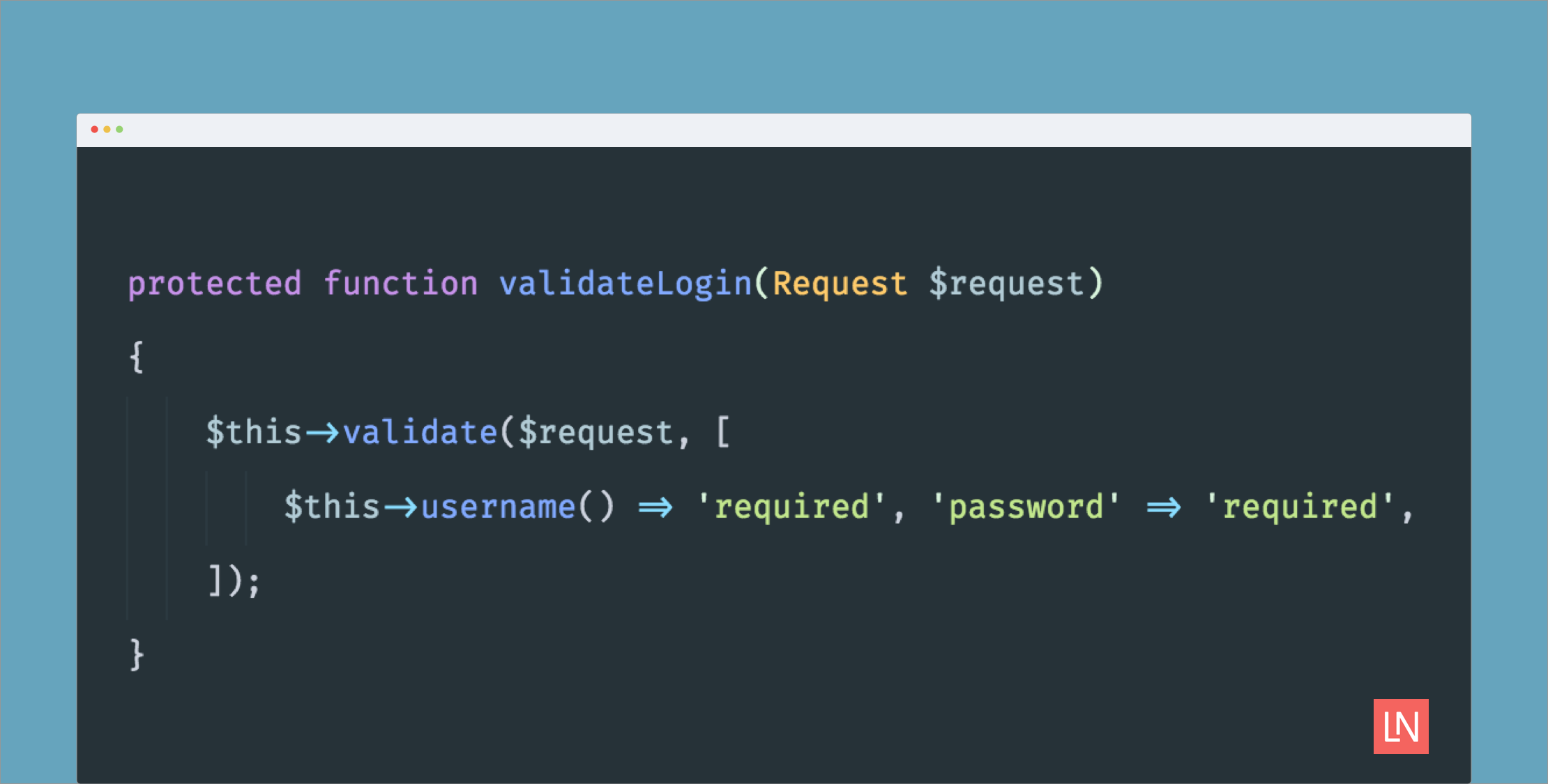
By default, the LoginController is a class that only includes the middleware and it uses the Illuminate\Foundation\Auth\AuthenticatesUsers trait. If you open this trait you will find a validateLogin method:
protected function validateLogin(Request $request)
    {
        $this->validate($request, [
            $this->username() => 'required', 'password' => 'required',
        ]);
    }
If you would like to change this an easy way is to copy this whole method and past it into your LoginController and then make any changes you need. Just be sure and add the use line.
<?php

namespace App\Http\Controllers\Auth;

use Illuminate\Http\Request;
use App\Http\Controllers\Controller;
use Illuminate\Foundation\Auth\AuthenticatesUsers;

class LoginController extends Controller
{
    use AuthenticatesUsers;

    public function __construct()
    {
        $this->middleware('guest', ['except' => 'logout']);
    }

    protected function validateLogin(Request $request)
    {
        $this->validate($request, [
            $this->username() => 'required',
            'password' => 'required',
            // new rules here
        ]);
    }
}
Reset Password Validation
Starting at v5.3.20 the reset password validation works the same way. Inside Illuminate\Foundation\Auth\ResetsPasswords it includes a rules method that you can extend by defining your own in the ResetPasswordController
protected function rules()
{
    return [
        'token' => 'required', 'email' => 'required|email',
        'password' => 'required|confirmed|min:6',
    ];
}
With Laravel having it setup this way it makes it easy for you to customize to suit your needs while accounting for the common use case.