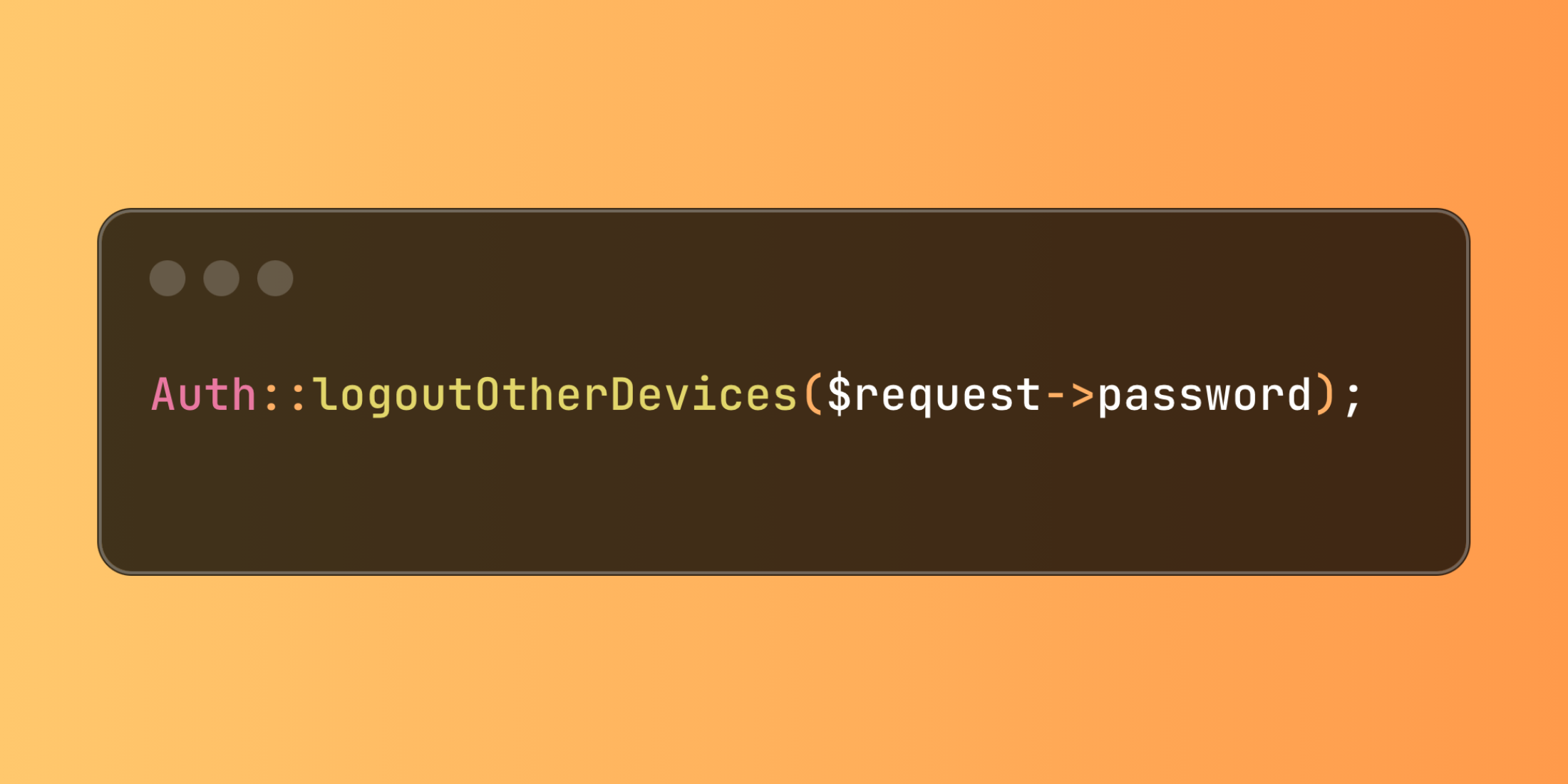
Laravel offers a robust security feature through Auth::logoutOtherDevices() that enables users to terminate their sessions across all devices except the current one. This capability is particularly valuable for maintaining account security in applications handling sensitive data.
You can implement this feature for proactive security measures, like responding to suspicious activities:
public function secureSessions(Request $request){ Auth::logoutOtherDevices($request->password); return back()->with('status', 'All other device sessions terminated');}The implementation requires the auth.session middleware for proper session management:
Route::middleware(['auth', 'auth.session'])->group(function () { // Protected routes});Here's a practical implementation for password updates with multi-device logout:
class SecurityController extends Controller{ public function updatePassword(Request $request) { $validated = $request->validate([ 'current_password' => 'required', 'new_password' => 'required|min:8|confirmed' ]); if (!Hash::check($request->current_password, Auth::user()->password)) { return back()->withErrors([ 'current_password' => 'Invalid password provided' ]); } Auth::logoutOtherDevices($request->current_password); Auth::user()->update([ 'password' => Hash::make($request->new_password) ]); return redirect('/dashboard') ->with('status', 'Password updated and other devices logged out'); }}This approach provides users with greater control over their account security while helping prevent unauthorised access through forgotten active sessions.