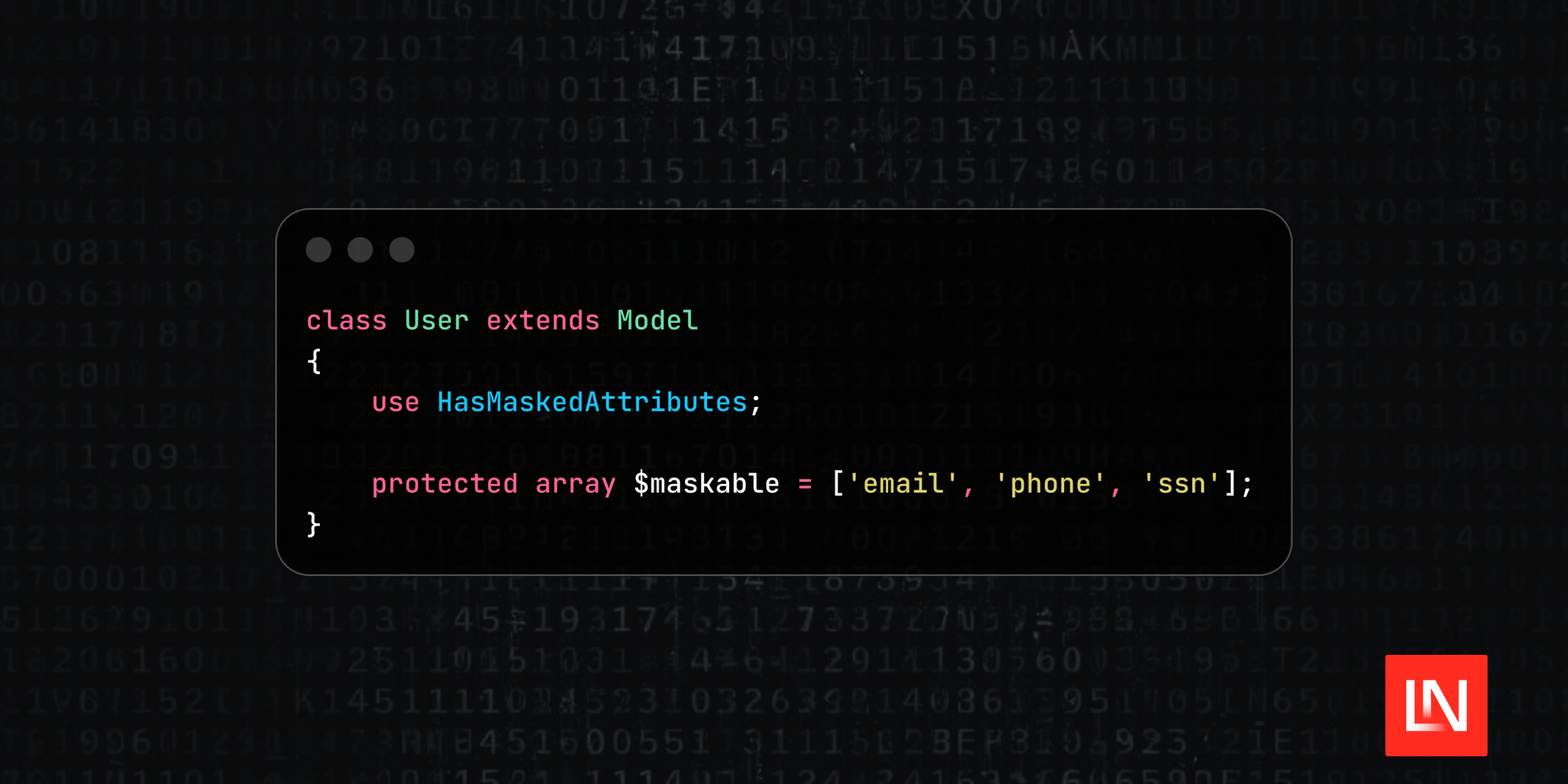
The Laravel Attribute Mask package by Fazle Rabbi automatically masks sensitive Eloquent model attributes when they are retrieved. This is useful when you need to display partial data, such as email addresses, phone numbers, or other sensitive information, without exposing the full values.
Main Features
- Automatic masking of attributes on retrieval
- Built-in support for email, phone, and text masking types
- Configurable mask character and visibility settings
- Global configuration or per-attribute rules
- Auto-detection of common phone field names
Defining Maskable Attributes
To start using this package, you add the HasMaskedAttributes trait to your model and define which attributes should be masked using either a maskables() method or a $maskable property:
use Irabbi360\LaravelAttributeMask\Concern\HasMaskedAttributes;
use Illuminate\Database\Eloquent\Model;

class User extends Model
{
    use HasMaskedAttributes;

	  // Alternatively, use the property syntax:
	  protected array $maskable = ['email', 'phone'];

    protected function maskables(): array
    {
        return ['email', 'phone'];
    }
}
Masking Behavior
Once configured, accessing masked attributes returns the masked version:
$user = User::find(1);

$user->email; // t**t@example.com
$user->phone; // 123****90
Retrieving Original Values
When you need to access the original unmasked value, use the getOriginal() method:
$user->getOriginal('email'); // test@example.com
Configuration Options
The published config file (config/attribute-mask.php) provides control over masking behavior that lets you customize it for your needs:
return [
    'enabled' => true,
    'mask_char' => '*',

    'email_masking' => [
        'show_domain' => true,
        'show_start' => 1,
        'show_end' => 1,
    ],

    'phone_masking' => [
        'show_start' => 3,
        'show_end' => 2,
        'patterns' => ['phone', 'phone_number', 'mobile', 'mobile_number'],
    ],

    'text_masking' => [
        'show_start' => 3,
        'show_end' => 3,
    ],
];
The patterns array under phone_masking allows the package to auto-detect phone fields by their attribute names.
Getting Started
Install the package via Composer:
composer require irabbi360/laravel-attribute-mask
Publish the configuration file:
php artisan vendor:publish --tag="attribute-mask-config"
For more information and source code, visit the Laravel Attribute Mask repository on GitHub.