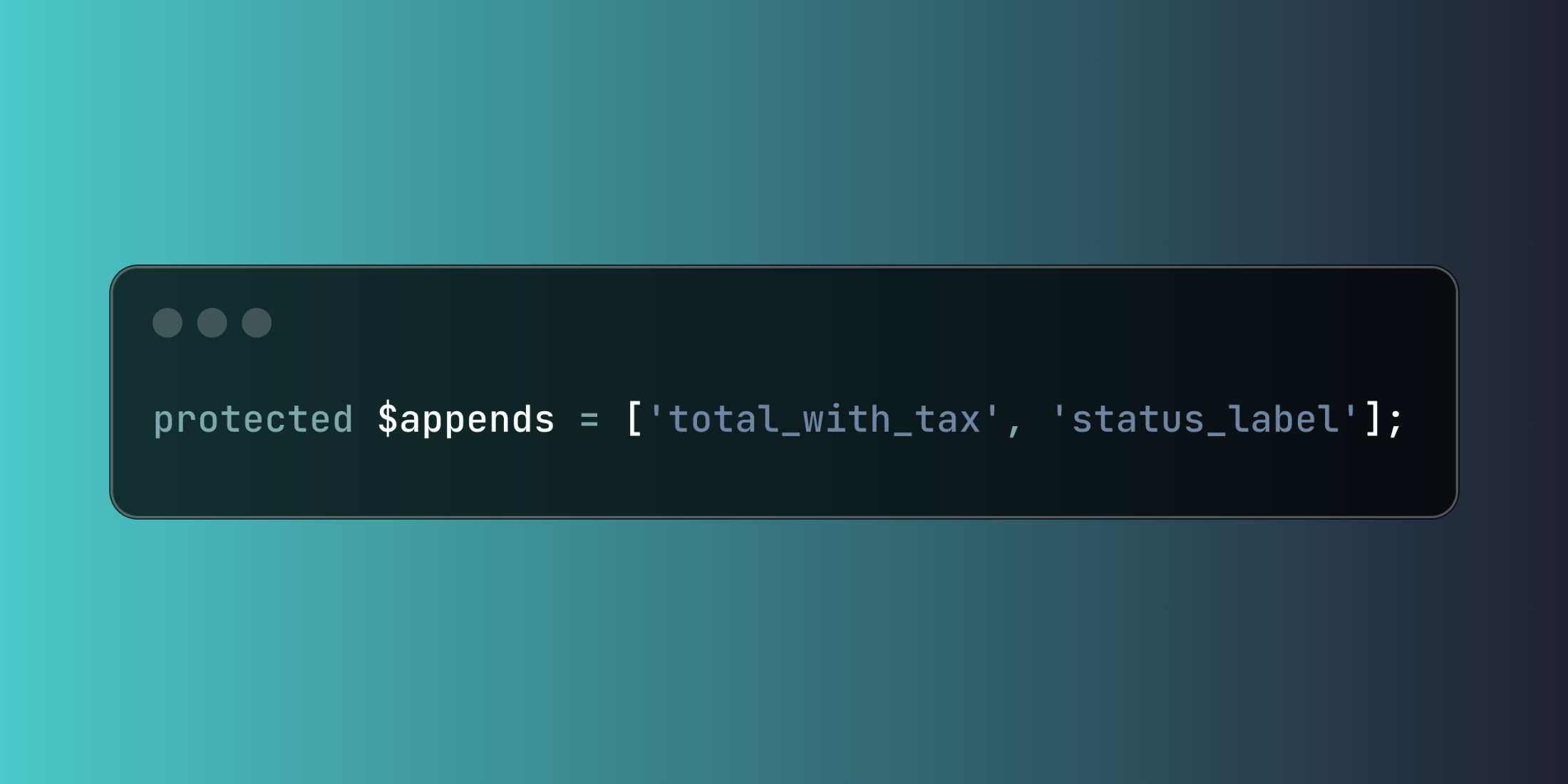
Laravel's model appending feature allows you to include computed attributes in JSON responses, enriching your API output with derived values without modifying the underlying database structure.
Define accessors using Laravel's Attribute class to create computed properties:
<?php namespace App\Models; use Illuminate\Database\Eloquent\Casts\Attribute;use Illuminate\Database\Eloquent\Model; class Order extends Model{ protected function totalWithTax(): Attribute { return new Attribute( get: fn () => $this->subtotal * (1 + $this->tax_rate), ); }}Include these computed values in JSON output by adding them to the $appends property.
class Order extends Model{ protected $appends = ['total_with_tax', 'status_label']; protected function statusLabel(): Attribute { return new Attribute( get: fn () => match($this->status) { 'pending' => 'Awaiting Payment', 'processing' => 'Being Prepared', 'shipped' => 'On the Way', 'delivered' => 'Completed', default => 'Unknown Status' } ); }}Here's a comprehensive e-commerce product model showcasing various appending techniques:
<?php namespace App\Models; use Illuminate\Database\Eloquent\Casts\Attribute;use Illuminate\Database\Eloquent\Model; class Product extends Model{ protected $appends = [ 'display_price', 'availability_status', 'discount_percentage', 'rating_summary' ]; protected function displayPrice(): Attribute { return new Attribute( get: function () { if ($this->sale_price && $this->sale_price < $this->regular_price) { return [ 'current' => '$' . number_format($this->sale_price, 2), 'original' => '$' . number_format($this->regular_price, 2), 'on_sale' => true ]; } return [ 'current' => '$' . number_format($this->regular_price, 2), 'original' => null, 'on_sale' => false ]; } ); } protected function availabilityStatus(): Attribute { return new Attribute( get: function () { if ($this->inventory_count <= 0) { return 'out_of_stock'; } if ($this->inventory_count <= 5) { return 'low_stock'; } return 'in_stock'; } ); } protected function discountPercentage(): Attribute { return new Attribute( get: function () { if (!$this->sale_price || $this->sale_price >= $this->regular_price) { return 0; } return round((($this->regular_price - $this->sale_price) / $this->regular_price) * 100); } ); } protected function ratingSummary(): Attribute { return new Attribute( get: function () { $reviewsCount = $this->whenCounted('reviews'); $averageRating = $this->reviews_avg_rating ?? 0; return [ 'average' => round($averageRating, 1), 'count' => $reviewsCount, 'stars' => $this->generateStarRating($averageRating) ]; } ); } public function reviews() { return $this->hasMany(Review::class); } public function category() { return $this->belongsTo(Category::class); } private function generateStarRating($rating) { $fullStars = floor($rating); $halfStar = ($rating - $fullStars) >= 0.5 ? 1 : 0; $emptyStars = 5 - $fullStars - $halfStar; return [ 'full' => $fullStars, 'half' => $halfStar, 'empty' => $emptyStars ]; } public function scopeWithReviewStats($query) { return $query->withCount('reviews') ->withAvg('reviews', 'rating'); }}You can also append attributes conditionally using the append method for dynamic scenarios:
$products = Product::withReviewStats()->get(); foreach ($products as $product) { if ($user->isAdmin()) { $product->append(['cost_analysis', 'profit_margin']); }} return response()->json($products);Model appending creates feature-rich API responses that provide clients with computed data while maintaining clean separation between stored and derived information.