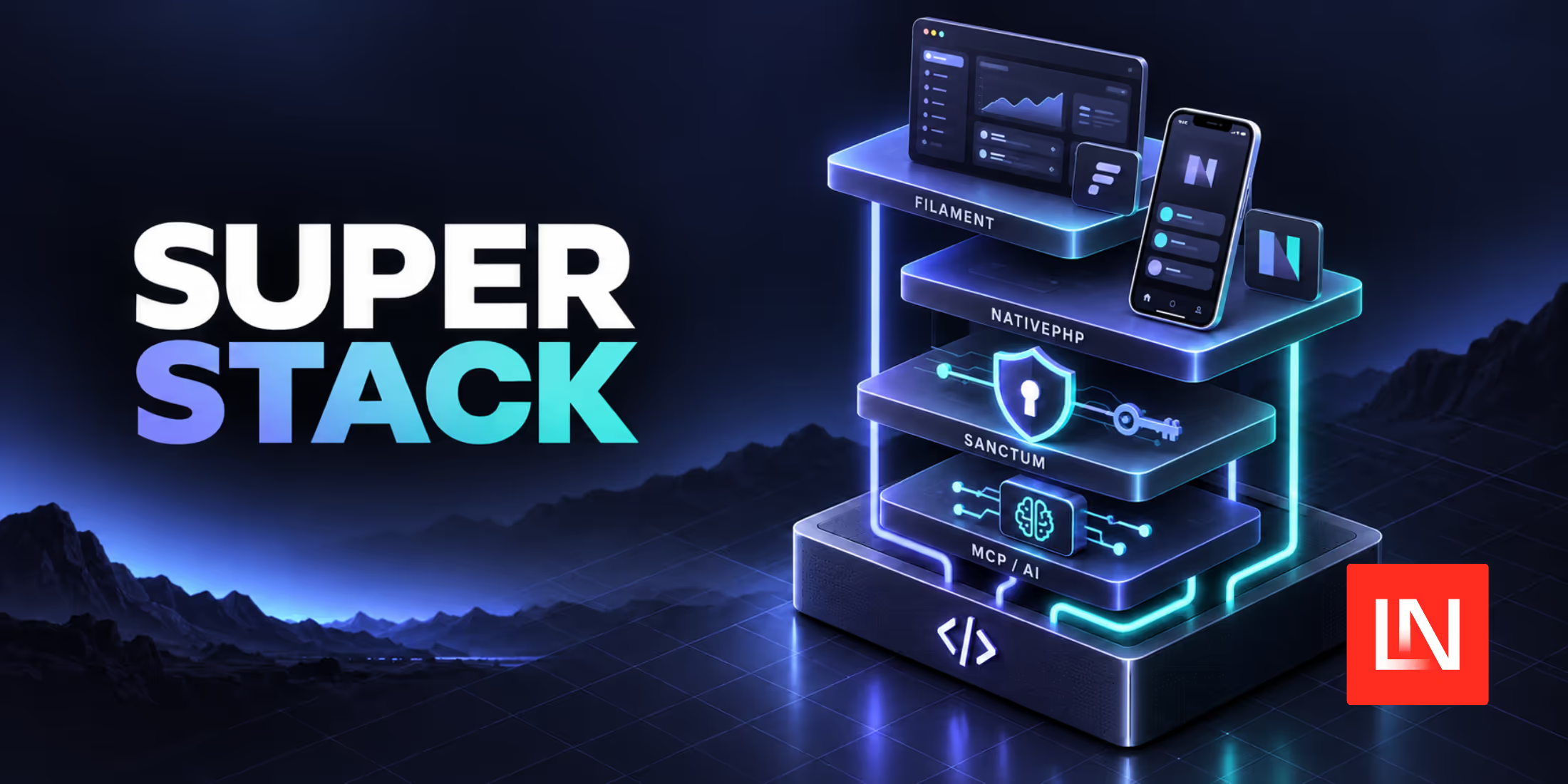
The NativePHP team has released Super Stack, an open-source Laravel starter kit with a web app, a Filament admin panel, a native mobile app, and an MCP server in one repository.
The kit started as a question on X. Povilas Korop asked whether people would use a Laravel starter with a web app, Filament admin, NativePHP mobile, and an MCP server for agents. Shane Rosenthal replied with Super Stack, which he described as "Web + Mobile + Admin + API + Robots."
What's Included
Super Stack is built for Laravel 13 and requires PHP 8.4 or later. Its home screen uses SuperNative from NativePHP v4, so one Blade template renders as native UI on iOS and Android and as HTML in a browser.
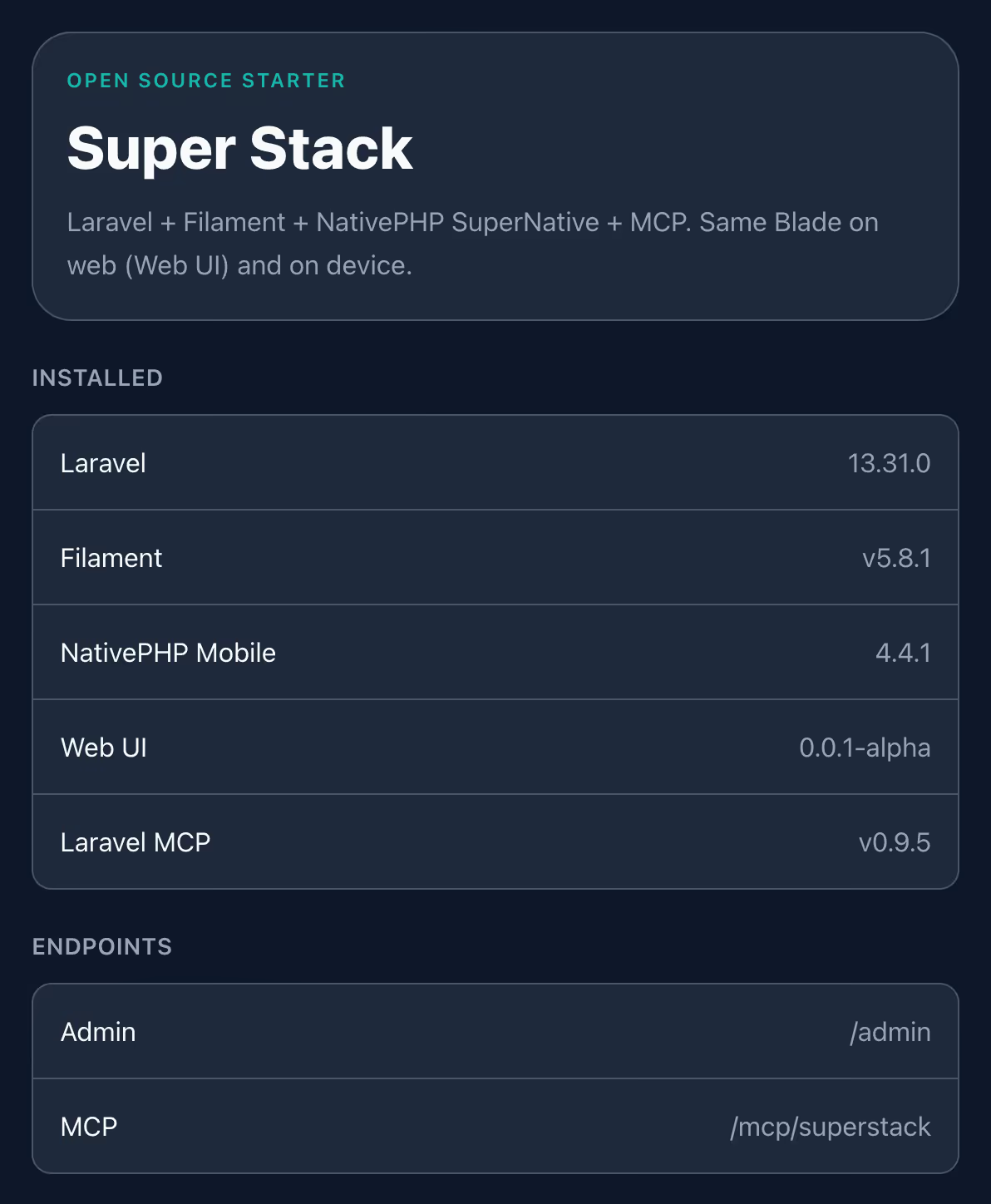
The web app also includes a Filament 5 admin panel at /admin, Sanctum for API tokens, and a Laravel MCP server at /mcp/superstack that AI agents can connect to. Its routes are in routes/ai.php. The admin panel and MCP server are excluded from the mobile build.
Note: The MCP server has no authentication configured. The README mentions that it is "fine for local exploration, not production-ready as-is," so add auth before you deploy it.
Getting Started
Create a project with the Laravel installer, run the migrations, then set up NativePHP and run the app:
laravel new my-app --using=nativephp/superstackcd my-appphp artisan migratephp artisan native:install both --no-interactionphp artisan native:runTo run the app on a device, you need Xcode or Android Studio. You can also try Jump, NativePHP's companion app, which previews the app on your phone without either one. Run php artisan native:jump and scan the QR code with the Jump app.
To sign in to the admin panel, create a user with php artisan make:filament-user.
Super Stack is MIT licensed. The source is on GitHub, and the announcement post has the full setup steps.