
Firebase Cloud Messaging (FCM) is a cross-platform messaging solution that enables you to send messages reliably. If you need to use FCM with Laravel, Abdelrazek Kandil has created Notifire, a package for sending FCM notifications with support for Laravel's notification system.
Features
- Easy integration with Laravel's notification system
- Support for both simple and complex FCM messages
- Fluent interface for building notifications
- Automatic logging of notification delivery status
- Database migration for storing FCM tokens
- Configurable default settings
Note: Ensure you already have a Firebase account and project configured, as you will need your Firebase Project ID from the Firebase Console as well as your Firebase service account credentials, which should be stored in a /storage/firebase.json file.
You can install this package using Composer, publish the package files, and run the migrations:
composer require devkandil/notifirephp artisan vendor:publish --provider="DevKandil\NotiFire\FcmServiceProvider"php artisan migrateThere are also some changes you will need to make to your User model, for example, adding the fcm_token field to your User model's $fillable array.
The package comes with an API endpoint /fcm/token in the built-in FcmController. The endpoint is automatically registered with the Laravel Sanctum authentication middleware so ensure Sanctum is already installed and your user is authenticated before making a request to the endpoint.
You can also add the HasFcm trait to your User model to easily manage FCM tokens. For example:
$user->getFcmToken();$user->updateFcmToken($token);Example
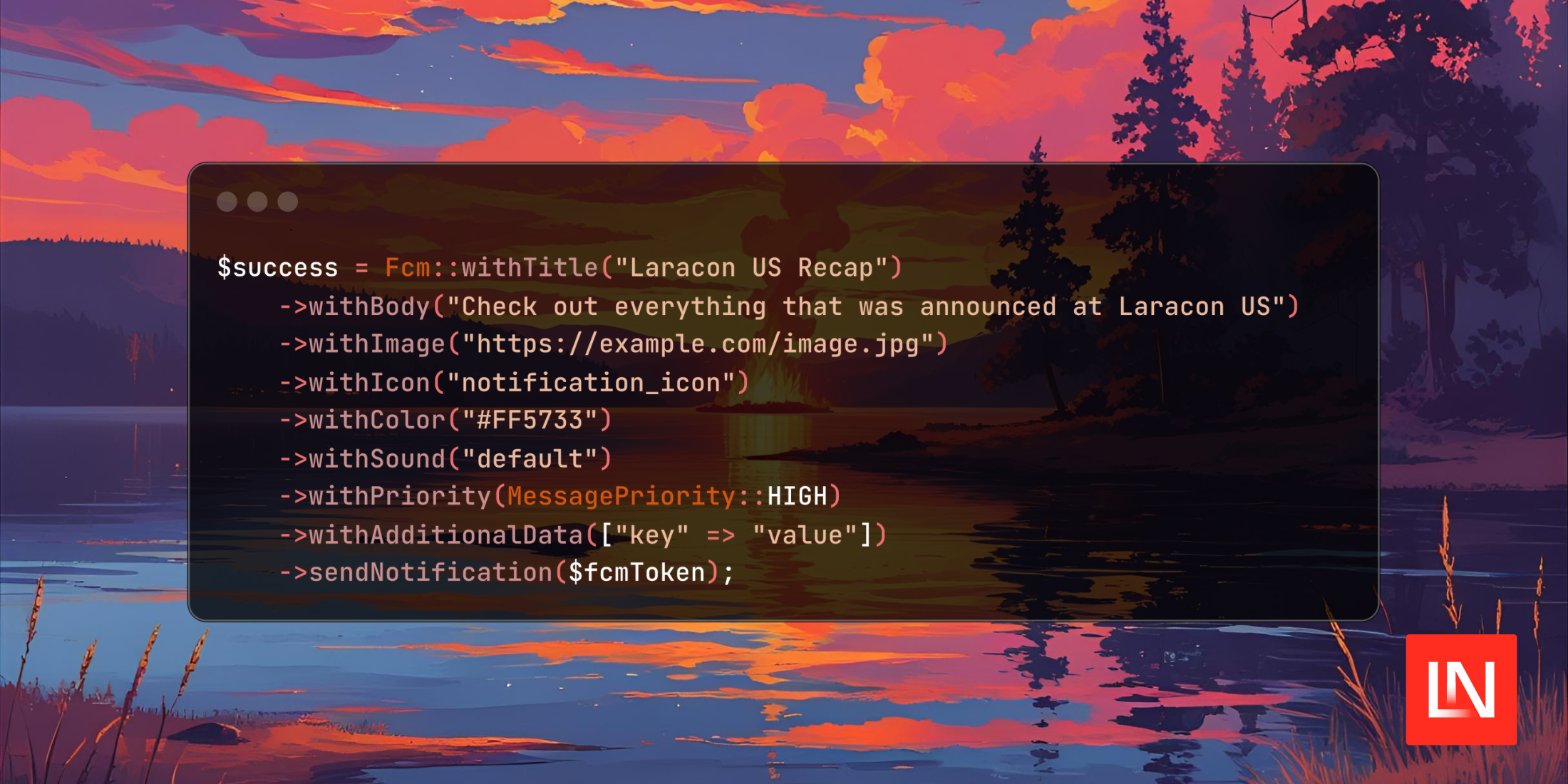
use DevKandil\NotiFire\Facades\Fcm; $user = Auth::user();$fcmToken = $user->getFcmToken(); $success = Fcm::withTitle('Laracon US Recap') ->withBody('Check out everything that was announced at Laracon US') ->withImage('https://example.com/image.jpg') ->withIcon("notification_icon") ->withColor("#FF5733") ->withSound('default') ->sendNotification($fcmToken);Using the Laravel Notification system, you could create a new Notification class like the following:
namespace App\Notifications; use DevKandil\NotiFire\Enums\MessagePriority;use DevKandil\NotiFire\FcmMessage;use Illuminate\Bus\Queueable;use Illuminate\Notifications\Notification; class NewAnnouncement extends Notification{ use Queueable; public function via(object $notifiable): array { return ['fcm']; } /** * Get the FCM representation of the notification. */ public function toFcm(object $notifiable): FcmMessage { return FcmMessage::create('Laravel AI Boost', 'Laravel AI Boost is coming soon!') ->image('https://example.com/image.jpg') ->sound('default') ->clickAction('OPEN_ACTIVITY') ->icon('notification_icon') ->color('#FF5733') ->priority(MessagePriority::HIGH) ->data([ 'timestamp' => now()->toIso8601String(), ]); }}And then trigger the notification with:
use \App\Notifications; $user->notify(new NewAnnouncement());Learn more about this package and view the source code on GitHub.











