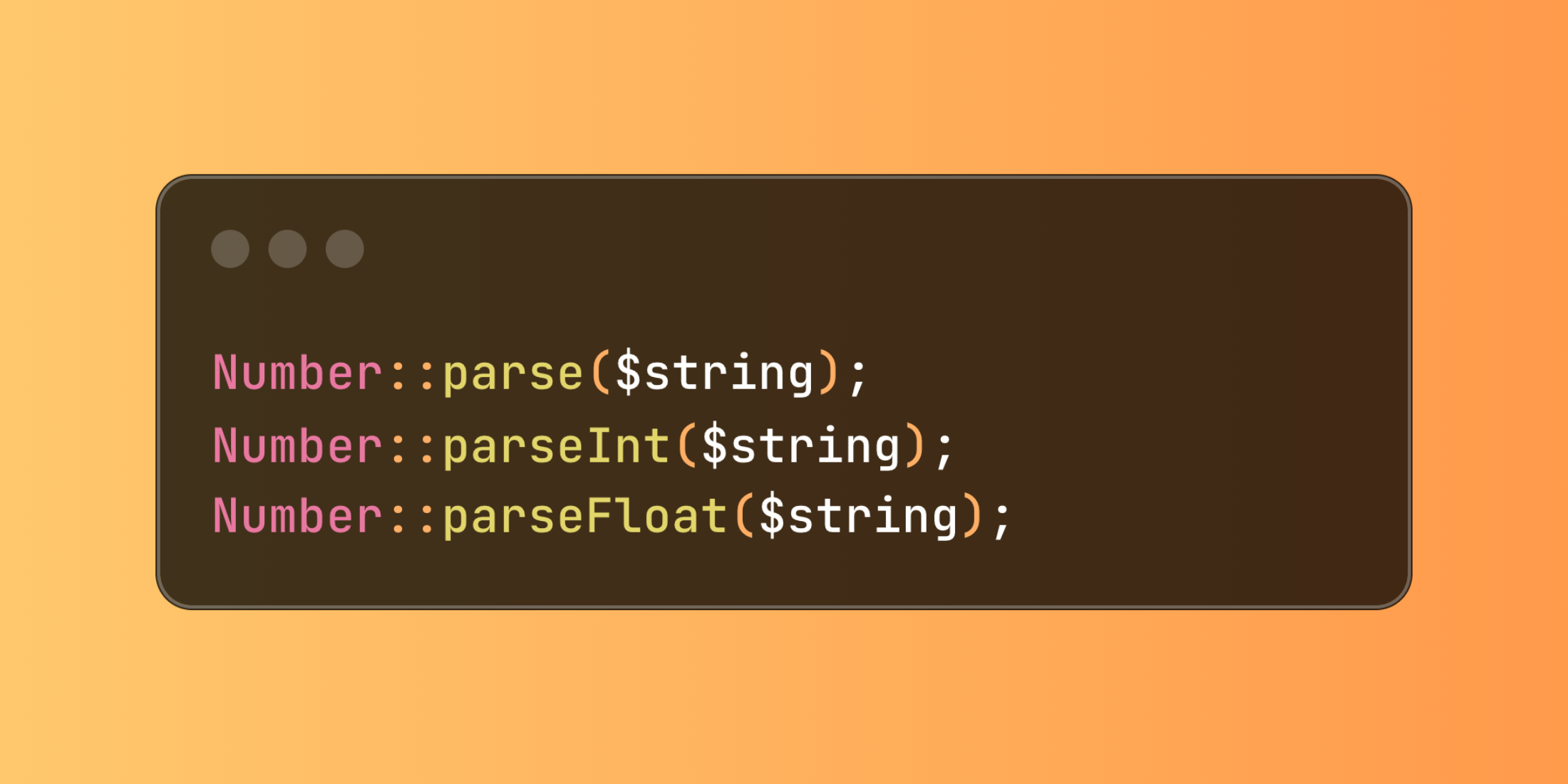
Laravel's Number class introduces parsing methods that handle locale-specific number formats using PHP's Intl extension, making international numeric data processing seamless.
Handle different locale formats automatically:
use Illuminate\Support\Number; Number::parse($string);Number::parseInt($string);Number::parseFloat($string); // With specific localeNumber::parseFloat(string: $string, locale: 'fr'); // With custom typeNumber::parse( string: $string, type: NumberFormatter::TYPE_INT64, locale: 'fr',);Here's how you might use these methods in a financial reporting system:
class FinancialDataProcessor{ public function processReportData(array $reportData, string $locale) { return [ 'revenue' => Number::parseFloat($reportData['revenue'], locale: $locale), 'expenses' => Number::parseFloat($reportData['expenses'], locale: $locale), 'transactions' => Number::parseInt($reportData['transactions'], locale: $locale), 'margin' => Number::parse( string: $reportData['margin'], type: NumberFormatter::TYPE_DOUBLE, locale: $locale ) ]; } public function importFinancialData(string $filePath, string $locale) { $records = []; foreach ($this->readSpreadsheet($filePath) as $row) { $records[] = [ 'amount' => Number::parseFloat($row['amount'], locale: $locale), 'commission' => Number::parseFloat($row['commission'], locale: $locale), 'units' => Number::parseInt($row['units'], locale: $locale) ]; } return $records; }} $processor = new FinancialDataProcessor(); // Italian format: "1.234,56" becomes 1234.56$italianData = $processor->processReportData([ 'revenue' => '1.234,56', 'expenses' => '456,78', 'transactions' => '25'], 'it'); // Spanish format: "1.234,56" becomes 1234.56$spanishData = $processor->processReportData([ 'revenue' => '1.234,56', 'expenses' => '456,78', 'transactions' => '25'], 'es');These parsing methods handle the complexity of different number formats automatically, making your international applications more robust and user-friendly.