Package
Devkandil Notifire
A Laravel package for sending Firebase Cloud Messaging (FCM) notifications
Laravel FCM Notifier 🔥📬
Send push notifications with style, grace, and a tiny bit of panic.
A Laravel package for sending Firebase Cloud Messaging (FCM) notifications with support for Laravel's notification system.
Why?
Because your app deserves to annoy users in real-time — respectfully, of course.
Features
- Easy integration with Laravel's notification system
- Support for both simple and complex FCM messages
- Fluent interface for building notifications
- Automatic logging of notification delivery status
- Database migration for storing FCM tokens
- Configurable default settings
Coming Soon
- More methods
- Better docs
- A therapist for your app’s notification anxiety
Installation
You can install the package via composer:
composer require devkandil/notifireConfiguration
- Publish the package files:
# Publish everythingphp artisan vendor:publish --provider="DevKandil\NotiFire\FcmServiceProvider" # Or publish specific componentsphp artisan vendor:publish --tag=fcm-config # Configuration filephp artisan vendor:publish --tag=fcm-migrations # Database migrationsphp artisan vendor:publish --tag=fcm-notifications # Example notificationphp artisan vendor:publish --tag=fcm-contracts # Interface contractsphp artisan vendor:publish --tag=fcm-enums # Enums (MessagePriority)php artisan vendor:publish --tag=fcm-traits # Traits (HasFcm)- Add your Firebase project ID to your
.envfile:
# Required: Your Firebase project ID from the Firebase ConsoleFIREBASE_PROJECT_ID=your-project-id- Place your Firebase service account credentials JSON file in your Laravel storage directory:
/storage/firebase.jsonImportant: Make sure to add this file to your
.gitignoreto keep your credentials secure.
If you need to use a different location for your credentials file, you can modify the credentials_path value in the published config file (config/fcm.php).
- Run the migrations:
php artisan migrate- Add the
fcm_tokenfield to your User model's$fillablearray:
// In App\Models\User.phpprotected $fillable = [ // existing fields... 'fcm_token',];This is required for the package to store FCM tokens in your user model.
Usage
Using the Facade
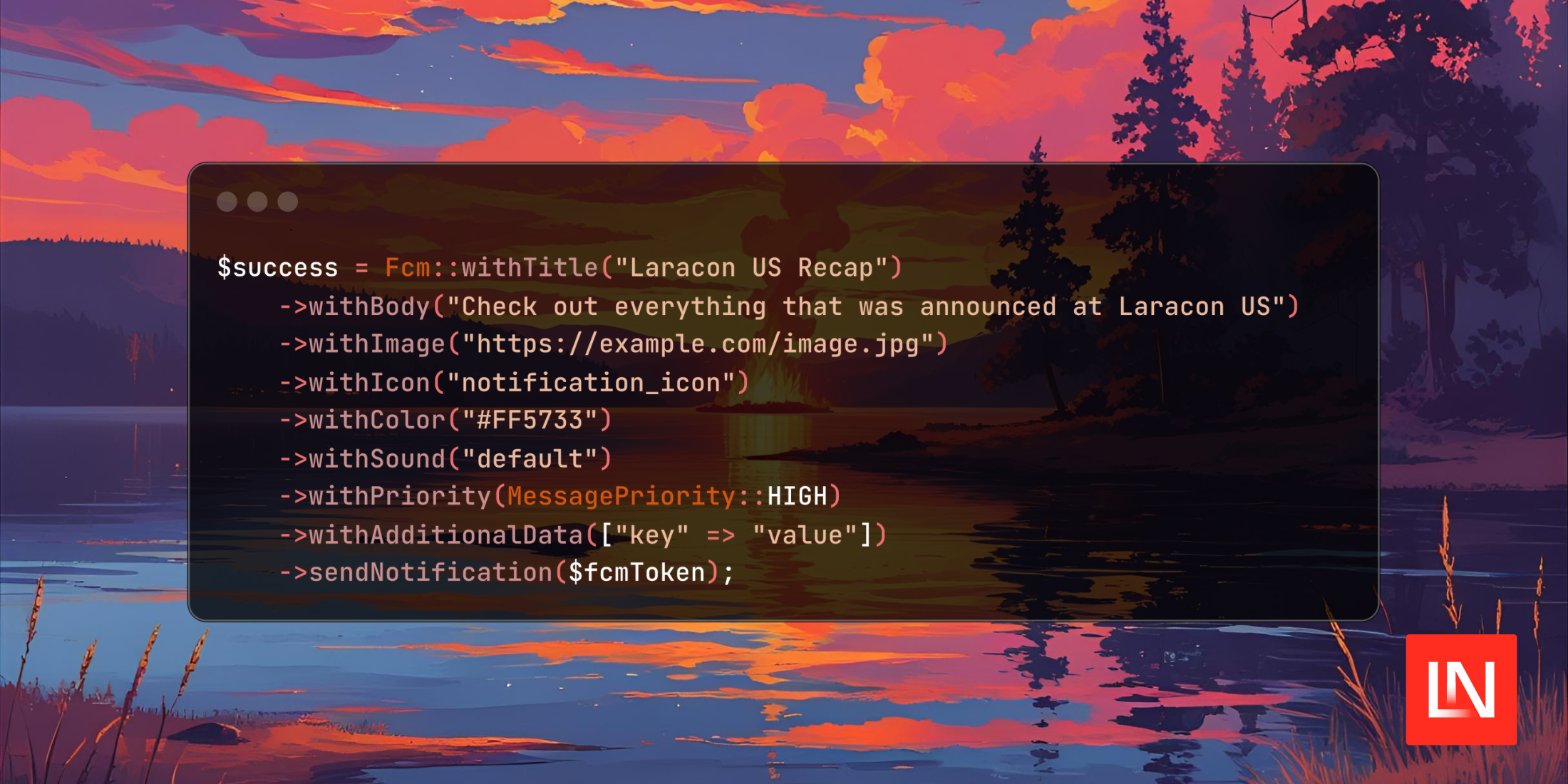
use DevKandil\NotiFire\Facades\Fcm; // Simple notification$success = Fcm::withTitle('Hello') ->withBody('This is a test notification') ->sendNotification($fcmToken); if ($success) { // Notification sent successfully} // Advanced notification$success = Fcm::withTitle('Hello') ->withBody('This is a test notification') ->withImage('https://example.com/image.jpg') ->withIcon('notification_icon') ->withColor('#FF5733') ->withSound('default') ->withPriority(MessagePriority::HIGH) ->withAdditionalData(['key' => 'value']) ->sendNotification($fcmToken); if ($success) { // Notification sent successfully}Direct Usage
use DevKandil\NotiFire\Contracts\FcmServiceInterface; $fcm = app(FcmServiceInterface::class); // Simple notification$fcm->withTitle('Hello') ->withBody('This is a test notification') ->sendNotification($fcmToken); // Advanced notification$fcm->withTitle('Hello') ->withBody('This is a test notification') ->withImage('https://example.com/image.jpg') ->withIcon('notification_icon') ->withColor('#FF5733') ->withSound('default') ->withPriority(MessagePriority::HIGH) ->withAdditionalData(['key' => 'value']) ->sendNotification($fcmToken);Updating FCM Token
The package includes a built-in controller (FcmController) that handles FCM token updates. This controller is automatically loaded by the package and doesn't need to be published to your application.
You can use the provided API endpoint to update a user's FCM token:
POST /fcm/tokenHeaders:
Authorization: Bearer {your-auth-token}Content-Type: application/jsonRequest Body:
{ "fcm_token": "your-fcm-token-here"}Response:
{ "success": true, "message": "FCM token updated successfully"}Note: The route is automatically registered with Sanctum authentication middleware. Make sure your user is authenticated with Sanctum before making this request.
Using the HasFcm Trait
Add the HasFcm trait to your model to easily manage FCM tokens and send notifications:
use DevKandil\NotiFire\Traits\HasFcm; class User extends Model{ use HasFcm;}This trait provides the following methods:
// Get the FCM token$user->getFcmToken(); // Update the FCM token$user->updateFcmToken($token); // Send a notification$user->sendFcmNotification( 'Hello', 'This is a test notification', [ 'image' => 'https://example.com/image.jpg', 'sound' => 'default', 'click_action' => 'OPEN_ACTIVITY', 'icon' => 'notification_icon', 'color' => '#FF5733', 'data' => ['key' => 'value'], 'priority' => MessagePriority::HIGH ]);Using Laravel Notifications
The package includes an example notification that demonstrates all available features:
use DevKandil\NotiFire\Notifications\ExampleNotification; // Send a notification with custom title and body$user->notify(new ExampleNotification('Welcome', 'Thank you for joining us!'));To create your own notification:
- Create a notification:
php artisan make:notification NewMessage- Implement the
toFcmmethod:
use DevKandil\NotiFire\FcmMessage;use DevKandil\NotiFire\Enums\MessagePriority; public function toFcm($notifiable){ return FcmMessage::create('New Message', 'You have a new message') ->image('https://example.com/image.jpg') ->sound('default') ->clickAction('OPEN_ACTIVITY') ->icon('notification_icon') ->color('#FF5733') ->priority(MessagePriority::HIGH) ->data([ 'message_id' => $this->message->id, 'timestamp' => now()->toIso8601String(), ]);}- Add the FCM channel to your notification:
public function via($notifiable){ return ['fcm'];}- Add the
HasFcmtrait to your Notifiable model (this automatically adds therouteNotificationForFcmmethod):
use DevKandil\NotiFire\Traits\HasFcm; class User extends Model{ use HasFcm;}- Send the notification:
$user->notify(new NewMessage($message));Raw FCM Messages
For complete control over the FCM message payload, you can use the fromRaw method. This method allows you to send a custom FCM message with your own payload structure:
// First, get the FCM service instance using one of these methods:// Method 1: Using dependency injectionuse DevKandil\NotiFire\Contracts\FcmServiceInterface;$fcm = app(FcmServiceInterface::class); // Method 2: Using the Facadeuse DevKandil\NotiFire\Facades\Fcm;$fcm = Fcm::build(); // The fromRaw method accepts a complete FCM message payload and returns the service instance// allowing you to chain methods like send()$response = $fcm->fromRaw([ 'message' => [ 'token' => 'device-token', 'notification' => [ 'title' => 'Hello', 'body' => 'This is a test notification', ], 'android' => [ 'priority' => 'high', ], 'data' => [ 'key' => 'value', ], ],])->send(); if (isset($response['name'])) { // Notification sent successfully with message ID: $response['name']}This method is useful when you need to customize the FCM message beyond what the fluent interface provides, or when you're migrating from an existing FCM implementation.
Available Notification Options
The NotiFire package provides several options to customize your notifications:
| Option | Method | Description |
|---|---|---|
| Title | withTitle() |
Sets the notification title |
| Body | withBody() |
Sets the notification body text |
| Image | withImage() |
Sets an image URL to display in the notification |
| Icon | withIcon() |
Sets an icon to display with the notification |
| Color | withColor() |
Sets the color for the notification (in hexadecimal format, e.g., #FF5733) |
| Sound | withSound() |
Sets the sound to play when the notification is received |
| Click Action | withClickAction() |
Sets the action to perform when notification is clicked |
| Priority | withPriority() |
Sets the notification priority level |
| Additional Data | withAdditionalData() |
Sets additional data to send with the notification |
When using the HasFcm trait, you can pass these options as an array:
$options = [ 'image' => 'https://example.com/image.jpg', 'sound' => 'default', 'click_action' => 'OPEN_ACTIVITY', 'icon' => 'notification_icon', 'color' => '#FF5733', 'data' => ['key' => 'value'], 'priority' => MessagePriority::HIGH];Logging
All notification attempts are automatically logged. You can find the logs in your Laravel log files with the following contexts:
- Successful notifications:
infolevel with message ID - Failed notifications:
errorlevel with error details - Missing FCM tokens:
warninglevel
Testing
To run the tests, you need to have a valid Firebase configuration:
- Set up your Firebase project and obtain the credentials JSON file
- Configure your
.envfile with the required Firebase variable:
# Required: Your Firebase project ID from the Firebase ConsoleFIREBASE_PROJECT_ID=your-project-id- Place your Firebase service account credentials JSON file in your Laravel storage directory:
/storage/firebase.json- Optionally, you can set a custom FCM test token in your
.envfile:
FCM_TEST_TOKEN=your-valid-fcm-token-hereThis is particularly useful when running tests in applications that use this package, as you won't be able to modify the test files in the vendor directory.
- When writing tests, make sure to use properly formatted FCM tokens. Firebase Cloud Messaging tokens follow a specific format:
fMYt3W8XSJqTMEIvYR1234:APA91bEH_3kDyFMuXO5awEcbkwqg9LDyZ8QK-9qAw3qsF-4NvUq98Y5X9iJKX2JkpRGLEN_2PXXXPmLTCWtQWYPmL3RKJki_6GVQgHGpXzD8YG9z1EUlZ6LWmjOUCxGrYD8QVnqH1234The token typically consists of:
- A registration ID (before the colon)
- A colon separator
- A string starting with "APA91b" followed by a Base64-encoded payload
Using invalid token formats (like test-token) will cause tests to fail when run against the actual Firebase service.
Then run the tests:
composer testContributing
Please see CONTRIBUTING for details.
Security
If you discover any security-related issues, please email devkandil@gmail.com instead of using the issue tracker.
Credits
License
The MIT License (MIT). Please see License File for more information.