Package
Spatie Laravel Blade Comments
Add debug comments to your rendered output
Add debug comments to your rendered output




When looking at the HTML of a rendered page, it might not be obvious to you anymore which Blade view is responsible for which HTML. This package will add HTML before and after each rendered view, so you immediately know to which Blade view / component to go to change the output.
When you inspect a part of the page using your favourite browser's dev tools, you'll immediately see which Blade view rendered that particular piece of content. Here's a demo where we inspected the breadcrumbs on our own company site. It is immediately clear that the breadcrumbs are rendered by the front.pages.docs.partials.breadcrumbs Blade view.

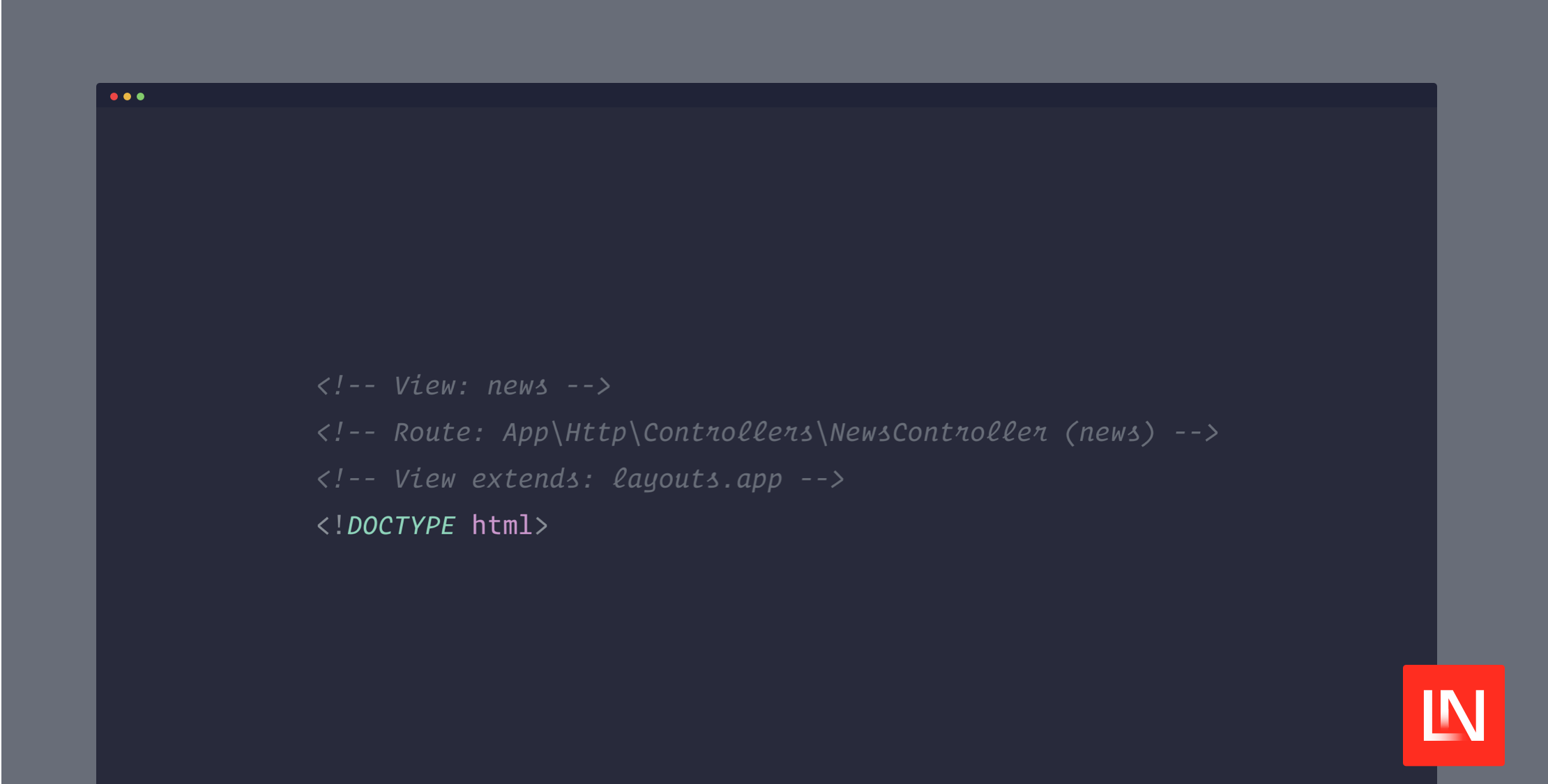
At the top of the HTML document, we'll also add some extra information about the topmost Blade view and the request.

Support us

We invest a lot of resources into creating best in class open source packages. You can support us by buying one of our paid products.
We highly appreciate you sending us a postcard from your hometown, mentioning which of our package(s) you are using. You'll find our address on our contact page. We publish all received postcards on our virtual postcard wall.
Installation
You can install the package via composer:
composer require spatie/laravel-blade-comments --devYou can optionally publish the config file with:
php artisan vendor:publish --tag="blade-comments-config"This is the content of the published config file:
return [ 'enable' => env('APP_DEBUG'), /* * These classes provide regex for adding comments for * various Blade directives. */ 'blade_commenters' => [ Spatie\BladeComments\Commenters\BladeCommenters\BladeComponentCommenter::class, Spatie\BladeComments\Commenters\BladeCommenters\AnonymousBladeComponentCommenter::class, Spatie\BladeComments\Commenters\BladeCommenters\ExtendsCommenter::class, Spatie\BladeComments\Commenters\BladeCommenters\IncludeCommenter::class, Spatie\BladeComments\Commenters\BladeCommenters\IncludeIfCommenter::class, Spatie\BladeComments\Commenters\BladeCommenters\IncludeWhenCommenter::class, Spatie\BladeComments\Commenters\BladeCommenters\LivewireComponentCommenter::class, Spatie\BladeComments\Commenters\BladeCommenters\LivewireDirectiveCommenter::class, Spatie\BladeComments\Commenters\BladeCommenters\SectionCommenter::class, ], /* * These classes will add comments at the top of the response. */ 'request_commenters' => [ Spatie\BladeComments\Commenters\RequestCommenters\ViewCommenter::class, Spatie\BladeComments\Commenters\RequestCommenters\RouteCommenter::class, ], /* * This middleware will add extra information about the request * to the start of a rendered HTML page. */ 'middleware' => [ Spatie\BladeComments\Http\Middleware\AddRequestComments::class, ], /* * This class is responsible for calling the registered Blade commenters. * In most case, you don't need to modify this class. */ 'precompiler' => Spatie\BladeComments\BladeCommentsPrecompiler::class, 'excludes' => [ /** * Add includes you don't want to be affected by the package here. * For example: * 'styles.theme', * 'partials.sidebar', */ 'includes' => [ ] ]];Usage
After the package is installed, you'll immediately see that HTML comments are injected at the start and end of every Blade view.
Excluding views
Sometimes you might not want to have an HTML comment being wrapped around an include. For example when you use a partial to add some CSS to a page.
In these cases you can add views to the excludes.includes array in the config file.
Using your own Blade Commenters
You can easily extend the package to add more comments. In the blade_commenters key of the blade_commenters config file, you can add your own BladeCommenter. A BladeCommenter is any class that implements the following interface:
namespace Spatie\BladeComments\Commenters\BladeCommenters; interface BladeCommenter{ /* * Should return a regex pattern that will be used * in preg_replace. */ public function pattern(): string; /* * Should return a replacement string that will be * used in preg_replace. */ public function replacement(): string;}Take a look at the BladeCommenters that ship with the package for an example.
Using your own request commenters
The package adds useful information about the request at the top of the HTML page. This is done by the so called request commenters . You'll find the default request commenters in the request_commenters key of the blade-comments config file.
You can add your own request commenters there. A RequestCommentor is any class that implements the following interface:
namespace Spatie\BladeComments\Commenters\RequestCommenters; use Illuminate\Http\Request;use Symfony\Component\HttpFoundation\Response; interface RequestCommenter{ public function comment(Request $request, Response $response): ?string;}If the comment function returns a string, it will be injected at the top of the HTML document. Take a look at the request commenters that ship with the package for an example.
Testing
composer testChangelog
Please see CHANGELOG for more information on what has changed recently.
Contributing
Please see CONTRIBUTING for details.
Security Vulnerabilities
Please review our security policy on how to report security vulnerabilities.
Credits
License
The MIT License (MIT). Please see License File for more information.