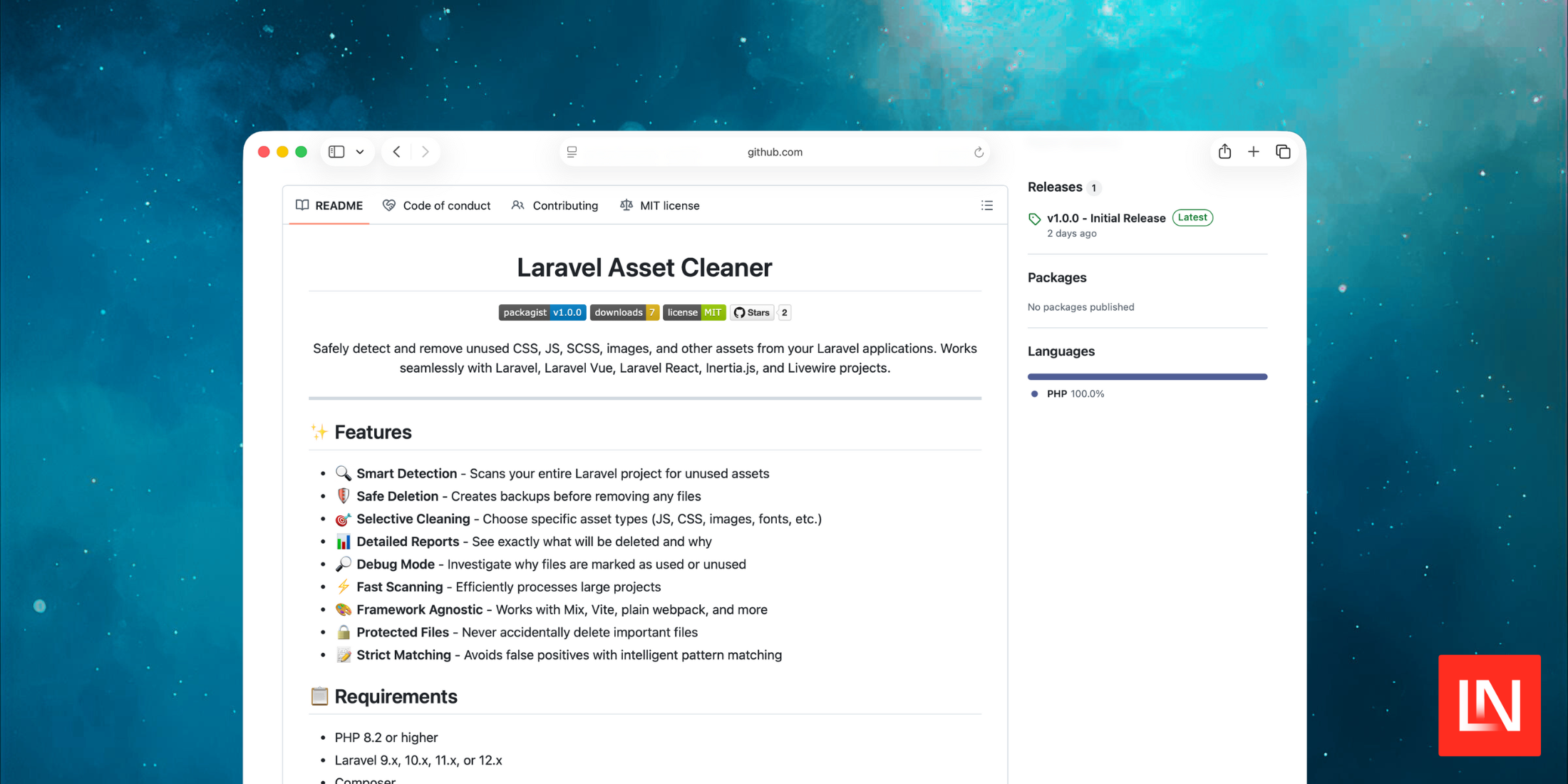
Laravel Asset Cleaner
Laravel Asset Cleaner stats
- Downloads
- 6
- Stars
- 2
- Open Issues
- 0
- Forks
- 0
Safely detect and remove unused CSS, JS, SCSS and other assets from Laravel applications
Laravel Asset Cleaner




Safely detect and remove unused CSS, JS, SCSS, images, and other assets from your Laravel applications. Works seamlessly with Laravel, Laravel Vue, Laravel React, Inertia.js, and Livewire projects.
✨ Features
- 🔍 Smart Detection - Scans your entire Laravel project for unused assets
- 🛡️ Safe Deletion - Creates backups before removing any files
- 🎯 Selective Cleaning - Choose specific asset types (JS, CSS, images, fonts, etc.)
- 📊 Detailed Reports - See exactly what will be deleted and why
- 🔎 Debug Mode - Investigate why files are marked as used or unused
- ⚡ Fast Scanning - Efficiently processes large projects
- 🎨 Framework Agnostic - Works with Mix, Vite, plain webpack, and more
- 🔒 Protected Files - Never accidentally delete important files
- 📝 Strict Matching - Avoids false positives with intelligent pattern matching
📋 Requirements
- PHP 8.2 or higher
- Laravel 9.x, 10.x, 11.x, or 12.x
- Composer
🚀 Installation
composer require tarunkorat/laravel-asset-cleanerPublish Configuration
php artisan vendor:publish --tag=asset-cleaner-configThis creates config/asset-cleaner.php where you can customize settings.
📖 Usage
Basic Commands
Scan for Unused Assets
# Scan all asset typesphp artisan assets:scan # Scan specific typesphp artisan assets:scan --type=js --type=cssphp artisan assets:scan --type=img # Show detailed informationphp artisan assets:scan --details # Output as JSONphp artisan assets:scan --jsonDelete Unused Assets
# Dry run (preview what will be deleted)php artisan assets:delete --dry-run # Delete with confirmationphp artisan assets:delete # Delete without confirmationphp artisan assets:delete --force # Delete without backupphp artisan assets:delete --no-backup --force # Delete specific typesphp artisan assets:delete --type=js --type=cssDebug Mode
# Debug specific filephp artisan assets:debug resources/images/logo.png # Show all found assetsphp artisan assets:debug --show-all # Show all reference patternsphp artisan assets:debug --show-refs # Debug specific typephp artisan assets:debug --type=js --show-allExample Workflow
# Step 1: Scan for unused assetsphp artisan assets:scan # Output:# Found 15 unused asset(s):# 📦 js (5 files)# 📄 resources/js/old-component.js (2.5 KB)# 📄 public/js/legacy-script.js (8.2 KB)# 📦 css (4 files)# 📄 resources/css/unused-styles.css (3.1 KB)# 📦 img (6 files)# 📄 public/images/old-logo.png (45 KB) # Step 2: Preview deletionphp artisan assets:delete --dry-run # Step 3: Delete unused assetsphp artisan assets:delete # Step 4: Verify backup created# Backup location: storage/asset-cleaner-backup/2024-11-12_153045/⚙️ Configuration
Edit config/asset-cleaner.php:
return [ // Specify which asset types to clean by default 'clean_types' => 'all', // or ['js', 'css', 'img'] // Enable strict matching (recommended) 'strict_matching' => true, // Define asset types and their locations 'asset_types' => [ 'js' => [ 'directories' => ['resources/js', 'public/js'], 'extensions' => ['js', 'jsx', 'ts', 'tsx', 'vue', 'mjs'], ], 'css' => [ 'directories' => ['resources/css', 'resources/sass', 'public/css'], 'extensions' => ['css', 'scss', 'sass', 'less'], ], 'img' => [ 'directories' => ['resources/images', 'public/images'], 'extensions' => ['jpg', 'jpeg', 'png', 'gif', 'svg', 'webp', 'ico'], ], // ... more types ], // Directories to scan for asset references 'scan_directories' => ['app', 'resources/views', 'resources/js', 'routes'], // Files that should never be deleted 'protected_files' => [ 'resources/js/app.js', 'resources/css/app.css', ], // Backup settings 'backup_directory' => storage_path('asset-cleaner-backup'), 'create_backup' => true,];🔍 How It Works
Detection Process
- Scans Asset Directories - Finds all assets in configured directories
- Searches for References - Looks for asset usage in:
- Blade templates (
asset(),<img src>,<script>,<link>) - JavaScript files (imports, requires, dynamic imports)
- CSS files (
url(),@import, background images) - PHP controllers (
Image::make(),public_path(),Storage::url()) - Vue/React components (import statements, src attributes)
- Build configs (webpack.mix.js, vite.config.js, package.json)
- Blade templates (
- Strict Matching - Only matches complete filenames with extensions
- Safe Deletion - Creates timestamped backups before removal
What Gets Detected
✅ These patterns are detected:
// Blade templates<img src="{{ asset('images/logo.png') }}"><script src="{{ mix('js/app.js') }}"></script> // JavaScriptimport Logo from './images/logo.png';require('./components/Header.vue'); // CSSbackground-image: url('../images/banner.jpg');@import 'components/button.css'; // PHP Controllers$image = Image::make(public_path('images/product.jpg'));return asset('images/logo.png');❌ False positives avoided:
- File named
error.svgwon't match word "error" in code test.jswon't match variable named "test"- Strict boundary checking prevents partial matches
🛡️ Safety Features
- ✅ Automatic Backups - All deleted files are backed up with timestamps
- ✅ Protected Files - Important files (app.js, app.css) are never deleted
- ✅ Dry Run Mode - Preview changes before applying them
- ✅ Confirmation Prompts - Asks for confirmation before deletion
- ✅ Verification - Checks if files were actually deleted
- ✅ Error Logging - Failed deletions are logged for review
🎯 Use Cases
Clean Up After Refactoring
# After removing old componentsphp artisan assets:scan --type=jsphp artisan assets:delete --type=js --dry-runOptimize Images
# Find unused imagesphp artisan assets:scan --type=imgphp artisan assets:delete --type=imgCI/CD Integration
# In your deployment scriptphp artisan assets:scan --json > unused-assets-report.jsonBefore Production Deploy
# Clean up everythingphp artisan assets:scanphp artisan assets:delete --force🐛 Troubleshooting
Files Not Being Detected as Unused
# Debug specific filephp artisan assets:debug resources/js/MyComponent.vue # This will show:# - Where the file is located# - What references it (if any)# - Why it's marked as used/unusedFiles Won't Delete
Common causes:
- File permissions (run as administrator on Windows)
- File is open in an editor
- Antivirus blocking deletion
Solution:
# Check what failed# Check Laravel logs: storage/logs/laravel.log # Try with elevated permissions (Windows)# Run PowerShell as Administratorphp artisan assets:delete --forceFalse Positives
If files are incorrectly marked as used:
// config/asset-cleaner.php'strict_matching' => true, // Ensure this is enabledRestore from Backup
# Backups are in storage/asset-cleaner-backup/# Each run creates a timestamped folder # To restore:cp -r storage/asset-cleaner-backup/2024-11-12_153045/* ./🤝 Contributing
Contributions are welcome! Please see CONTRIBUTING.md for details.
Development Setup
# Clone the repositorygit clone https://github.com/tarunkorat/laravel-asset-cleaner.git # Install dependenciescomposer install📝 Changelog
Please see CHANGELOG.md for recent changes.
🔒 Security
If you discover any security issues, please email your-email@example.com instead of using the issue tracker.
📄 License
The MIT License (MIT). Please see LICENSE for more information.
💖 Support
If this package helped you, please consider:
- ⭐ Starring the repository
- 🐛 Reporting bugs
- 💡 Suggesting new features
- 📖 Improving documentation
🙏 Credits
🔗 Links
Made with ❤️ by Tarun Korat

Expert Laravel Developer | Vue.js | Inertia | PHP | Livewire | AJAX | Server | GitHub | JavaScript