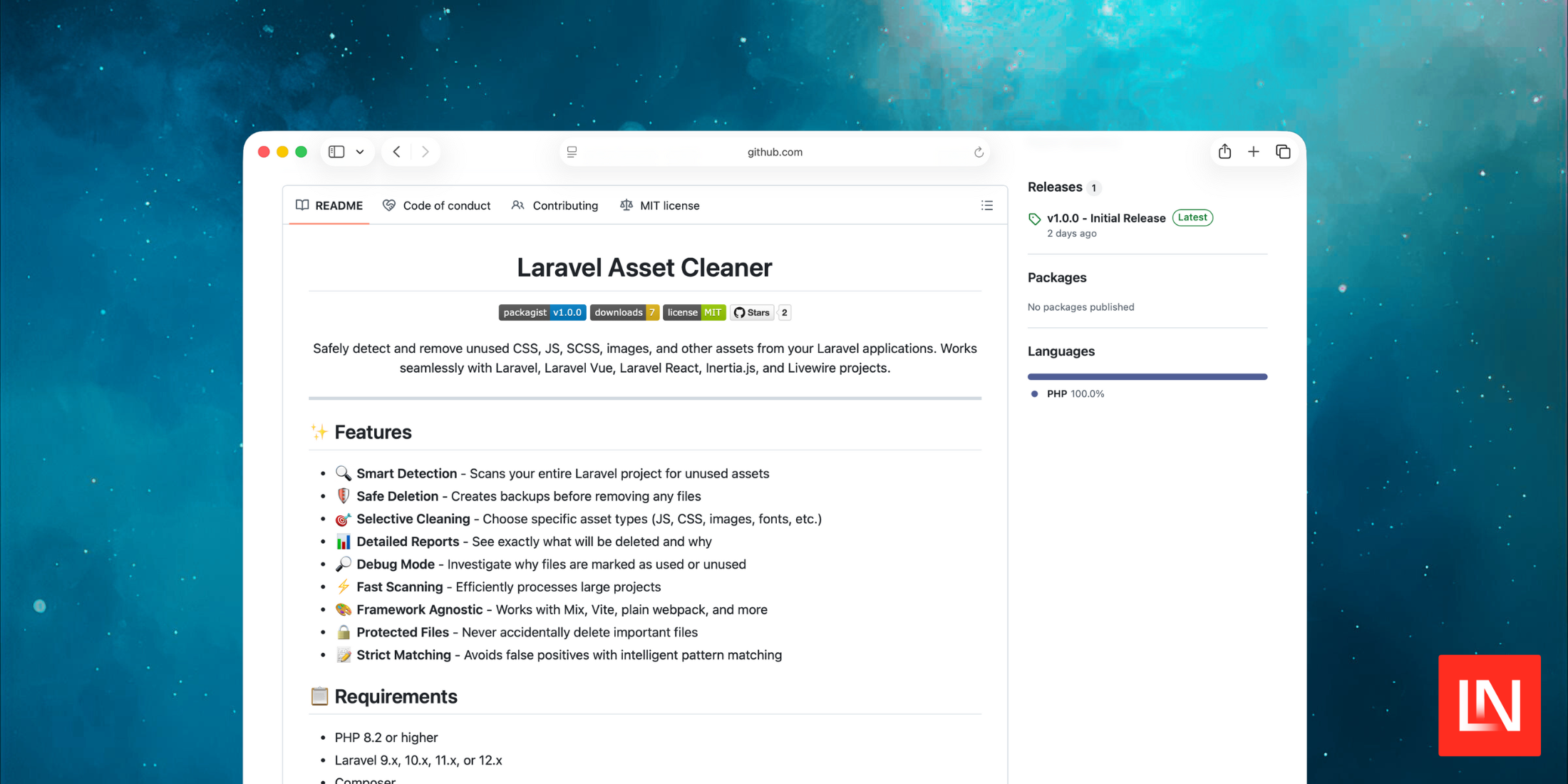
The Asset Cleaner package for Laravel safely detects and removes unused CSS, JS, and other assets from Laravel applications. It works seamlessly with Laravel, Vue, React, Inertia, and Livewire.
You use this package via the command line to detect and delete unused assets. When you delete assets, it will also create a backup during the deletion process:
php artisan assets:scan # Preview deletionphp artisan assets:delete --dry-run # Delete assetsphp artisan assets:delete # Backup created in `storage/asset-cleaner-backup/`Under the hood, this package works by scanning asset directories, searches for references, only matches complete filenames with extensions, and safely deletes assets with timestamped backups.
Main Features
- Smart Detection - Scans your entire Laravel project for unused assets
- Safe Deletion - Creates backups before removing any files
- Selective Cleaning - Choose specific asset types (JS, CSS, images, fonts, etc.)
- Detailed Reports - See exactly what will be deleted and why
- Debug Mode - Investigate why files are marked as used or unused
- Fast Scanning - Efficiently processes large projects
- Framework Agnostic - Works with Mix, Vite, plain webpack, and more
- Protected Files - Never accidentally delete important files
- Strict Matching - Avoids false positives with intelligent pattern matching
You can learn more about this package, get full installation instructions, and view the source code on GitHub.