Laravel ChronoTrace
The Laravel ChronoTrace package enables you to record and replay Laravel requests deterministically and generate tests from production traces. This package can help you trace external HTTP requests made during execution, including request/response details, status codes, connection issues, and more. It also tracks database queries, cache events, queue jobs, and custom events.
After a trace is captured, you can replay it to show all the information gathered (which is configurable) during the trace:
=== TRACE INFORMATION ===🆔 Trace ID: a1b2c3d4-e5f6-7890-abcd-ef1234567890🕒 Timestamp: 2024-01-15 14:30:22🌍 Environment: local🔗 Request URL: http://localhost:8000/api/users📊 Response Status: 200⏱️ Duration: 245ms💾 Memory Usage: 18.45 KB === CAPTURED EVENTS ===📊 DATABASE EVENTS 🔍 [14:30:22.123] Query: SELECT * FROM users WHERE active = ? (15ms on mysql) 🔍 [14:30:22.145] Query: SELECT * FROM roles WHERE user_id IN (?, ?, ?) (8ms on mysql) 🗄️ CACHE EVENTS ❌ [14:30:22.120] Cache MISS: users:list (store: redis) 💾 [14:30:22.150] Cache WRITE: users:list (store: redis) 🌐 HTTP EVENTS 📤 [14:30:22.200] HTTP Request: GET https://api.external.com/validation 📥 [14:30:22.230] HTTP Response: GET https://api.external.com/validation → 200 📈 EVENTS SUMMARY 📊 Database events: 2 🗄️ Cache events: 2 🌐 HTTP events: 2 ⚙️ Job events: 0 📝 Total events: 6Another interesting feature is generating a test from a specific trace that you've recorded—recording frequency can be configured as always, sample rate, error-only, etc. Once you have a trace you want to convert into a test, you can run the replay command with the --generate-test flag:
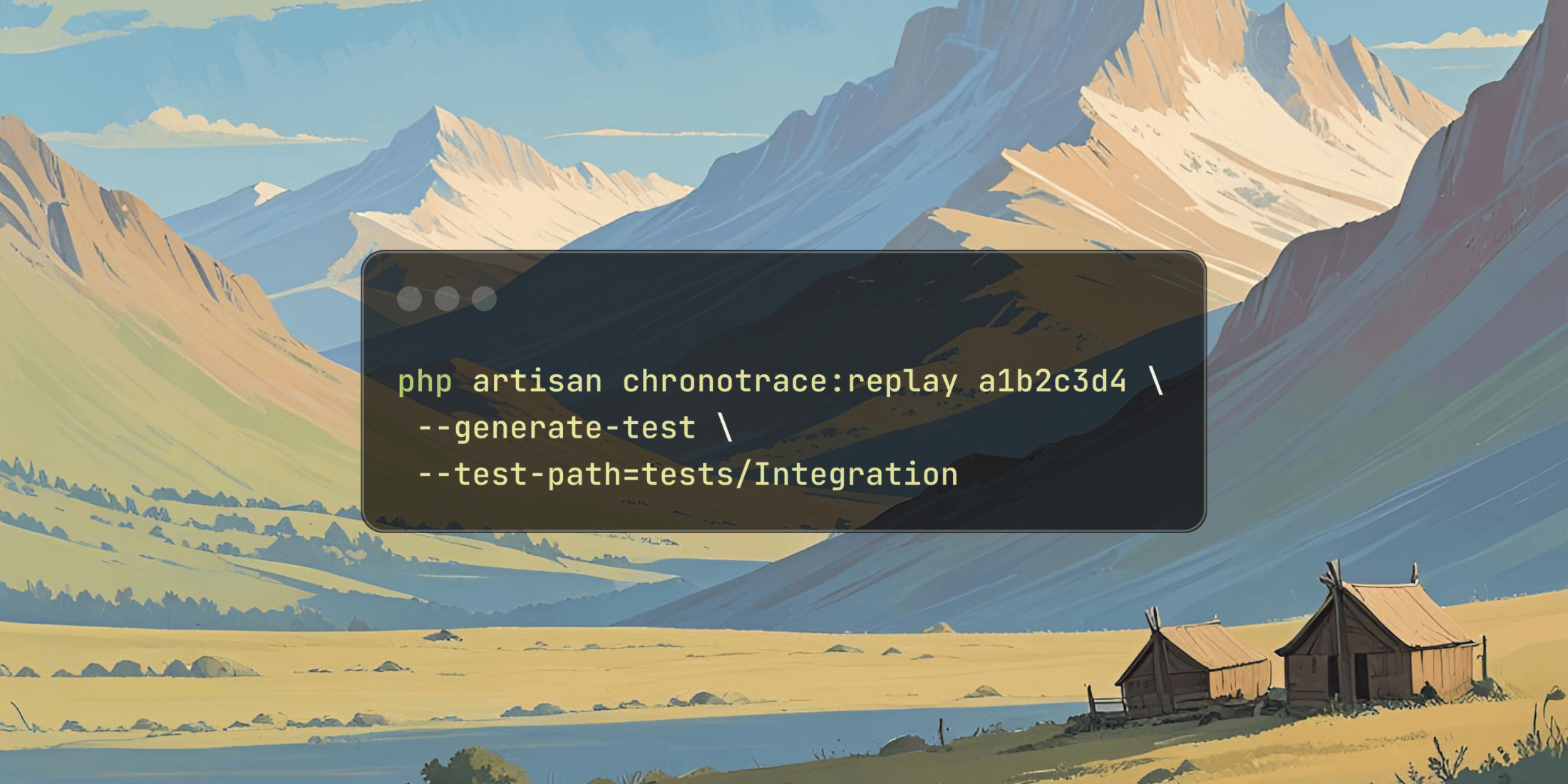
php artisan chronotrace:replay a1b2c3d4 \--generate-test \--test-path=tests/IntegrationMain Features
- Smart Recording – Multiple recording modes: always, sample rate, error-only, or targeted routes
- Comprehensive Event Capture – Database queries, cache operations, HTTP requests, queue jobs, and custom events
- Detailed Replay – View complete execution flow with timestamps and performance metrics
- Flexible Filtering – Focus on specific event types (DB, cache, HTTP, jobs) during analysis
- Multiple Storage Options – Local storage, S3, or custom storage adapters
- PII Scrubbing – Automatically mask sensitive data (passwords, tokens, emails, etc.)
- Async Storage – Queue-based storage for minimal performance impact
- Automatic Cleanup – Configurable retention policies and automatic purging
I would recommend checking out the Basic Usage examples for real-world ideas on how to use this package. The usage examples illustrate common workflows such as development, bug investigation, and more.
You can get started with this package on GitHub: Grazulex/laravel-chronotrace.
To install this in your application (Laravel v12.x+ and PHP 8.3+) with Composer, require it as a development dependency and run the install command:
composer require --dev grazulex/laravel-chronotracephp artisan chronotrace:install