
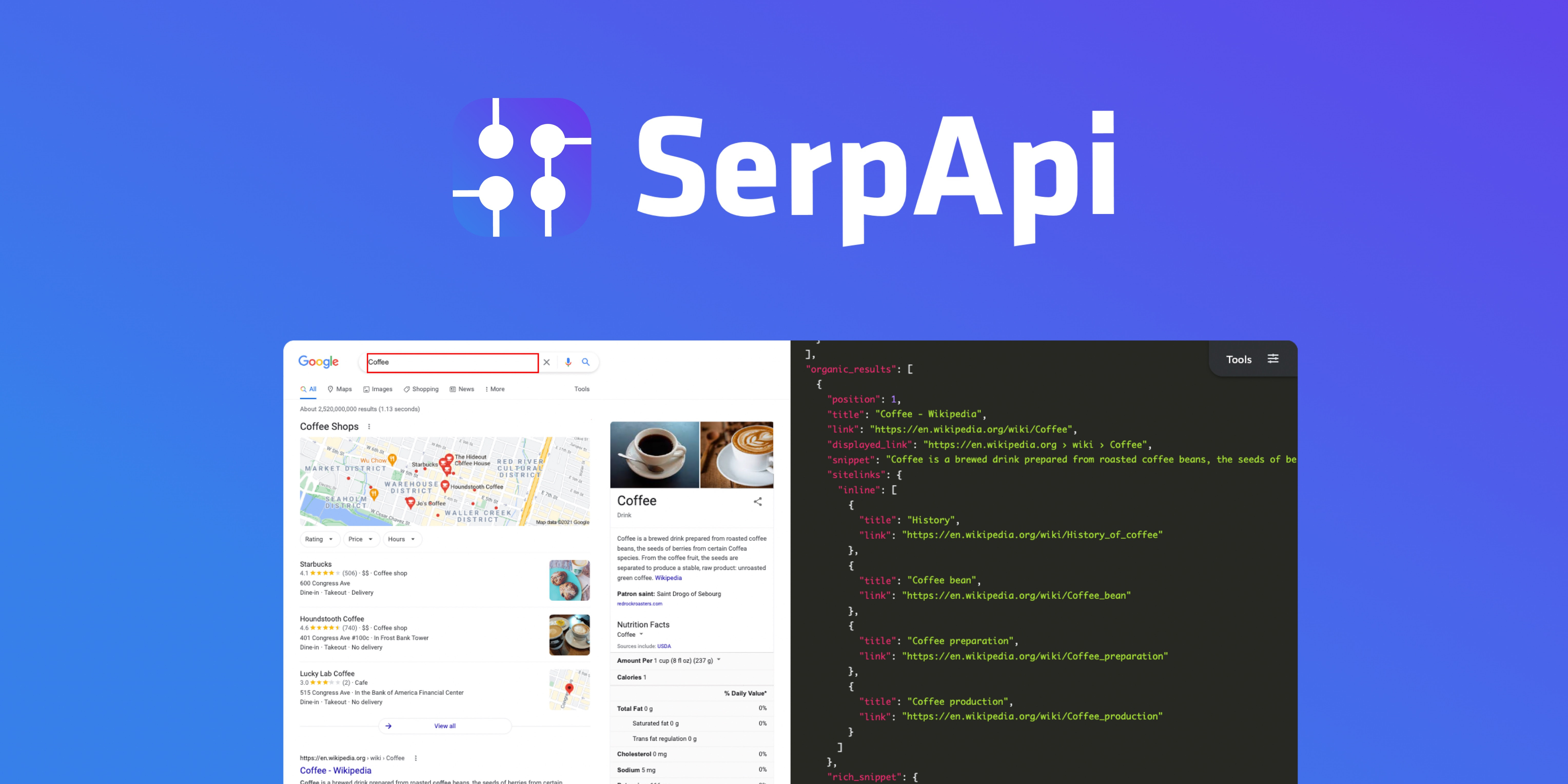
Instantly access real-time search data from Google, Amazon, and more — directly inside your app with SerpApi: Web Search API. SerpApi helps developers scrape search engine results with a simple API.
Here is what you can do with SerpApi:
- Build AI agents that retrieve fresh web answers.
- Monitor trends, news, or product prices in real time.
- Power your chatbot or research app with live search data.
- Track keyword rankings and SERP changes across multiple search engines.
- Combine search results from Google, Bing, DuckDuckGo, and others in a simple API call.
- And much more
Using the Laravel HTTP client we've shared below, you can quickly search Google and get back structured JSON results for many search services offered by Google, Bing, Walmart, and more:
use App\Facades\SerpApi; SerpApi::search('coffee', ['location' => 'Phoenix, AZ']); // Search Bing insteadSerpApi::search('coffee', ['location' => 'Phoenix, AZ', 'engine' => 'bing']); // Google NewsSerpApi::search('Laravel', ['location' => 'Phoenix, AZ', 'engine' => 'google_news']);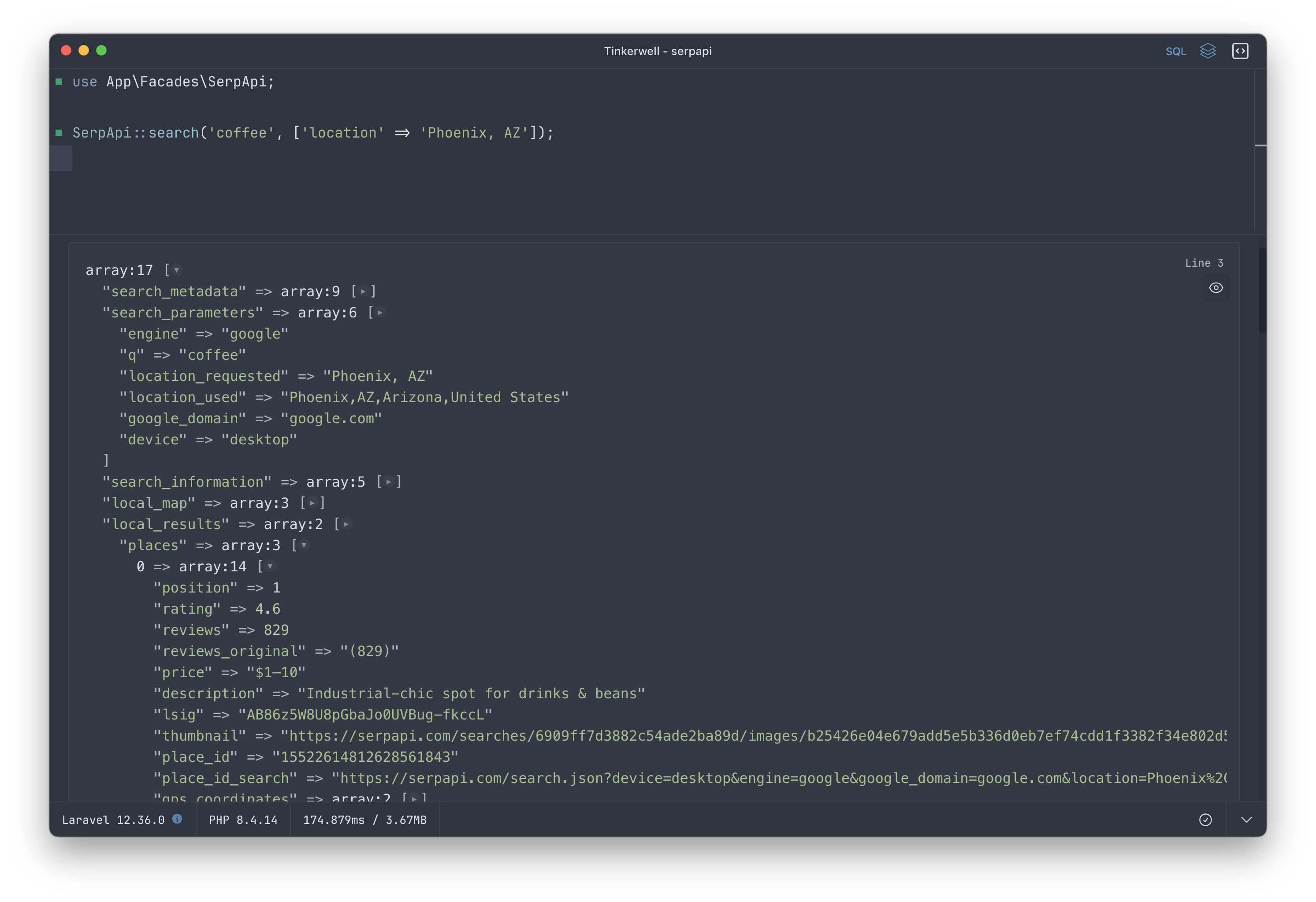
Results return search metadata, local maps, local results, organic results, related searches, and everything you might see on the screen when performing a search. The documentation contains details parameter examples as well as how they map to the search page using a helpful graphic in the API Examples section.
Defining an HTTP Client in Laravel
Here's a simple service you can use in your Laravel app to start using SerpApi:
<?php namespace App; use Illuminate\Container\Attributes\Config;use Illuminate\Http\Client\PendingRequest;use Illuminate\Support\Facades\Http; class SerpApi{ public function __construct( #[Config('services.serpapi.api_key')] #[\SensitiveParameter] private string $apiKey ) {} public function search(string $query, array $options = []): array { $params = collect($options)->merge(['q' => $query])->filter()->toArray(); return $this->client() ->withQueryParameters($params)->asJson() ->get('/search')->json(); } public function client(): PendingRequest { return Http::withQueryParameters([ 'api_key' => $this->apiKey, ])->baseUrl('https://serpapi.com/'); }}Next, sign up for SerpApi and configure your api key in services.serpapi.api_key in the config/services.php file:
SERPAPI_API_KEY="<your key>"Using the service and API key, you can resolve this service from the container and define it as a service in the container if you'd like. Using Laravel's configuration attribute, it will automatically use the defined service config API key:
$api = app(\App\SerpApi::class); $api->search('coffee', ['location' => 'Phoenix, AZ']);You can also define a Facade if you'd like to use the service in that way by creating SerpApi.php in an app/Facades directory:
<?php namespace App\Facades; use Illuminate\Support\Facades\Facade; class SerpApi extends Facade{ protected static function getFacadeAccessor() { return \App\SerpApi::class; }}Start building with real-time search data today — it’s easier than you think.











