
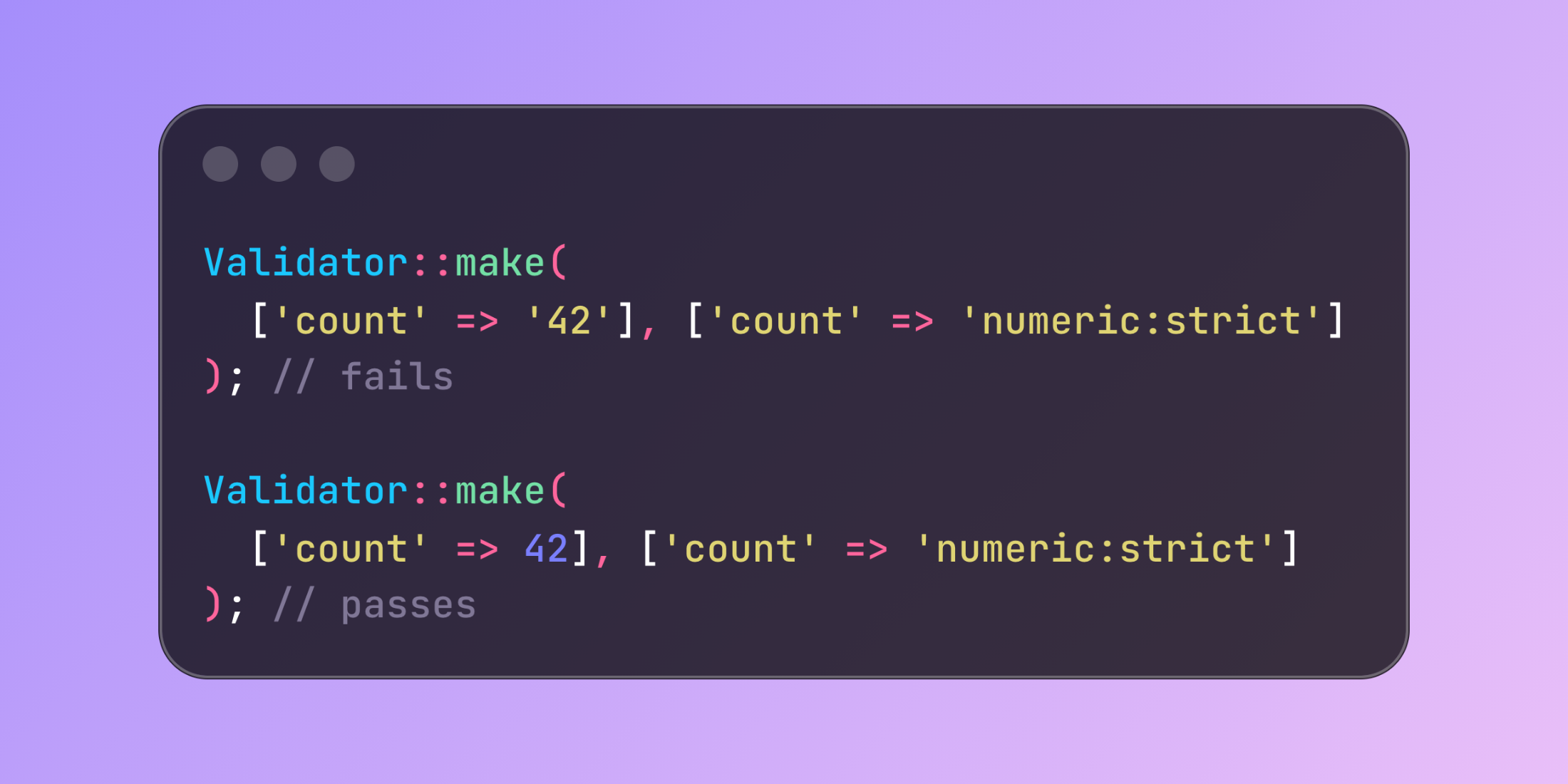
PHP's type juggling allows "1" to pass as boolean and numeric strings to pass as integers. Laravel's strict validation parameters enforce exact type matching for numeric, boolean, and integer rules.
Without strict mode, these validations accept type‑coerced values:
Validator::make(['count' => '42'], ['count' => 'numeric']); // passesValidator::make(['active' => '1'], ['active' => 'boolean']); // passesBoth pass validation despite being strings rather than proper types.
Strict parameters require exact type matches:
use Illuminate\Support\Facades\Validator; Validator::make(['count' => '42'], ['count' => 'numeric:strict']); // failsValidator::make(['count' => 42], ['count' => 'numeric:strict']); // passes Validator::make(['active' => '1'], ['active' => 'boolean:strict']); // failsValidator::make(['active' => true], ['active' => 'boolean:strict']); // passes Validator::make(['age' => '25'], ['age' => 'integer:strict']); // failsValidator::make(['age' => 25], ['age' => 'integer:strict']); // passesAPI endpoints handling configuration data benefit from strict type validation:
public function updateSettings(Request $request){ $validator = Validator::make($request->all(), [ 'notifications_enabled' => 'boolean:strict', 'items_per_page' => 'integer:strict', 'refresh_rate' => 'numeric:strict', ]); if ($validator->fails()) { return response()->json(['errors' => $validator->errors()], 422); } $settings = $validator->validated(); if ($settings['notifications_enabled'] === true) { $this->enableNotifications(); }}Without strict validation, JSON payloads with string values like {"notifications_enabled": "1", "items_per_page": "25"} pass validation but cause type issues in application logic.
Type validation behavior differs between modes:
Validator::make(['foo' => '1'], ['foo' => 'numeric:strict']); // failsValidator::make(['foo' => 1], ['foo' => 'numeric:strict']); // passesValidator::make(['foo' => 1.5], ['foo' => 'numeric:strict']); // passes Validator::make(['active' => true], ['active' => 'boolean:strict']); // passesValidator::make(['active' => false], ['active' => 'boolean:strict']); // passesValidator::make(['active' => 1], ['active' => 'boolean:strict']); // fails Validator::make(['count' => 42], ['count' => 'integer:strict']); // passesValidator::make(['count' => '42'], ['count' => 'integer:strict']); // failsStrict mode validation prevents type coercion issues by requiring values match the expected PHP type exactly, not just be castable to that type.














