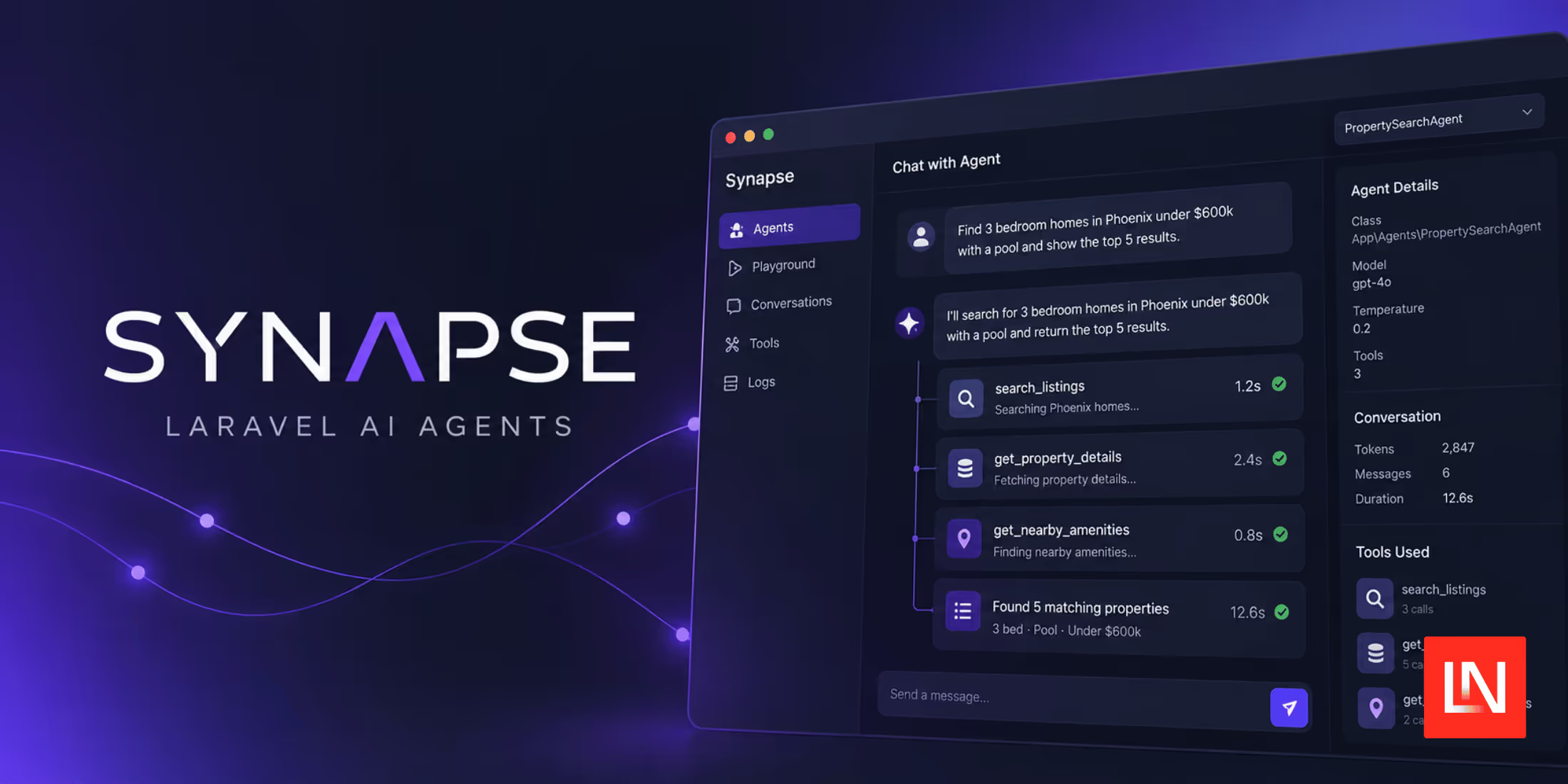
Synapse is a development dashboard from Redberry for agents built with the Laravel AI SDK.
It finds the agent classes in your application, gives each one a chat playground in the browser, and records what happened during each reply: the tool calls with their arguments and results, the token counts, the reasoning steps, and any exceptions.
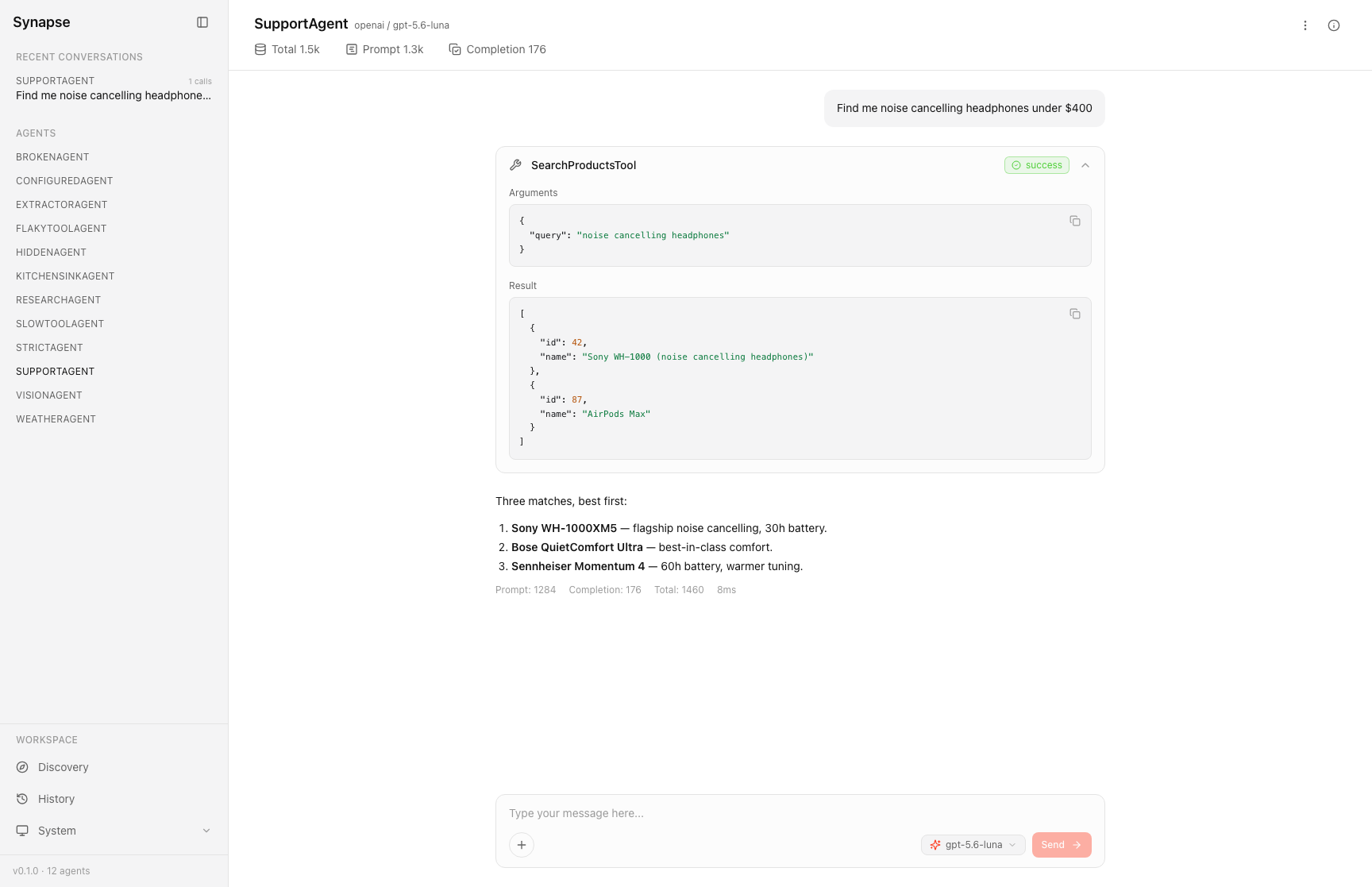
Here is what the dashboard includes:
- Agent discovery that lists every class implementing
Laravel\Ai\Contracts\Agentinapp/Ai/Agentsandapp/Agents, with its provider, model, and tools - A chat playground with streaming replies, file attachments, and a model selector
- Tool call cards showing the arguments, result, duration, and status of each call
- An info panel with the agent's resolved system prompt, tool schemas, middleware, and generation settings
- History for searching, filtering, renaming, and replaying past conversations
- Token counts per reply, including cache-read, cache-write, and reasoning tokens
- Error cards with the exception class, message, and stack trace
Agent Discovery
Synapse has no registration step. It scans the configured directories on every request, so a new agent class appears on the Discovery page after a refresh. The defaults are app/Ai/Agents, where the SDK's make:agent command puts new agents, and app/Agents. An agent stored anywhere else does not appear until you add its directory to the discovery.paths config option. To hide specific classes, list them in discovery.ignore.
Each card shows the agent's class name, its provider and model, and a chip for each tool. The Info panel shows the configuration the SDK resolves from the class, such as temperature, max tokens, max steps, and tool choice, along with the system prompt and the JSON schema for each tool.
The Chat Playground
The playground sends your messages to the real agent and streams the reply. You can attach images, documents, or audio, and the files stay attached for follow-up questions in the same conversation.
A model selector in the composer runs the next message on a different model without changing the agent class. It offers the agent's own model, its provider's cheapest and smartest models, and any extra models listed in the playground.models config option. The model used is recorded on each message, and the selection resets to the agent's own model when you leave the page.
Conversation memory follows the agent's code. If the agent implements the SDK's Conversational contract, usually through the RemembersConversations trait, Synapse sends the full thread with each message from its own stored history, so it does not touch your application's conversation tables. If the agent is stateless, each message is sent on its own, the same as in production, and Synapse labels the agent Stateless. Agents with structured output run without earlier messages and show their result as a JSON card.
Tool Calls and Errors
Each tool call appears as a card in the conversation, in the order it happened. A collapsed card shows the tool name, its status, and its duration. Expanding it shows the arguments the model sent and the result the tool returned, both as formatted JSON.
Provider tools, such as web search or code interpreter, get a separate card style. Anthropic and OpenAI report their status with different words, so Synapse maps them onto the same pending, success, and error states and shows the provider's original status on hover.
A sub-agent that throws still shows as a successful tool call. The SDK catches the exception and returns Agent failed: ... to the calling agent as a normal result, and Synapse shows the string the calling agent received.
When a tool or agent throws, the reply ends with an error card that shows the exception class, the message, and the stack trace.
Installation and Access
Install Synapse as a dev dependency and run its installer:
composer require redberry/synapse --dev php artisan synapse:installThe dashboard is at /synapse. The compiled frontend ships inside the package, so there is no npm step, and Synapse reads providers and API keys from your existing config/ai.php.
Synapse stores conversations in its own tables. php artisan synapse:prune --days=7 deletes old conversations and their attachments, and setting SYNAPSE_AUTO_PRUNE=true schedules the prune daily.
You can find the source code and full documentation for Synapse on GitHub.