Laravel's Task Scheduler offers an elegant solution for managing automated processes within your application. This powerful system replaces traditional cron job management with an expressive, programmatic approach to recurring task automation.
Task scheduling begins in your application's app/Console/Kernel.php file. Here's how to configure automated tasks:
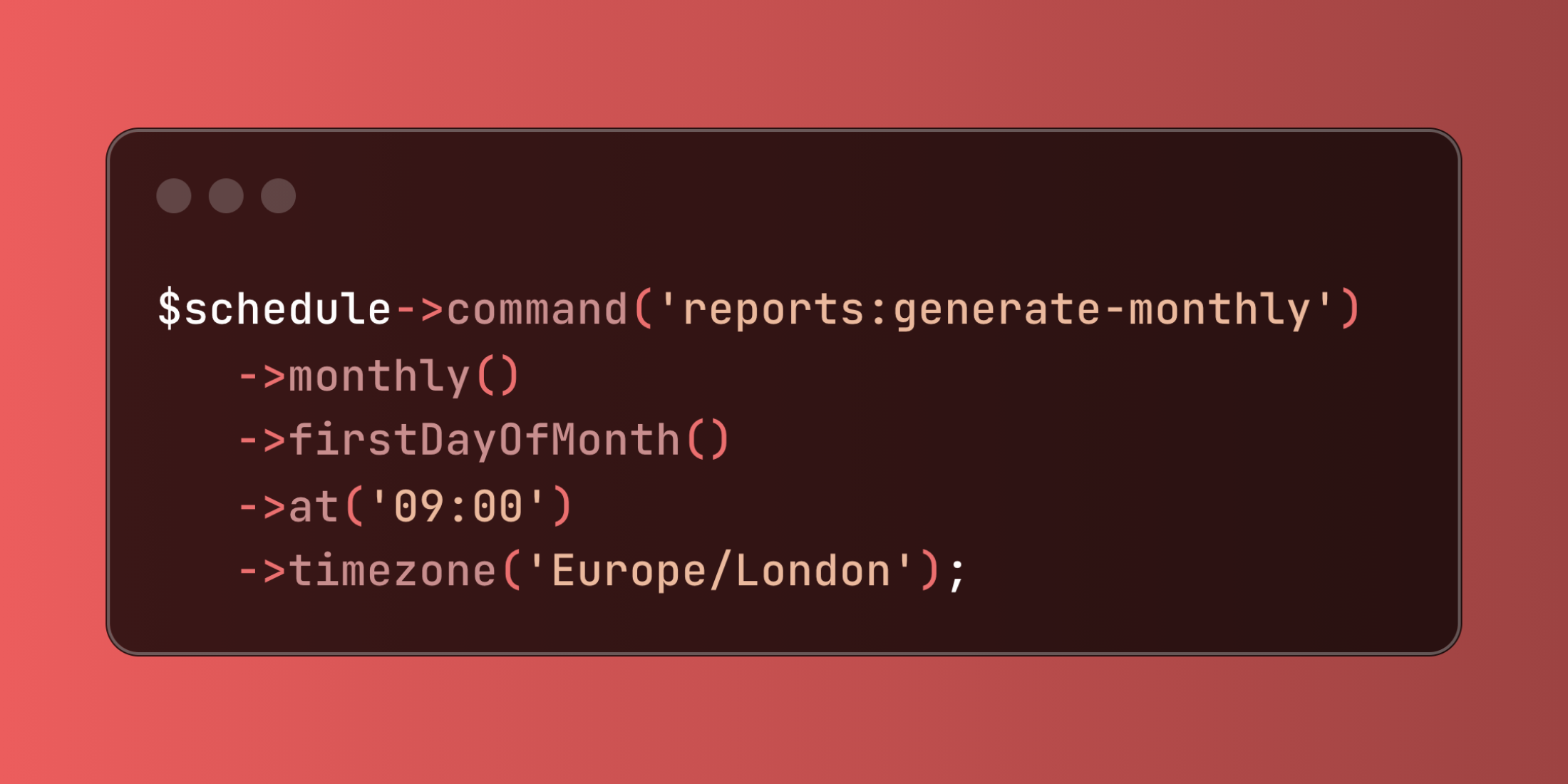
protected function schedule(Schedule $schedule){ $schedule->command('reports:generate-monthly') ->monthly() ->firstDayOfMonth() ->at('09:00') ->timezone('Europe/London');}This configuration executes the monthly report generation command on the first day of each month at 9:00 AM London time.
Laravel provides comprehensive timing options for various automation needs:
$schedule->command('cache:clear')->everyFiveMinutes();$schedule->command('backup:create')->dailyAt('02:00');$schedule->command('analytics:process')->weekly()->sundays();$schedule->command('maintenance:check')->weekdays()->hourlyAt(30);$schedule->command('logs:cleanup')->monthlyOn(15, '03:00');For complex timing requirements, cron expressions offer maximum flexibility:
$schedule->command('custom:process')->cron('*/15 * * * *'); // Every 15 minutesYou can control and monitor task execution results effectively:
$schedule->command('data:import') ->daily() ->appendOutputTo(storage_path('logs/imports.log')) ->emailOutputOnFailure('ops@company.com');This approach logs all import activities while sending email alerts only when failures occur.
Preventing resource conflicts and ensuring proper task coordination becomes straightforward with Laravel's execution controls:
$schedule->command('processing:heavy') ->daily() ->withoutOverlapping(30);For distributed systems, you can ensure single-server execution:
$schedule->command('sync:external-data') ->hourly() ->onOneServer() ->runInBackground();Tasks can be configured to run only in appropriate environments:
$schedule->command('notifications:send') ->daily() ->environments(['production', 'staging']) ->evenInMaintenanceMode();Here's a comprehensive scheduling service that demonstrates practical automation patterns:
class AutomationScheduler{ public function configureSchedules(Schedule $schedule) { $this->setupDatabaseMaintenance($schedule); $this->configureReportGeneration($schedule); $this->scheduleHealthChecks($schedule); $this->manageFileCleanup($schedule); } private function setupDatabaseMaintenance(Schedule $schedule) { $schedule->command('model:prune') ->daily() ->at('01:00') ->onOneServer() ->before(function () { Log::info('Starting database cleanup'); }) ->after(function () { Log::info('Database cleanup completed'); }); } private function configureReportGeneration(Schedule $schedule) { $schedule->command('reports:daily-summary') ->dailyAt('08:00') ->weekdays() ->timezone('America/New_York') ->when(function () { return Config::get('reports.enabled'); }); $schedule->command('reports:weekly-analytics') ->weekly() ->mondays() ->at('07:00') ->sendOutputTo(storage_path('logs/weekly-reports.log')); } private function scheduleHealthChecks(Schedule $schedule) { $schedule->call(function () { $this->performSystemHealthCheck(); }) ->everyTenMinutes() ->runInBackground() ->pingOnFailure('https://monitoring.service.com/alert'); } private function manageFileCleanup(Schedule $schedule) { $schedule->command('storage:cleanup') ->daily() ->at('03:00') ->unlessBetween('08:00', '18:00') ->environments(['production']); }}You can implement sophisticated workflow control with pre and post-execution hooks:
$schedule->command('data:sync') ->hourly() ->before(function () { Cache::put('sync_started', now()); }) ->onSuccess(function () { Cache::forget('sync_started'); Cache::put('last_sync', now()); }) ->onFailure(function () { Cache::put('sync_failed', now()); });Laravel's scheduler integrates seamlessly with external monitoring services:
$schedule->command('critical:backup') ->daily() ->at('23:00') ->pingBefore('https://beats.service.com/start/backup-xyz') ->thenPing('https://beats.service.com/complete/backup-xyz');Laravel's Task Scheduler transforms application automation from manual cron management into an elegant, maintainable system that integrates seamlessly with your application logic and monitoring infrastructure.