
When working with conditional data modifications in Laravel applications, the transform() helper provides an elegant solution. This powerful utility function enables selective data transformation while gracefully handling null values. Let's explore how this helper can streamline your data processing workflows.
Understanding transform()
The transform() helper accepts three parameters to process your data:
- A value for transformation
- A callback function for non-null values
- An optional default value for null cases
// Basic transformation$result = transform('hello world', fn ($text) => strtoupper($text));// Output: HELLO WORLD // Handling null with default$result = transform(null, fn ($value) => $value * 2, 'default');// Output: 'default'Real World Example of the transform() helper
Let's explore practical applications of transform() in a user profile system:
<?php namespace App\Http\Controllers; use App\Models\User;use Illuminate\Http\Request; class ProfileController extends Controller{ public function formatUserData(User $user) { return [ 'profile' => transform($user->profile, function ($profile) { return [ 'display_name' => transform( $profile->name, fn ($name) => ucwords(strtolower($name)), 'Anonymous User' ), 'avatar' => transform( $profile->avatar_url, fn ($url) => asset($url), '/images/default-avatar.png' ), 'bio' => transform( $profile->biography, fn ($bio) => str_limit($bio, 160), 'No biography provided' ), 'joined_date' => transform( $profile->created_at, fn ($date) => $date->format('F j, Y'), 'Recently' ) ]; }, [ 'display_name' => 'Guest User', 'avatar' => '/images/guest.png', 'bio' => 'Welcome, guest!', 'joined_date' => 'N/A' ]) ]; }}When working with configuration values:
<?php namespace App\Services; class CacheService{ public function getCacheTimeout() { return transform( config('cache.timeout'), fn ($timeout) => $timeout * 60, 3600 ); }}The transform() helper shines when compared to traditional conditional statements:
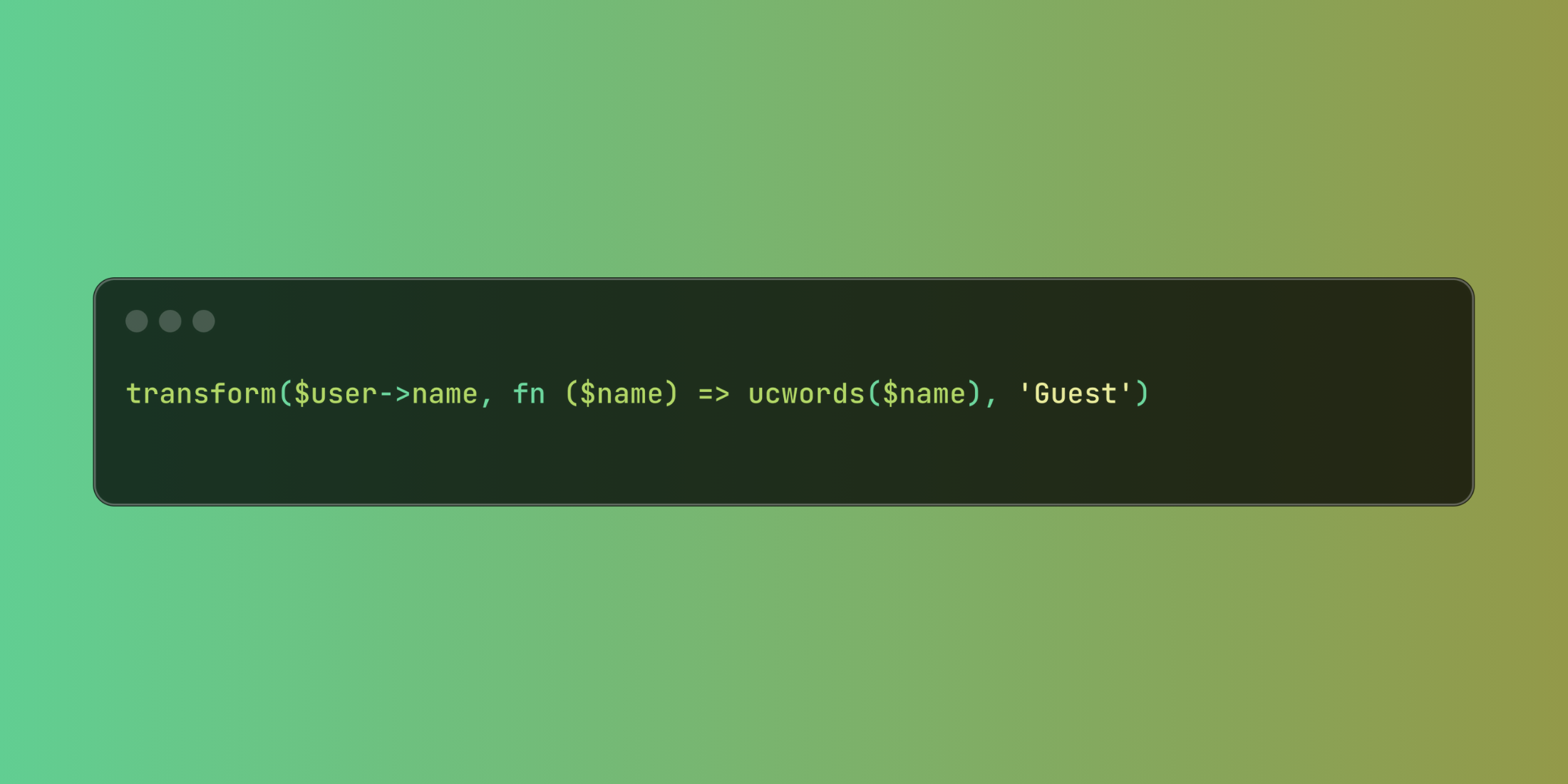
// Traditional approach$displayName = $user->name ? ucwords($user->name) : 'Guest';// Using transform()$displayName = transform($user->name, fn ($name) => ucwords($name), 'Guest');This helper excels at making your code more readable and maintainable while handling data transformations and null cases elegantly.














