
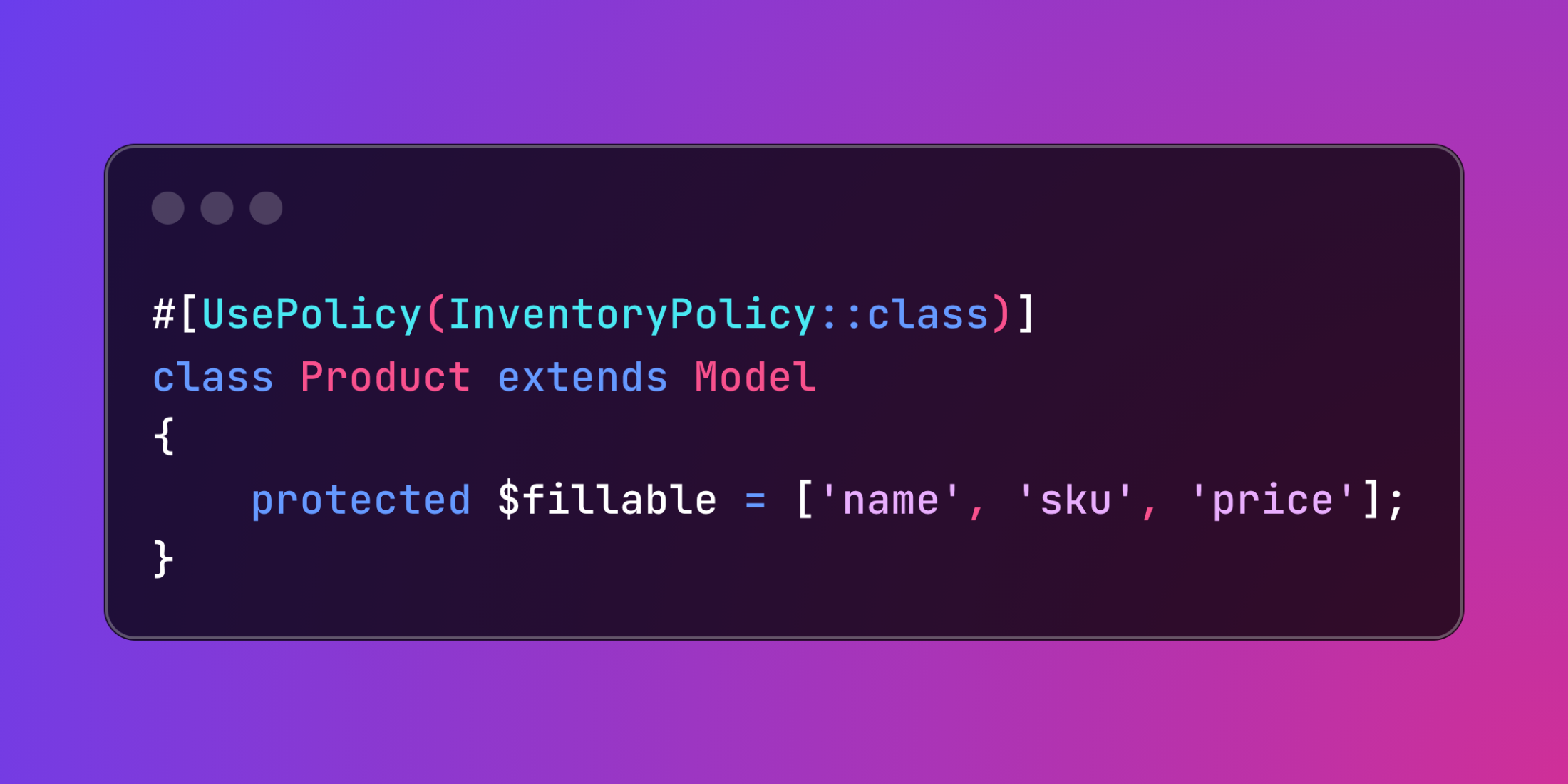
Need to override Laravel's automatic policy detection or make authorization relationships more transparent in your codebase? The UsePolicy attribute provides direct control over which policy class handles your model's authorization logic.
Laravel typically discovers policies through naming conventions - a Product model automatically pairs with ProductPolicy. While this convention works well, explicit declaration offers greater flexibility and clarity:
use App\Policies\InventoryPolicy;use Illuminate\Database\Eloquent\Model;use Laravel\Framework\Auth\Access\UsePolicy; #[UsePolicy(InventoryPolicy::class)]class Product extends Model{ protected $fillable = ['name', 'sku', 'category', 'price'];}The attribute eliminates ambiguity about which policy governs authorization checks, making the relationship explicit rather than relying on naming patterns.
Consider an e-commerce platform where inventory items require specialized authorization based on their category and supplier relationships. Different product types might need distinct security rules beyond standard CRUD operations:
<?php namespace App\Models; use App\Policies\SupplierContentPolicy;use Illuminate\Database\Eloquent\Model;use Laravel\Framework\Auth\Access\UsePolicy; #[UsePolicy(SupplierContentPolicy::class)]class Product extends Model{ protected $fillable = [ 'name', 'description', 'price', 'category', 'supplier_id' ]; public function isRestrictedCategory(): bool { return in_array($this->category, [ 'pharmaceuticals', 'electronics', 'restricted_chemicals' ]); }} class SupplierContentPolicy{ public function view(User $user, Product $product): bool { if ($product->isRestrictedCategory()) { return $user->hasRole('verified_buyer') || $user->hasRole('admin'); } return $product->status === 'active'; } public function update(User $user, Product $product): bool { if ($product->isRestrictedCategory()) { return $user->hasRole('supplier_admin'); } return $user->id === $product->supplier_id || $user->hasRole('inventory_manager'); } public function delete(User $user, Product $product): bool { return $user->hasRole('supplier_admin') || ($user->id === $product->supplier_id && !$product->isRestrictedCategory()); }} class ProductController extends Controller{ public function update(Request $request, Product $product) { $this->authorize('update', $product); $product->update($request->validated()); return redirect()->route('products.show', $product); }}This explicit approach proves invaluable when working with shared policies across multiple models, models with identical names in different namespaces, or when onboarding new team members who need to quickly understand authorization flows. The attribute also enhances IDE autocomplete and static analysis capabilities, making security implementations more discoverable and maintainable.














