Vessel is a new package by Chris Fidao—the author of Server for Hackers and Shipping Docker—that makes working with Docker in your Laravel projects a breeze.
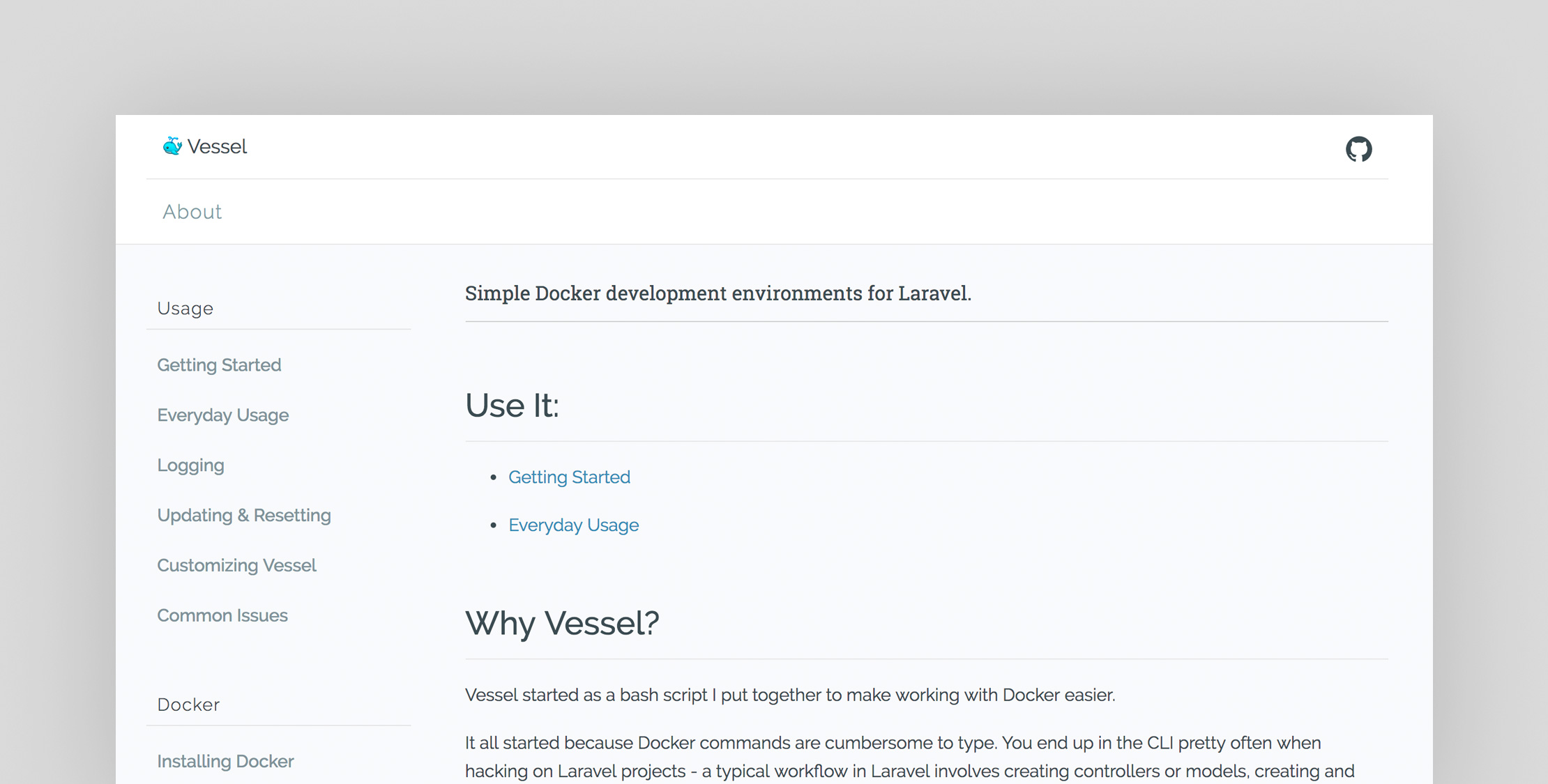
Why Vessel?
According to Chris Fidao, Vessel is the result of his workflow used to make working Docker and Laravel in development simpler:
Vessel started as a bash script I put together to make working with Docker easier.
It all started because Docker commands are cumbersome to type. You end up in the CLI pretty often when hacking on Laravel projects – a typical workflow in Laravel involves creating controllers or models, creating and running migrations, running queue workers, adding more packages, and more!
I developed this workflow from my own daily use, and even created a free video series about it. However, I wanted to make something more official that everyone could easily use.
This goal of this project is to be as simple as possible while also giving people a glimpse into how Docker works. I hope you find Docker a really neat way to compartmentalize your projects, and make hacking on projects (on any machine) a breeze.
What’s Included with Vessel?
Vessel includes a Laravel service provider that makes it easy to get going, and allows you to start experimenting with Docker. Behind the scenes Vessel uses a Docker Compose file and a bash script that you use to issue easy commands to stop, start, and remove containers; the vessel bash script also enables you to easily run commands for Composer, Artisan, PHPUnit, and NPM.
At the time of writing, the Docker setup includes:
- PHP 7.1
- MySQL 5.7
- Redis
- NodeJS with NPM, Yarn, and Gulp
Getting Started
Vessel has good documentation that covers everything you need to know to get started and more advanced usage, including getting around Linux volume issues.
This is all you need to do in order to start using Vessel with your Laravel project:
# Install Vessel into your projectcomposer require shipping-docker/vessel:~1.0 # Publish the `vessel` command and Docker filesphp artisan vendor:publish --provider="Vessel\VesselServiceProvider"If you run Laravel Valet or different local setup that uses port 80, you will need to add a few variables to your .env file. Vessel (through Docker Compose) binds port 3306 and 80 by default:
APP_PORT=8080MYSQL_PORT=33060Or you can run Vessel like this:
APP_PORT=8080 MYSQL_PORT=33060 ./vessel startCheck out the official documentation and the official repo for more information on Vessel and easily start using Docker with Laravel.