
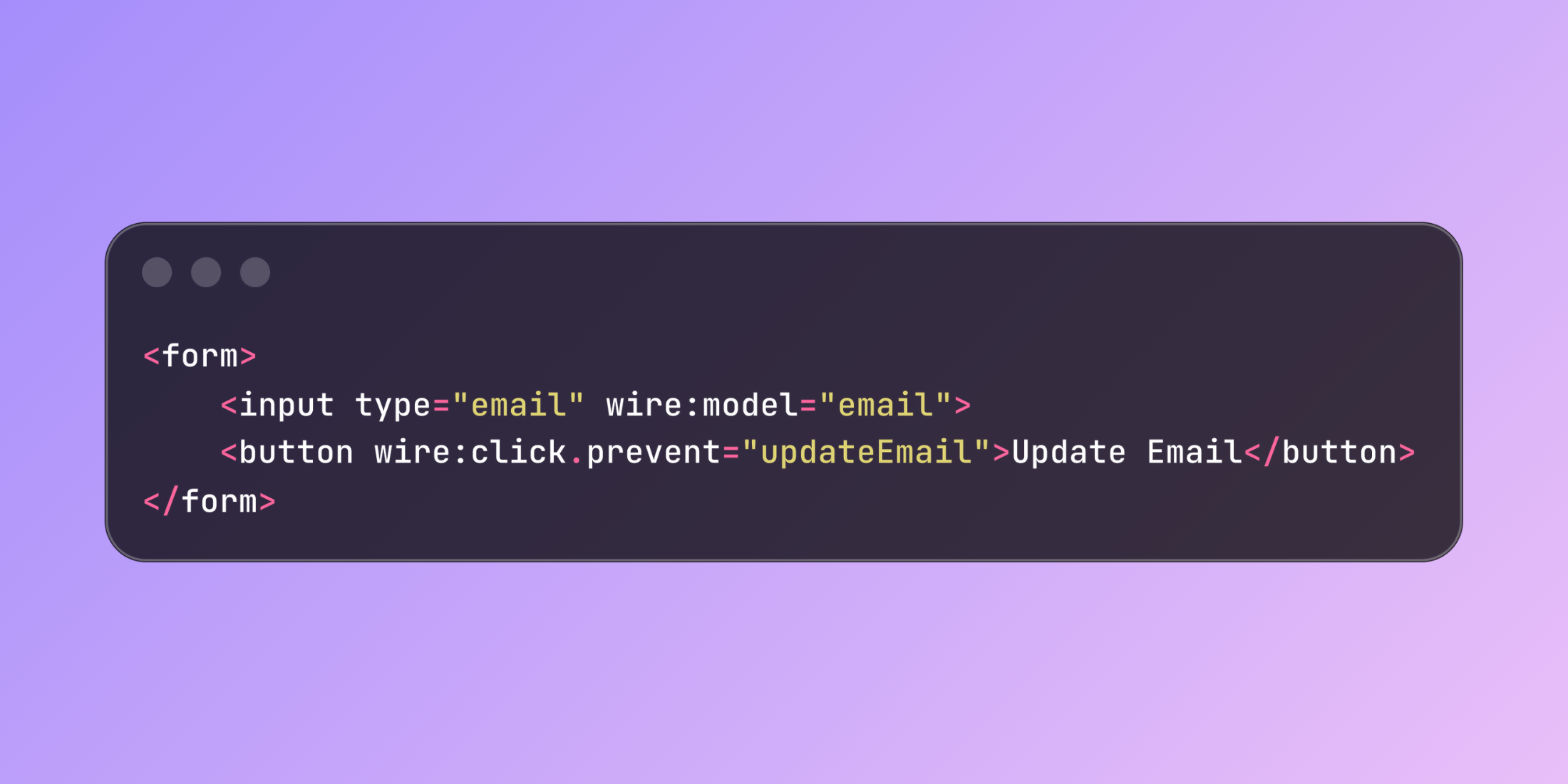
The wire:click.prevent directive stops default browser behavior while executing Livewire component methods. This modifier prevents form submissions and link navigation from reloading the page during user interactions.
When handling form submissions or button clicks, wire:click.prevent blocks the browser's default action and processes the event through Livewire instead. This creates interactive interfaces without page reloads or custom JavaScript.
use Livewire\Component; class UserSettings extends Component{ public $email = ''; public $notifications = false; public function updateEmail() { $this->validate(['email' => 'required|email']); auth()->user()->update(['email' => $this->email]); session()->flash('message', 'Email updated'); } public function render() { return view('livewire.user-settings'); }}<form> <input type="email" wire:model="email"> <button wire:click.prevent="updateEmail">Update Email</button></form>The .prevent modifier calls preventDefault() on the browser event, stopping form submission while allowing the Livewire method to execute. This keeps users on the current page while processing their input.
For inventory management interfaces, wire:click.prevent handles status updates and inline editing without disrupting the workflow:
use Livewire\Component;use App\Models\Product; class ProductManager extends Component{ public $products; public $editingId = null; public $editingName = ''; public function mount() { $this->products = Product::all(); } public function toggleStatus($productId) { $product = Product::find($productId); $product->active = !$product->active; $product->save(); $this->products = Product::all(); } public function startEditing($productId) { $this->editingId = $productId; $this->editingName = Product::find($productId)->name; } public function saveEdit() { Product::find($this->editingId)->update(['name' => $this->editingName]); $this->editingId = null; $this->products = Product::all(); } public function render() { return view('livewire.product-manager'); }}<div> @foreach($products as $product) <div class="product-row"> <input type="checkbox" wire:click.prevent="toggleStatus({{ $product->id }})" {{ $product->active ? 'checked' : '' }}> @if($editingId === $product->id) <input type="text" wire:model="editingName"> <button wire:click.prevent="saveEdit">Save</button> @else <span wire:click.prevent="startEditing({{ $product->id }})"> {{ $product->name }} </span> @endif </div> @endforeach</div>This pattern works with various HTML elements including anchor tags, where the modifier prevents navigation while executing component methods:
<a href="#" wire:click.prevent="performAction">Execute Action</a>The directive integrates with Livewire's validation system and other features like loading states. Server‑side validation occurs before processing actions, and loading indicators display during method execution.
wire:click.prevent reduces the need for JavaScript event handling while maintaining responsive user interfaces. It handles common interaction patterns through PHP methods rather than frontend scripts.













