
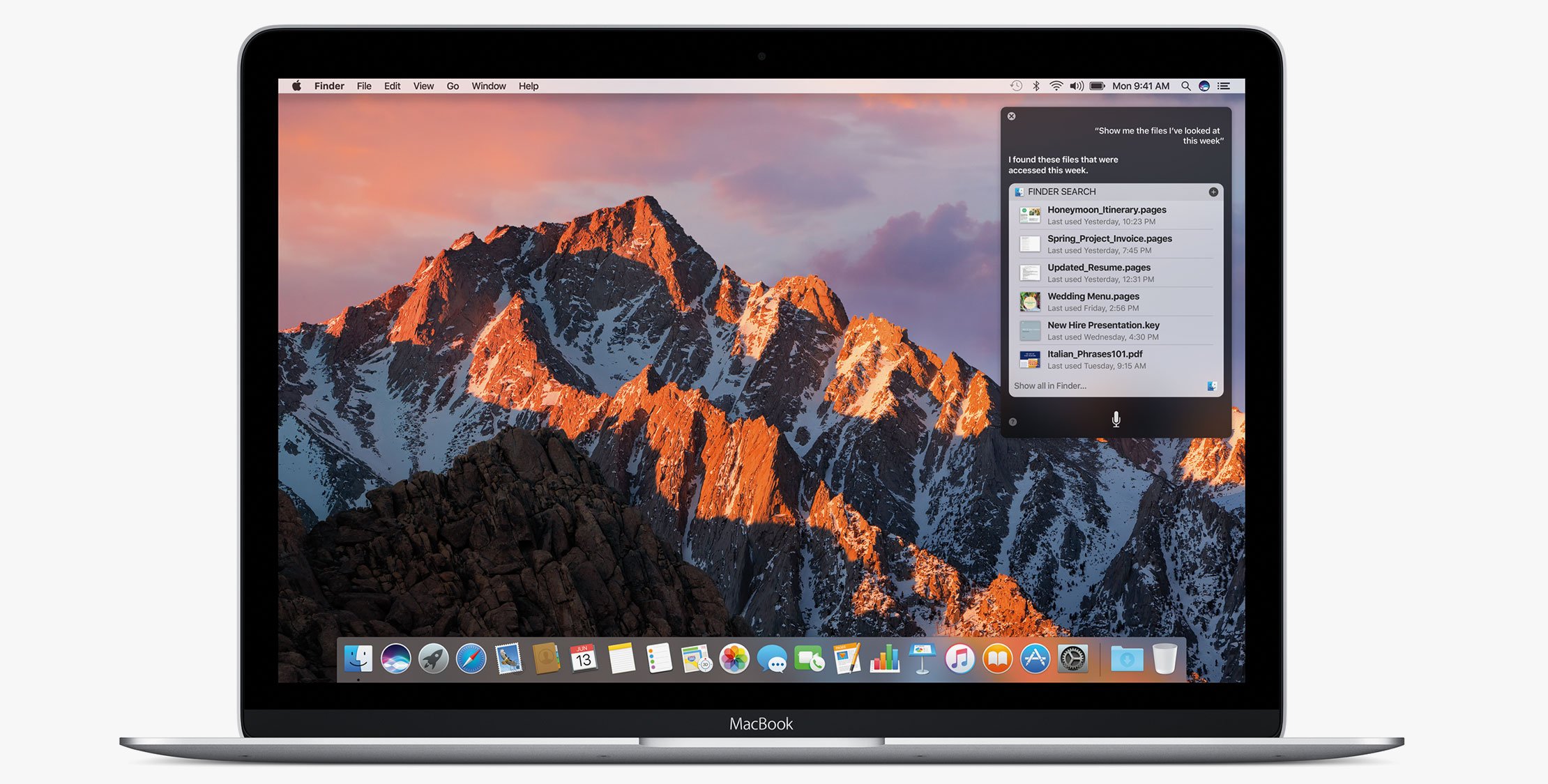
macOS Sierra was released just a few days ago and everybody is starting to upgrade. Some users of Laravel Valet have reported some problems and Adam Wathan has put together a list of common problems and troubleshooting tips to help resolve issues he’s been seeing.
With his permission to post here is a list of things to look for:
All I see is “It works!”
Apache is running on port 80 and interfering with Valet.
- Stop Apache:
sudo /usr/sbin/apachectl stop - Restart Valet:
valet restart
Valet randomly dies
You are probably still on Valet <= 1.1.19, it’s recommended to pin to ^1.1.22.
First, edit ~/.composer/composer.json to point to ^1.1.22 like this:
```diff- "laravel/valet": "^1.1.19",+ "laravel/valet": "^1.1.22", Next, run `composer global update` and then restart Valet with it’s `valet restart` command. Every time I refresh I see a totally random file!------------------------------------------------- You are running Caddy 0.9.2, which has a known bug related to fastcgi connections. Edit your `~/.composer/composer.json` to point to `^1.1.22` like this:- "laravel/valet": "^1.1.19",+ "laravel/valet": "^1.1.22", Next, run `composer global update`, ensure you are now running Caddy 0.9.1 by running `~/.composer/vendor/laravel/valet/bin/caddy -version` and finally restart Valet `valet restart` I’m getting a 502 Bad Gateway error.------------------------------------ Usually, this means something is messed up with PHP FPM. The first step is to confirm that FPM is *not* running:ps aux | grep fpm
You should see at least two processes there if PHP FPM is running (one is grep, ignore that one.) Chances are PHP FPM *is not* running. Next, check the PHP FPM error log to find out why it’s not running:cat /usr/local/opt/php70/var/log/php-fpm.log
Try to resolve any errors you see. Here’s a few common ones: - `/var/run/valet/fpm.socket` does not exist- Failed to open configuration file `/usr/local/etc/php/7.0/php-fpm.conf` Problem: /var/run/valet/fpm.socket does not exist!-------------------------------------------------- If you see an error similar to: > Unable to bind listening socket for address ‘/var/run/valet/fpm.socket’: No such file or directory in the file `/usr/local/opt/php70/var/log/php-fpm.log`, you were probably running `dev-master` and have now switched back to tagged releases. Valet 1.1.22 attempts to automate fixing this issue by explicitly configuring where PHP FPM should listen. First make sure `~/.composer/composer.json` points to `^1.1.22`:- "laravel/valet": "^1.1.19",
- "laravel/valet": "^1.1.22",
Then run `composer global update` and finally `valet install`. Problem: php-fpm.conf is missing!--------------------------------- Something went wrong when installing PHP through Homebrew. This seems to happen on fresh non-upgrade installations of macOS Sierra. 1. Uninstall PHP 7: `brew uninstall php70`2. Reinstall PHP 7 from source: `brew install php70 --build-from-source`3. Re-run `valet install` Where to Look for Valet Errors?------------------------------- If you are still running into problems, here’s a list of log files to check: **Caddy start log:**/tmp/com.laravel.valetServer.err
**PHP FPM error log:**/usr/local/opt/php70/var/log/php-fpm.log
**Caddy error log:**~/.valet/Log/error.log
Hopefully with this guide you will be able to pinpoint any errors you have and can fix them through either Brew or Composer.











