Working with large datasets in Laravel often requires flexibility in how we manipulate and process data. While collections provide powerful array manipulation methods, sometimes we need to switch back to query builder operations for efficiency. Laravel's toQuery() method bridges this gap by converting collections back into query builders, enabling database-level operations on filtered data sets.
Using toQuery()
The toQuery() method transforms Eloquent collections back into query builder instances, enabling powerful chaining of operations:
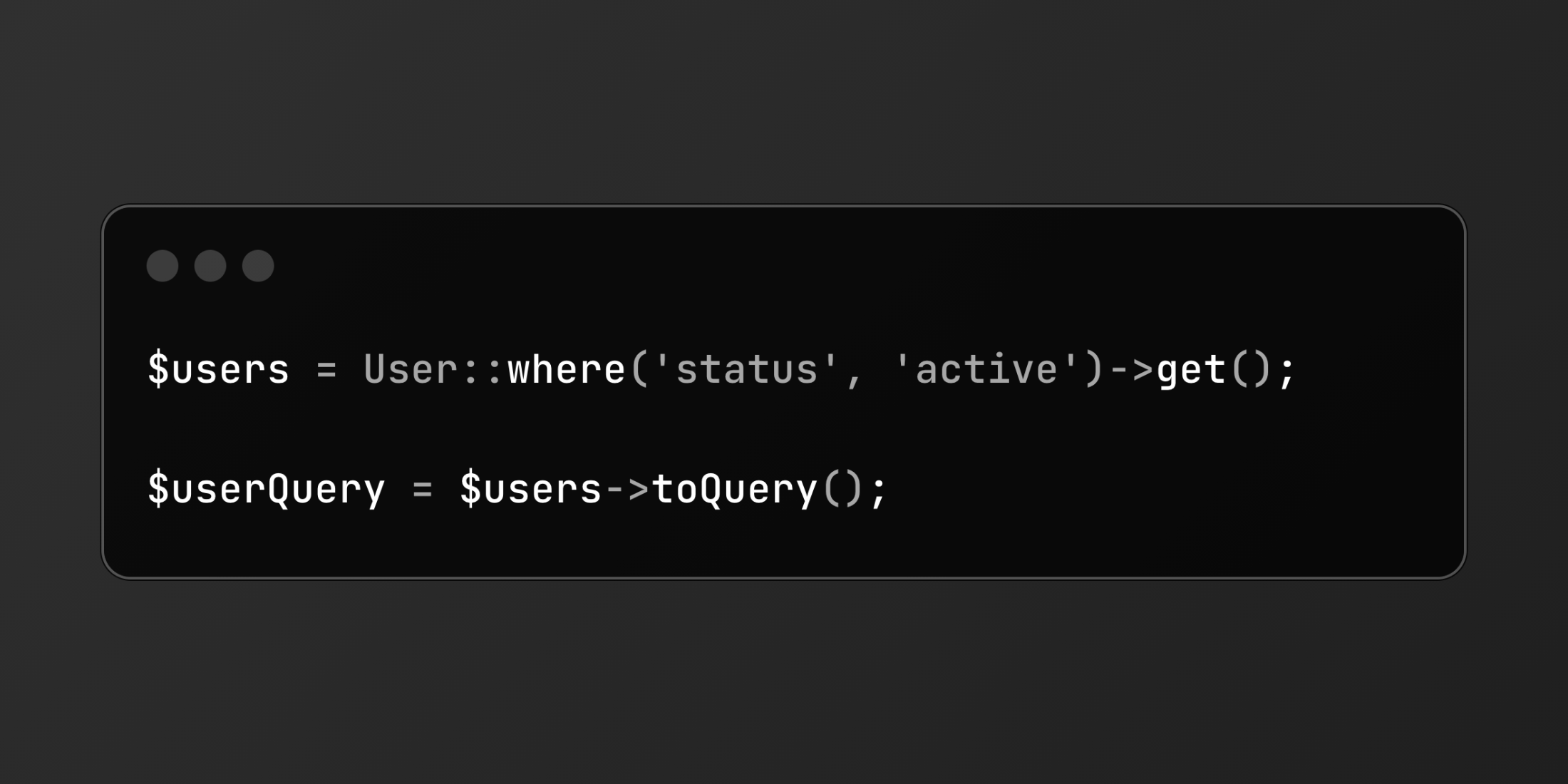
// Basic conversion$users = User::where('status', 'active')->get(); $userQuery = $users->toQuery();Real-World Implementation
Let's build an order processing system with efficient batch operations:
<?php namespace App\Services; use App\Models\Order;use App\Events\OrdersProcessed;use Illuminate\Support\Facades\DB; class OrderProcessor{ public function processReadyOrders() { $orders = Order::where('status', 'ready') ->where('scheduled_date', '<=', now()) ->get(); DB::transaction(function() use ($orders) { // Convert collection to query for bulk update $orders->toQuery()->update([ 'status' => 'processing', 'processed_at' => now() ]); // Chain additional operations $ordersByRegion = $orders->toQuery() ->join('warehouses', 'orders.warehouse_id', '=', 'warehouses.id') ->select('warehouses.region', DB::raw('count(*) as count')) ->groupBy('region') ->get(); event(new OrdersProcessed($ordersByRegion)); }); } public function updatePriorities() { $urgentOrders = Order::where('priority', 'high')->get(); $urgentOrders->toQuery() ->select('orders.*', 'customers.tier') ->join('customers', 'orders.customer_id', '=', 'customers.id') ->where('customers.tier', 'vip') ->update(['priority' => 'critical']); }}This implementation demonstrates:
- Bulk updates with transaction safety
- Joining operations after collection conversion
- Aggregations and grouping
By leveraging toQuery(), you can seamlessly switch between collection and query builder operations, making your Laravel applications more efficient and your database interactions more flexible.