PublicIP is a PHP library that gets a server's public IP address reliably and quickly. This package has an opinionated default configuration to give you the fastest and most reliable providers. However, you can configure and use different providers:
use KnotsPHP\PublicIP\Finders\PublicIP;
use KnotsPHP\PublicIP\Finders\PublicIPv4;
use KnotsPHP\PublicIP\Finders\PublicIPv6;

$ipv4 = PublicIPv4::get(); // returns your IPv4
$ipv6 = PublicIPv6::get(); // returns your IPv6
$ipv4or6 = PublicIP::get(); // returns either IPv4 or IPv6
This package provides two basic methods for getting the server's IP, including dig and HTTP whoami providers. If you want more granular control, you can define which "fetcher" to use and/or which DNS provider:
use KnotsPHP\PublicIP\Enums\DnsProvider;
use KnotsPHP\PublicIP\Fetchers\DigFetcher;
use KnotsPHP\PublicIP\Finders\PublicIPv4;

$ipv4 = PublicIPv4::finder()
    ->addFetcher((new DigFetcher())
        ->from(DnsProvider::OpenDNS)))
    ->fetch();

// Use the Fetcher directly
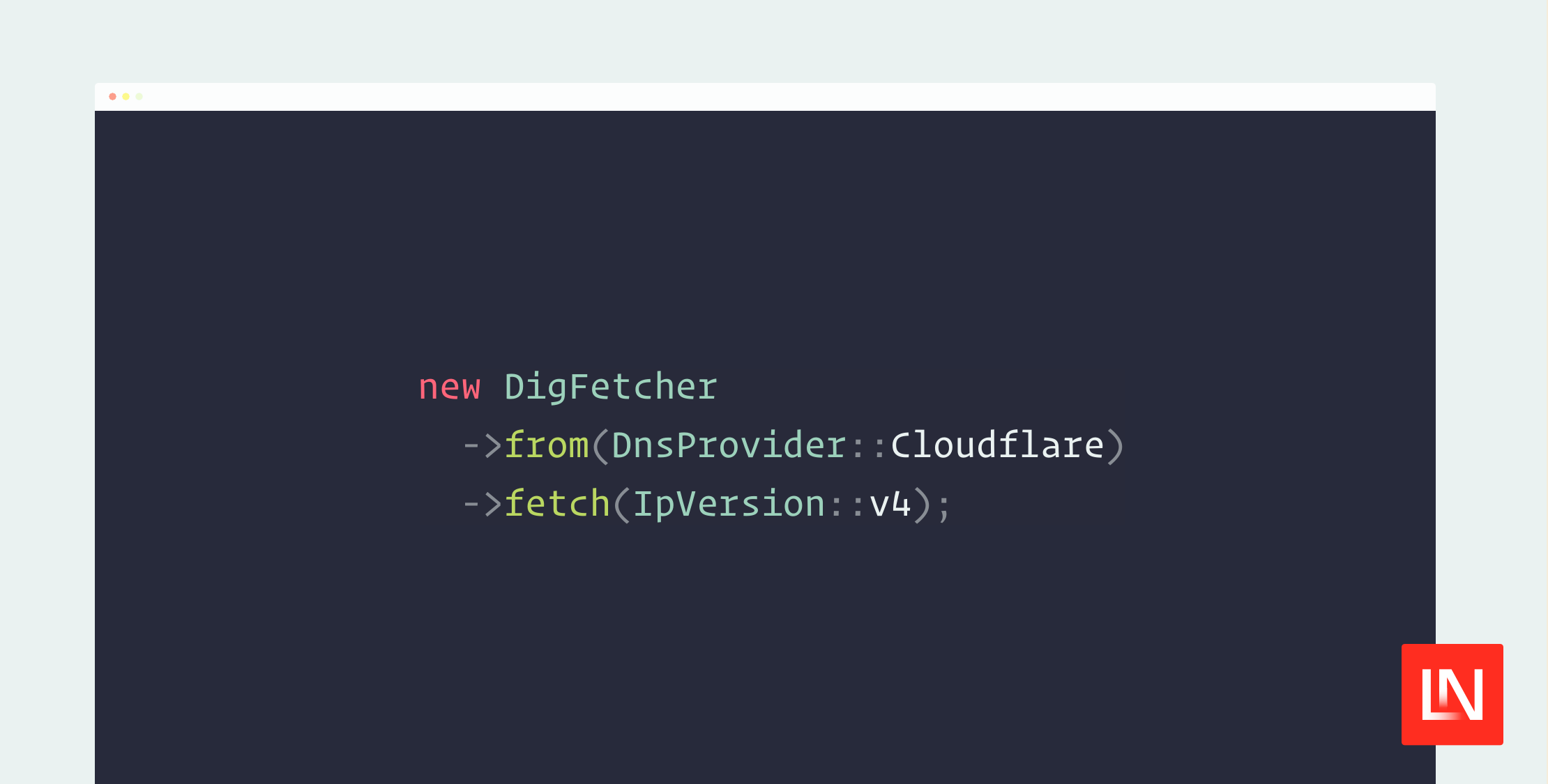
$ipv4 = (new DigFetcher)
   ->from(DnsProvider::Cloudflare)
   ->fetch(IpVersion::v4);
This package also provides a command line interface (CLI) to get the public IP of the current machine. This can be useful during setup commands where you need to know the IP address to configure an application properly:
vendor/bin/publicip --ipv4
vendor/bin/publicip --ipv6
You can learn more about this package, get full installation instructions, and view the source code on GitHub. I also recommend browsing the readme documentation to get a dig provider list as well as supported HTTP whoami providers. You can install this package in your project via Composer with the following:
composer require knotsphp/publicip
Bonus
I personally have a Bash alias I use to grab my public IP address on the command line quickly. You never know when you need to use your IP for VPN or safe list access. It is part of my dotfiles, and provides a quick way to access my IP via dig:
alias ip='dig @resolver4.opendns.com myip.opendns.com +short'
alias ip6='dig @resolver1.ipv6-sandbox.opendns.com AAAA myip.opendns.com +short -6'
I originally found these aliases from this StackExchange reply.