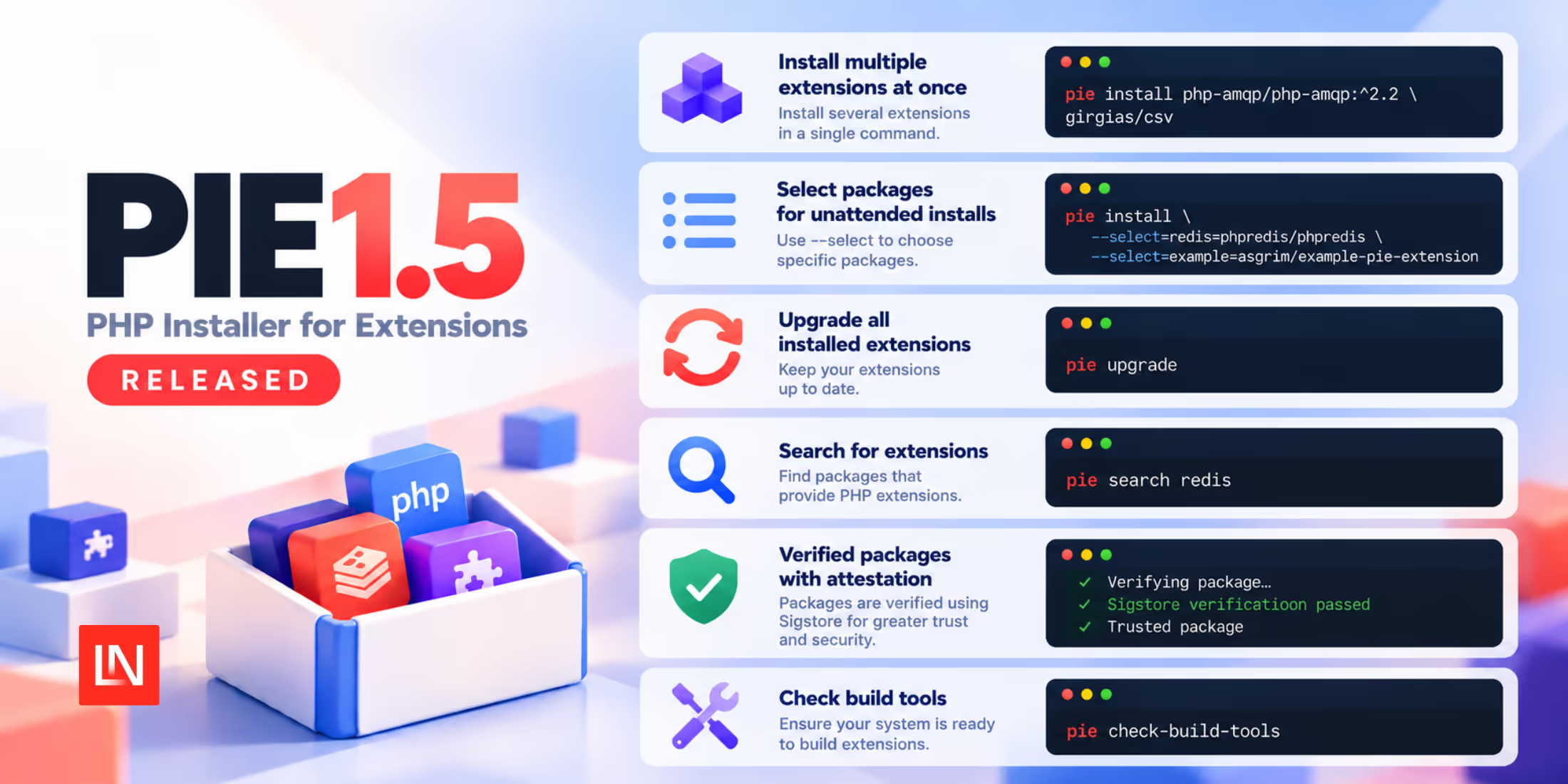
The PHP Installer for Extensions manages extensions for your PHP runtime. PIE 1.5 adds support for installing multiple extensions in one command, introduces an upgrade command, and changes how unattended installs select extension packages.
If your CI pipeline uses PIE to install missing PHP extensions, check its install command before moving to 1.5. The flag that previously allowed automatic package selection now has no effect. Your build script must name the package to use for each missing extension.
Update unattended project installs
Consider a Laravel application that uses PhpRedis and declares it in composer.json. These entries are an excerpt to merge into the project's existing requirements:
{ "require": { "ext-redis": "*" }, "require-dev": { "ext-xdebug": "*" }}The ext-redis entry declares a requirement for the PHP runtime. It does not install PhpRedis. Laravel also supports the PHP-only Predis client, so this requirement belongs in an app that uses PhpRedis.
When you run pie install without package arguments from the project directory, PIE checks the project's extension requirements. Earlier versions accepted --allow-non-interactive-project-install to select packages automatically. In 1.5, that flag is deprecated and ignored. A missing extension without a package selection causes an unattended project install to fail.
For a production build of the example project, use:
pie install --no-interaction --no-dev \ --select=redis=phpredis/phpredisThe mapping uses the extension name without ext- on the left and its package name on the right. PIE checks whether Redis is already available and installs the selected package if needed. Add another --select for each other missing extension that needs a package choice.
This change applies to project-based installs. A command such as pie install phpredis/phpredis already names its package.
PR: #633
Keep development requirements out of production checks
Without --no-dev, PIE also checks the extension requirements in the project's require-dev. In the example above, that includes Xdebug. The production command excludes that requirement while retaining Redis.
This flag skips development extension requirements during the project check. It does not remove extensions already installed in PHP, and it does not replace composer install --no-dev for your application's PHP packages.
For a development environment that needs both extensions, select both packages:
pie install --no-interaction \ --select=redis=phpredis/phpredis \ --select=xdebug=xdebug/xdebugThese commands assume PIE and the required build dependencies are available. PIE does not automatically install missing build tools in non-interactive mode unless you request that behaviour. The new pie check-build-tools command helps check the environment before installing extensions.
Upgrade the PHP runtime's extensions
PIE 1.5 adds a separate maintenance command for extensions installed through PIE:
pie upgradeIt operates on the target PHP installation and respects the version constraints recorded when each extension was installed. It does not update Laravel or the packages in your application's vendor directory.
For example, you can install PhpRedis with an explicit constraint:
pie install 'phpredis/phpredis:^6.0'Subsequent pie upgrade runs can install matching 6.x releases. Moving to 7.x requires changing that constraint. PIE also carries configure options across upgrades.
PR: #666
Other additions
For image builds that name extensions directly, PIE now accepts several packages in one install command:
pie install phpredis/phpredis xdebug/xdebugThe new pie search command helps find package names before writing those commands. The release also updates PIE's attestation verification library. See the release notes for the remaining changes.