Laravel's View::share method provides a straightforward way to make data available across all views in your application, perfect for handling global settings, user preferences, or common UI elements.
When building Laravel applications, you often have data that needs to be available in all (or most) of your views - things like user information, application settings, navigation menus, or footer content. While you could pass this data from each controller to each view, that would lead to repetitive code. Laravel's View::share method solves this by allowing you to define data once and make it automatically available in all views.
This feature is particularly useful for:
- Site-wide settings (app name, contact information)
- User-specific data (notifications, preferences)
- Common UI elements (navigation menus, footer links)
- System status information (maintenance modes, announcements)
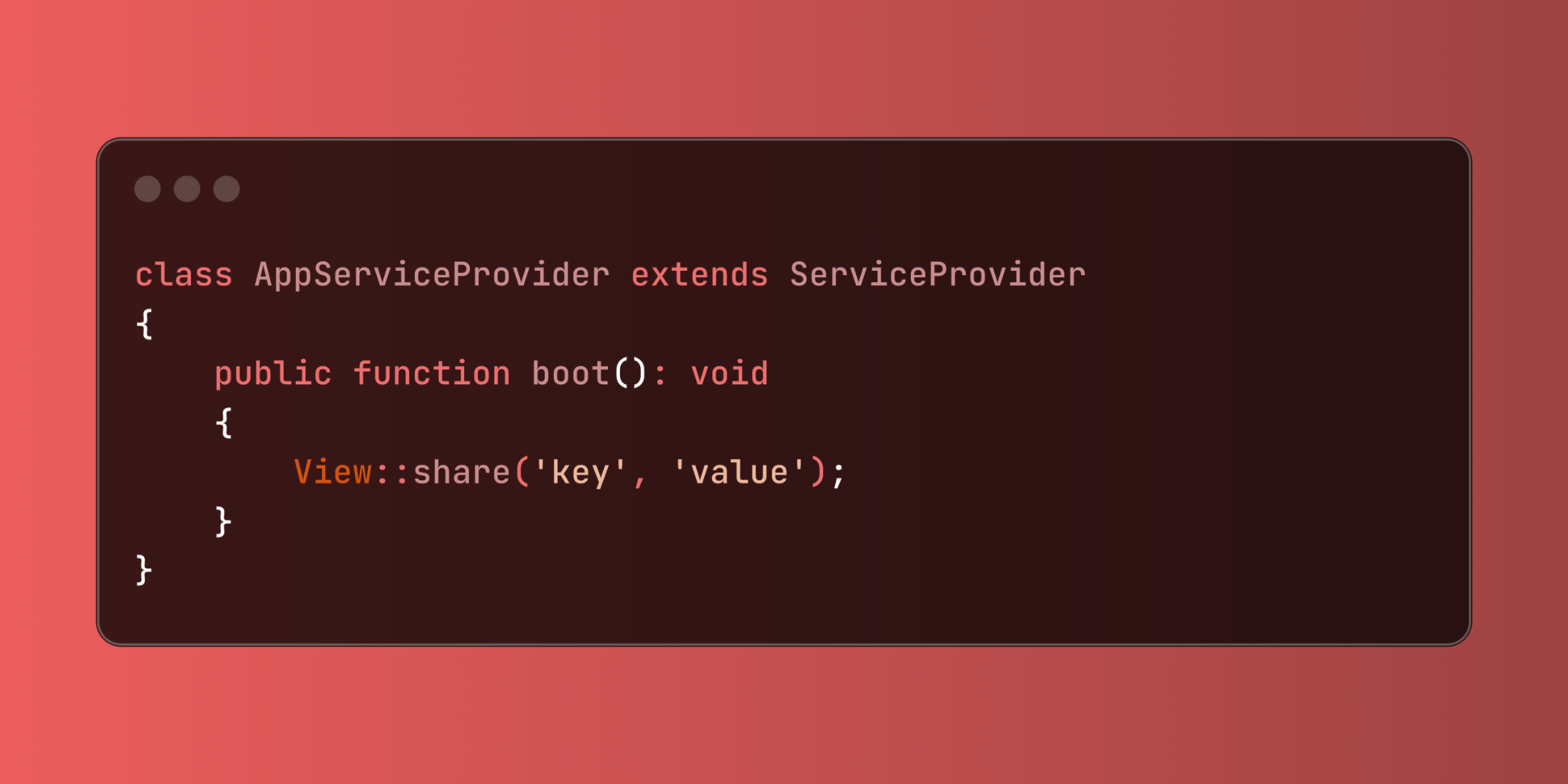
use Illuminate\Support\Facades\View;

class AppServiceProvider extends ServiceProvider
{
    public function boot(): void
    {
        View::share('site_name', config('app.name'));
    }
}
Let's explore a practical example of sharing application-wide configuration and user preferences:
<?php

namespace App\Providers;

use Illuminate\Support\ServiceProvider;
use Illuminate\Support\Facades\View;
use App\Services\ThemeService;
use App\Services\MenuService;

class ViewServiceProvider extends ServiceProvider
{
    public function boot(): void
    {
        // Skip for console commands
        if (!app()->runningInConsole()) {
            // Share application settings
            View::share([
                'app_version' => config('app.version'),
                'contact_email' => config('app.contact_email'),
                'social_links' => [
                    'twitter' => config('social.twitter'),
                    'github' => config('social.github'),
                    'linkedin' => config('social.linkedin')
                ]
            ]);

            // Share authenticated user data
            View::composer('*', function ($view) {
                if ($user = auth()->user()) {
                    $view->with([
                        'user_theme' => app(ThemeService::class)->getUserTheme($user),
                        'sidebar_menu' => app(MenuService::class)->getMenuItems($user),
                        'notifications_count' => $user->unreadNotifications()->count()
                    ]);
                }
            });
        }
    }
}
View::share simplifies the process of making data globally available to your views while keeping your code organized and maintainable.