Versioning your API is a vital part of API development, but how do you handle deprecated, sunset (end-of-life), or beta/preview versions? Laravel API Route is a package created by Jean-Marc Strauven that provides complete API versioning lifecycle management for Laravel.
Features
- Multi-strategy versioning: URI path, Header, Query parameter, or Accept header
- Automatic deprecation headers: RFC 8594 (Deprecation) and RFC 7231 (Sunset) compliant
- Version lifecycle management: Active, Deprecated, Sunset, Removed states
- Intelligent fallback: Route fallback to previous versions when needed
- Artisan commands: Scaffold, monitor, and manage API versions
- Usage tracking: Optional analytics per API version
- Zero configuration start: Works out of the box with sensible defaults
URI path versioning (e.g. /v1/, /v2/) is the default strategy and is often the most popular because it's easy to understand and simple to implement.
To mark a new version of your API as the current stable version, you can use the current() method on the ApiRoute facade in your routes/api.php file:
use Grazulex\ApiRoute\Facades\ApiRoute;

ApiRoute::version('v2', function () {
    Route::apiResource('orders', App\Http\Controllers\Api\V2\OrderController::class);
})->current();
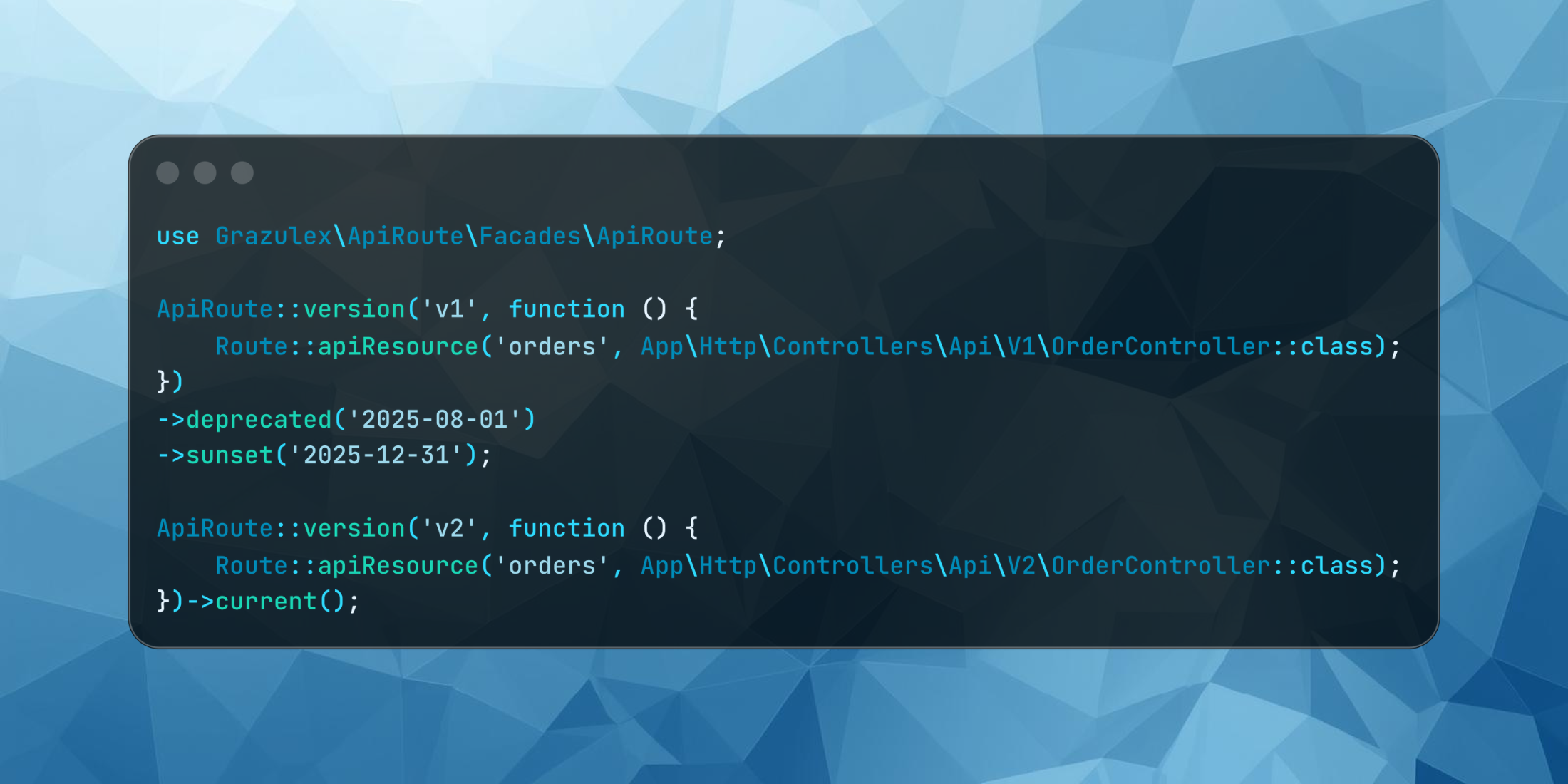
And to mark previous versions of your API as deprecated and set a planned sunset (end-of-life) date, you can use the deprecated() and sunset() methods:
use Grazulex\ApiRoute\Facades\ApiRoute;

ApiRoute::version('v1', function () {
    Route::apiResource('orders', App\Http\Controllers\Api\V1\OrderController::class);
})
->deprecated('2025-08-01')
->sunset('2025-12-31');
Which will result in the following automatic headers being included in the response for the deprecated version:
HTTP/1.1 200 OK
X-API-Version: v1
X-API-Version-Status: deprecated
Deprecation: Fri, 01 Aug 2025 00:00:00 GMT
Sunset: Wed, 31 Dec 2025 00:00:00 GMT
If you happen to want to use a different strategy other than URI Path versioning, you can adjust the configuration of this package in config/apiroute.php and utilize query parameters, a header or an accept header in your API requests instead, which will look like the following:
GET /api/orders
X-API-Version: 2
GET /api/orders?api_version=2
GET /api/orders
Accept: application/vnd.api.v2+json
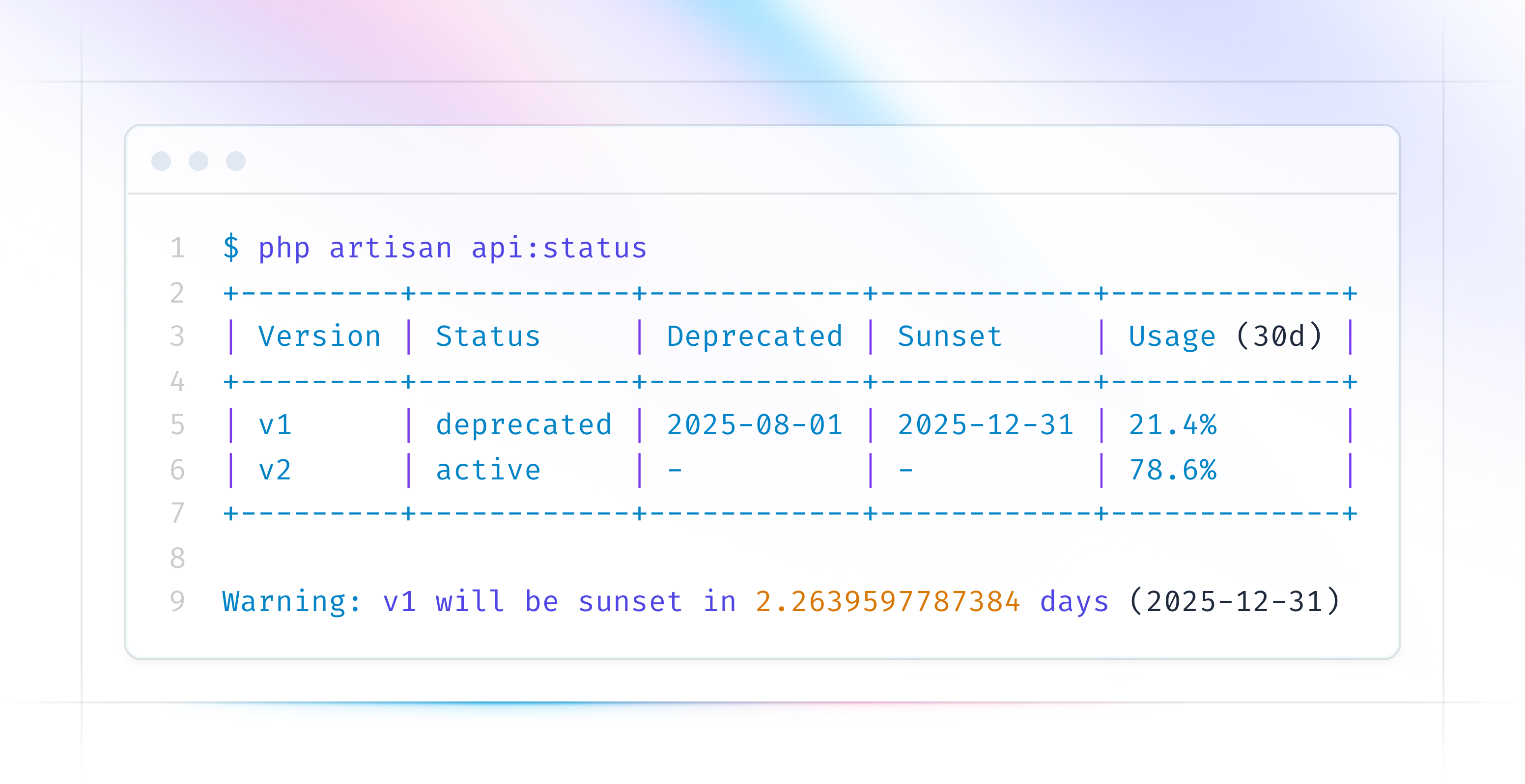
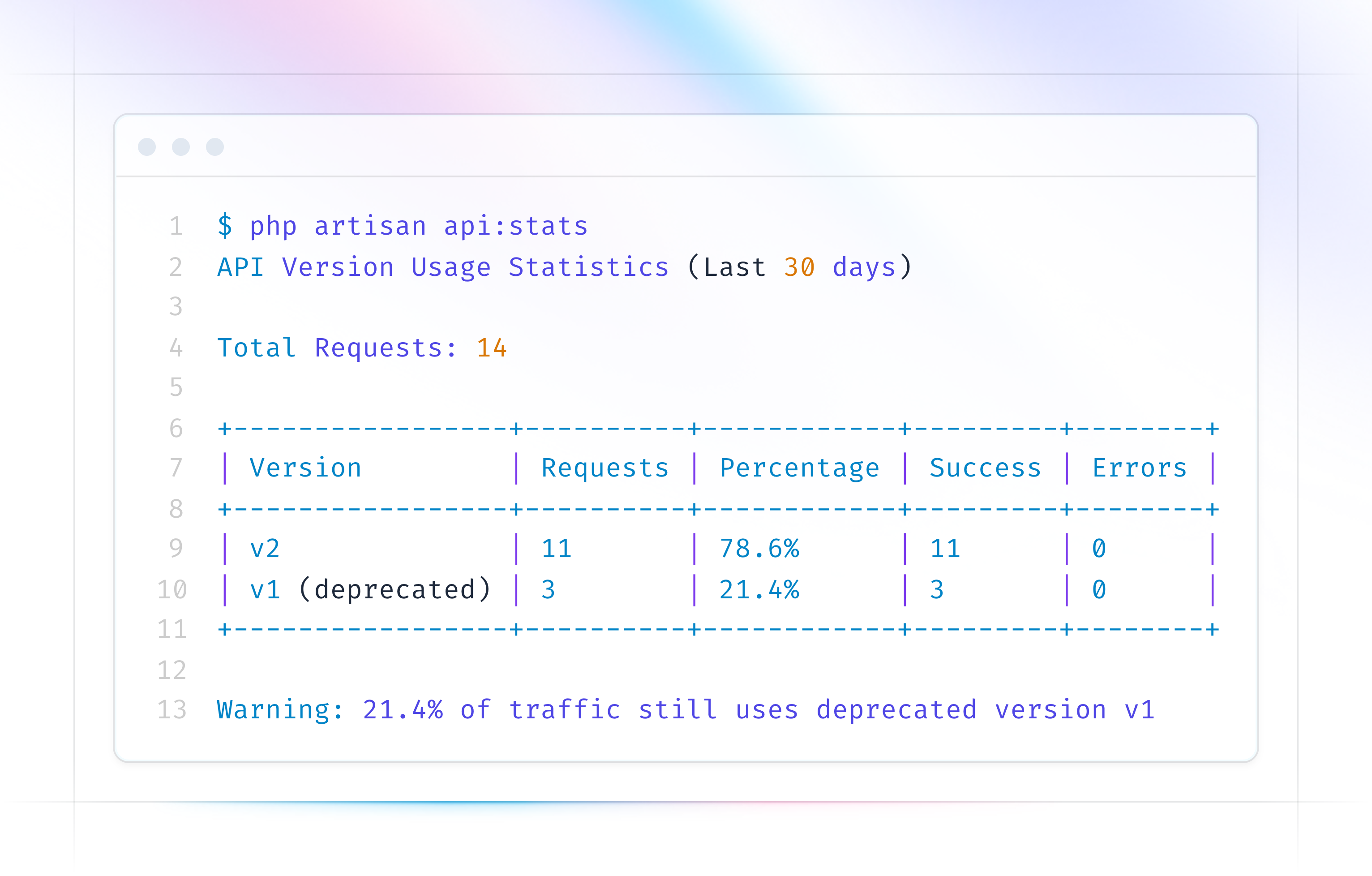
Lastly, there are a few Artisan commands that are available, and these can allow you to quickly view the status of your API versions and even view usage statistics:
php artisan api:status

php artisan api:stats --period=30
There is a lot more to this package, find out more, read the full documentation and view the source code on GitHub.